
1. Introducció
This manual provides essential information for setting up, operating, and maintaining your DOOGEE NOTE59PRO+ 5G Smartphone. Please read this manual thoroughly before using your device to ensure proper functionality and safety.
2. Producte acabatview
The DOOGEE NOTE59PRO+ is a 5G smartphone designed for efficient performance and a rich user experience. It features a powerful Octa-Core processor, ample memory, a high-refresh-rate display, and advanced camera capabilities.
2.1 Característiques clau
- Processador: UNISOC T8200 Octa-Core 2.3GHz (6nm technology) for smooth and fast operation.
- Memòria: 36GB RAM (12GB physical + 24GB extended) and 512GB internal storage, expandable up to 2TB via TF card.
- Visualització: 6.75-inch IPS HD+ display with 120Hz refresh rate, 720x1600 resolution, 260 PPI, and 16.7 million colors. Widevine L1 support for high-quality streaming.
- Bateria: 6250mAh large capacity battery with Type-C charging and OTG support for reverse charging.
- Càmeres: 50MP AI main camera and 8MP front camera for clear photos and selfies.
- Sistema operatiu: Android 15 for the latest features and security updates.
- Seguretat: Fingerprint unlock and Face ID for secure access.
- Connectivitat: 5G network support, NFC, Bluetooth 5.0, Dual WiFi (2.4G/5G), FM radio, GPS, and Google Pay compatibility.
- Disseny: Ultra-thin 8.6mm body, weighing 199g.
3. Primers passos
3.1 Contingut del paquet
Assegureu-vos que tots els elements siguin presents a la caixa:
- DOOGEE NOTE59PRO+ Smartphone
- Cable tipus C
- Carregador
- SIM Card Pin Ejector
- Funda protectora
- Manual d'usuari

Image: Contents of the DOOGEE NOTE59PRO+ retail package.
3.2 Inserting SIM/TF Card
- Localitza la safata de la targeta SIM al lateral del telèfon.
- Insert the SIM ejector pin into the small hole next to the tray and press gently until the tray pops out.
- Place your Nano-SIM card(s) and/or TF card into the designated slots on the tray. Ensure the gold contacts face downwards.
- Empenyeu amb cura la safata cap al telèfon fins que encaixi al seu lloc.
3.3 Engegada i configuració inicials
- Press and hold the Power button until the DOOGEE logo appears.
- Segueix les instruccions que apareixen a la pantalla per seleccionar l'idioma, connectar-te a la Wi-Fi i configurar el teu compte de Google.
- Configure security features such as fingerprint unlock and Face ID during the setup process.
4. Instruccions de funcionament
4.1 Navegació bàsica
- Botó d'encesa: Premeu per encendre/apagar la pantalla. Mantingueu premut per apagar o reiniciar.
- Botons de volum: Ajusta el volum multimèdia, el volum de les trucades i el volum de les notificacions.
- Gestos de la pantalla tàctil: Toca per seleccionar, llisca per desplaçar-te, pessiga per ampliar.
4.2 Trucades i missatges
- Fer trucades: Obriu l'aplicació Telèfon, introduïu el número i toqueu la icona de trucada.
- Enviament de missatges: Open the Messages app, start a new conversation, enter the recipient and message, then send.
4.3 Internet i connectivitat
- Wi-Fi: Ves a Configuració > Xarxa i internet > Wi-Fi per connectar-te a les xarxes disponibles.
- Dades mòbils: Assegureu-vos que les dades mòbils estiguin habilitades a Configuració > Xarxa i Internet > Xarxa mòbil per accedir a Internet a través de la targeta SIM.
- Bluetooth: Pair with other devices via Settings > Connected devices > Bluetooth.
- NFC: Enable NFC in Settings > Connected devices > Connection preferences > NFC for contactless payments and data transfer.

Image: Illustration of Wi-Fi 5 high-speed transmission features.
5. Característiques de la càmera
The DOOGEE NOTE59PRO+ is equipped with a 50MP AI main camera and an 8MP front camera, offering various modes for capturing high-quality images and videos.
5.1 Fer fotos i vídeos
- Obriu l'aplicació Càmera.
- Select between Photo, Video, Portrait, or other available modes.
- Toqueu el botó de l'obturador per fer una foto o iniciar/aturar la gravació de vídeo.
- Use the AI features for automatic scene recognition and optimization.

Image: Close-up of the smartphone's camera module, highlighting the 50MP AI main camera and 8MP front camera.

Image: The smartphone's camera interface with AI intelligent identification for 12 independent scenarios.
6. Característiques de la pantalla
The 6.75-inch IPS HD+ display with a 120Hz refresh rate provides a smooth and immersive visual experience.
6.1 Suport Widevine L1
With Widevine L1 certification, your device supports high-definition streaming from popular platforms, ensuring a premium viewexperiència.

Image: The smartphone's display highlighting its 6.75-inch size, 120Hz refresh rate, and 720x1600 resolution.
7. Bateria i càrrega
The 6250mAh battery provides extended usage, and the Type-C port supports efficient charging.
7.1 Càrrega del dispositiu
- Connect the Type-C cable to the phone's charging port.
- Connecteu l'altre extrem del cable al carregador proporcionat i endolleu-lo a una presa de corrent.
- L'indicador de càrrega apareixerà a la pantalla.

Image: The smartphone connected to a charger, illustrating its 6250mAh battery and charging process.
7.2 OTG Reverse Charging
The device supports OTG (On-The-Go) reverse charging, allowing you to use your smartphone as a power bank to charge other compatible devices using a suitable OTG cable (sold separately).

Image: The DOOGEE NOTE59PRO+ demonstrating OTG reverse charging capability for headphones, smartphones, and smartwatches.
8. Emmagatzematge i rendiment
With 36GB of RAM and 512GB of internal storage, the NOTE59PRO+ handles multitasking and large files eficientment.
8.1 RAM Expansion
The device features dynamic RAM expansion, allowing you to extend the 12GB physical RAM with an additional 24GB from internal storage, totaling 36GB for enhanced performance. To enable this:
- Vés a Configuració.
- Navigate to "Extended Memory" or "RAM Expansion".
- Adjust the desired expansion amount and confirm.
- Restart the phone for changes to take effect.
8.2 Expansió d'emmagatzematge
The 512GB internal storage can be expanded up to 2TB using a TF (microSD) card, providing ample space for applications, photos, videos, and documents.

Image: The smartphone's display illustrating its 512GB ROM and 36GB RAM (12GB base + 24GB extended).
9. Característiques de seguretat
Your device offers multiple security options to protect your data and privacy.
9.1 Desbloqueig d'empremta digital
- Go to Settings > Security & privacy > Device unlock > Fingerprint.
- Seguiu les instruccions a la pantalla per registrar la vostra empremta digital.
9.2 Identificació facial
- Go to Settings > Security & privacy > Device unlock > Face unlock.
- Follow the on-screen instructions to register your face for quick and secure unlocking.

Image: Visual representation of the smartphone's facial recognition and side-mounted fingerprint sensor for secure unlocking.
10. Software (Android 15)
The DOOGEE NOTE59PRO+ runs on Android 15, offering an intuitive interface and access to a vast ecosystem of applications.
10.1 Característiques d'Android 15
- Enhanced privacy controls and permissions management.
- Improved notification management for better focus.
- New customization options for themes and widgets.
- Optimized battery usage and performance.
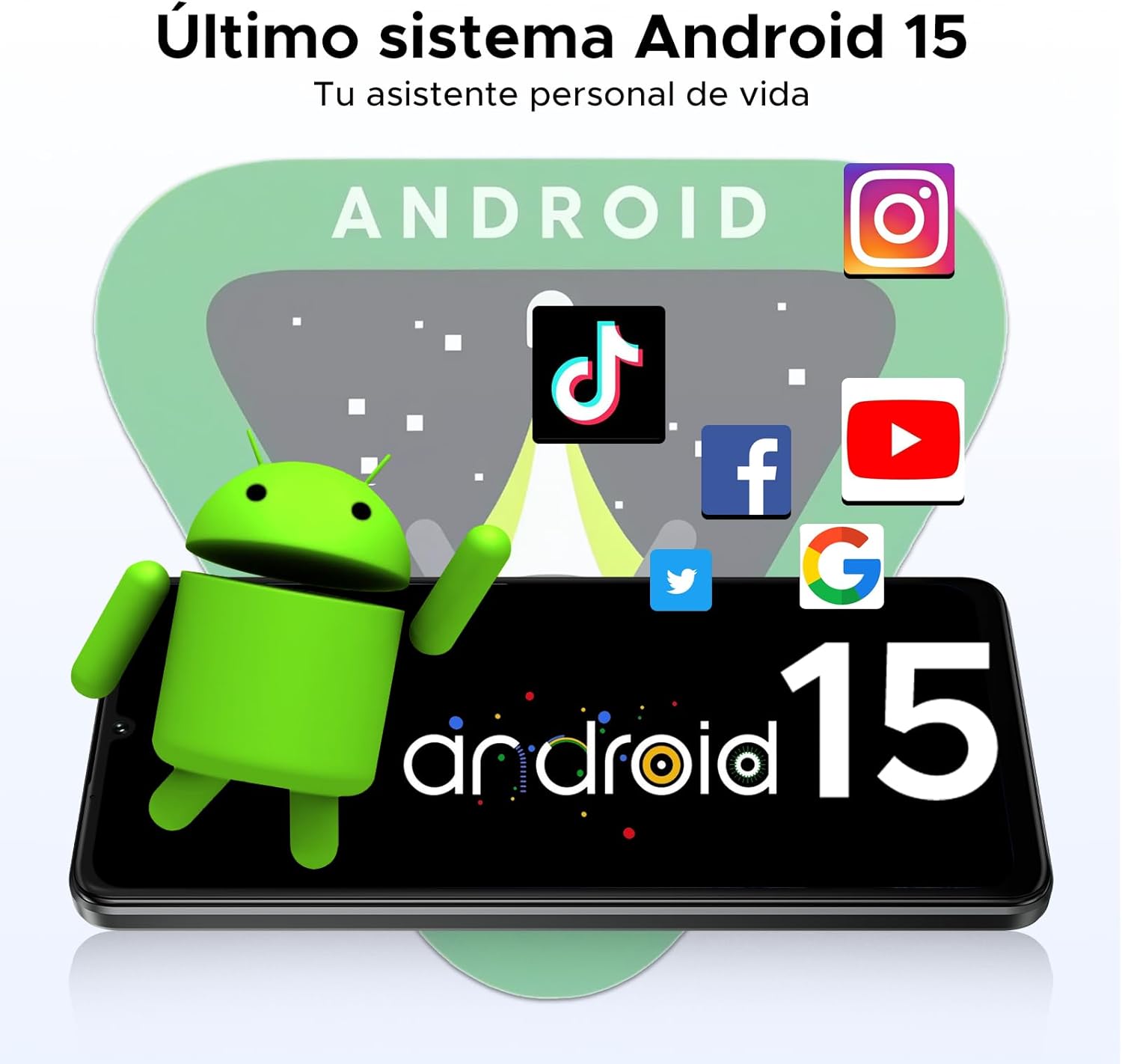
Image: The smartphone screen showing the Android 15 logo and interface.
11. Especificacions
| Característica | Especificació |
|---|---|
| Marca | DOOGEE |
| Model | NOTE59PRO+ |
| Processador | UNISOC T8200 Octa-Core 2.3GHz (6nm) |
| RAM | 36GB (12GB physical + 24GB extended) |
| Emmagatzematge intern | 512 GB |
| Emmagatzematge ampliable | Fins a 2 TB mitjançant targeta TF |
| Mida de la pantalla | 6.75 polzades |
| Tipus de visualització | IPS HD+ |
| Resolució | 720 x 1600 píxels |
| Freqüència d'actualització | 120 Hz |
| Càmera principal | 50MP AI |
| Càmera frontal | 8MP |
| Capacitat de la bateria | 6250 mAh |
| Port de càrrega | Tipus-C |
| Sistema operatiu | Android 15 |
| Connectivitat | 5G, NFC, Bluetooth 5.0, Dual WiFi (2.4G/5G), FM, GPS |
| Seguretat | Fingerprint Sensor, Face ID |
| Dimensions | 8.6 mm de gruix |
| Pes | 199 g |

Image: A comprehensive infographic detailing the main features and specifications of the DOOGEE NOTE59PRO+.
12. Solució De Problemes
Si teniu problemes amb el dispositiu, consulteu les solucions habituals següents:
- El dispositiu no s'encén: Assegureu-vos que la bateria estigui carregada. Connecteu el carregador i espereu uns minuts abans d'intentar tornar-lo a engegar.
- Screen frozen: Premeu i manteniu premut el botó d'engegada durant uns 10-15 segons per forçar un reinici.
- Les aplicacions es bloquegen: Esborra la memòria cau de l'aplicació problemàtica (Configuració > Aplicacions > [Nom de l'aplicació] > Emmagatzematge i memòria cau > Esborra la memòria cau). Si el problema persisteix, prova de reinstal·lar l'aplicació.
- Senyal de xarxa deficient: Check if your SIM card is properly inserted. Try restarting the device or moving to an area with better coverage.
- La bateria s'esgota ràpidament: Reduce screen brightness, close unused apps, disable unnecessary background processes, or check for app updates.
For more complex issues, consider performing a factory reset (backup your data first) or contacting customer support.
13. Garantia i Suport
Your DOOGEE NOTE59PRO+ comes with a 2-year official warranty from the date of purchase. This warranty covers manufacturing defects and ensures peace of mind for your device.
For warranty claims, technical support, or further assistance, please refer to the contact information provided on the DOOGEE official weblloc web o la documentació de la compra.