
Introducció
This manual provides essential information for setting up, operating, and maintaining your Philips Ambilight 55MLED920 'The Xtra' Mini LED 4K Smart TV. Please read these instructions carefully before using your television to ensure optimal performance and safety.
Configuració
1. Desembalatge i contingut del paquet
Traieu amb cura tots els components de l'embalatge. Assegureu-vos que hi hagi tots els elements que s'enumeren a continuació:
- Unitat de TV
- Cable d'alimentació
- Control remot amb 2 piles AAA
- Dempeus
- Manual d'usuari i targeta de garantia
Keep the packaging for future transport or storage.
2. Installing the TV Stand or Wall Mount
Follow the instructions provided in the separate stand installation guide or wall mount kit. Ensure the TV is placed on a stable, level surface or securely mounted to a wall, away from direct sunlight or heat sources.
3. Dispositius de connexió
Connect your external devices such as set-top boxes, gaming consoles, or sound systems to the appropriate ports on your TV.

Imatge: Darrera i lateral view of the Philips Ambilight TV, illustrating the various connectivity ports available for external devices. These include HDMI, USB, Satellite, TV Antenna, Digital Audio Out, and Network connections.
- HDMI: For high-definition audio and video connections (e.g., Blu-ray players, game consoles). This TV supports HDMI 2.1.
- USB: Per connectar dispositius d'emmagatzematge USB per reproduir contingut multimèdia files o per a actualitzacions de programari.
- Ethernet (xarxa): Per a una connexió a Internet per cable.
- Wi-Fi: Per a la connexió a Internet sense fil.
- Bluetooth: For connecting wireless accessories like headphones or speakers.
- Antena/Satèl·lit: For connecting to broadcast signals.
- Sortida d'àudio digital: Per connectar a sistemes d'àudio externs.
4. Connexió d'alimentació
Connecteu el cable d'alimentació al televisor i després a una presa de corrent. El televisor entrarà en mode d'espera.
Funcionament del televisor
1. Control remot
The included remote control allows you to navigate menus, adjust settings, and control your TV's functions. Insert the two AAA batteries as indicated in the battery compartment.
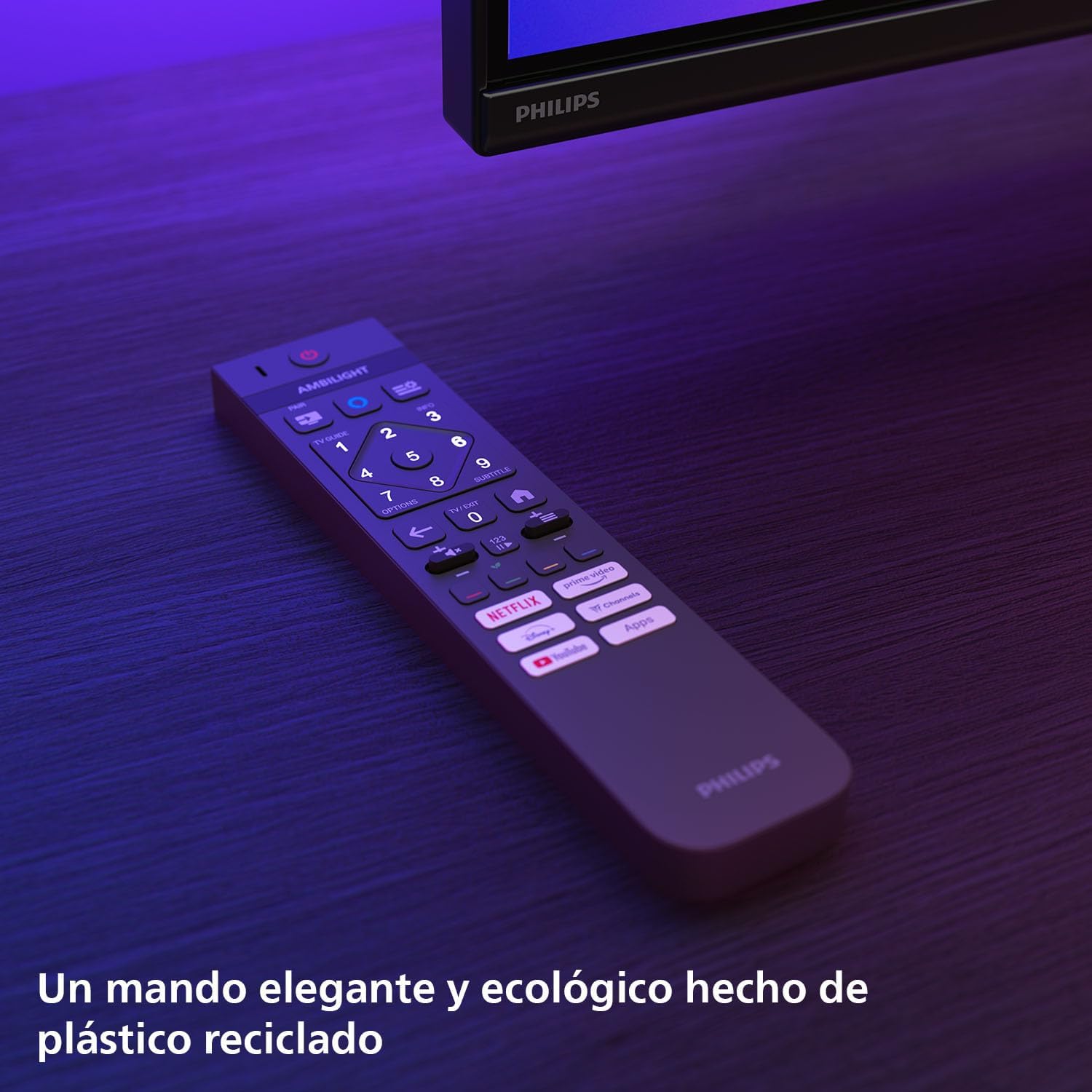
Imatge: The Philips TV remote control, designed for ease of use and made from recycled plastic, shown illuminated by the TV's Ambilight feature.
2. Encendre/apagar
Press the power button on the remote control or on the TV to turn the TV on or off. Pressing it once will put the TV into standby mode.
3. Funció Ambilight
Your Philips Ambilight TV features reactive LED lights integrated into the back of the screen. These lights project colors onto the wall behind the TV, matching the on-screen content to create an immersive viewing experience. You can customize Ambilight settings through the TV menu.

Imatge: The Philips Ambilight TV in a living room setting, showcasing its reactive LED lights that extend the visual experience beyond the screen by projecting matching colors onto the surrounding wall.
4. Picture Quality (P5 Picture Engine, Mini LED, Quantum Dot, HDR)
The TV utilizes the P5 Picture Engine to deliver vibrant colors, natural skin tones, and sharp contrast. Combined with Quantum Dot Mini-LED technology, it produces deeper blacks, brighter whites, and a wider color spectrum for clear, detailed images. It supports various HDR formats for enhanced depth and contrast.
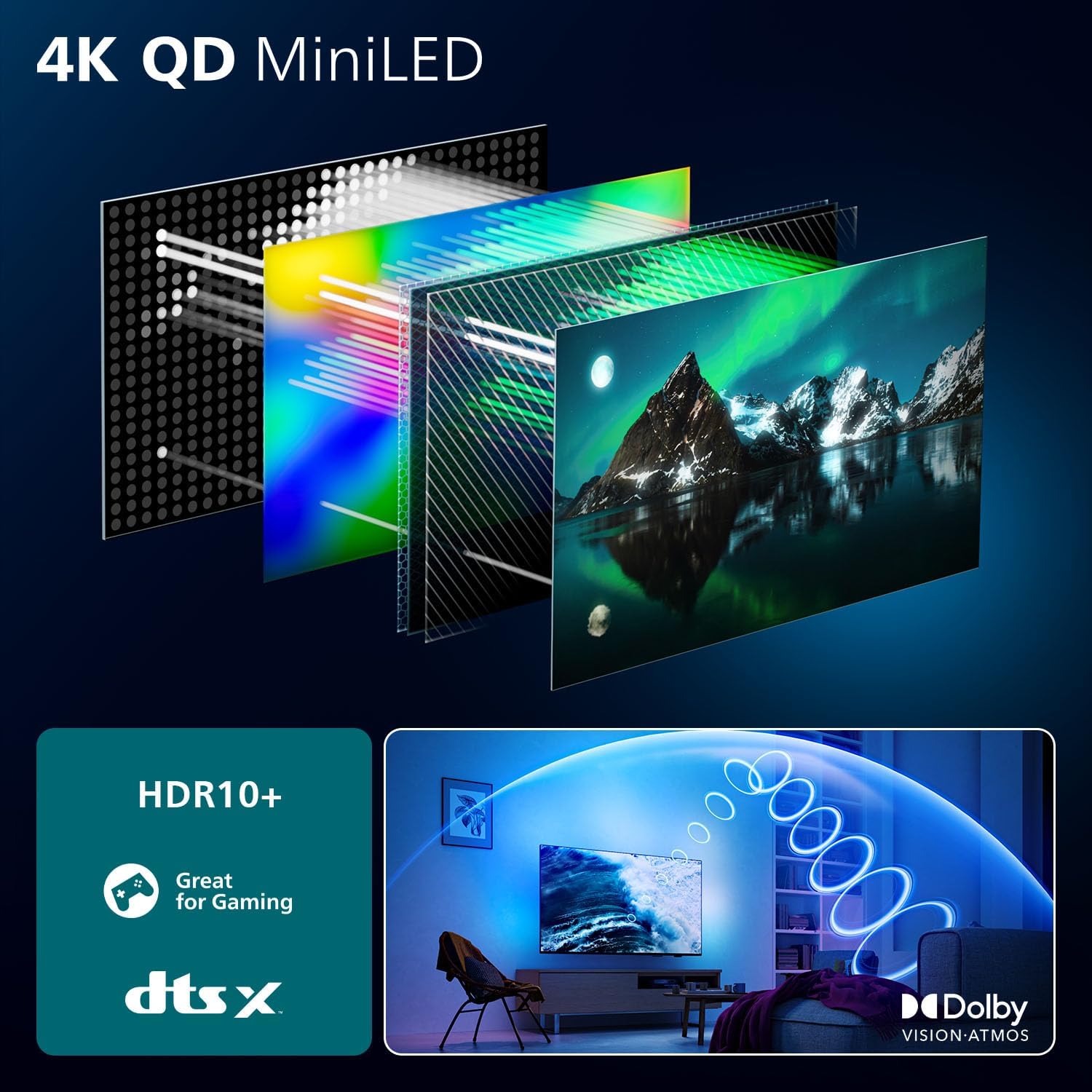
Imatge: A detailed diagram illustrating the internal structure of the 4K QD MiniLED display, highlighting the layers responsible for producing enhanced color and contrast.
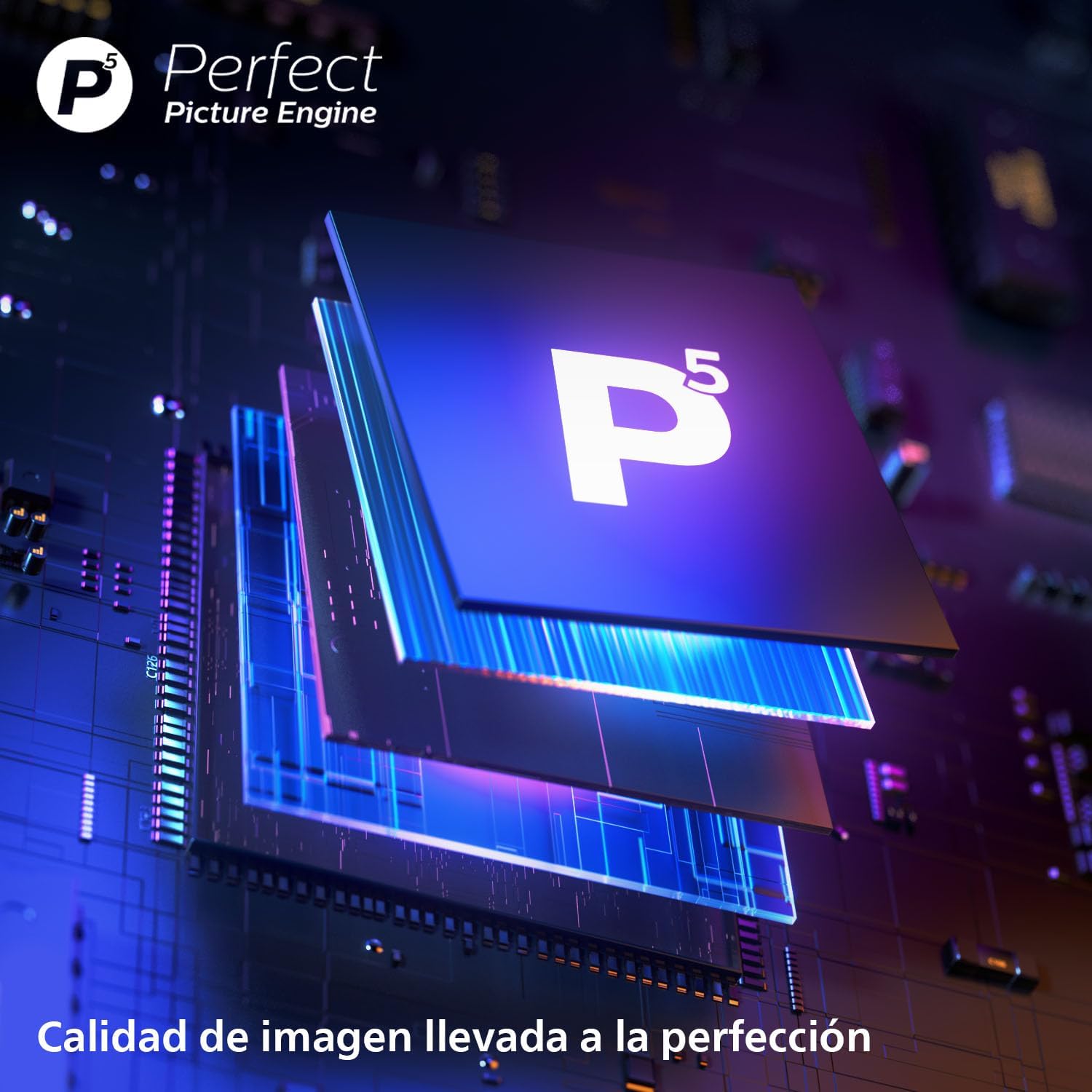
Imatge: Un primer pla view of the P5 Perfect Picture Engine microchip, symbolizing the advanced image processing capabilities that ensure brilliant and detailed visuals.
5. Sound Quality (Dolby Atmos, IntelliSound)
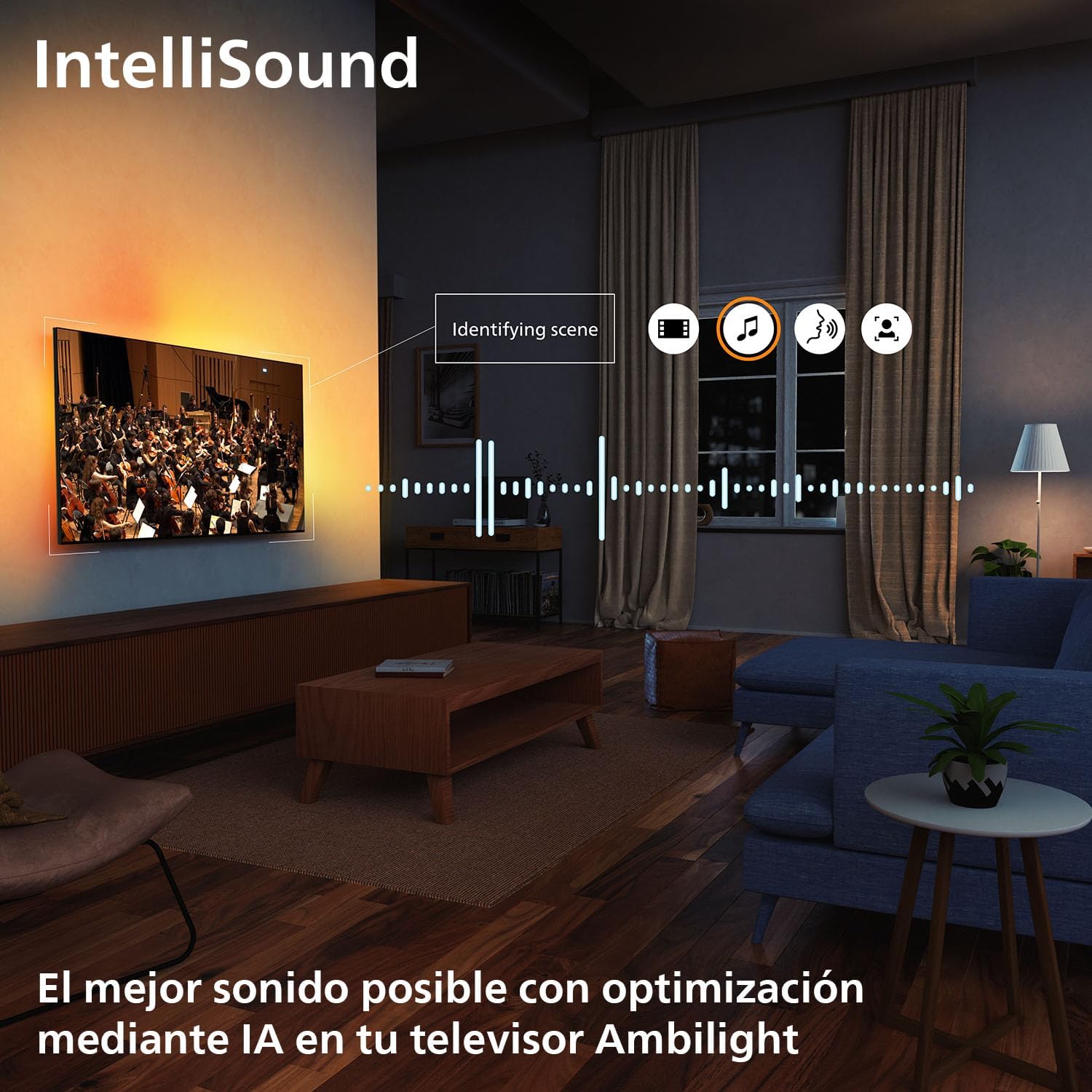
Experience immersive audio with Dolby Atmos, which creates a three-dimensional sound experience. The integrated IntelliSound engine uses AI to optimize audio settings automatically based on the content you are watching, whether it's news, music, or movies.
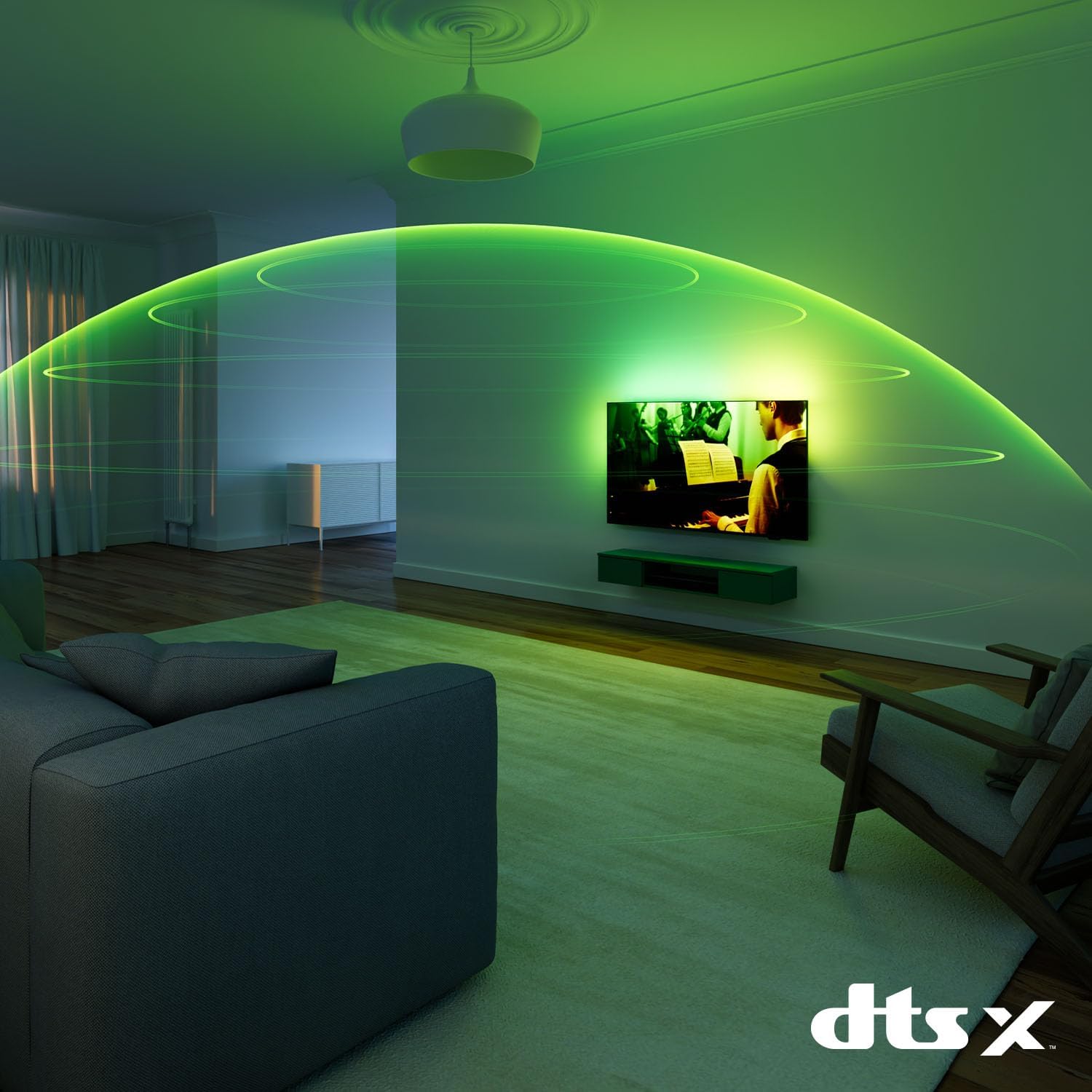
Imatge: A visual representation of immersive sound technology in a living room, with sound waves emanating from the Philips Ambilight TV, indicating a rich audio experience.
6. Smart TV Features (Titan OS, Voice Assistant, Matter)
El teu televisor funciona Titan OS, providing access to streaming services and apps. The intuitive interface allows for easy navigation and content discovery. The TV is compatible with Matèria for seamless integration into your smart home network and supports voice assistants like Alexa i Assistent de Google for hands-free control.

Imatge: The Philips TV displaying the Titan OS smart TV interface, featuring popular streaming applications and indicating compatibility with Alexa and Matter smart home systems.
Imatge: Illustrations demonstrating the TV's integration with voice assistants, showing interactions with both Google Home and Alexa devices for controlling the TV and querying information.
7. Característiques de joc
This TV is optimized for gaming with features like AMD FreeSync, a Freqüència de refresc de 120 Hz (up to 144 Hz VRR via HDMI for PC gaming), and a dedicated Game Mode. These features ensure smooth, tear-free gameplay and ultra-low input lag.

Imatge: A gaming setup featuring the Philips Ambilight TV, emphasizing its high refresh rate (up to 144Hz VRR) and AMD FreeSync Premium for a smooth gaming experience.
Manteniment
- Neteja de la pantalla: Netegeu suaument la pantalla amb un drap suau i sense borrissol. Per a les marques difícils, utilitzeu una solució de neteja específica per a pantalles aplicada al drap, no directament a la pantalla.
- Neteja de l'armari: Feu servir un drap suau i sec per netejar el moble del televisor. Eviteu utilitzar productes de neteja abrasius o dissolvents.
- Actualitzacions de programari: Ensure your TV's software is up to date for optimal performance and new features. You can usually find this option in the TV's settings menu under "Software Update" or "About TV".
Resolució de problemes
If you encounter issues with your TV, try the following common solutions before contacting support:
- Sense energia: Check if the power cable is securely connected to both the TV and the wall outlet. Ensure the outlet is working.
- Sense imatge/so: Verifiqueu que s'ha seleccionat la font d'entrada correcta. Comproveu totes les connexions de cable a dispositius externs.
- El control remot no funciona: Canvieu les piles. Assegureu-vos que no hi hagi cap obstacle entre el comandament a distància i el sensor d'infrarojos del televisor.
- Mala qualitat d'imatge: Comproveu la font del senyal. Ajusteu la configuració de la imatge (brillantor, contrast, nitidesa) al menú del televisor.
- Sense connexió a Internet: Per a la connexió Wi-Fi, comproveu el router i la configuració de xarxa. Per a la connexió amb cable, assegureu-vos que el cable Ethernet estigui connectat correctament.
For more detailed troubleshooting, refer to the full user manual or visit the Philips support weblloc.
Especificacions
| Característica | Detall |
|---|---|
| Marca | Philips |
| Número de model | 55MLED920/12 |
| Mida de la pantalla | 55 polzades |
| Tecnologia de visualització | Mini LED |
| Resolució | 4K |
| Freqüència d'actualització | 120 Hz (up to 144 Hz VRR) |
| Característiques especials | AMD FreeSync, Ambilight, Game Mode, Automatic Volume Leveler, Ambient Light Sensor |
| Tecnologia de connectivitat | Bluetooth, Ethernet, HDMI, USB, Wi-Fi |
| Relació d'aspecte | 16:9 |
| Dimensions del producte | 28 x 122.6 x 77.8 cm; 11.7 kg |
| Sistema operatiu | Titan OS |
Garantia i Suport
Your Philips Ambilight TV comes with a manufacturer's warranty. Please refer to the warranty card included in your package for details on coverage and terms. For technical support, product registration, or to download the full user manual, please visit the official Philips support weblloc o poseu-vos en contacte amb el seu servei d'atenció al client.
Assistència en línia: www.philips.com/support