
1. Introducció
Thank you for choosing the Intelbras PFL7560 Full HD Wi-Fi Projector. This projector is designed to deliver a high-quality visual and audio experience for various applications, from home cinema to business presentations. It features Full HD resolution, 8000 lumens brightness, and integrated 12W stereo speakers. This manual provides essential information for safe and efficient operation of your projector.
2. Informació de seguretat
Please read all safety instructions carefully before using the projector. Keep this manual for future reference.
- Font d'alimentació: Use only the power adapter provided with the projector. Ensure the voltage coincideix amb la vostra font d'alimentació local.
- Ventilació: No bloquegeu les obertures de ventilació. Assegureu-vos que hi hagi prou espai al voltant del projector per a un flux d'aire adequat per evitar el sobreescalfament.
- Col·locació: Place the projector on a stable, level surface. Avoid placing it in direct sunlight, near heat sources, or in environments with high humidity or dust.
- Protecció ocular: No mireu directament a la lent del projector quan estigui encès.amp està encès, ja que la llum brillant pot causar lesions oculars.
- Neteja: Unplug the projector before cleaning. Use a soft, dry cloth. Do not use liquid or aerosol cleaners.
- Manteniment: Do not attempt to repair the projector yourself. Refer all servicing to qualified service personnel.
3. Contingut del paquet
Verifiqueu que tots els elements siguin presents al paquet:
- Intelbras PFL7560 Projector Unit
- Control remot
- Cable d'alimentació
- Manual d'usuari
4. Producte acabatview
Familiarize yourself with the main components and ports of your Intelbras PFL7560 projector.
4.1. Projector Components

Image: Intelbras PFL7560 Projector with included remote control.
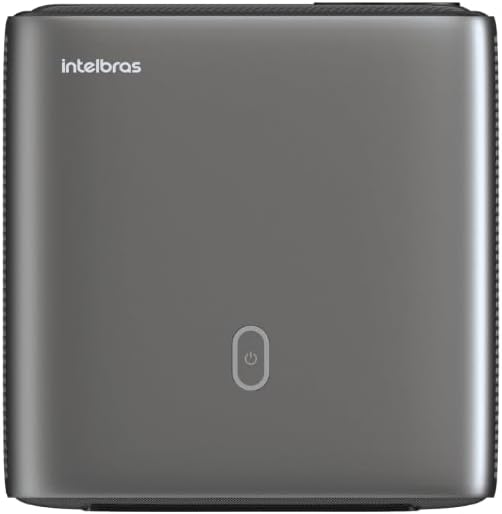
Imatge: Superior view of the projector, highlighting the power button and sleek design.
4.2. Ports i connectivitat
El projector ofereix diverses opcions de connectivitat:
- HDMI: For connecting high-definition devices such as laptops, gaming consoles, or Blu-ray players.
- USB: Per connectar dispositius d'emmagatzematge USB per reproduir contingut multimèdia files directament.
- Wi-Fi (802.11 ac/b/g/n): For wireless connectivity and screen mirroring from compatible Android devices.
- Sortida d'àudio: Per connectar sistemes d'àudio externs o auriculars.
5. Configuració
5.1. Col·locació
Choose a suitable location for your projector. The PFL7560 can project images from 60 to 150 inches, making it versatile for various room sizes. Ensure the projector is placed on a stable surface and is not obstructed.
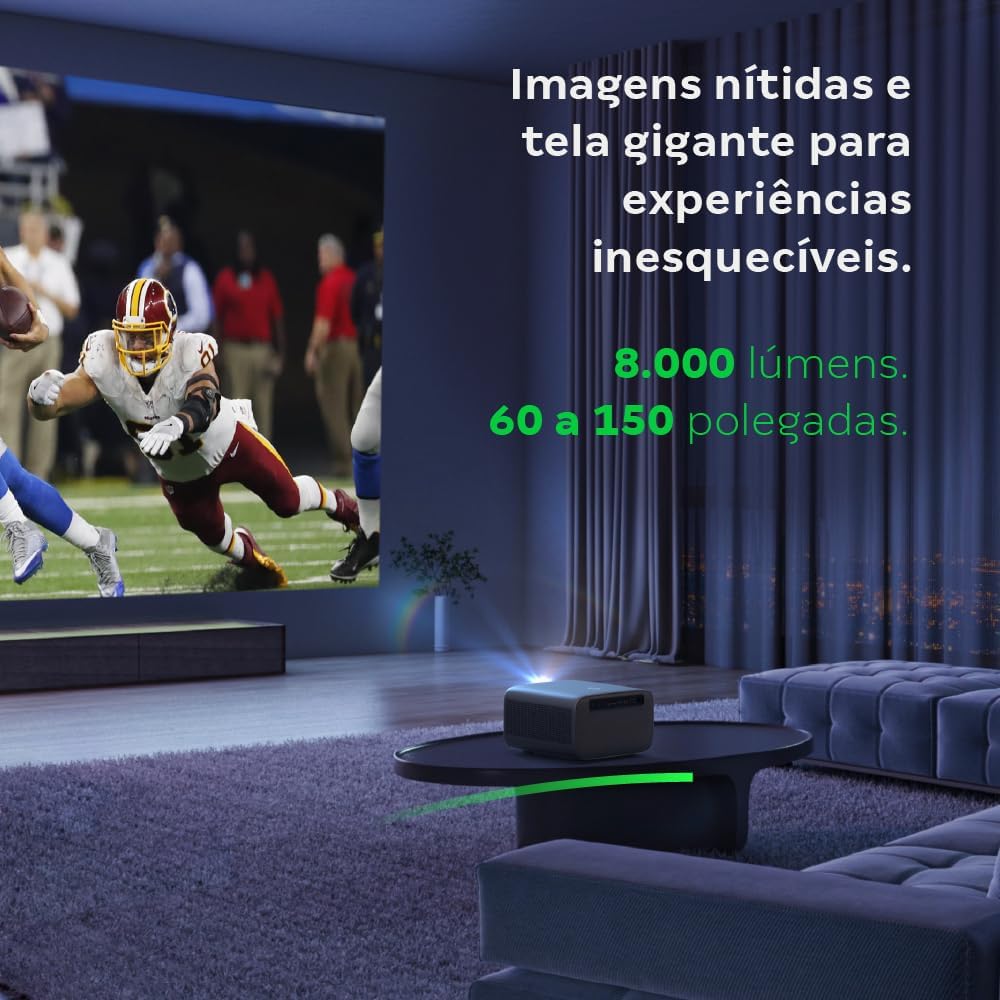
Image: The projector creating a large, clear image in a home environment, demonstrating its capability for immersive viewing.
5.2. Connexió d'alimentació
Connecteu el cable d'alimentació a l'entrada d'alimentació del projector i després a una presa de corrent.
5.3. Engegada inicial
Premeu el botó d'engegada del projector o del comandament a distància per engegar el dispositiu. El projector iniciarà la seqüència d'inici.
5.4. Enfocament i correcció Keystone
The PFL7560 features automatic focus and keystone correction for a perfectly aligned and sharp image without manual effort. If manual adjustment is needed, refer to the on-screen display (OSD) menu.
6. Instruccions de funcionament
6.1. Dispositius de connexió
- HDMI: Connect your device using an HDMI cable to the HDMI port on the projector. Select the corresponding HDMI input from the projector's source menu.
- USB: Insert a USB drive into the USB port. The projector's media player will typically detect the drive automatically, allowing you to browse and play files.
- Wi-Fi / Screen Mirroring: For compatible Android devices, enable screen mirroring on your device and select the projector from the available devices. Ensure both devices are connected to the same Wi-Fi network.
6.2. Sortida d'àudio
The projector is equipped with two integrated 12W speakers, providing clear and immersive audio. For external audio, connect speakers or headphones to the audio output port.

Image: Detail of the projector's integrated 12W speakers, designed for powerful and clear sound.
7. Manteniment
7.1. Neteja de la lent
Feu servir un drap suau i sense borrissol dissenyat específicament per a lents òptiques per netejar suaument la lent del projector. Eviteu utilitzar materials abrasius o productes químics agressius.
7.2. Neteja del cos del projector
Wipe the exterior of the projector with a soft, dry cloth. Do not use liquid or spray cleaners directly on the unit.
7.3. LED Light Source Longevity
The Intelbras PFL7560 uses an LED light source with a lifespan of up to 30,000 hours, ensuring long-term use and consistent performance without significant brightness degradation.
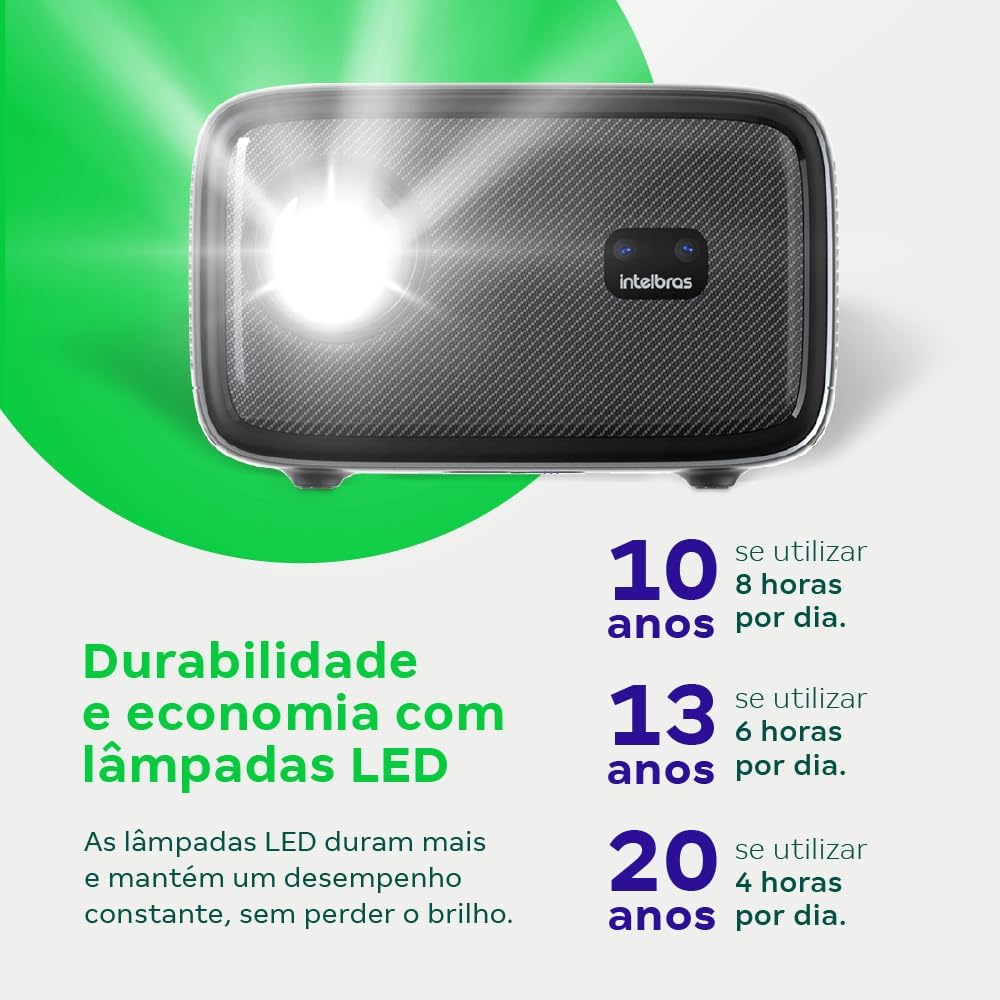
Image: An infographic illustrating the extended durability and economic benefits of the LED lamp, lasting up to 30,000 hours.
8. Solució De Problemes
Si teniu problemes amb el projector, consulteu els problemes i solucions més comuns següents:
- Sense imatge: Ensure the power cable is securely connected and the projector is turned on. Check the input source selection to match your connected device.
- Imatge borrosa: Adjust the focus. If the image is distorted, check for automatic keystone correction or adjust it manually via the settings menu.
- Sense so: Verify the volume level on both the projector and the connected device. Ensure external speakers are properly connected if used, or that the internal speakers are enabled.
- Problemes de connectivitat: For Wi-Fi or screen mirroring, ensure both the projector and your device are on the same network. Restart both devices if necessary.
- Sobreescalfament: Ensure the projector's ventilation openings are not blocked. Turn off the projector and allow it to cool down if it feels excessively hot.
9. Especificacions
| Característica | Especificació |
|---|---|
| Marca | Intelbras |
| Nom del model | PFL 7560 |
| Tecnologia de connectivitat | Wi-Fi |
| Característiques especials | Wi-Fi llest |
| Resolució de visualització | 1920 x 1080 (Full HD) |
| Resolució nativa | 1920 x 1080 |
| Resolució de visualització màxima | 1920 x 1080 |
| Tipus de visualització | LCD |
| Brillantor | 8000 lúmens |
| Dispositius compatibles | Ordinador portàtil, telèfon intel·ligent, tauleta |
| Vida operativa de la font de llum | 30000 hores |
| Interfície del maquinari | 802.11 ac/b/g/n |
| Codificació de vídeo | H.264, H.265 |
| Usos recomanats | Home Cinema |
| Àudio | 2 altaveus integrats de 12 W |
10. Garantia i Suport
For warranty information, technical support, or service requests, please refer to the official Intelbras weblloc web o contacteu directament amb el servei d'atenció al client. Conserveu el rebut de compra com a comprovant de compra per a reclamacions de garantia.