
SANSUI W26
SANSUI W26 Wireless Earphones User Manual
Model: W26
Introducció
Thank you for choosing the SANSUI W26 Wireless Earphones. This manual provides detailed instructions for the proper use, maintenance, and troubleshooting of your device. Please read this manual carefully before use and retain it for future reference.
Contingut del paquet
Assegureu-vos que tots els elements siguin presents al paquet:
- SANSUI W26 Wireless Earphones (Left and Right)
- Estoig de càrrega
- Cable de càrrega USB tipus C
- Manual d'usuari (aquest document)
Producte acabatview
The SANSUI W26 earphones feature an open-ear design, Bluetooth 5.4 connectivity, and ENC noise cancellation for clear calls. They are designed for comfort and stability during extended use.

Imatge: SANSUI W26 Wireless Earphones and Charging Case. This image displays the open-ear design of the earphones and their transparent charging case, highlighting the "ears not blocked" feature, surround effect, directional sound, call noise reduction, and 36 hours of playback.

Imatge: Illustration of Directional Driver Technology. This image shows how the directional driver guides sound into the ear, preventing sound leakage. It features the "DIRECTIN TONE" and "PeakStroy" logos.
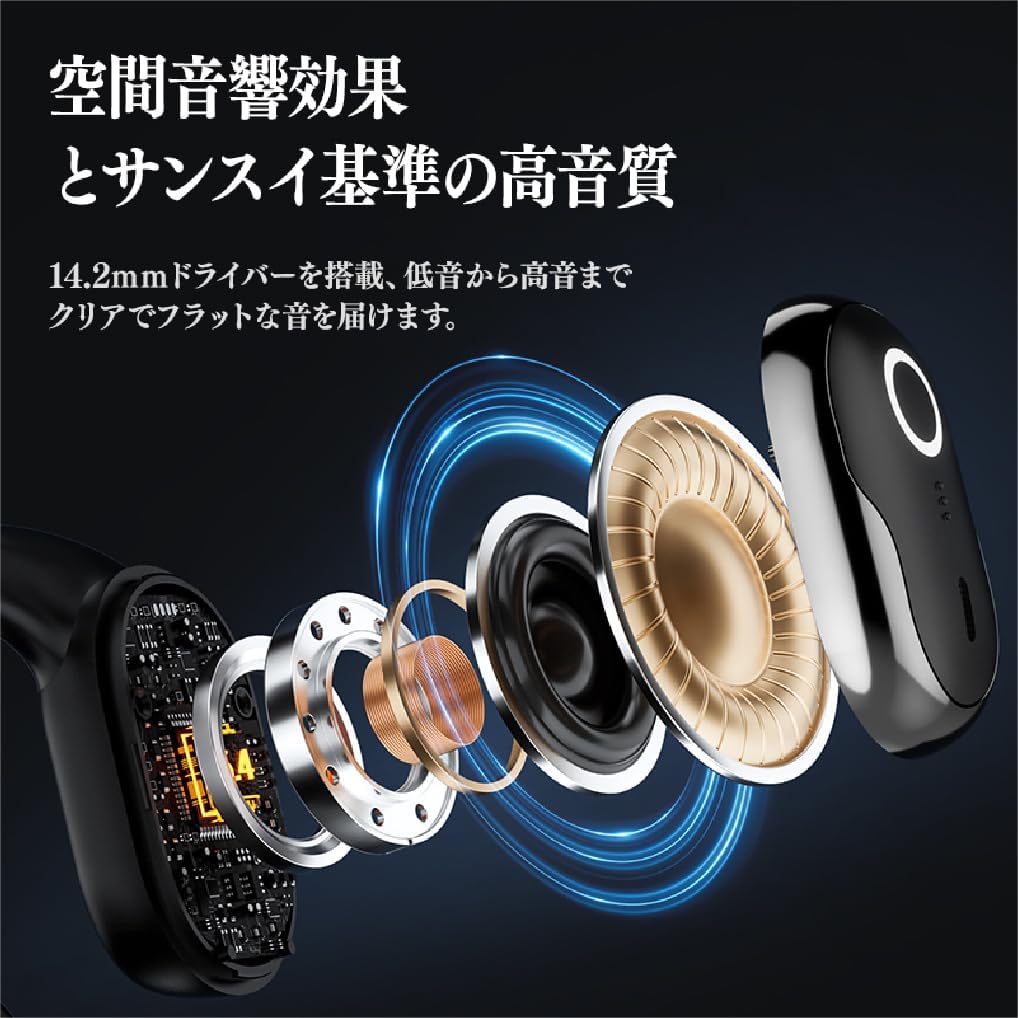
Imatge: Explotat view of SANSUI W26 Earphone Internal Components. This image illustrates the internal structure, including the 14.2mm driver, which contributes to spatial acoustic effects and high-quality sound.
Configuració
1. Càrrega dels auriculars i l'estoig
Abans del primer ús, carregueu completament els auriculars i l'estoig de càrrega.
- Col·loqueu els auriculars a la caixa de càrrega.
- Connect the provided USB Type-C cable to the charging port on the case and a power source (e.g., USB wall adapter, computer USB port).
- The indicator lights on the case will show the charging status. Once fully charged, the lights will indicate completion.
A full charge provides up to 12 hours of playback for the earphones alone, and up to 36 hours with the charging case.
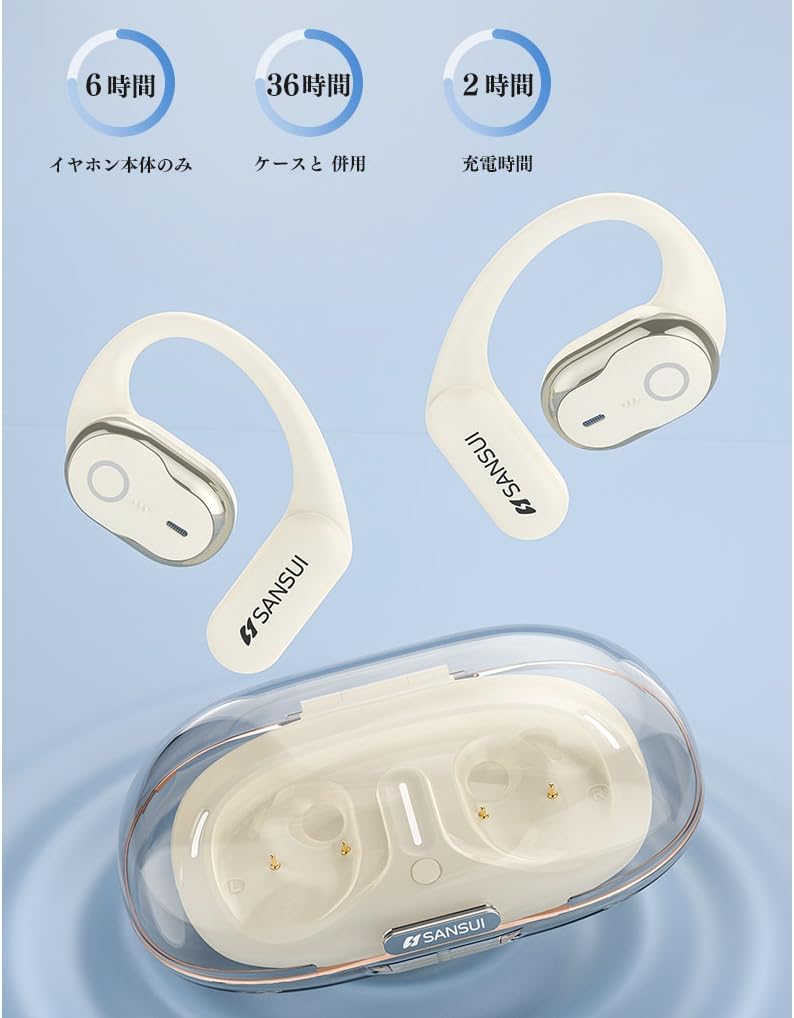
Imatge: SANSUI W26 Earphone Battery Life and Charging. This image illustrates the battery life: 6 hours for earphones only, 36 hours with the charging case, and a 2-hour charging time for the case.
2. Emparellament Bluetooth
The earphones support Bluetooth V5.4 for a stable and low-latency connection.
- Obre l'estoig de càrrega. Els auriculars entraran automàticament en mode d'emparellament.
- Al dispositiu (telèfon intel·ligent, tauleta, etc.), activeu el Bluetooth i cerqueu els dispositius disponibles.
- Select "SANSUI W26" from the list of found devices.
- Un cop connectat, un missatge de veu confirmarà l'emparellament correcte.
- Els auriculars es tornaran a connectar automàticament a l'últim dispositiu emparellat quan es treguin de l'estoig.
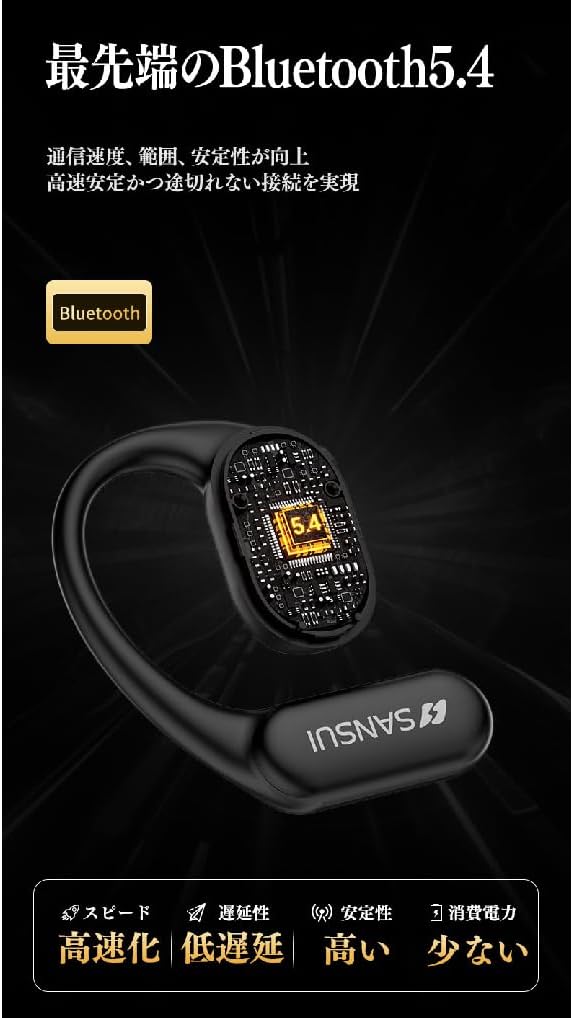
Imatge: SANSUI W26 Bluetooth 5.4 Connectivity. This image highlights the advanced Bluetooth 5.4 technology, emphasizing improved communication speed, range, stability, low latency, and reduced power consumption.
Instruccions de funcionament
1. Com posar-se els auriculars
The SANSUI W26 features an ergonomic ear-hook design for secure and comfortable fit.
- Identify the left (L) and right (R) earphones.
- Gently hook the earphone over your ear, ensuring the speaker part is positioned correctly near your ear canal without blocking it.
- Adjust for a snug and comfortable fit. The design allows you to hear ambient sounds while enjoying audio.

Imatge: SANSUI W26 Ear-Hook Design. This image demonstrates the stable and non-falling ear-hook design, showing how it fits securely with three support points and features skin-friendly silicone material.
2. Toqueu Controls
The earphones are equipped with touch-sensitive controls for various functions. Refer to the table below for common operations:
| Funció | Acció |
|---|---|
| Reproducció/pausa de música | Un sol toc a qualsevol dels auriculars |
| Pista següent | Double tap on the right earphone |
| Pista anterior | Fes doble toc a l'auricular esquerre |
| Respondre/Finalitzar la trucada | Un sol toc a qualsevol dels auriculars |
| Rebutja la trucada | Long press on either earphone |
| Activa l'Assistent de veu | Triple tap on either earphone |
3. Call Functions (ENC Noise Cancelling)
The built-in ENC (Environmental Noise Cancellation) engine separates your voice from ambient noise, ensuring clear communication during calls and online meetings.
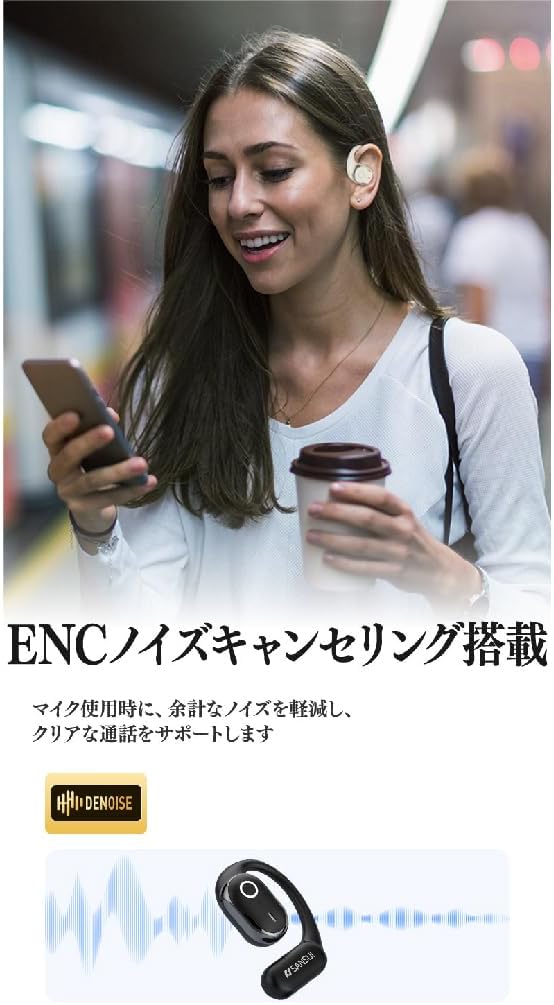
Imatge: SANSUI W26 ENC Noise Cancelling Feature. This image shows a person using the earphones in a busy environment, illustrating how the ENC technology reduces background noise for clearer calls.
Manteniment
- Neteja: Regularly clean the earphones and charging case with a soft, dry cloth. For stubborn dirt, a slightly damp cloth can be used, but ensure no moisture enters the charging ports or speaker grilles. The earphones are IPX5 waterproof, allowing for rinsing under tap water if needed, but avoid prolonged submersion.
- Emmagatzematge: Quan no els utilitzeu, guardeu els auriculars a la funda de càrrega per protegir-los de la pols i els danys. Guardeu-los en un lloc fresc i sec, allunyat de la llum solar directa i de temperatures extremes.
- Cura de la bateria: Per allargar la durada de la bateria, eviteu descarregar completament els auriculars amb freqüència. Carregueu-los regularment, fins i tot si no els feu servir durant períodes prolongats.
Resolució de problemes
If you encounter issues with your SANSUI W26 earphones, refer to the following common problems and solutions:
- Els auriculars no s'emparellan:
- Assegureu-vos que el Bluetooth estigui habilitat al vostre dispositiu.
- Assegureu-vos que els auriculars estiguin carregats.
- Place the earphones back in the case, close it, then open it again to re-enter pairing mode.
- Forget "SANSUI W26" from your device's Bluetooth list and try pairing again.
- Sense so:
- Comproveu el nivell de volum tant del dispositiu com dels auriculars.
- Assegureu-vos que els auriculars estiguin connectats correctament al dispositiu.
- Prova de reproduir àudio des d'una altra aplicació o font.
- Qualitat de trucada baixa:
- Assegureu-vos que el micròfon no estigui obstruït.
- Apropa't al dispositiu connectat per millorar la intensitat del senyal.
- Check for excessive background noise in your environment.
- Els auriculars no es carreguen:
- Assegureu-vos que el cable de càrrega estigui connectat correctament tant a la carcassa com a la font d'alimentació.
- Check if the charging contacts on the earphones and inside the case are clean.
- Prova d'utilitzar un cable USB tipus C o un adaptador de corrent diferent.
Especificacions
| Característica | Detall |
|---|---|
| Marca | SANSUI |
| Nom del model | W26 |
| Tecnologia de connectivitat | Sense fil (Bluetooth V5.4) |
| Estil d'auriculars | Ear-hook, Open-ear |
| Color | Blanc |
| Cancel·lació de soroll | ENC (cancel·lació de soroll ambiental) per a trucades |
| Resistència a l'aigua | Equivalent IPX5 |
| Còdecs d'àudio | AAC, SBC |
| Temps de reproducció amb auriculars | Fins a 12 hores |
| Temps total de reproducció (amb estoig) | Fins a 36 hores |
| Port de càrrega | USB tipus C |
| País d'origen | Xina |
Garantia i Suport
Garantia del fabricant: The SANSUI W26 Wireless Earphones come with a 1-year manufacturer warranty from the date of purchase. This warranty covers defects in materials and workmanship under normal use.
Exclusions: La garantia no cobreix els danys causats per mal ús, accidents, modificacions no autoritzades o desgast normal.
Atenció al client: For warranty claims, technical assistance, or any questions regarding your SANSUI W26 earphones, please contact your retailer or the official SANSUI customer support channel. Refer to the product packaging or official weblloc per obtenir informació de contacte.
Ask a question about this manual
Ask about setup, troubleshooting, compatibility, parts, safety, or missing instructions. Manuals+ will review the question and use this page’s manual context to help answer it.