
Introducció
This manual provides essential information for setting up, operating, and maintaining your paitanry 10.1 Inch Android Tablet. Please read this manual thoroughly before using your device to ensure proper function and longevity.
The paitanry 10.1 Inch Android Tablet (Model G80) features the Android 15 operating system, an octa-core MediaTek Helio G80 processor, 12GB RAM, and 128GB internal storage. It is equipped with a 10.1-inch In-Cell IPS display, dual cameras (5MP front, 13MP rear), dual-band Wi-Fi, Bluetooth 5.0, and an 8000mAh battery with 18W fast charging support.
Contingut del paquet
Verifiqueu que tots els elements siguin presents al paquet:
- 1 × paitanry 10.1 Inch Android Tablet
- 1 × Protective Case
- 1 × 9V/2A Fast Charger
- 1 × Dual Type-C Data Cable
- 1 × OTG Adapter
- 1 × Manual d'usuari (aquest document)

Image: The paitanry 10.1 Inch Android Tablet shown with its included protective case, charger, and cables.
Configuració
1. Càrrega de la tauleta
Before first use, fully charge the tablet. Connect the provided Type-C data cable to the tablet's USB-C port and the 9V/2A fast charger. Plug the charger into a power outlet. The battery icon on the screen will indicate charging status.
The 8000mAh battery supports up to 8 hours of mixed use. 18W PD fast charging allows for efficient recharging.

Image: Visual representation of the tablet's powerful 8000mAh battery and its estimated usage duration for various activities like gaming, online video, web surfing, music, and e-books.
2. Encendre/apagar
- Per encendre: Press and hold the Power button located on the side of the tablet until the paitanry logo appears on the screen.
- Per apagar: Press and hold the Power button until a power menu appears. Select "Power off" from the options.
- Per reiniciar: Press and hold the Power button until a power menu appears. Select "Restart" from the options.
3. Configuració inicial
En engegar-la per primera vegada, la tauleta us guiarà pel procés de configuració inicial. Seguiu les instruccions que apareixen a la pantalla per a:
- Seleccioneu el vostre idioma.
- Connecteu-vos a una xarxa Wi-Fi.
- Inicia la sessió amb el teu compte de Google o crea'n un de nou.
- Configura el bloqueig de pantalla (PIN, patró, contrasenya).
- Review i acceptar els termes i condicions.
Instruccions de funcionament
1. Navegació bàsica
- Toca: Toqueu una icona o opció per seleccionar-la.
- Llisca: Arrossegueu el dit per la pantalla per desplaçar-vos o navegar entre pantalles.
- Pessiga per fer zoom: Col·loca dos dits a la pantalla i separa'ls o ajunta'ls per ampliar o reduir la imatge.
- Botó d'inici: Torna a la pantalla d'inici.
- Botó enrere: Torna a la pantalla anterior.
- Botó d'aplicacions recents: Mostra les aplicacions obertes recentment.
2. Connexió Wi-Fi
Per connectar-se a una xarxa Wi-Fi:
- Vés a Configuració > Xarxa i Internet > Wi-Fi.
- Activa/desactiva el Wi-Fi On.
- Seleccioneu la xarxa desitjada de la llista.
- Introduïu la contrasenya si us demana i, a continuació, toqueu Connecta't.
The tablet supports dual-band Wi-Fi (802.11ac) for stable and fast internet connectivity.
3. Connexió Bluetooth
Per sincronitzar amb un dispositiu Bluetooth:
- Vés a Configuració > Dispositius connectats > Bluetooth.
- Commuta el Bluetooth On.
- Assegureu-vos que el dispositiu Bluetooth estigui en mode d'emparellament.
- Select the device from the "Available devices" list and follow any on-screen prompts to complete pairing.
The tablet features Bluetooth 5.0 for efficient wireless connections.
4. Ús de la càmera
The tablet is equipped with a 5MP front camera and a 13MP rear camera.
- Obriu el Càmera aplicació.
- Toqueu la icona de la càmera per canviar entre la càmera frontal i la posterior.
- Toqueu el botó de l'obturador per fer una foto o iniciar/aturar la gravació de vídeo.
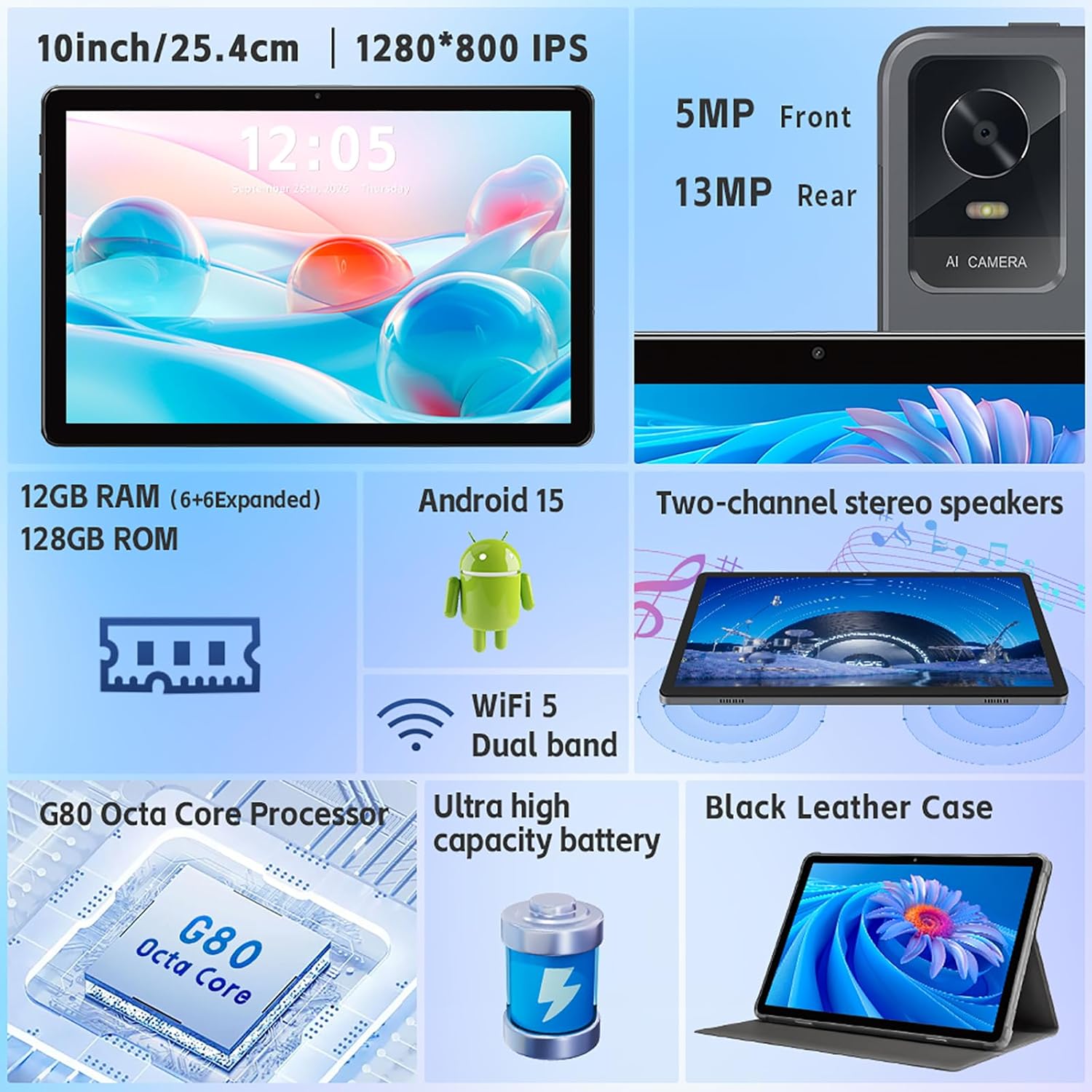
Imatge: Un cop mésview of the tablet's features, including the 5MP front camera and 13MP rear camera, 12GB RAM, 128GB ROM, Android 15, Wi-Fi 5 Dual band, G80 Octa Core Processor, and ultra-high capacity battery.
5. Gestió de l'emmagatzematge
The tablet has 128GB of internal storage. You can expand storage up to 2TB using a Micro SD card (sold separately).
- To insert a Micro SD card: Locate the card slot on the side of the tablet. Gently insert the Micro SD card until it clicks into place.
- To manage storage: Vés a Configuració > Emmagatzematge a view ús i gestió de l'emmagatzematge files.
6. Configuració de la pantalla
Customize your display experience:
- Vés a Configuració > Mostra.
- Adjust brightness, dark theme, night light, and font size.
- Set screen timeout duration.
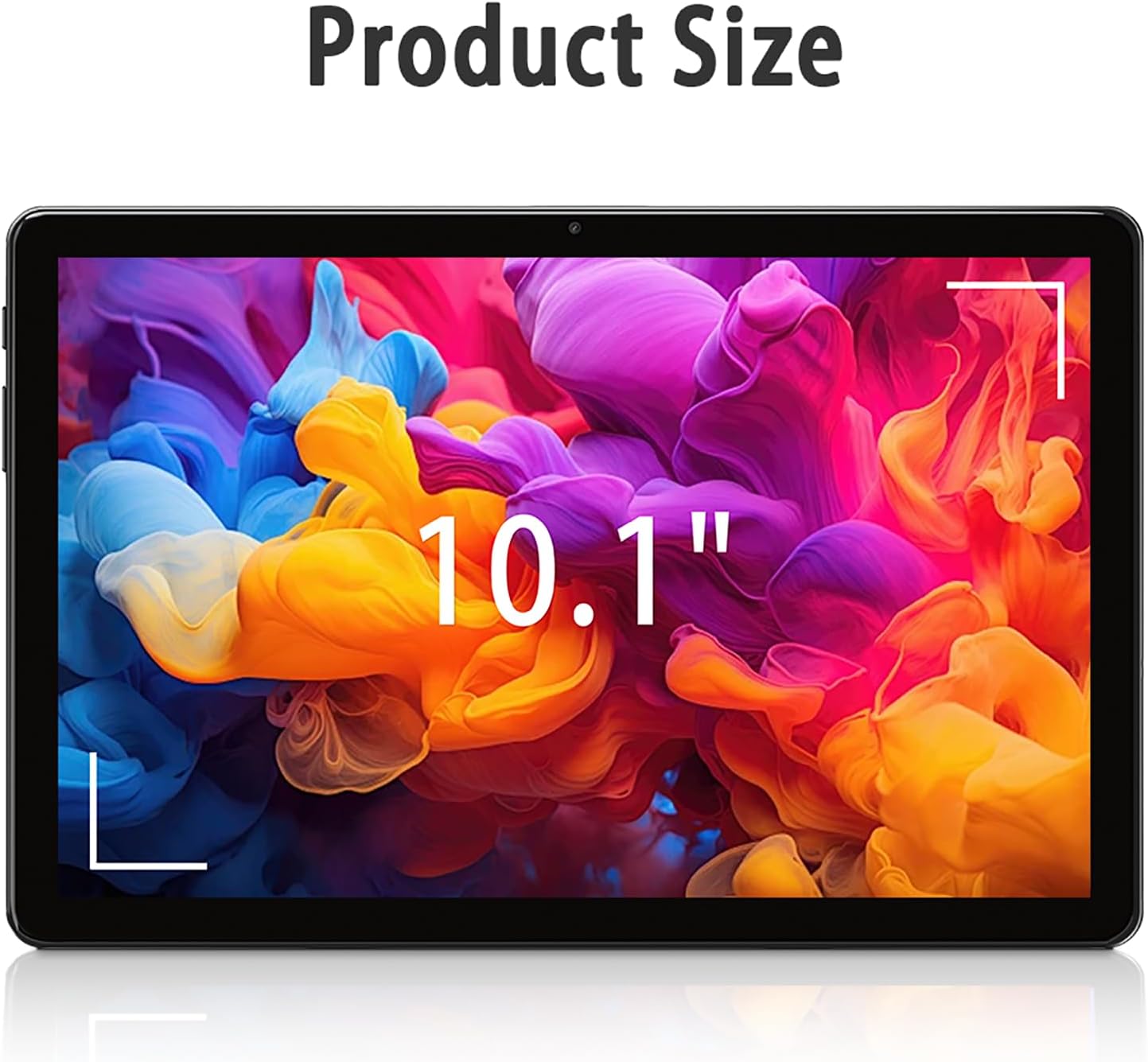
Image: The tablet screen showing "10.1"" to indicate its display size, with colorful abstract art on the screen.
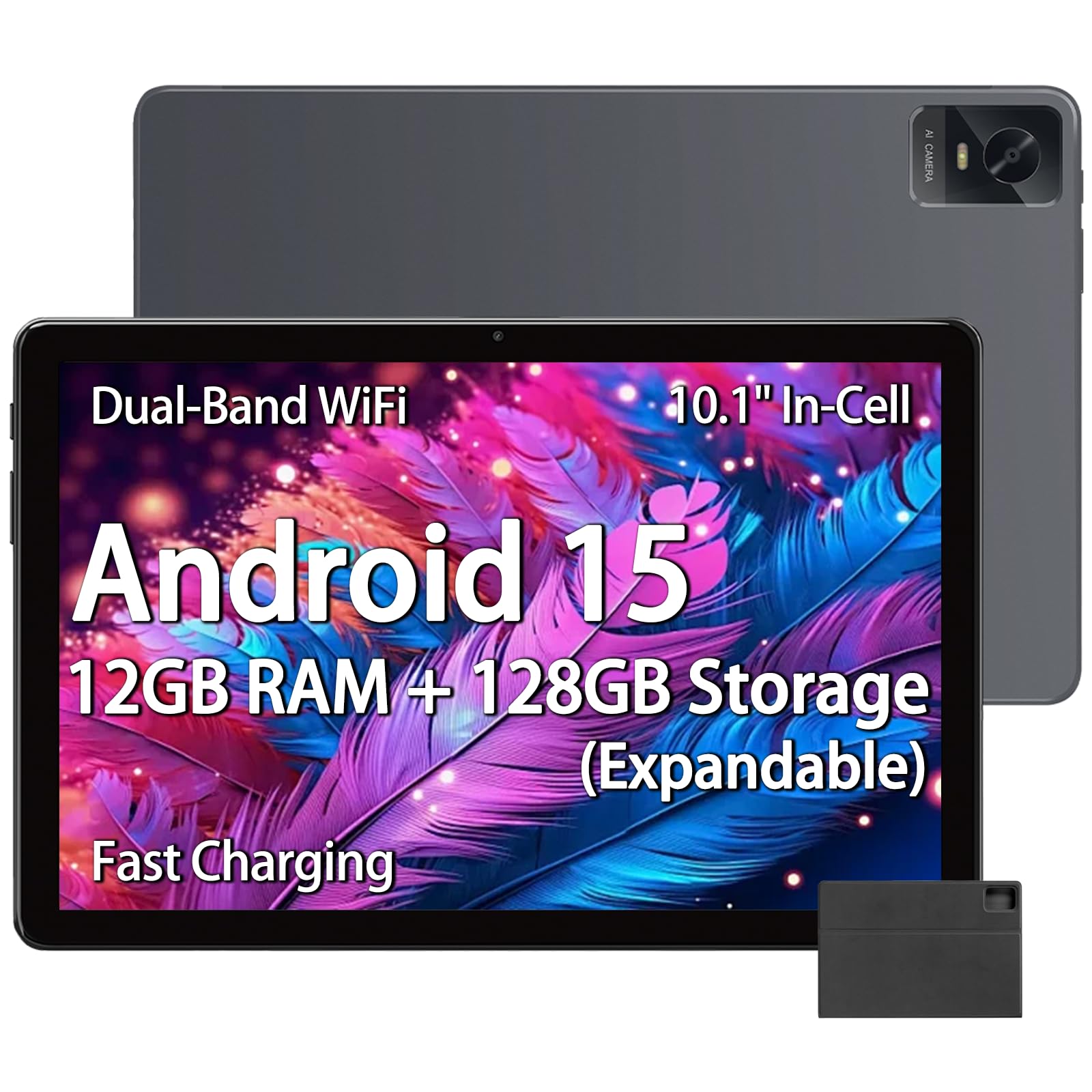
Image: The tablet displaying an image of penguins in an icy landscape, emphasizing its 16:10 aspect ratio and 10.1-inch 1280x800 HD In-Cell full lamination touchscreen for an immersive view.
7. Configuració d'àudio
Adjust volume and sound preferences:
- Vés a Configuració > So i vibració.
- Adjust media, call, ring, and alarm volumes.
- Select ringtones and notification sounds.
The tablet includes a 3.5mm headphone jack for wired audio accessories.
Manteniment
1. Neteja de la tauleta
- Feu servir un drap suau i sense borrissol per netejar la pantalla i el cos de la tauleta.
- Per a taques persistents, lleugerament dampNetegeu el drap amb aigua o un netejador de pantalles dissenyat per a electrònica.
- Eviteu l'ús de productes químics agressius, materials abrasius o humitat excessiva.
2. Actualitzacions de programari
Comproveu i instal·leu regularment si hi ha actualitzacions de programari per garantir un rendiment òptim, seguretat i accés a noves funcions.
- Vés a Configuració > Sistema > Actualització del sistema.
- Seguiu les instruccions que apareixen a la pantalla per comprovar i instal·lar les actualitzacions disponibles.
3. Cura de la bateria
- Eviteu exposar la tauleta a temperatures extremes (calor o fred).
- No permetis que la bateria es descarregui completament amb freqüència. Carrega-la abans que baixi del 20%.
- Feu servir només el carregador i el cable proporcionats o accessoris compatibles certificats.
Resolució de problemes
La tauleta no s'encén
- Assegureu-vos que la tauleta estigui prou carregada. Connecteu-la al carregador durant almenys 30 minuts.
- Premeu i manteniu premut el botó d'engegada durant 10-15 segons per forçar un reinici.
Problemes de connexió Wi-Fi
- Comprova si el Wi-Fi està activat a Configuració.
- Reinicieu el router Wi-Fi i la tauleta.
- Oblida't de la xarxa a la configuració de la tauleta i torna a connectar-te.
- Assegureu-vos que esteu dins de l'abast del senyal Wi-Fi.
Rendiment lent
- Tanca les aplicacions de fons innecessàries.
- Clear cache data for frequently used apps (Settings > Apps > [App Name] > Storage & cache > Clear cache).
- Ensure sufficient free storage space. Delete unused files o aplicacions.
- Reinicieu la tauleta.
Apps Crashing or Not Responding
- Force close the app (Settings > Apps > [App Name] > Force stop).
- Clear the app's cache (Settings > Apps > [App Name] > Storage & cache > Clear cache).
- Actualitza l'aplicació des de Google Play Store.
- Si el problema persisteix, desinstal·la i torna a instal·lar l'aplicació.
Especificacions
| Marca | paitanry |
| Nom del model | 10.1 inch Tablet |
| Número de model | G80 |
| Sistema operatiu | Android 15 |
| Processador | MediaTek Helio G80 Octa-Core (Arm Cortex-A75 @ 2GHz, Arm Cortex-A55 @ 1.8GHz) |
| Coprocessador gràfic | Braç Mali-G52 MC2 |
| Memòria RAM | 12 GB (6 GB físic + 6 GB virtual) |
| Emmagatzematge intern | 128 GB |
| Emmagatzematge ampliable | Up to 2 TB (Micro SD card, sold separately) |
| Mida de la pantalla | 10.1 polzades |
| Tipus de visualització | In-Cell IPS LCD |
| Resolució de visualització | 1280 x 800 píxels |
| Relació d'aspecte | 16:10 |
| Càmera frontal | 5 MP |
| Càmera posterior | 13 MP |
| Capacitat de la bateria | 8000 mAh (polímer de liti) |
| Durada de la bateria (mitjana) | 8 Hours (mixed use) |
| Carregant | 18W PD Fast Charging (USB Type-C) |
| Wi-Fi | Dual-band 802.11ac |
| Bluetooth | Bluetooth 5.0 |
| Connectivitat | USB tipus C, presa per a auriculars de 3.5 mm |
| Dimensions (L x W x Thickness) | 9.45" x 6.26" x 0.28" |
| Pes | 1 lliures |
| Característiques especials | Expandable Storage, Fast Charging, Supports USB OTG |

Imatge: Una imatge detallada view of the Helio G80 Octa-Core CPU, highlighting its central role in the tablet's performance.
Garantia i Suport
Informació de la garantia
Your paitanry 10.1 Inch Android Tablet comes with a 1 anys de garantia del fabricant. This warranty covers defects in materials and workmanship under normal use. It does not cover damage caused by misuse, accidents, unauthorized modifications, or external causes.
Conserveu el vostre comprovant de compra per a reclamacions de garantia.
Atenció al client
For technical assistance, warranty claims, or further inquiries, please contact paitanry customer support through the retailer's platform or the official paitanry weblloc.
When contacting support, please have your tablet's model number (G80) and proof of purchase ready.