
1. Introducció
This manual provides instructions for the safe and efficient use of your CNBRO R02 Smart Ring Magnetic Charging Case. Please read this manual thoroughly before using the product.
1.1 Producte acabatview
The CNBRO R02 is a portable charging case designed to provide convenient power for smart rings equipped with a magnetic charging port. Its compact design allows for easy transport, ensuring your smart ring remains charged on the go.
1.2 Compatibilitat
This charging case is specifically designed for smart rings that utilize a magnetic charging port. It is no compatible with smart rings that feature wireless charging functionality. Please verify your smart ring's charging method before use.

Figure 1: Compatibility details for the smart ring charging case, highlighting magnetic charging port requirement.
2. Què hi ha a la caixa
En desempaquetar, assegureu-vos que hi hagi tots els elements que s'enumeren a continuació:
- 1 x CNBRO R02 Smart Ring Magnetic Charging Case
- 1 x cable de càrrega USB-C
3. Configuració i càrrega inicial
3.1 Càrrega de la funda
- Connect the provided USB-C charging cable to the charging port on the CNBRO R02 case.
- Connecteu l'altre extrem del cable USB-C a un adaptador de corrent USB compatible (no inclòs) o al port USB d'un ordinador.
- The indicator light on the case will glow vermell mentre es carrega.
- Once fully charged, the indicator light will turn verdUna càrrega completa triga aproximadament 1.5 hores.

Figure 2: Charging the CNBRO R02 case using the USB-C cable.
3.2 Ús inicial
For optimal performance, it is recommended to fully charge the CNBRO R02 case before its first use.
4. Instruccions de funcionament
4.1 Charging Your Smart Ring
- Open the lid of the CNBRO R02 charging case.
- Carefully place your smart ring into the designated compartment within the case, ensuring its magnetic charging port aligns with the case's charging contacts.
- Close the lid. The case will automatically begin charging your smart ring.
- The case has a 200mAh battery capacity, capable of charging a smart ring approximately 10 times on a single full charge of the case.
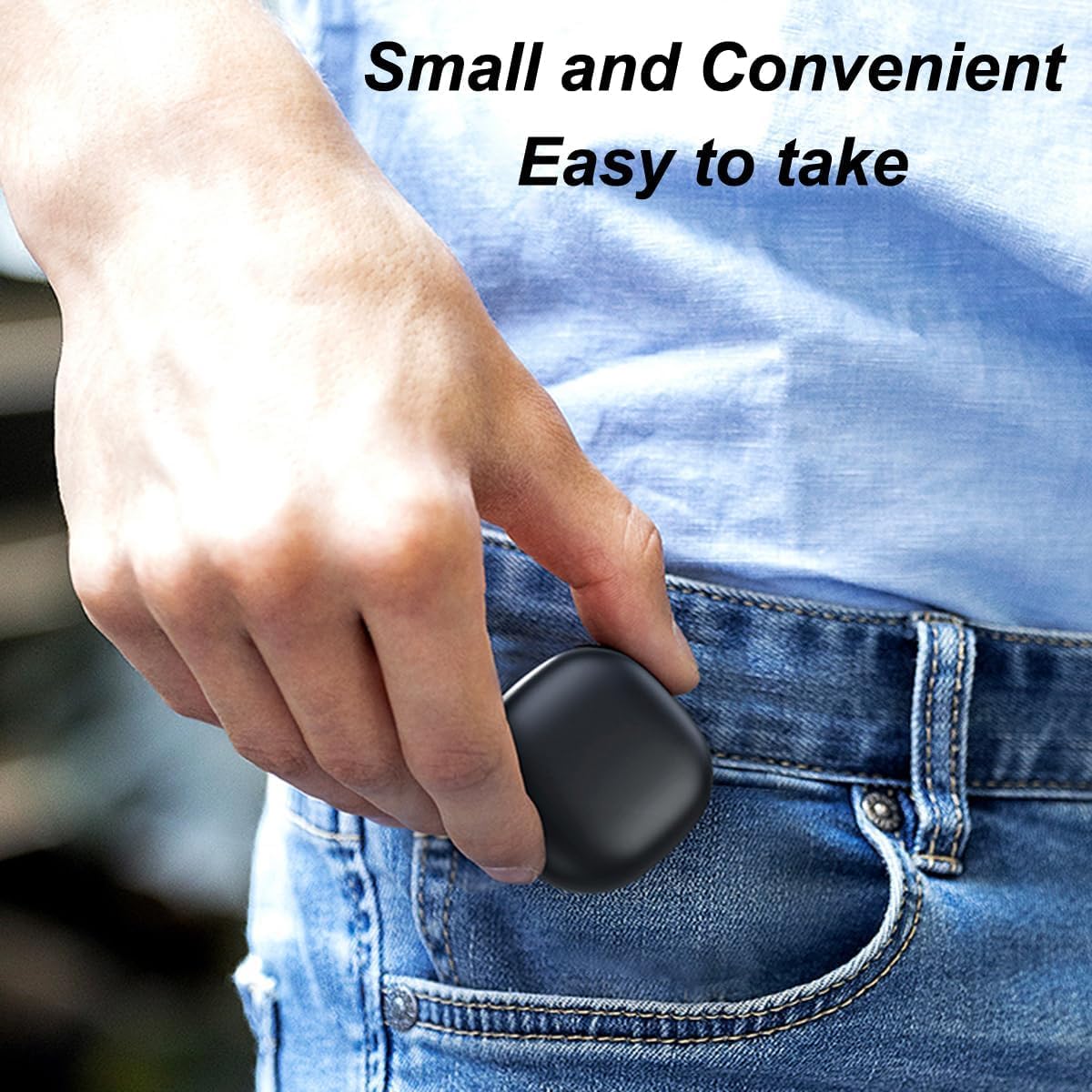
Figure 3: Placing a smart ring into the charging case.
4.2 Llum indicador de bateria
- Llum vermella: The charging case is currently charging.
- Llum verda: The charging case is fully charged.
- Llum vermella intermitent: The charging case battery is low and requires recharging.
4.3 Guia de vídeo del producte
Video 1: Demonstrating the unboxing and basic operation of the CNBRO R02 Smart Ring Magnetic Charging Case.
5. Especificacions

Figure 4: Dimensions of the CNBRO R02 Smart Ring Magnetic Charging Case.
| Marca | CNBRO |
| Número de model | R02 |
| Tecnologia de connectivitat | Càrrega magnètica |
| Dispositius compatibles | Smart Ring (with magnetic charging port) |
| Capacitat de la bateria | 200 mAh |
| Entrada Voltage | 5 Volts |
| Vol. De sortidatage | 5 Volts DC |
| Corrent de sortida | 200 milamps |
| Tipus de port de càrrega | USB tipus C |
| Material de la caixa | Plàstic |
| Dimensions (L x A x A) | 43 mm x 43 mm x 25 mm |
| Approx. Case Charging Time | 1.5 hores |
| Approx. Ring Charges per Case Charge | 10 vegades |
6. Solució De Problemes
| Problema | Causa possible | Solució |
|---|---|---|
| L'estoig de càrrega no es carrega. | USB-C cable not properly connected or faulty. Power source issue. | Ensure the USB-C cable is securely connected to both the case and the power adapter. Try a different USB-C cable or power adapter. Verify the power outlet is functional. |
| Smart ring not charging when placed in case. | Ring not properly seated. Case battery is low. Incompatible smart ring. | Ensure the smart ring's magnetic charging port aligns correctly with the case's contacts. Check the case's indicator light; if flashing red, recharge the case. Confirm your smart ring uses magnetic charging and is compatible with this case. |
| L'indicador lluminós no funciona. | Case is fully charged or completely discharged. Internal malfunction. | Connect the case to a power source to see if the red light appears. If no light appears after connecting to power, contact customer support. |
7. Cura i Manteniment
- Keep the charging case clean and dry. Avoid exposure to liquids, moisture, or extreme temperatures.
- Use a soft, dry cloth to clean the exterior of the case. Do not use abrasive cleaners or solvents.
- Guardeu l'estoig en un lloc fresc i sec quan no l'utilitzeu.
- Avoid dropping or subjecting the case to strong impacts.
8. Garantia i Suport
8.1 Informació de la garantia
Aquest producte inclou una garantia estàndard del fabricant. Consulteu l'embalatge o poseu-vos en contacte amb el vostre distribuïdor per conèixer els termes i condicions específics de la garantia.
8.2 Atenció al client
For technical assistance, troubleshooting, or warranty claims, please contact CNBRO customer support through your purchase platform or the official CNBRO website. Please have your model number (R02) and purchase details ready.