
Producte acabatview
The COLSUR 6-in-1 Bluetooth Speaker Alarm Clock (Model S29) is a versatile device designed to integrate multiple functionalities into a single unit. It serves as a Bluetooth speaker, 15W wireless charger, FM radio, adjustable LED night light, and alarm clock with snooze function. Its compact design makes it suitable for various settings including bedrooms, home offices, and living spaces.

This image displays the COLSUR 6-in-1 Bluetooth Speaker Alarm Clock in its purple variant, highlighting its wireless charging capability with a smartphone placed on its top surface. A white power adapter is shown beside the unit.
Contingut del paquet
Upon unboxing your COLSUR 6-in-1 Bluetooth Speaker Alarm Clock, please verify that all the following items are included:
- 1 x COLSUR 6-in-1 Bluetooth Speaker Alarm Clock (Model S29)
- 1 x adaptador de corrent
- 1 cable de dades tipus C
- 1 x Manual d'usuari (Aquest document)

This diagram illustrates the various components and accessories of the COLSUR 6-in-1 device, including the main unit, power adapter, and Type-C data cable, along with labels for its integrated features.
Informació de seguretat
To ensure safe operation and prevent damage to the device, please adhere to the following safety guidelines:
- No exposeu el dispositiu a temperatures extremes, llum solar directa ni humitat elevada.
- Eviteu deixar caure o sotmetre el dispositiu a forts impactes.
- No desmunteu, repareu ni modifiqueu el dispositiu vosaltres mateixos. Poseu-vos en contacte amb personal de servei qualificat per obtenir ajuda.
- Keep the device away from water or other liquids. If liquid enters the device, disconnect power immediately.
- Use only the provided power adapter and cable to prevent damage or fire hazards.
- Assegureu-vos que hi hagi una ventilació adequada al voltant del dispositiu durant el funcionament, especialment quan utilitzeu la funció de càrrega sense fil.
Guia de configuració
1. Connexió d'alimentació: Connect the provided power adapter to the 'DC' port on the back of the alarm clock and plug the adapter into a standard wall outlet. The display will illuminate.
2. Configuració de l'hora:
- Press the 'MODE' button to enter time setting mode. The hour digits will flash.
- Use the '+' and '-' buttons to adjust the hour. Press 'MODE' again to confirm.
- The minute digits will flash. Use the '+' and '-' buttons to adjust the minutes. Press 'MODE' again to confirm.
3. Configuració de l'alarma:
- Press the 'ALARM' button to enter alarm setting mode. The alarm time will flash.
- Use the '+' and '-' buttons to set the desired alarm hour. Press 'ALARM' again to confirm.
- Use the '+' and '-' buttons to set the desired alarm minutes. Press 'ALARM' again to confirm.
- Press 'ALARM' one more time to activate or deactivate the alarm. An alarm icon will appear on the display when activated.
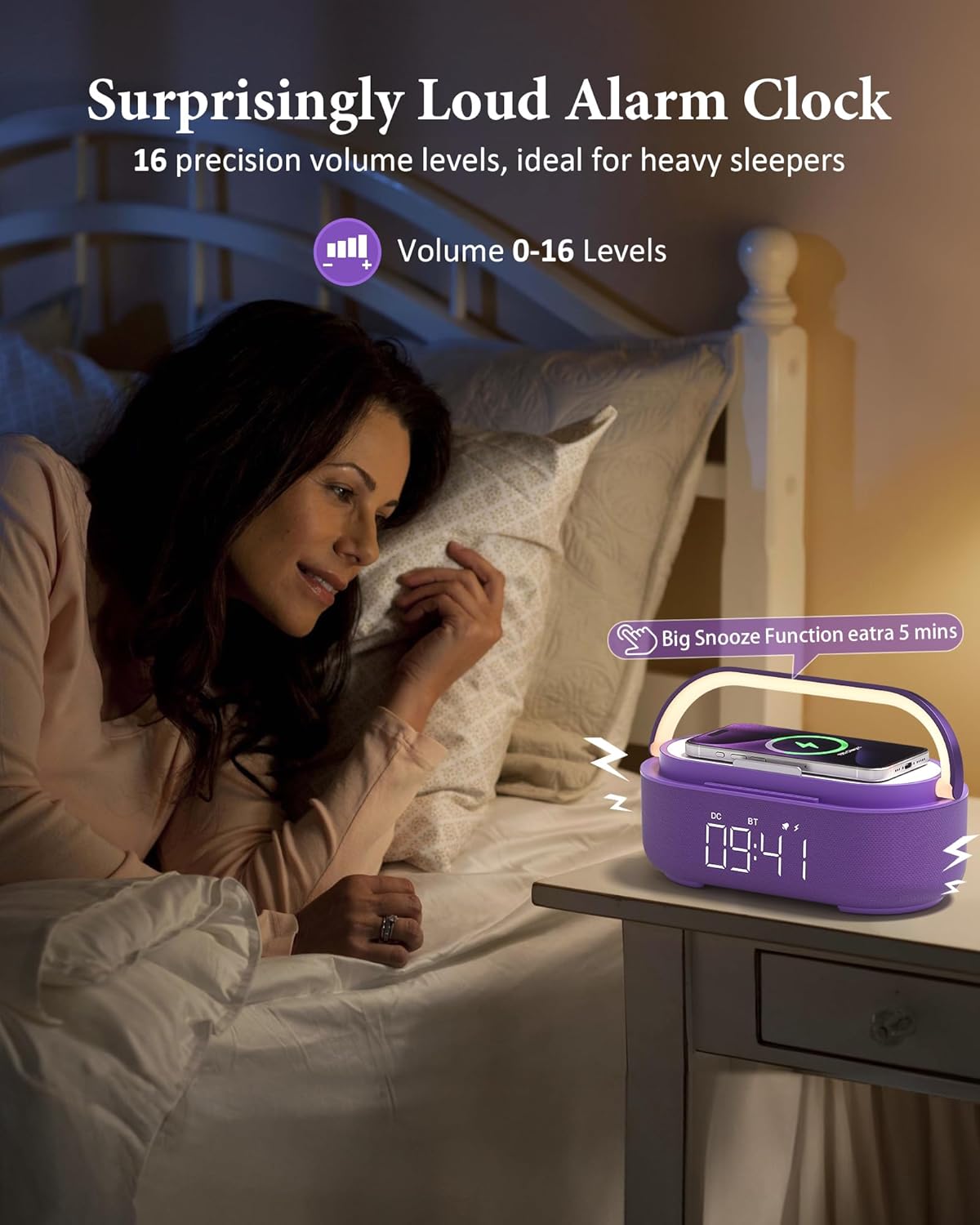
This image shows the alarm clock positioned on a nightstand, demonstrating its role as a bedside alarm and highlighting its clear digital display.
Instruccions de funcionament
Funcionalitat de l'altaveu Bluetooth
1. Maridatge: Press the 'BT' button on the device to enter Bluetooth pairing mode. The Bluetooth indicator on the display will flash.
- On your smartphone or other Bluetooth-enabled device, search for 'COLSUR S29' in the Bluetooth settings.
- Select 'COLSUR S29' to pair. Once connected, the Bluetooth indicator will stop flashing and remain solid.
2. Playback Control: Use your connected device to control music playback (play, pause, skip tracks) and adjust volume. You can also use the '+' and '-' buttons on the alarm clock to adjust the volume.

This image showcases the COLSUR device in a modern living room, highlighting its function as a high-fidelity Bluetooth speaker with a 2500mAh battery for extended use.
Càrrega sense fils
Place your Qi-compatible smartphone or earbuds case directly onto the wireless charging pad located on the top surface of the alarm clock. Ensure the device is centered on the charging area for optimal performance.
A charging indicator (usually a lightning bolt icon) will appear on your device's screen to confirm charging has begun.
Nota: For best charging results, remove any thick phone cases (over 5mm), metal attachments, or credit cards from your device before placing it on the charging pad.

This visual guide demonstrates the broad compatibility of the wireless charging function with popular smartphone brands and earbuds. It also provides important notes regarding phone case thickness and materials that can affect charging efficiency.
Ràdio FM
Press the 'FM' button to switch to FM radio mode. The display will show the FM frequency.
Long press the 'FM' button to automatically scan and save available radio stations.
Short press the '+' or '-' buttons to navigate between saved stations or fine-tune the frequency.

This image depicts a user enjoying the FM radio function of the device, emphasizing its ease of use and adjustable volume settings for a personalized listening experience.
Alarm Clock & Snooze
When the alarm sounds, short press the 'SNOOZE' button to activate the snooze function, which will temporarily silence the alarm for 5 minutes. The alarm will sound again after the snooze period.
To turn off the alarm completely, long press the 'SNOOZE' button or press any other button except '+' or '-'.
Adjustable LED Night Light
The integrated LED light bar offers four adjustable brightness levels: Off, Dim, Medium, and High.
Tap the light bar to cycle through the brightness settings.
The light bar also functions as a portable handle.

This image illustrates the versatility of the LED night light, showcasing its four brightness levels and its ability to create a comfortable ambiance for sleep or relaxation.
Manteniment i cura
Neteja: Feu servir un drap suau i sec per netejar la superfície del dispositiu. No utilitzeu productes de neteja abrasius ni dissolvents.
Emmagatzematge: Quan no l'utilitzeu durant períodes prolongats, guardeu el dispositiu en un lloc fresc i sec, allunyat de la llum solar directa.
Cura de la bateria: To prolong the life of the built-in 2500mAh battery, avoid fully discharging it frequently. Charge the device regularly, even if not in constant use.
Resolució de problemes
- El dispositiu no s'encén: Assegureu-vos que l'adaptador de corrent estigui connectat correctament tant al dispositiu com a una presa de corrent que funcioni.
- La càrrega sense fil no funciona:
- Verifica que el teu dispositiu sigui compatible amb Qi.
- Assegureu-vos que el dispositiu estigui centrat a la base de càrrega.
- Remove any thick cases, metal attachments, or credit cards from your device.
- Check if the power adapter is providing sufficient power.
- Problemes d'emparellament per Bluetooth:
- Ensure the alarm clock is in Bluetooth pairing mode (BT indicator flashing).
- Make sure your device's Bluetooth is enabled and within range (up to 33 feet).
- Forget the device from your phone's Bluetooth history and try pairing again.
- Poor FM radio reception: Extend the external antenna fully. Try repositioning the device to improve signal reception.
- L'alarma no sona: Check if the alarm is activated (alarm icon visible on display) and the volume is set appropriately.
Especificacions
| Marca | COLSUR |
| Model | S29 |
| Dimensions | 8.5 cm d'amplada x 3.3 cm d'alçada |
| Font d'alimentació | Battery Powered (2500mAh built-in battery) |
| Sortida de càrrega sense fils | 15W |
| Connectivitat | Bluetooth 5.3, FM Radio |
| Tipus de visualització | LED digital |
| Llum nocturna | Adjustable LED with 4 brightness settings |
| Material | Acrilonitril butadiè estirè (ABS) |
| Color | Lila |
Garantia i Suport
COLSUR products are designed for reliability and performance. For warranty information, technical support, or service inquiries, please refer to the contact details provided on the product packaging or the official COLSUR weblloc web. Si us plau, conserveu el comprovant de compra per a reclamacions de garantia.