
DOOGEE Tab A9+
DOOGEE Tab A9 Pro+ Android 15 Tablet User Manual
Model: Tab A9+
1. Introducció
This manual provides detailed instructions for the safe and efficient use of your DOOGEE Tab A9 Pro+ Android 15 Tablet. Please read this manual thoroughly before operating the device to ensure optimal performance and longevity. The DOOGEE Tab A9 Pro+ is designed for versatile use, offering powerful performance for work, study, and entertainment.
2. Contingut del paquet
Verifiqueu que tots els elements que s'enumeren a continuació siguin presents al paquet del producte:
- 1x DOOGEE Tab A9 Pro+ Tablet
- 1 cable USB tipus C
- 1x Carregador
- 1x Caixa d'embalatge
- 1 x manual d'usuari
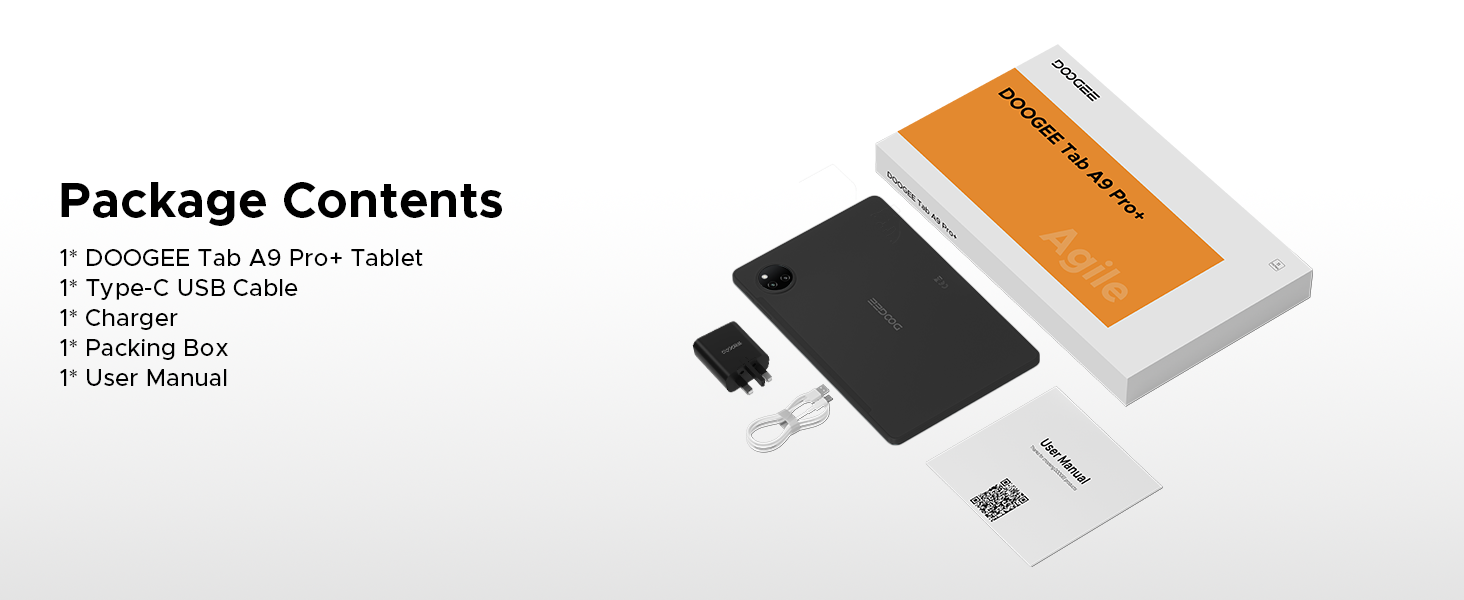
Figure 2.1: Contents of the DOOGEE Tab A9 Pro+ package.
3. Producte acabatview i Característiques
The DOOGEE Tab A9 Pro+ is equipped with advanced features for a superior user experience.
3.1 Pantalla
The tablet features an 11-inch HD IPS display with a 90Hz refresh rate, providing a wide field of view and smooth visuals. It supports Widevine L1 for high-definition streaming content, ensuring a clear and vibrant viewexperiència.

Figure 3.1: The 11-inch 90Hz HD IPS display of the DOOGEE Tab A9 Pro+.
3.2 Rendiment i emmagatzematge
Powered by an Octa-Core Unisoc T7200 processor, the tablet offers efficient performance. It comes with 6GB of physical RAM, expandable up to 30GB with virtual RAM, and 128GB of internal storage, expandable up to 2TB via a TF card (sold separately).

Figura 3.2: Mésview of RAM and ROM capabilities.

Figure 3.3: The Unisoc T7200 Octa-Core Processor.
3.3 Durada de la bateria
The 8580mAh battery provides extended usage times, including up to 24 days standby, 36 hours of music playback, 6.5 hours of video watching, and 7 hours of web browsing. It supports 10W fast charging and 5W reverse charging.

Figura 3.4: Capacitat de la bateria i temps d'ús estimats.
3.4 Sistema operatiu
The tablet runs on Android 15, offering an intelligent, seamless, and secure user experience with features like split-screen multitasking, advanced privacy controls, and low blue light mode.

Figure 3.5: The Android 15 operating system interface.
3.5 Cameras and Audio
Equipped with a 13MP main camera and a 5MP front camera for capturing photos and video calls. Dual speakers provide clear audio, and a standard 3.5mm audio jack is included for private listening.

Figure 3.6: Camera specifications and samples imatges.
Figure 3.7: High-Quality Dual Speakers for immersive audio.
4. Guia de configuració
4.1 Càrrega inicial
Before first use, fully charge your tablet using the provided Type-C USB cable and charger. Connect the USB cable to the tablet's charging port and the charger to a power outlet. The charging indicator will show the charging status.
4.2 Engegada/apagada
- Per encendre: Press and hold the Power button until the DOOGEE logo appears on the screen.
- Per apagar: Mantingueu premut el botó d'engegada fins que aparegui el menú d'opcions d'engegada i, a continuació, seleccioneu "Apagar".
- Per reiniciar: Mantingueu premut el botó d'engegada fins que aparegui el menú d'opcions d'energia i, a continuació, seleccioneu "Reiniciar".
4.3 Assistent de configuració inicial
En engegar-la per primera vegada, la tauleta us guiarà a través d'un assistent de configuració inicial. Seguiu les instruccions que apareixen a la pantalla per a:
- Seleccioneu el vostre idioma.
- Connecteu-vos a una xarxa Wi-Fi.
- Inicia la sessió amb el teu compte de Google o crea'n un de nou.
- Set up screen lock (PIN, pattern, password, or Face ID).
- Review i acceptar els termes i condicions.
5. Instruccions de funcionament
5.1 Navegació i gestos
The Android 15 operating system uses intuitive gestures for navigation:
- Inici: Feu lliscar el dit cap amunt des de la part inferior de la pantalla.
- Enrere: Feu lliscar el dit des de la vora esquerra o dreta de la pantalla.
- Aplicacions recents: Swipe up from the bottom and hold.
- Notificacions/Configuració ràpida: Feu lliscar el dit cap avall des de la part superior de la pantalla.
5.2 Gestió d'aplicacions
- Instal·leu aplicacions: Download applications from the Google Play Store.
- Desinstal·lar aplicacions: Press and hold an app icon, then drag it to "Uninstall" or go to Settings > Apps.
- Split-Screen Multitasking: Access recent apps, tap the app icon at the top of the window, and select "Split screen". This allows two apps to run simultaneously.
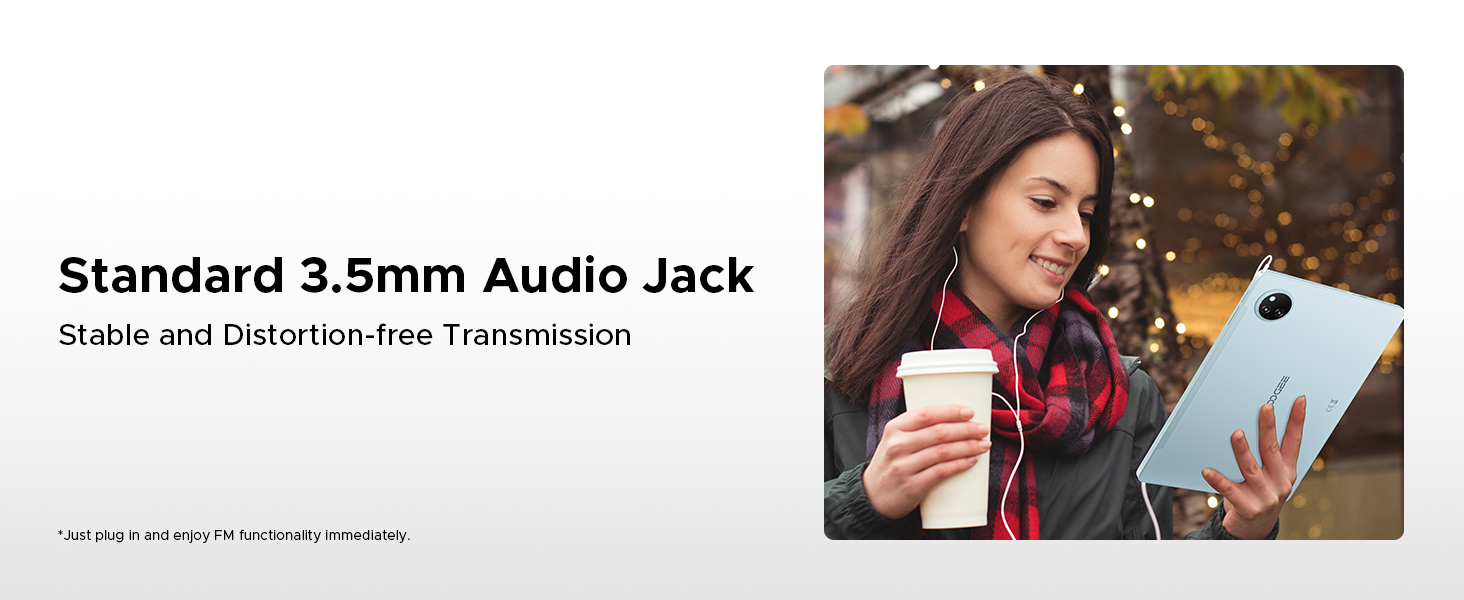
Figure 5.1: Efficient Split-Screen Multitasking.
5.3 Funcions de seguretat
- Identificació facial: Set up facial recognition for quick and secure unlocking via Settings > Security > Face Unlock.
- Controls de privadesa: Android 15 offers enhanced privacy settings. Manage app permissions and data access in Settings > Privacy.
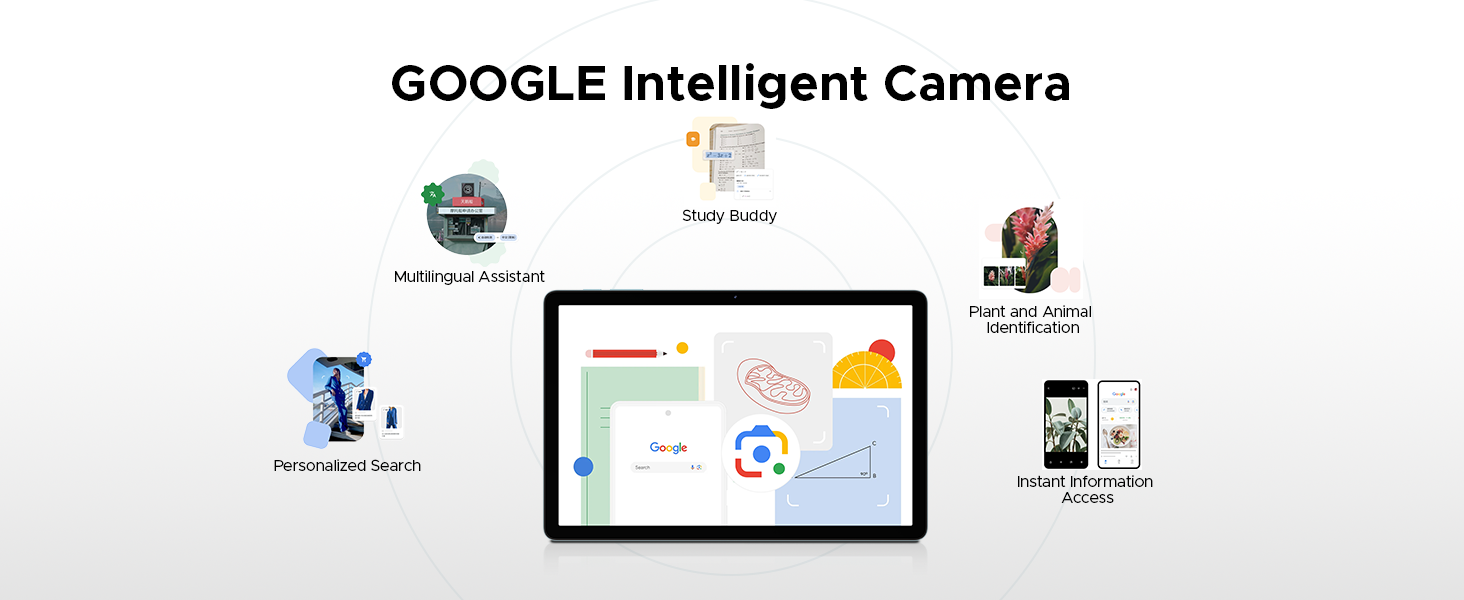
Figure 5.2: Fortified Privacy Shield features.
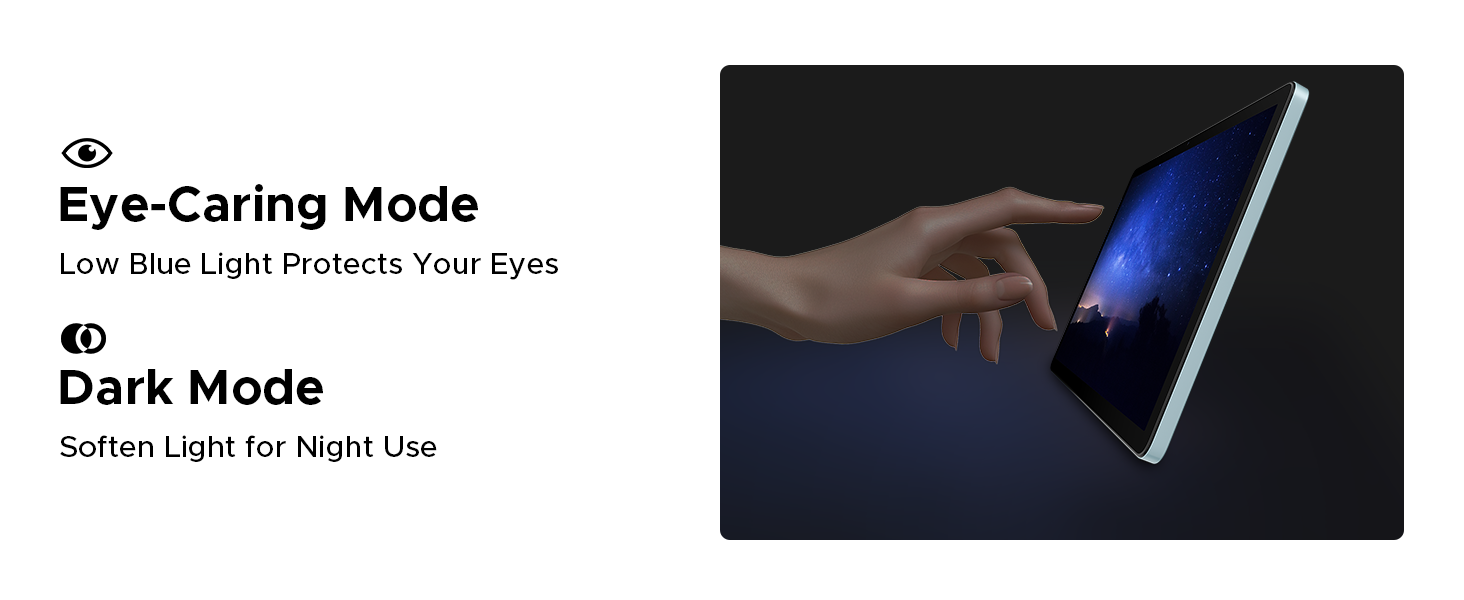
Figure 5.3: Facial Recognition Unlock.
5.4 Eye Comfort Modes
The tablet includes features to reduce eye strain:
- Mode de llum blava baixa: Reduces blue light emission for comfortable reading, especially in low light. Activate this in Display Settings.
- Mode fosc: Softens screen light for night use, reducing glare.
- Anti-Flicker Mode: Enhances visual comfort by reducing screen flickering.
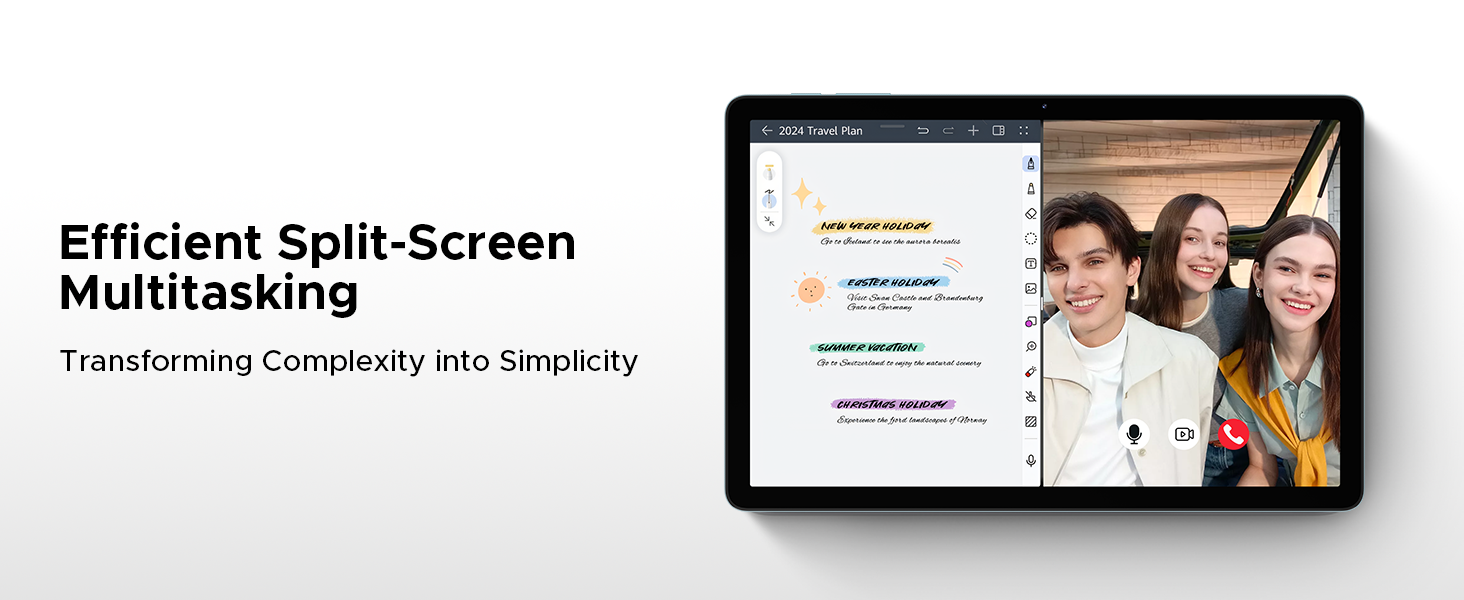
Figure 5.4: Anti-Flicker Mode comparison.
Figure 5.5: Eye-Caring Mode and Dark Mode.
6. Manteniment
6.1 Neteja de la tauleta
Per netejar la tauleta, feu servir un drap suau i sense borrissol. Per a taques difícils, fregueu-la lleugerament.ampNetegeu el drap amb aigua o un netejador de pantalles dissenyat per a electrònica. Eviteu utilitzar productes químics agressius, materials abrasius o humitat excessiva.
6.2 Actualitzacions de programari
Regularly check for and install software updates to ensure your tablet has the latest features, security patches, and performance improvements. Go to Settings > System > System update to check for updates.
6.3 Cura de la bateria
Per allargar la durada de la bateria:
- Eviteu temperatures extremes.
- No deixeu que la bateria es descarregui completament amb freqüència.
- Feu servir el carregador i el cable originals.
- If storing the tablet for a long period, charge it to about 50% before turning it off.
7. Solució De Problemes
This section addresses common issues you might encounter with your DOOGEE Tab A9 Pro+.
| Problema | Possible causa/solució |
|---|---|
| La tauleta no s'encén. | Battery might be depleted. Connect the charger and wait a few minutes before attempting to power on. If still unresponsive, try holding the power button for 10-15 seconds for a forced restart. |
| Slow performance or apps crashing. | Too many apps running in the background. Close unused apps. Clear cache for problematic apps (Settings > Apps > [App Name] > Storage > Clear cache). Consider a factory reset if issues persist (backup data first). |
| Problemes de connexió Wi-Fi. | Ensure Wi-Fi is enabled. Restart your router and the tablet. Forget the network and reconnect. Check if other devices can connect to the same Wi-Fi. |
| La bateria s'esgota ràpidament. | High screen brightness, many background apps, or heavy usage. Reduce screen brightness, close unused apps, disable unnecessary notifications, and limit background data usage. |
| La pantalla no respon. | Perform a forced restart by holding the power button for 10-15 seconds. Ensure the screen is clean and dry. |
8. Especificacions
Detailed technical specifications for the DOOGEE Tab A9 Pro+ tablet:
| Característica | Detall |
|---|---|
| Marca | DOOGEE |
| Número de model | Tab A9+ |
| Sistema operatiu | Android 15 |
| Mida de la pantalla | 11 inches (10.92 inches standing screen display size) |
| Tipus de visualització | IPS HD, 90Hz Refresh Rate |
| Resolució | 1280*800 |
| Processador | Unisoc T7200 Octa-Core, 1.6GHz |
| RAM | 6 GB (ampliable fins a 30 GB amb RAM virtual) |
| Emmagatzematge intern | 128 GB |
| Emmagatzematge ampliable | Up to 2TB (TF card not included) |
| Capacitat de la bateria | Polímer de liti de 8580 mAh |
| Carregant | Càrrega ràpida de 10 W, càrrega inversa de 5 W |
| Càmera principal | 13MP |
| Càmera frontal | 5MP |
| Àudio | Altaveus dobles, presa d'àudio de 3.5 mm |
| Connectivitat | 5G WiFi (2.4G/5G), Bluetooth |
| Seguretat | Identificació facial |
| Dimensions | 24.53 x 16.33 x 0.99 cm |
| Pes | 644 g |
| Color | Gray (as per current product variant) |
9. Garantia i Suport
DOOGEE provides a 2-year after-sales service for the Tab A9 Pro+ tablet, ensuring peace of mind. For technical support, warranty claims, or further assistance, please refer to the contact information provided on the official DOOGEE weblloc web o la documentació de la compra.
For more information, visit the official DOOGEE store: DOOGEE Store on Amazon UK
Ask a question about this manual
Ask about setup, troubleshooting, compatibility, parts, safety, or missing instructions. Manuals+ will review the question and use this page’s manual context to help answer it.