
1. Introducció
This manual provides essential information for the safe and efficient use of your FLEXISPOT One-Piece Electric Standing Desk. Designed for a seamless and sturdy workspace, this adjustable desk offers quiet electric height control and convenient memory presets to enhance your productivity and comfort.
2. Informació de seguretat
- Límit de pes: Do not exceed the maximum weight capacity of 176 pounds (80 kg). This includes monitors, laptops, and other equipment.
- Muntatge: Careful assembly is required. An electric drill (not included) may be necessary for certain steps.
- Enviament: The desk ships in two separate boxes, which may arrive at different times. Handle packages with care.
- Liquidació: Ensure adequate clearance around the desk during height adjustments to prevent obstructions or damage.
3. Contingut del paquet
Your FLEXISPOT Electric Standing Desk package includes the following main components:
- One-Piece Desktop (Maple)
- Electric Lifting Frame (White)
- Memory Controller with Display
- Assembly Hardware and Tools (as specified in manual)
- Ganxo per a auriculars
Note: The desk is shipped in two separate packages.
4. Muntatge i muntatge
Follow these steps for proper assembly of your standing desk. Refer to the included detailed assembly guide for visual instructions.
- Desempaquetar components: Carefully remove all parts from both shipping boxes. Verify all components are present against the packing list.
- Fixeu les columnes elevadores: Secure the lifting columns to the desktop frame using the provided screws.
- Instal·lar els peus: Fixeu els peus de l'escriptori a la part inferior de les columnes elevadores.
- Panell de control de muntatge: Securely mount the memory controller to the underside of the desktop in the designated location.
- Connectar els cables: Connect all motor and control panel cables according to the assembly diagram. Ensure cables are neatly routed and secured to prevent interference with desk movement.
- Fixeu el ganxo per als auriculars: Install the headphone hook on either side of the desk as desired.
- Comprovació final: Before plugging in, ensure all screws are tightened and the desk is stable.

Figure 4.1: Fully assembled FlexiSpot Electric Standing Desk.

Figure 4.2: Desktop dimensions: 60 inches wide, 24 inches deep, 1 inch thick.
5. Instruccions de funcionament
Your FLEXISPOT standing desk features an intuitive memory controller for easy height adjustments.
5.1 Ajust de l'alçada de l'escriptori
- Ajust manual: Use the up (▲) and down (▼) arrow buttons on the control panel to raise or lower the desk to your desired height. The current height (in inches) will be displayed on the LED screen. The desk adjusts smoothly from 28.1" to 45.7".
- Funcionament silenciós: The motor operates quietly, typically under 50 dB, ensuring a peaceful work environment during adjustments.
5.2 Ús de preajustos de memòria
The desk allows you to save up to four preferred height positions for quick transitions between sitting and standing.
- Set a Preset: Adjust the desk to your desired height using the manual adjustment buttons.
- Save Position: Press and hold one of the numbered preset buttons (1, 2, 3, or 4) until the display flashes or beeps, indicating the position has been saved.
- Recall a Preset: Simply press the corresponding numbered preset button (1, 2, 3, or 4) once. The desk will automatically move to the saved height.

Figure 5.1: Memory Control Panel for height adjustment.
5.3 Funcions integrades
- Ganxo dels auriculars: Utilize the integrated headphone hook for convenient storage of your headphones or other small items.
- Ports USB: The control panel may include USB-A and USB-C ports for charging small devices.
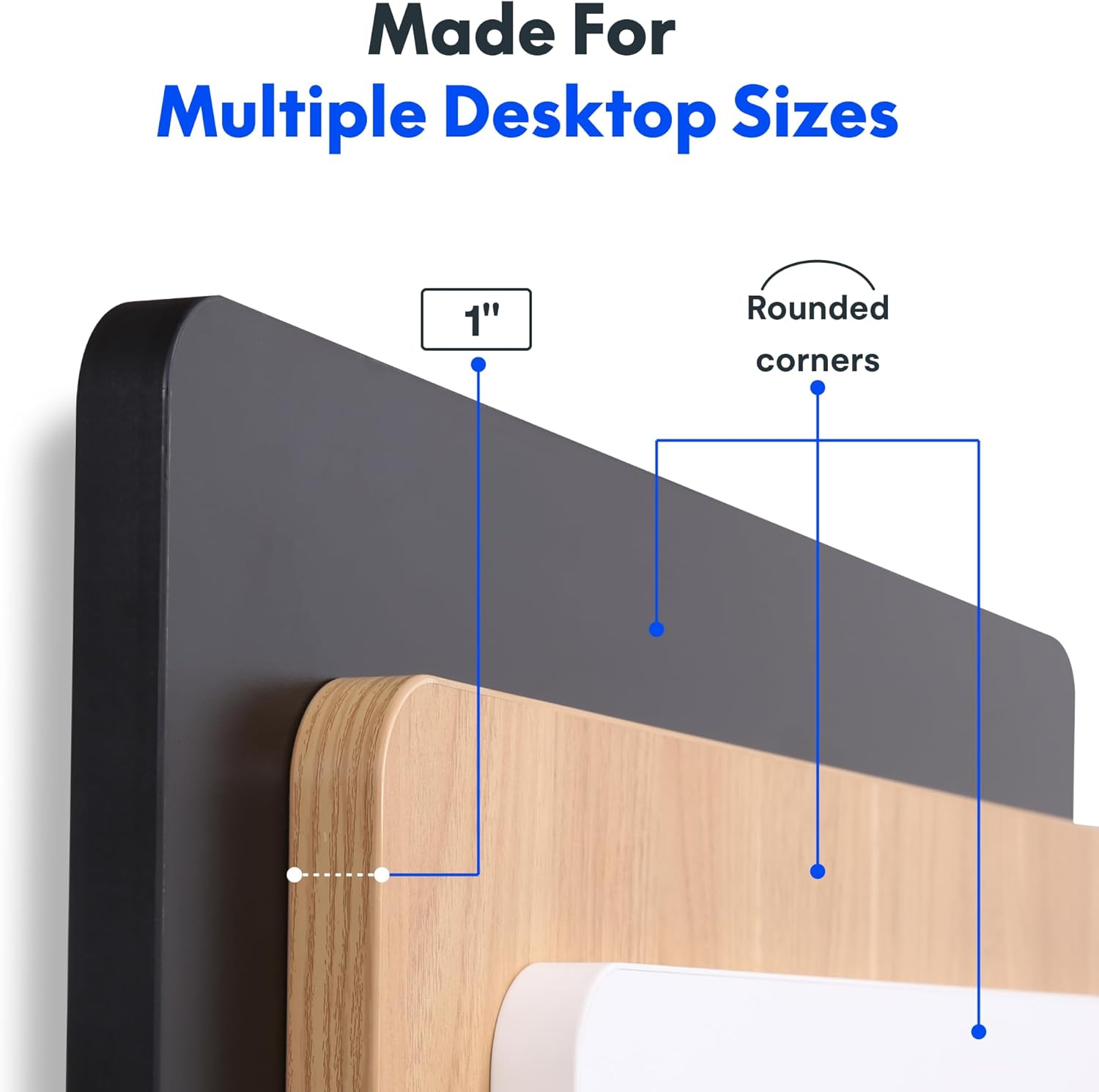
Figure 5.2: Convenient headphone hook for storage.
6. Manteniment
To ensure the longevity and optimal performance of your FLEXISPOT standing desk, follow these simple maintenance guidelines:
- Neteja: Netegeu l'escriptori i el marc amb un drap suauamp drap. Eviteu netejadors abrasius o productes químics agressius que puguin danyar l'acabat.
- Gestió de cables: Periodically check that all cables are securely fastened and not interfering with the desk's movement. Adjust cable ties as needed.
- Comprovació del motor: Listen for any unusual noises during operation. If you notice persistent clicking or grinding sounds, refer to the troubleshooting section or contact customer support.
7. Solució De Problemes
If you encounter any issues with your FLEXISPOT standing desk, please refer to the common problems and solutions below. For persistent issues, contact customer support.
| Problema | Causa possible | Solució |
|---|---|---|
| Desk not moving / No response from control panel | Power cable disconnected; Control panel cable loose; Overload protection activated. | Ensure power cable is securely plugged into the wall and the desk. Check all cable connections to the control panel and motors. Reduce weight on the desk if overloaded. Unplug for 10 minutes and plug back in to reset. |
| Desk moves unevenly or makes unusual noises (e.g., clicking) | Uneven load distribution; Loose screws; Motor issue. | Distribute weight evenly on the desktop. Check and tighten all assembly screws. If clicking persists, contact customer support. |
| Els preajustaments de memòria no funcionen | Els preajustos no s'han desat correctament. | Re-save your desired height presets by adjusting the desk to the position, then pressing and holding the desired preset button until it flashes. |
8. Especificacions
| Característica | Detall |
|---|---|
| Marca | FLEXISPOT |
| Model | 60x24" Maple Top + White Frame |
| Dimensions del producte (P x A x A) | 24"D x 60"W x 29"H (minimum height) |
| Material d'escriptori | Engineered Wood (One-Piece Seamless Desktop) |
| Gruix de la taula | 1 polzades |
| Material del marc | Acer d'aliatge (recobert en pols) |
| Interval d'ajust d'altura | 28.1" a 45.7" |
| Capacitat màxima de pes | 176 lliures (80 kg) |
| Nivell de soroll del motor | Menys de 50 dB |
| Presets de memòria | 4 Programmable Height Presets |
| Característiques especials | Seamless One-Piece Desktop, Headphone Hook |

Figure 8.1: Detail of the 1-inch thick desktop with rounded corners.
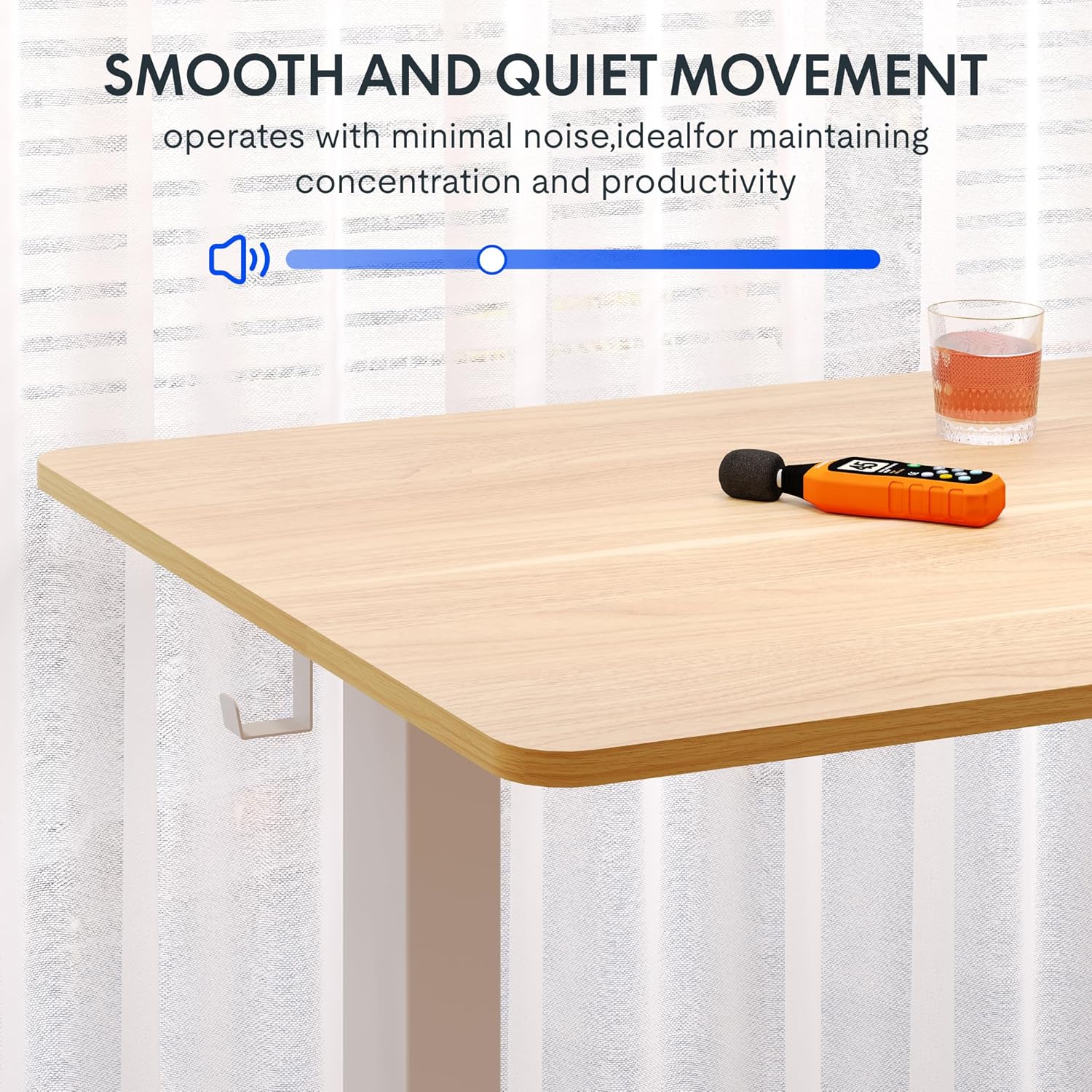
Figure 8.2: Large adjustment range for various user heights.
9. Manufacturing Process (Official Video)
Learn more about the precision and innovation behind every FlexiSpot product by watching this official video from the manufacturer.
Video 9.1: "Flexispot's Factory | INSIDE LOOK!" - An official video showcasing the manufacturing process.
10. Garantia i Suport
FLEXISPOT stands behind the quality of its products. Your standing desk comes with the following warranty:
- Frame, Motor, and Mechanical Parts: 5 any de garantia
- Components electrònics: 2 any de garantia
For warranty claims, technical support, or any inquiries, please contact FLEXISPOT customer service. You can also visit the official FLEXISPOT Store on Amazon per obtenir més informació i recursos de suport.
És possible que hi hagi plans de protecció addicionals disponibles per a la compra per ampliar la cobertura més enllà del període de garantia estàndard.