
1. Introducció
This manual provides comprehensive instructions for operating your Leica Q3 digital camera. Designed for both beginners and experienced photographers, this guide will help you understand and utilize the camera's sophisticated features and intuitive controls to capture stunning images and videos.
The Leica Q3 is equipped with a high-resolution 60-megapixel sensor, capable of delivering exceptional image quality. It also supports advanced video recording, including 8K resolution, and features a dynamic range optimization system for superior detail in various lighting conditions. The advanced autofocus system ensures precise and rapid focusing, making it suitable for a wide range of photographic scenarios.
Familiarize yourself with the camera's components and controls before proceeding with setup and operation.
2. Configuració inicial
Follow these steps to prepare your Leica Q3 for first use:
- Instal·lació de la bateria: Insert the fully charged battery into the battery compartment located at the bottom of the camera. Ensure it clicks securely into place.
- Inserció de la targeta de memòria: Open the memory card slot cover and insert a compatible SD card (UHS-II recommended) with the contacts facing the correct direction. Close the cover firmly.
- Encès: Engegueu la càmera amb l'interruptor d'alimentació.
- Configuració inicial: Upon first power-on, the camera will prompt you to set the language, date, time, and time zone. Use the navigation controls to select your preferences and confirm.
- Lens Cap Removal: Remove the lens cap before shooting.
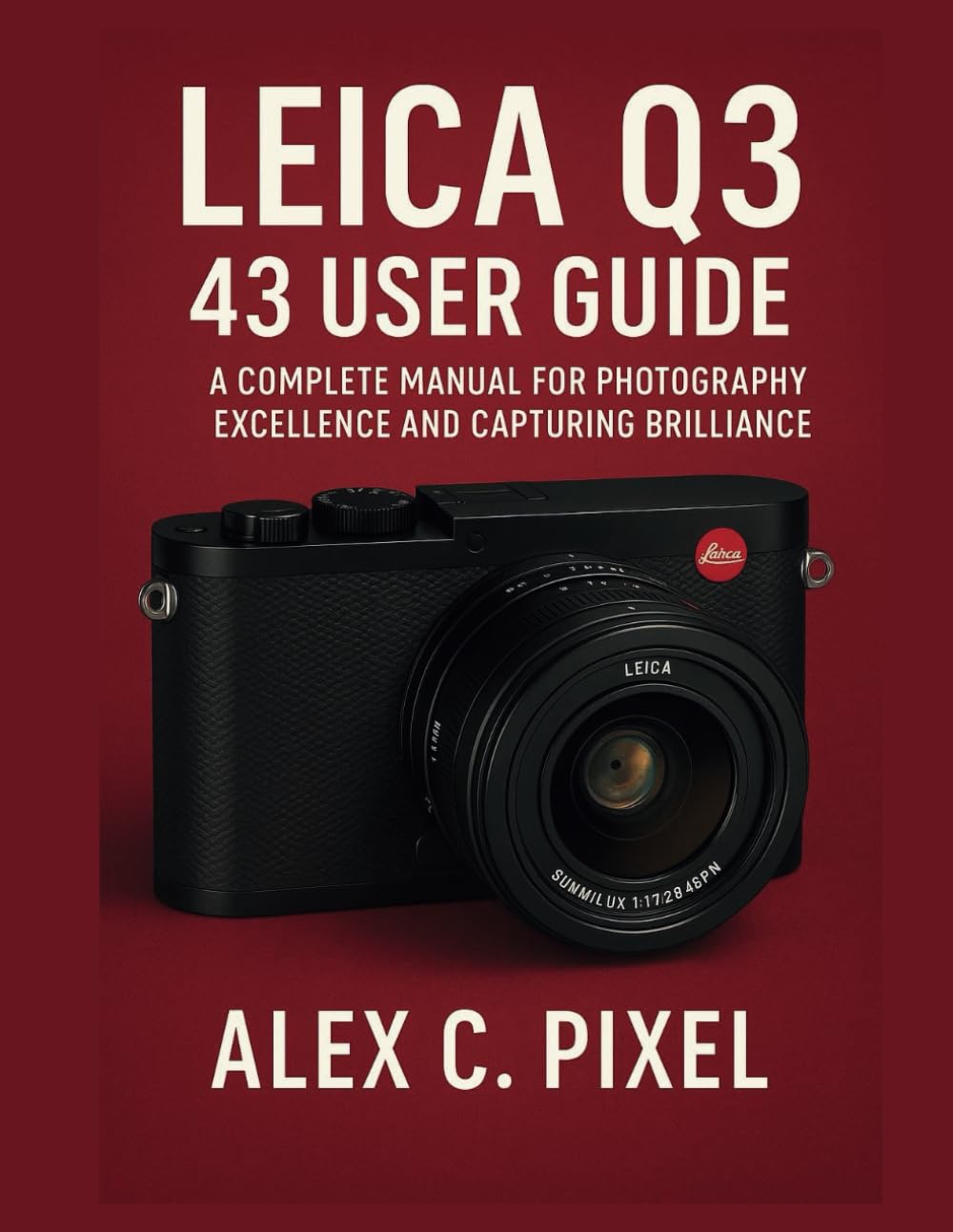
Figure 1: Cover of the Leica Q3 User Guide book. This image depicts a Leica Q3 camera equipped with a Summilux 28mm f/1.7 lens. Please note that while this image is from the user guide, the camera model discussed in this manual is the Leica Q3, which may feature different lens specifications depending on the variant.
3. Funcionament de la càmera
3.1 Fotografia bàsica
- Botó de l'obturador: Press halfway to focus, press fully to capture an image.
- Control de l'obertura: Adjust the lens aperture using the aperture ring on the lens. This controls depth of field.
- Sensibilitat ISO: Set the ISO via the camera's menu or dedicated dial to adjust light sensitivity. Higher ISO values are suitable for low-light conditions but may introduce noise.
- Modes d'enfocament: Select between autofocus (AF) and manual focus (MF) using the switch on the lens. In AF mode, choose between single-shot AF (AF-S) or continuous AF (AF-C) in the menu.
3.2 Funcions avançades
- Sensor de 60 megapíxels: Leverage the high-resolution sensor for detailed images, allowing for significant cropping without loss of quality.
- Gravació de vídeo 8K: Access 8K video mode through the camera's menu. Ensure you use a high-speed memory card for optimal performance.
- Dynamic Range Optimization: Enable this feature in the camera settings to preserve detail in both highlights and shadows, especially useful in high-contrast scenes.
- Sistema d'enfocament automàtic avançat: Explore various AF area modes (e.g., multi-field, spot, tracking) to suit different subjects and shooting styles.
- Customizable Function Buttons: Assign frequently used functions to the customizable buttons for quick access and improved workflow. Refer to the camera's menu for button customization options.
3.3 Shooting Scenarios
- Fotografia de carrer: Utilize the camera's compact size and fast autofocus. Consider using zone focusing or pre-focusing for quick captures.
- Fotografia de retrat: Use a wider aperture (lower f-number) to achieve a shallow depth of field, blurring the background and isolating your subject.
- Fotografia de paisatges: Employ a narrower aperture (higher f-number) for maximum depth of field, ensuring sharpness from foreground to background. Use a tripod for stability.
- Fotografia amb poca llum: Increase ISO sensitivity and use a wider aperture. The camera's excellent low-light performance helps minimize noise.
4. Manteniment i cura
- Neteja de la lent: Use a soft, lint-free microfiber cloth and a specialized lens cleaning solution. Avoid touching the lens surface with your fingers.
- Neteja del sensor: Sensor cleaning should be performed by a qualified service technician. Avoid attempting to clean the sensor yourself unless you have proper training and tools.
- Neteja corporal: Netegeu el cos de la càmera amb un drap suau i sec. Per a la brutícia persistent, netegeu lleugeramentampen the cloth with water. Do not use harsh chemicals.
- Cura de la bateria: Guardeu les piles en un lloc fresc i sec. Eviteu descarregar completament les piles durant períodes prolongats.
- Emmagatzematge: When not in use, store the camera in a dry, dust-free environment, preferably in a camera bag with desiccant packs to prevent moisture buildup.
5. Solució De Problemes
| Problema | Causa possible | Solució |
|---|---|---|
| La càmera no s'encén. | La bateria està esgotada o inserida incorrectament. | Carregueu la bateria completament i assegureu-vos que estigui inserida correctament. |
| Les imatges són borroses. | Enfocament incorrecte, tremolor de la càmera o lent bruta. | Check focus mode, use a faster shutter speed, or clean the lens. |
| Error de la targeta de memòria. | La targeta està plena, malmesa o incompatible. | Format the card (backup data first), try a different card, or ensure compatibility. |
| L'enregistrament de vídeo s'atura inesperadament. | Memory card speed is insufficient or camera overheats. | Use a faster UHS-II memory card. Allow camera to cool down if overheating. |
For issues not listed here, please refer to the official Leica support weblloc o contacteu amb el servei d'atenció al client.
6. Technical Specifications (Approximate)
- Sensor: 60-megapixel full-frame CMOS sensor
- Gravació de vídeo: Resolució de fins a 8K
- Lent: Integrated fixed lens (specific focal length and aperture may vary by model variant, e.g., 28mm f/1.7 or 43mm f/2 APO)
- Enfocament automàtic: Advanced hybrid autofocus system
- Visualització: High-resolution touchscreen LCD
- Connectivitat: Wi-Fi, Bluetooth, USB-C
- Emmagatzematge: SD card slot (UHS-II compatible)
- Bateria: Bateria recarregable Li-ion
Note: Specifications are subject to change without notice. For the most accurate and up-to-date information, please visit the official Leica weblloc.
7. Garantia i Suport
Informació de la garantia: Your Leica Q3 camera comes with a limited manufacturer's warranty. Please refer to the warranty card included with your product or visit the official Leica weblloc web per conèixer els termes i condicions detallats, inclòs el període de garantia i la cobertura.
Atenció al client: For technical assistance, service, or spare parts, please contact Leica customer support. Contact information can typically be found on the official Leica weblloc o en els materials d'embalatge.
Recursos en línia: Additional resources, firmware updates, and FAQs may be available on the official Leica support portal.