
Introducció
This manual provides essential information for the safe and efficient use of your Sony K55XR50 55-inch Bravia 5 Series 4K Mini LED Smart Google TV. Please read these instructions thoroughly before operating the television and retain them for future reference. This television features a 4K Mini LED display, the XR Processor for enhanced picture quality, AI Super Resolution, and integrated Google TV for smart functionality.
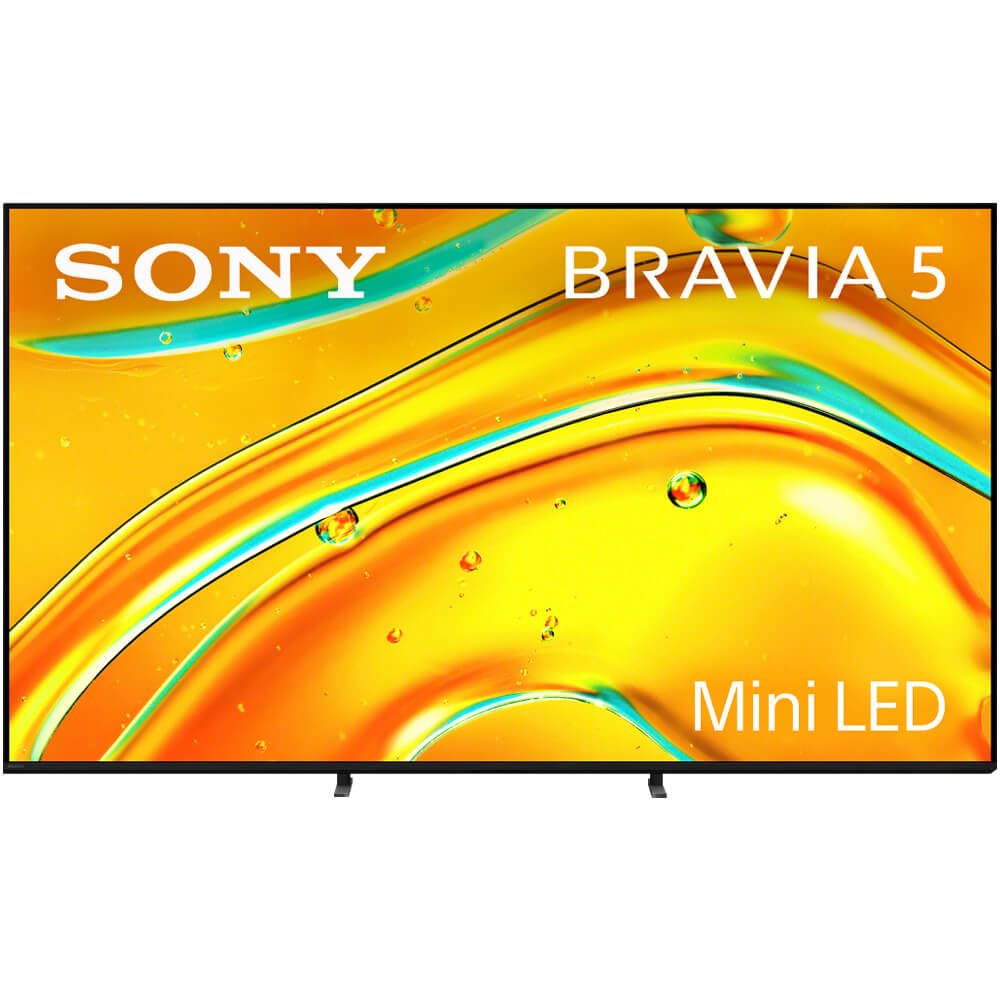
Image: The Sony K55XR50 television displayed in a contemporary living room environment, showcasing its sleek design and integration into home decor.
Configuració
1. Desembalatge i inspecció
Carefully remove the television and all accessories from the packaging. Inspect for any signs of damage. Keep packaging materials for potential future transport or service.
2. Instal·lació de l'estand
If you are not wall-mounting the television, attach the included stands. Ensure the television is placed on a stable, level surface.

Imatge: Un primer pla view of one of the television's stand bases, illustrating its design and how it supports the display.
- Align the stand brackets with the corresponding holes on the bottom of the television.
- Fixeu els suports amb els cargols proporcionats. No els estrenyeu massa.
- Ensure both stands are firmly attached before placing the TV upright.
3. Dispositius de connexió
Connect your external devices such as cable boxes, Blu-ray players, or gaming consoles to the HDMI ports. The television features 4 HDMI ports. For optimal 4K performance, use high-speed HDMI cables.
- Cable de corrent: Connecteu el cable d'alimentació al televisor i després a una presa de corrent.
- Dispositius HDMI: Use HDMI ports for video and audio input.
- Dispositius USB: Connect USB storage devices to the USB ports.
- Connexió de xarxa: Connect an Ethernet cable for a wired internet connection or proceed to wireless setup during initial configuration.
4. Assistent d'encesa inicial i configuració
Plug in the power cord and press the power button on the remote control or the TV. Follow the on-screen instructions to complete the initial setup, including language selection, network connection, and Google TV account setup.
Funcionament del televisor
1. Control remot sobreview
Familiarize yourself with the remote control buttons. Key functions include power, volume, channel, input selection, and navigation buttons for the Google TV interface.
2. Navegació de la interfície de Google TV

Image: The Sony K55XR50 television screen showing the Google TV home interface, featuring various streaming app icons and content recommendations.
Use the directional pad and 'OK' button on your remote to navigate through the Google TV home screen. Access apps, streaming services (Disney Plus, Google TV, Netflix, Prime Video), and settings.
3. Funcions bàsiques
- Encès/apagat: Premeu el botó d'engegada del comandament a distància.
- Control de volum: Feu servir els botons de pujar/baixar el volum.
- Selecció d'entrada: Press the 'Input' button to switch between connected devices (HDMI 1, HDMI 2, etc.).
- Control de veu: Use the built-in mic switch on the TV or the remote's microphone button to activate Google Assistant for voice commands.
4. Funcions intel·ligents i jocs
Your TV supports various internet applications and offers exclusive features for PlayStation 5, making it ideal for gaming. Access the Game Menu for optimized gaming settings.
Manteniment i cura
1. Cleaning the Screen and Cabinet
- Desendolla sempre el televisor abans de netejar-lo.
- Feu servir un drap suau i sec per netejar la pantalla i la carcassa.
- Per a marques difícils, esbandiu lleugeramentampNetegeu el drap amb aigua o un netejador de pantalles suau i no abrasiu. No ruixeu líquid directament sobre la pantalla.
- Eviteu utilitzar productes químics agressius, esponges abrasives o dissolvents.
2. Actualitzacions de programari
Ensure your TV's software is up to date for optimal performance and security. The TV will typically prompt you for updates, or you can manually check in the settings menu under 'System' > 'About' > 'System update'.
Resolució de problemes
Problemes comuns i solucions
- Sense energia: Ensure the power cord is securely plugged into both the TV and the wall outlet. Try a different outlet.
- Sense imatge/so: Check that the correct input source is selected. Verify all HDMI cables are properly connected.
- El control remot no funciona: Replace the batteries (2 AAA alkaline batteries required). Ensure there are no obstructions between the remote and the TV.
- Mala qualitat d'imatge: Check the source resolution. Adjust picture settings in the TV menu. Ensure your antenna or cable connection is secure.
- Sense connexió a Internet: Verifiqueu la contrasenya del Wi-Fi o la connexió per cable Ethernet. Reinicieu l'encaminador i el mòdem.
- TV is Slow/Unresponsive: Prova de reiniciar el televisor desendollant-lo de la presa de corrent durant uns minuts i després tornant-lo a connectar.
Especificacions
| Característica | Detall |
|---|---|
| Mida de la pantalla | 55 polzades |
| Tecnologia de visualització | Mini LED |
| Resolució | 4K (3840 x 2160), 1080p, 720p |
| Freqüència d'actualització | 120 Hz |
| Processador | Processador XR |
| Sistema operatiu | Google TV |
| Format HDR compatible | Dolby Vision |
| Integrated Surround Sound | Dolby Atmos |
| Ports HDMI totals | 4 |
| Ports USB | 1 (Total USB 3.0 Ports: 1) |
| Tecnologia sense fils | Bluetooth, WiFi |
| Dimensions (P x A x A) | 54 "P x 34" W x 7" H |
| Pes de l'article | 56 lliures |
| Consum d'energia | 185 watts |
| Components inclosos | Manual d'usuari |
Informació de la garantia
This Sony K55XR50 television comes with a 1 anys de garantia del fabricant. Please retain your proof of purchase for warranty claims. For detailed terms and conditions, refer to the warranty card included with your product or visit the official Sony support weblloc.
Atenció al client
For further assistance, technical support, or service inquiries, please contact Sony Customer Support. You can find contact information on the official Sony website or through the support section within your television's settings menu.
Assistència en línia: Visita www.sony.com/electronics/support