
Introducció
This manual provides detailed instructions for the Edifier W820NB Plus Gen 2 Wireless Over-Ear Noise Cancelling Headphones. Please read this manual thoroughly before using the product to ensure proper operation and to maximize your listening experience.
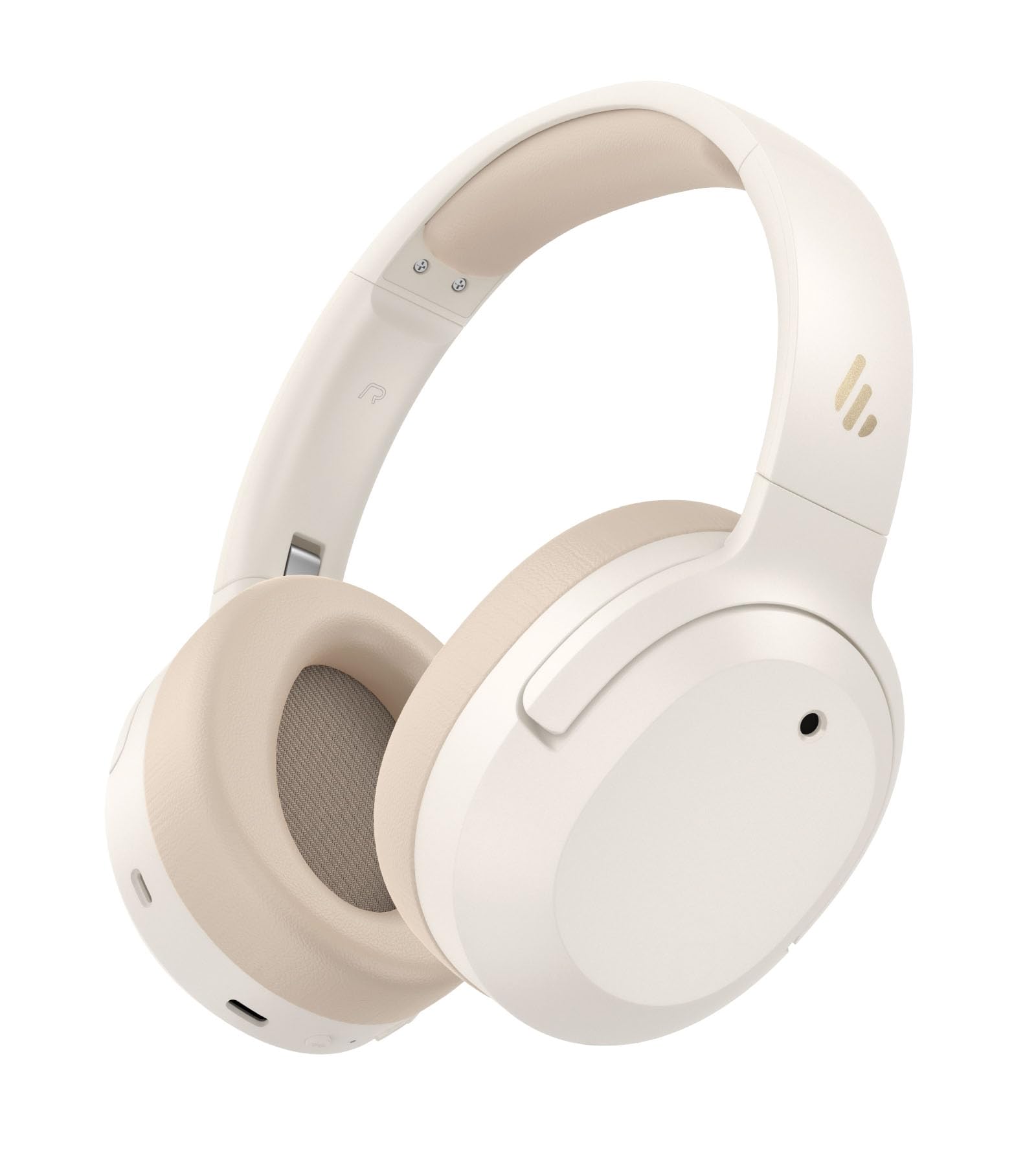
Image: Edifier W820NB Plus Gen 2 Headphones in Ivory.
Què hi ha a la caixa
Upon opening your Edifier W820NB Plus Gen 2 package, you should find the following items:
- Edifier W820NB Plus Gen 2 Headphones
- USB-C Charging Cable (1.2 meters)
- Manual d'usuari
- Informació important de seguretat
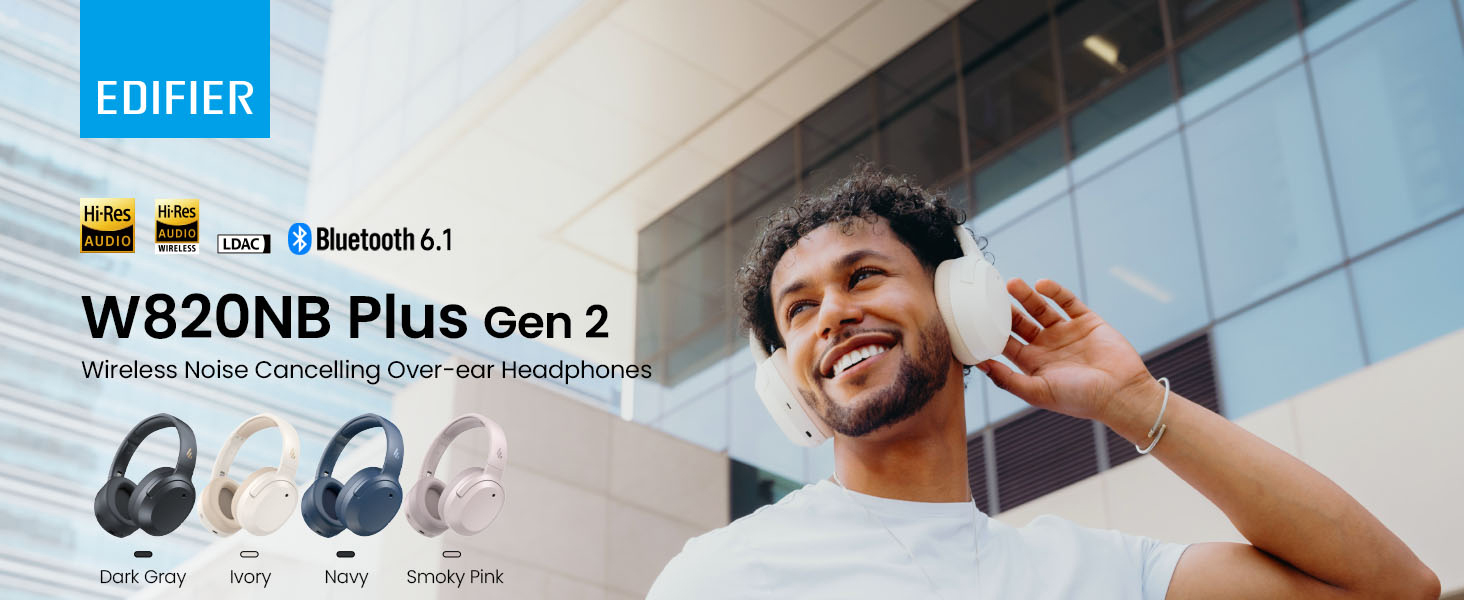
Image: Box contents showing the headphones, charging cable, and documentation.
Configuració
Encès/Apagat
- Encès: Press and hold the power button for approximately 2 seconds. The blue LED will blink once.
- Apagar: Press and hold the power button for approximately 2 seconds. The red LED will blink once.
Emparellament Bluetooth
Maridatge per primera vegada
- Power on the headphones. They will automatically enter Bluetooth pairing mode.
- The LED will blink blue and green alternately.
- On your phone or device, select "EDIFIER W820NB Plus" from the Bluetooth list.
- Once connected, the blue LED will blink twice.
Pairing a New Device (Multipoint)
- Enceneu els auriculars.
- Press and hold the multi-function button for about 3 seconds to re-enter Bluetooth pairing mode. The voice prompt will say "Pairing," and the LED will blink blue and green alternately.
- Select "EDIFIER W820NB Plus" on your new device to pair.
- To complete multipoint connection, go back to the first paired device and reconnect to "EDIFIER W820NB Plus".
Download the EDIFIER ConneX App
Enhance your experience by downloading the EDIFIER ConneX App. Cerca "EDIFIER ConneX" in your device's app store or scan the QR code provided in the packaging or user manual. The app allows you to switch ANC modes, customize EQ, adjust sound effects, set maximum volume levels, and access other settings.
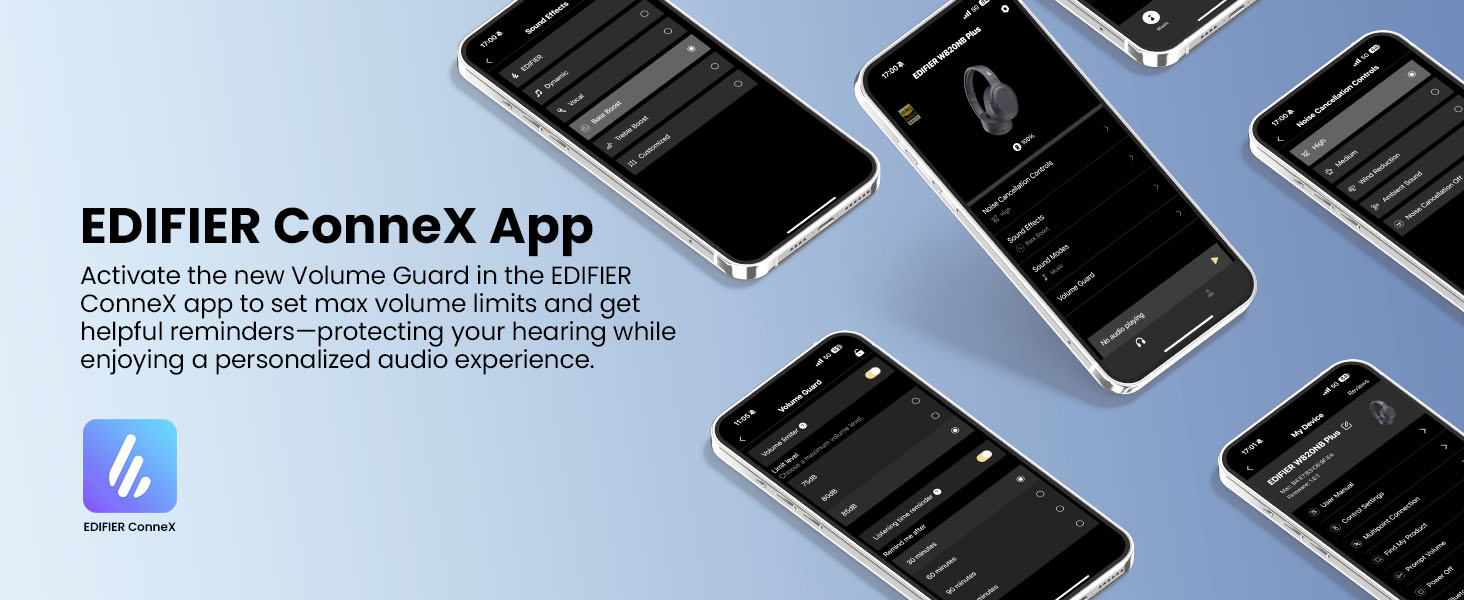
Image: The EDIFIER ConneX App provides extensive customization options.
Vídeo de la guia d'usuari oficial
Video: A detailed user guide video demonstrating various features and setup processes for the Edifier W820NB Plus Gen 2 headphones.
Instruccions de funcionament
Controls
The headphones feature intuitive physical buttons for easy control:
| Botó | Acció | Funció |
|---|---|---|
| Botó d'engegada (multifunció) | Premsa única | Reproduir/Pausa, Respondre/Finalitzar trucada |
| Botó d'engegada (multifunció) | Doble premsa | Reject Call, Voice Assistant |
| Botó d'engegada (multifunció) | Manteniu premut | Encès/Apagat |
| Puja el volum (+) | Premsa única | Augmenta el volum |
| Puja el volum (+) | Manteniu premut | Pista següent |
| Baixar el volum (-) | Premsa única | Disminuir el volum |
| Baixar el volum (-) | Manteniu premut | Pista anterior |
| Botó ANC | Premsa única | Switch ANC Modes (High Noise Cancellation / Ambient Sound / Noise Cancellation Off) |
| Botó ANC | Doble premsa | Switch Sound Effects (Music Mode / Game Mode / Spatial Sound) |
| Botó ANC | Manteniu premut | Parella Bluetooth |
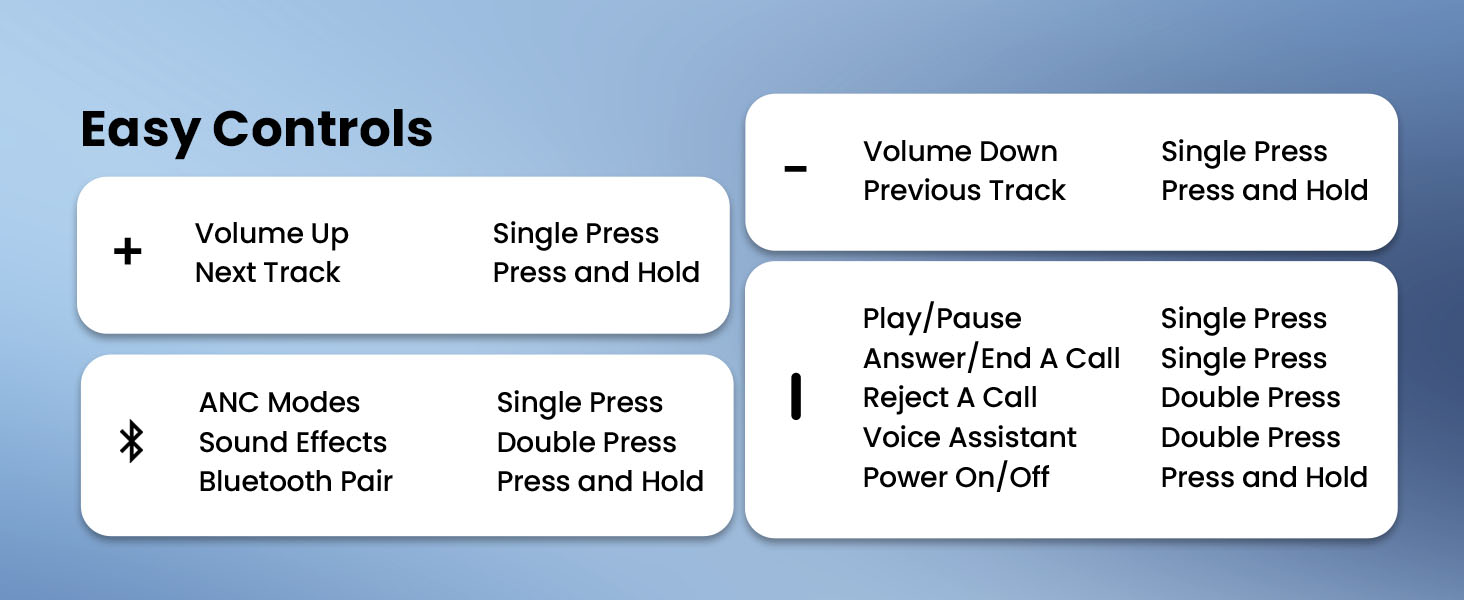
Image: Easy controls for managing audio and calls.
Cancel·lació activa de soroll (ANC)
The headphones feature advanced -49dB hybrid ANC with multiple modes:
- High Noise Cancellation: For maximum noise reduction in loud environments.
- Medium Noise Cancellation: A balanced mode for moderate noise.
- So ambiental: Et permet escoltar el teu entorn mentre escoltes àudio.
- Wind Reduction: Specifically designed to minimize wind noise.
- Cancel·lació de soroll desactivada: Disables ANC.
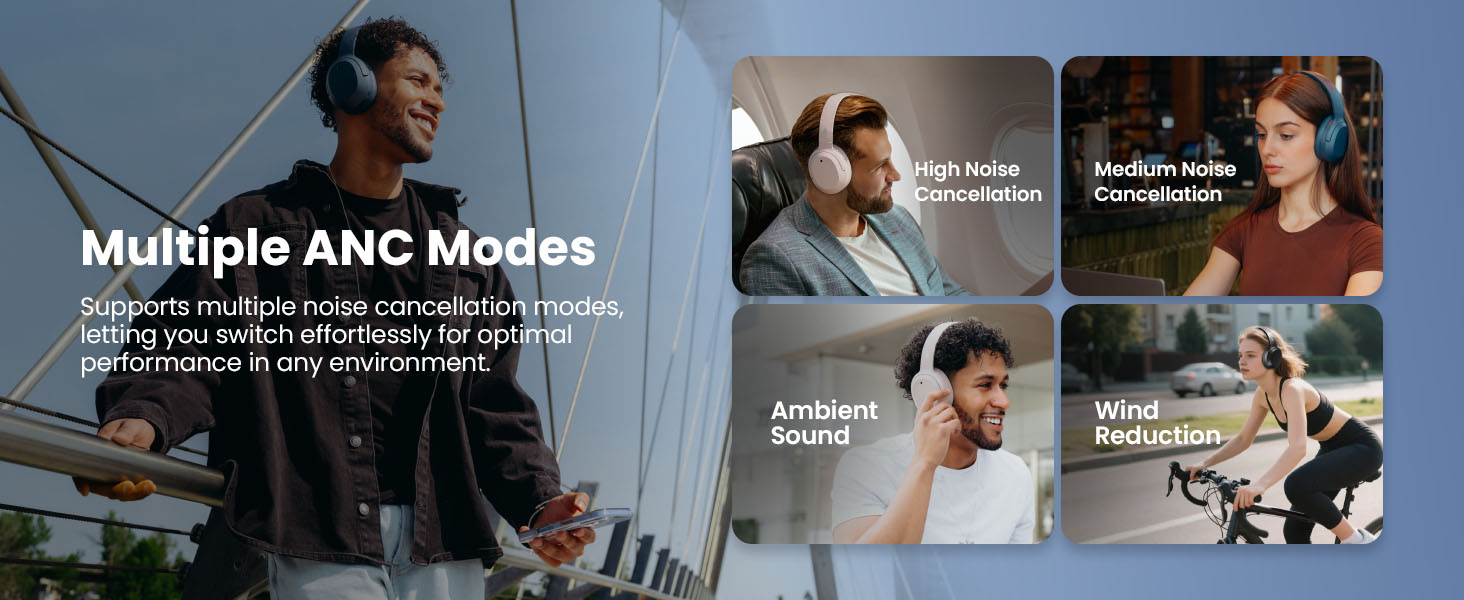
Image: Multiple ANC modes for various environments.
So espacial
Immerse yourself in a dynamic 360° surround sound experience with lifelike depth and clarity. Activate Spatial Sound via the EDIFIER ConneX App or by double-pressing the ANC button until the Spatial Sound effect is selected.
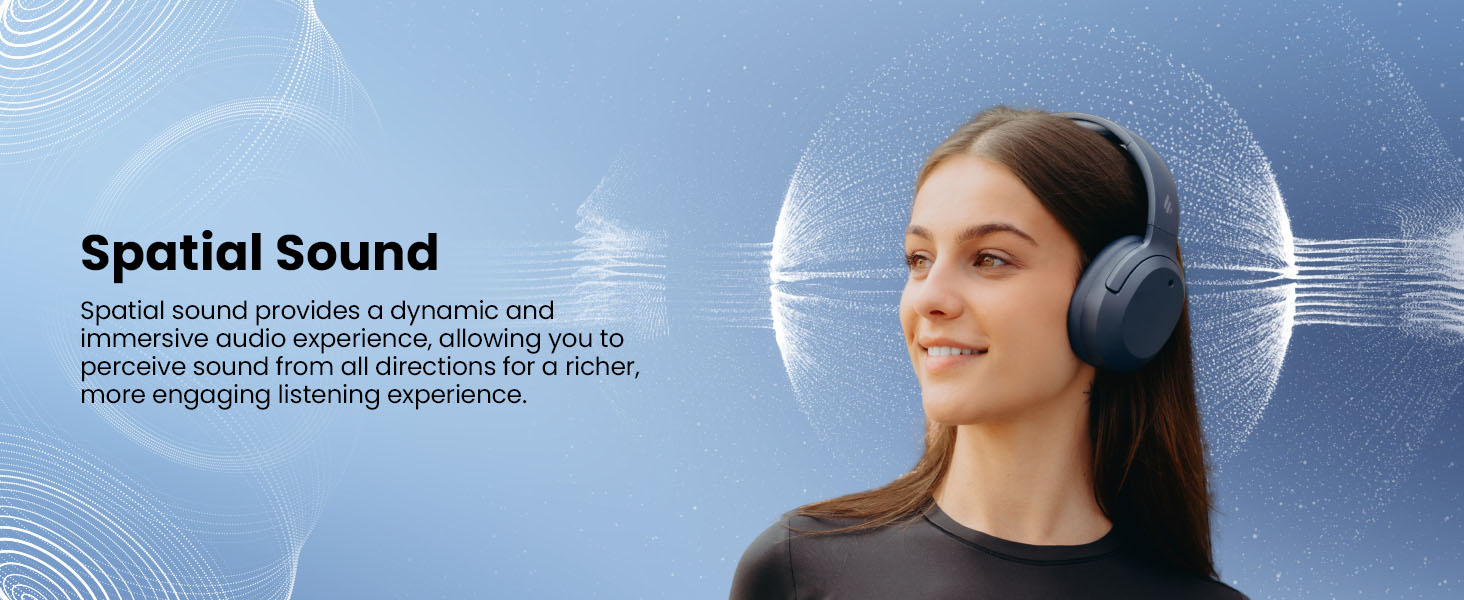
Image: Experience immersive spatial audio for 3D sound.
Mode de joc
For a smoother, more immersive gameplay experience, activate Gaming Mode. This mode reduces audio latency for responsive sound. Access Gaming Mode via the EDIFIER ConneX App or by double-pressing the ANC button until the Game Mode effect is selected.
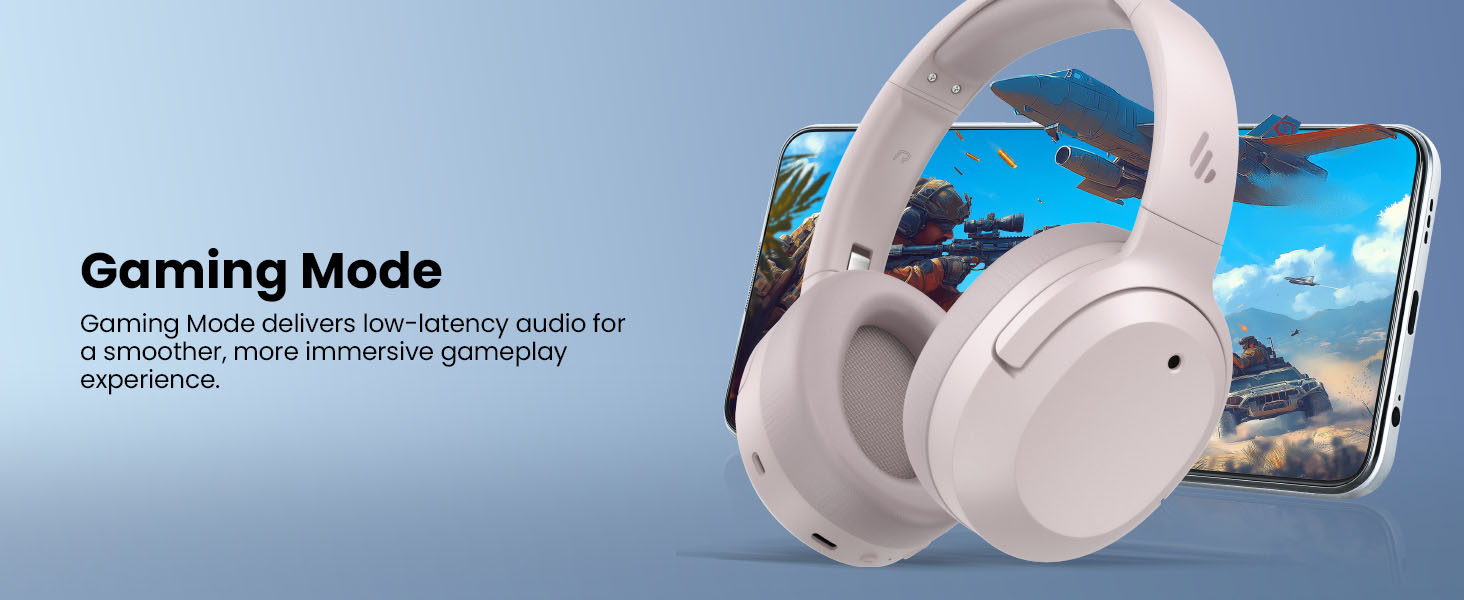
Image: Gaming Mode provides low-latency audio for an enhanced experience.
Volume Guard
The Volume Guard feature, accessible through the EDIFIER ConneX App, helps protect your hearing by allowing you to set a preferred maximum volume level and receive listening time reminders.
Connexió per cable
To use the headphones in wired mode, plug the included USB-C cable into the headphone's USB-C port and connect the other end to a computer or another device with a USB port. The wired connection will automatically disable Bluetooth mode.
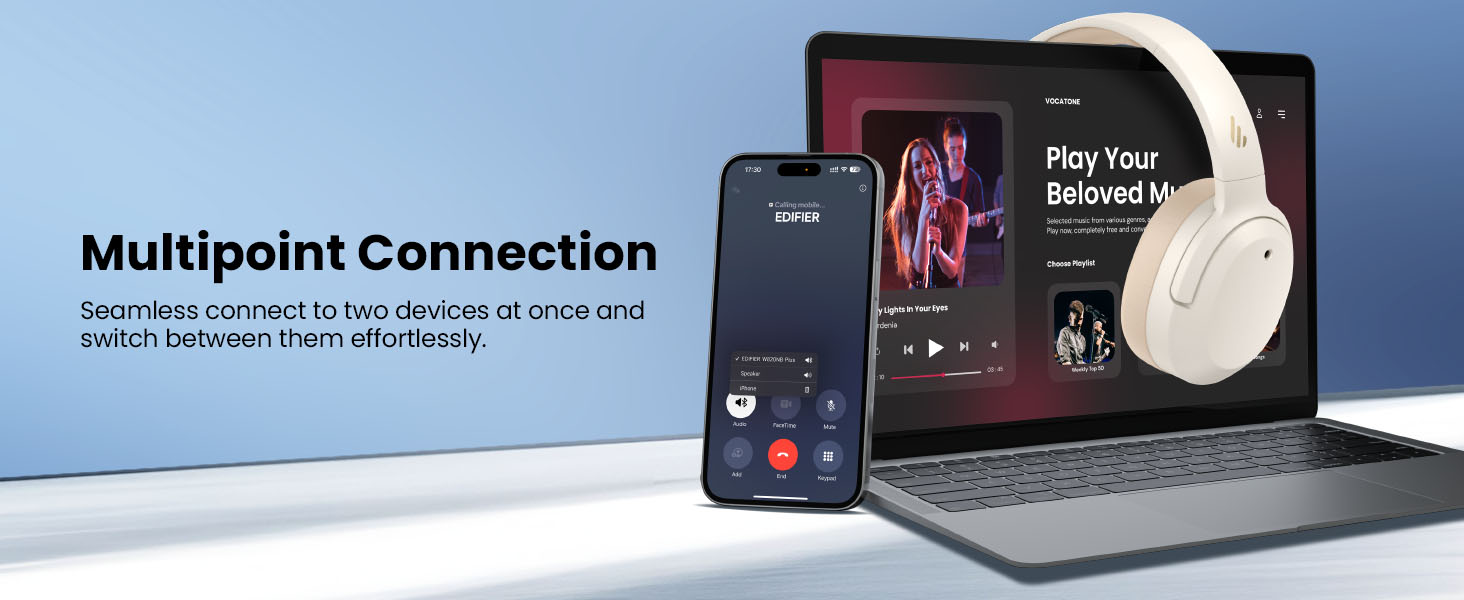
Image: Wired connection for continuous playback and charging.
Manteniment
Carregant
The headphones offer up to 88 hours of continuous use (49 hours with ANC enabled). When the battery is low (less than 2%), a voice prompt will notify you: "Low battery, please charge," and the red LED will flash every 5 seconds.
To charge your headphones, plug the USB-C charging cable into the headphone's USB-C port and connect the other end to a computer or a wall charger. The LED will stay solid red while charging. It will turn green when fully charged if connected to a computer, or it will turn off when connected to a wall charger.
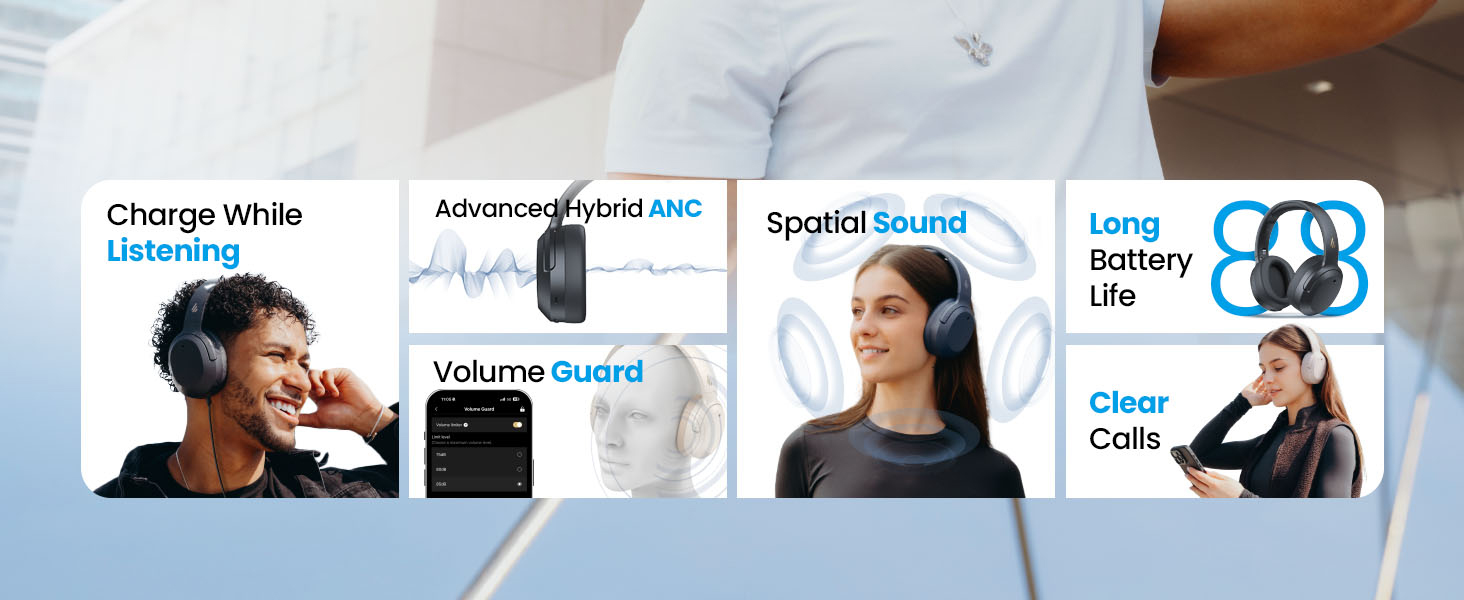
Image: Battery life and fast charging capabilities.
Neteja i emmagatzematge
- Use a soft, dry cloth to clean the headphones. Avoid using abrasive cleaners or solvents.
- Store the headphones in a cool, dry place away from extreme temperatures and humidity.
- The headphones feature a compact and foldable design for easy storage and portability.
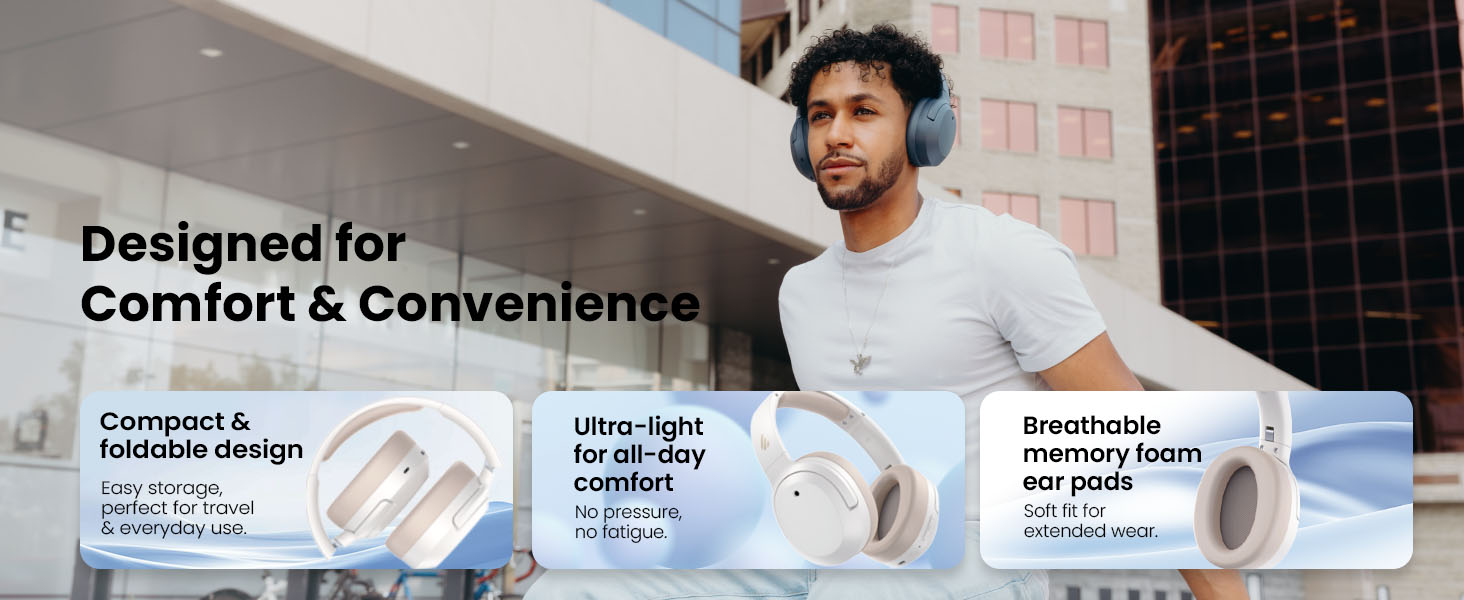
Image: Foldable design for comfort and convenience.
Resolució de problemes
Reinicialització dels auriculars
If you encounter any issues during use, you can reset the headphones to restore factory settings:
- Press and hold the top (+) and bottom (-) buttons simultaneously for 5 seconds.
- The blue LED will blink six times until the reset is complete.
- A voice prompt will say "Disconnected."
- The headphones will then enter Bluetooth pairing mode, with the LED blinking blue and green alternately, and a voice prompt will say "Pairing."
- Follow the pairing instructions to reconnect your device.
Problemes comuns
- No es pot encendre: Assegureu-vos que els auriculars estiguin carregats. Connecteu-los a una font d'alimentació amb el cable USB-C.
- No es pot emparellar per Bluetooth: Ensure the headphones are in pairing mode (LED blinking blue and green). Check your device's Bluetooth settings and try re-pairing. If issues persist, perform a factory reset.
- Sense so: Check the volume levels on both the headphones and your connected device. Ensure the headphones are properly paired or connected via wired mode.
- L'ANC no funciona eficaçment: Ensure ANC is enabled. Adjust the ANC mode via the multi-function button or the EDIFIER ConneX App to suit your environment.
- Qualitat de trucada baixa: Ensure the headphones are close to your device. Check for any obstructions between the headphones and your device.
Especificacions
| Característica | Detall |
|---|---|
| Marca | Edificador |
| Número de model | W820NBPLUS 2025 |
| Nom del model | W820NB Plus Gen 2nd |
| Color | Marfil |
| Col·locació de l'orella | Sobre l'orella |
| Impedància | 40 ohms |
| Mètode de control | Pulsador |
| Temps de càrrega de la bateria | 2 hores |
| Durada mitjana de la bateria | 88 Hours (49 hours with ANC) |
| Control de soroll | Cancel·lació activa de soroll (-49dB) |
| Resposta de freqüència | 40 kHz |
| Tipus de controlador d'àudio | Conductor dinàmic |
| Mida del controlador d'àudio | 40 mil·límetres |
| Interval de freqüència | 20 Hz - 20,000 Hz |
| Material de tancament | Plastic, Foam, Fabric |
| Dispositius compatibles | Smartphones, Laptops, Desktops, Tablets, Televisions, Gaming Consoles |
| Conector d'auriculars | USB-C |
| Tecnologia de connectivitat | Sense fil (Bluetooth) |
| Versió Bluetooth | 6.1 |
| Pes de l'article | 247 grams |
| GTIN / UPC | 875674008313 |
Garantia i Suport
Informació de la garantia
The Edifier W820NB Plus Gen 2 headphones come with a 1 any de garantia del fabricantSi us plau, conserveu el comprovant de compra per a reclamacions de garantia.
Atenció al client
For further assistance, technical support, or warranty inquiries, please visit the official Edifier website or contact their customer service. You can also find additional resources and FAQs within the EDIFIER ConneX App.