
Introducció
This manual provides detailed instructions for the safe and effective use of your PHILIPS SFL1121P Rechargeable LED Flashlight. Please read this manual thoroughly before operating the device and retain it for future reference.

Image: The PHILIPS SFL1121P flashlight shown with its USB-C charging cable.
Configuració
Càrrega inicial
Before first use, fully charge the flashlight. The device features a hidden USB Type-C charging port.
- Locate the hidden USB Type-C charging port on the flashlight.
- Connect the provided USB Type-C cable to the flashlight's charging port.
- Connecteu l'altre extrem del cable USB a una font d'alimentació USB compatible (per exemple, un ordinador, un adaptador de paret).
- The indicator light will show red during charging and turn green when fully charged.
- El temps de càrrega és d'aproximadament 2 hores.

Image: Close-up of the PHILIPS SFL1121P showing the USB Type-C charging port.
Instruccions de funcionament
Basic Flashlight Operation
The PHILIPS SFL1121P offers five lighting modes for various situations.
- Encès/apagat: Press the power button once for a single click to turn on the flashlight. Press again to cycle through brightness modes. Long press to enter continuous dimming mode.
- Ciclisme en mode: A single click of the power button will cycle through the following brightness modes: High, Medium, Low.
- Atenuació contínua: Press and hold the power button to activate continuous dimming, allowing linear adjustment of brightness. Release the button at your desired brightness level.
- Mode estroboscòpic: Double-click the power button to activate the flashing mode (strobe).
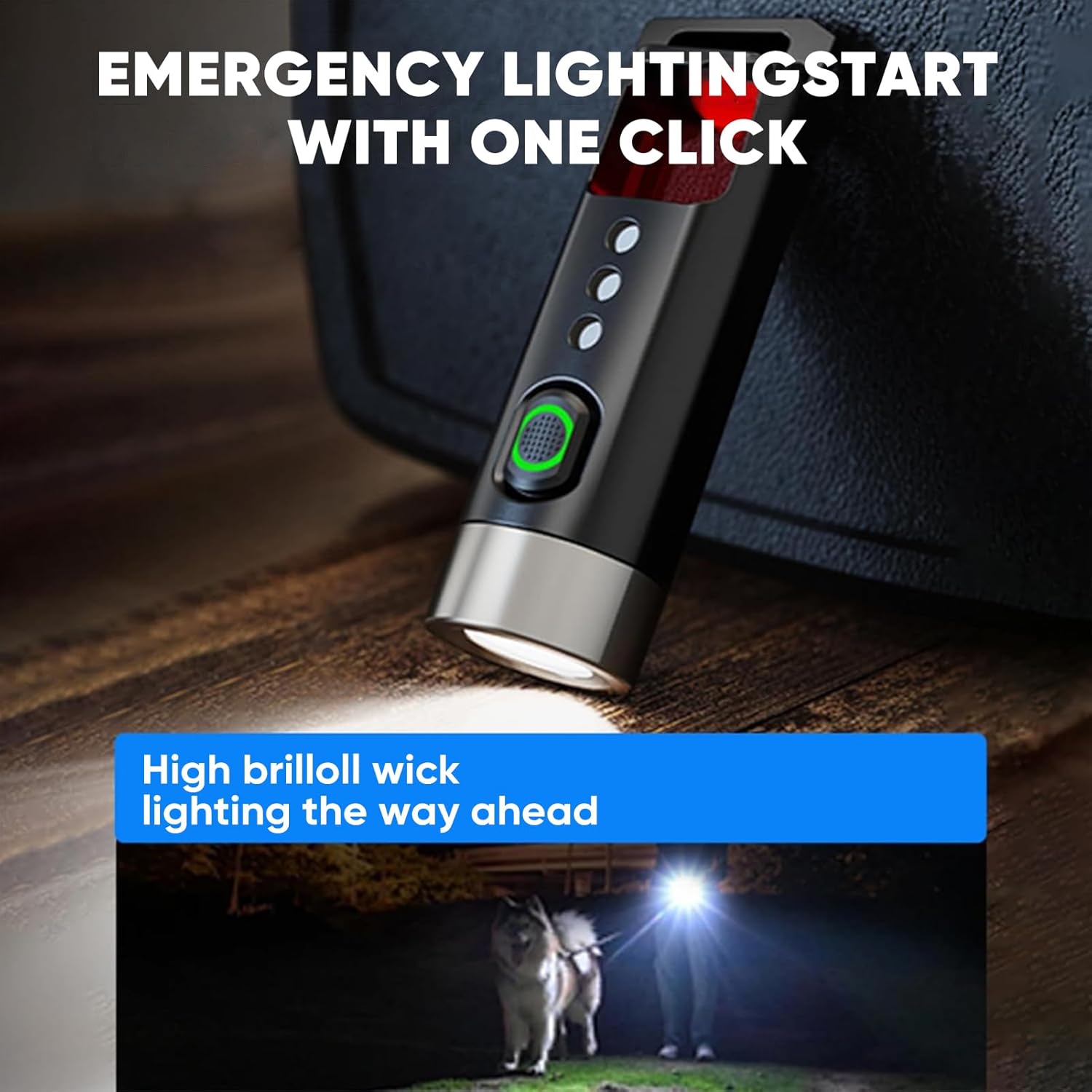
Image: The flashlight demonstrating its high brightness mode, lighting a path.
Anti-Peeping Detection Mode
This feature allows you to detect hidden cameras or surveillance equipment.
- Double-click the power button to activate the flashing mode.
- Hold the product upright at a 90° angle and close to your eyes. Look directly through the tail detection filter window, avoiding oblique angles.
- Scan the surrounding environment. If a reflective red dot is observed, it may indicate a hidden camera.
- For best results, use this mode in a dimly lit environment.
- Ensure the detection distance is less than 5 meters.
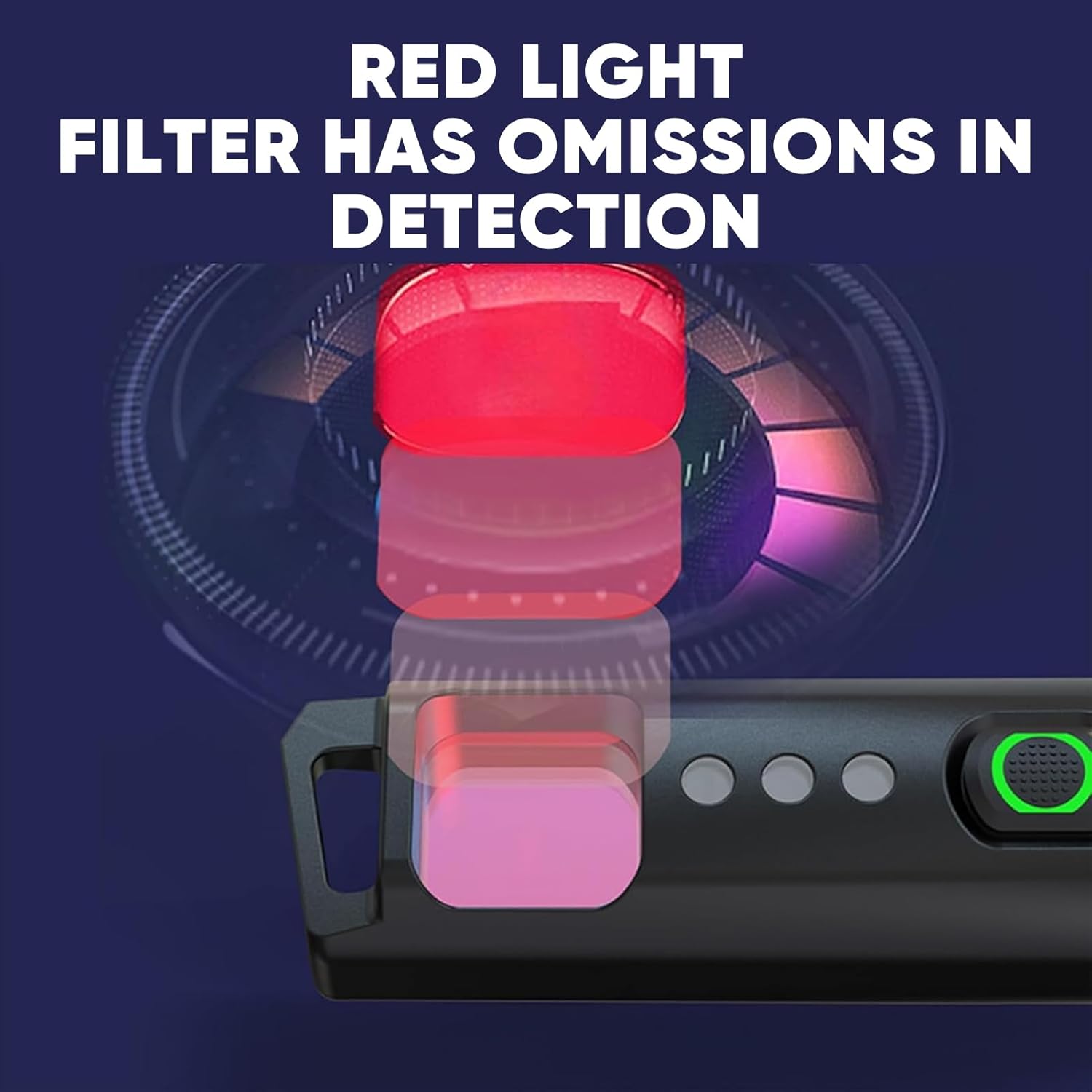
Image: A user demonstrating the anti-peeping detection mode by looking through the filter.
Tail Opener Function
The tail of the flashlight is designed with a blunt head to safely open packages or other items without using sharp tools.
- Use the blunt end of the flashlight's tail to gently pry open package seals or tape.
- This feature is intended for light-duty tasks and should not be used as a pry tool for heavy-duty applications.

Image: The tail opener feature being used to open a package.
Característiques i especificacions
Característiques clau
- Multifunctional Anti-Peeping Detection: Equipped with a red light detection mode to scan for hidden cameras.
- Safe and Convenient Tail Opener: Blunt head design for opening packages, replacing traditional knives.
- Cinc modes d'il·luminació: High, Medium, Low, Strobe, and Continuous Dimming for versatile illumination.
- Smart Power Indicator: Green light for >70% battery, red light for <30% battery, preventing sudden power loss.
- Lleuger i portàtil: Weighs only 12.5g, compact design for easy carrying on a keychain, in a pocket, or backpack.
- Càrrega USB tipus C: Hidden charging port for convenient and long-lasting battery life.

Image: The compact PHILIPS SFL1121P flashlight, highlighting its portability.
Especificacions tècniques
| Especificació | Detall |
|---|---|
| Marca | PHILIPS |
| Número de model | SFL1121P |
| Brillantor | 200 lúmens (màx.) |
| Lamp Poder | 3W |
| Tipus de bateria | 120 mAh (liti metàl·lic) |
| Battery Life (Medium Light) | 25 minuts |
| Distància d'irradiació | 50 metres |
| Pes net del producte | 12.5 g |
| Mida del producte | 62.5 x 20 x 16.5 mm |
| Anti-Drop Height | 1 metre |
| Mètode de càrrega | USB tipus C |
| Material | Aluminum (Note: Customer reviews indicate plastic body, but product specifications state Aluminum. Please verify upon receipt.) |
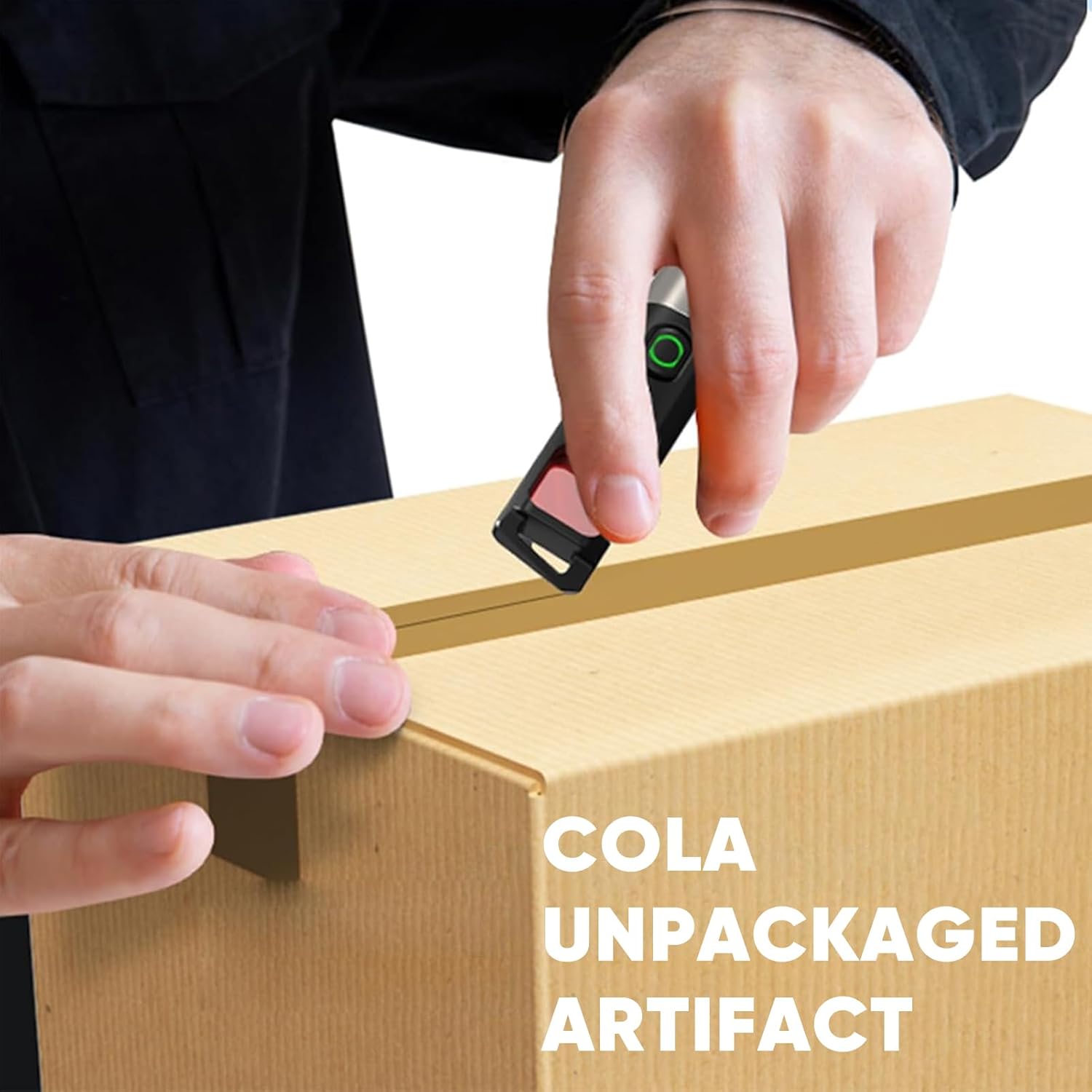
Image: Detailed product parameters including dimensions, weight, and battery life.
Manteniment
- Neteja: Netegeu la llanterna amb un suau, damp tela. No utilitzeu netejadors abrasius ni dissolvents.
- Emmagatzematge: Guardeu la llanterna en un lloc fresc i sec, lluny de la llum solar directa i de temperatures extremes.
- Cura de la bateria: To prolong battery life, avoid completely discharging the battery. Recharge promptly when the red indicator light appears.
- Resistència a l'aigua: The flashlight has an IPX4 rating, meaning it is resistant to splashing water from any direction. It is not designed for submersion.
Resolució de problemes
- La llanterna no s'encén:
- Ensure the battery is charged. Connect to a USB Type-C power source and check the indicator light.
- Verify that the flashlight is not in a locked mode (if applicable, though not specified for this model, it's a common flashlight feature).
- La llum és tènue o parpelleja:
- Pot ser que la bateria estigui baixa. Recarrega la llanterna.
- Ensure the flashlight head and tail cap are securely tightened.
- Anti-peeping mode not working effectively:
- Ensure you are in a dimly lit environment for optimal detection.
- Maintain a detection distance of less than 5 meters.
- Hold the flashlight at a 90° angle to your eye when looking through the filter.
Garantia i Suport
For warranty information, technical support, or service inquiries, please refer to the product packaging or contact PHILIPS customer service directly. Keep your purchase receipt as proof of purchase for warranty claims.
Online support may be available through the official PHILIPS weblloc web o minoristes autoritzats.