
1. Introducció
Gràcies per la compraasing the GOOSKY E2 UH-1Y RC Helicopter. This manual provides essential information for the safe operation, setup, maintenance, and troubleshooting of your new helicopter. Please read this manual thoroughly before operating the product to ensure proper function and to prevent damage or injury.
Pautes de seguretat
- Aquest producte es recomana per a usuaris de 16 anys o més. Es recomana la supervisió d'un adult per als usuaris més joves.
- Always operate the helicopter in an open, clear area, away from people, animals, buildings, and power lines.
- No voli mai a prop d'aeroports o espais aeris restringits.
- Ensure all batteries are fully charged and properly installed before each flight.
- Do not operate the helicopter in strong winds or adverse weather conditions.
- Keep fingers, hair, and loose clothing away from rotating parts.
- Always turn off the helicopter and remote control when not in use.
- Refer to local regulations regarding RC aircraft operation.
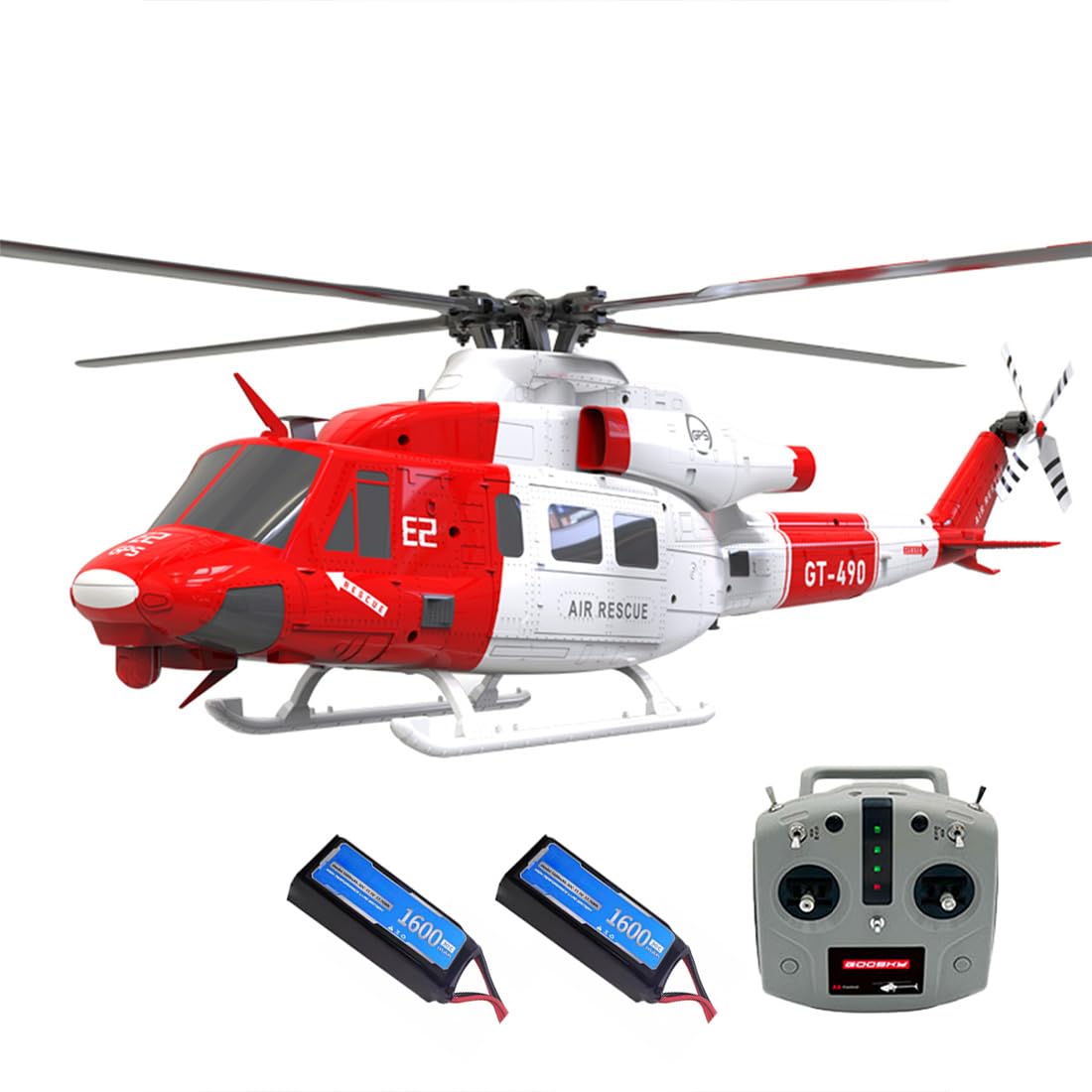
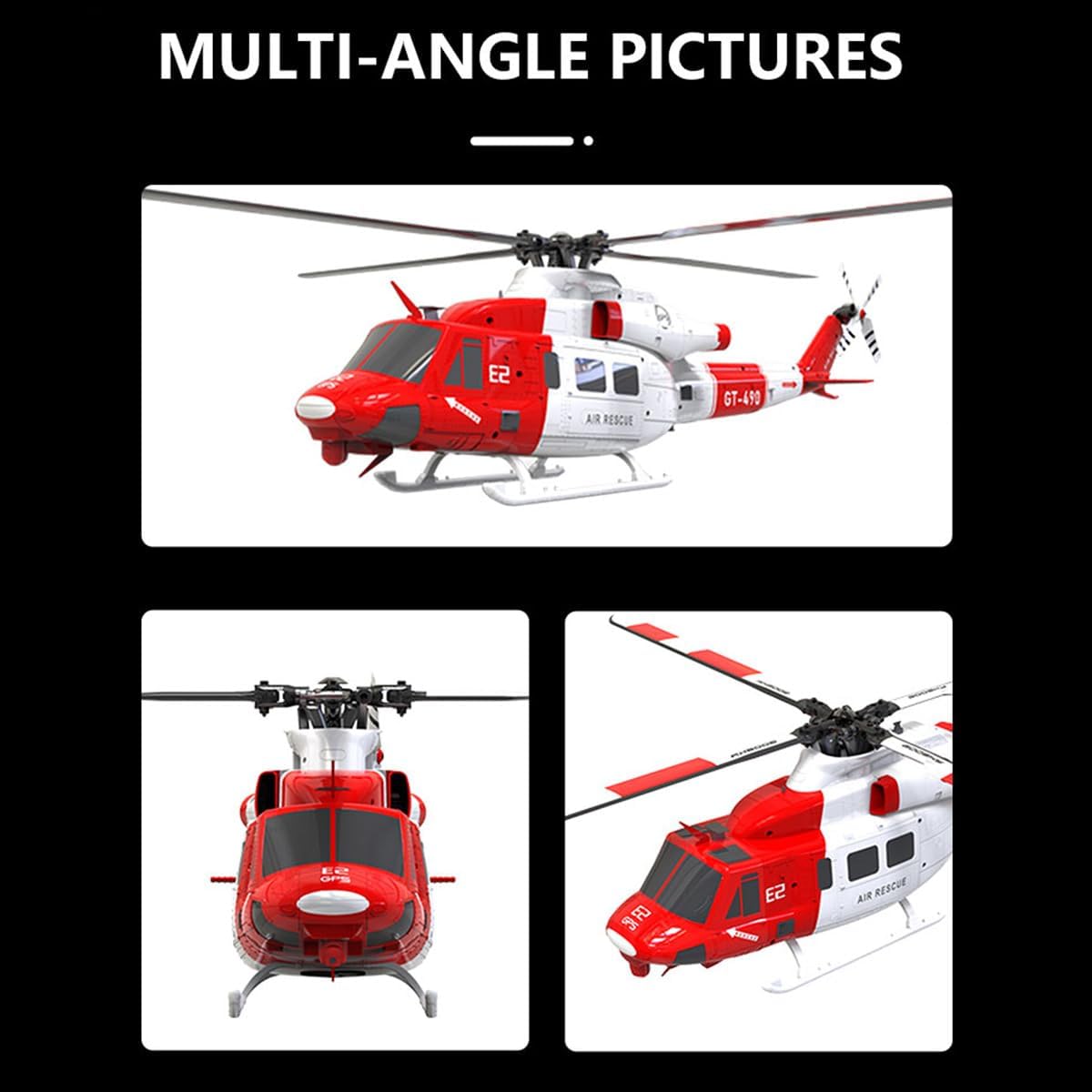
2. Què hi ha a la caixa
Si us plau, comproveu el contingut del vostre paquet amb la llista següent:
- Estoig de transport (1)
- GOOSKY E2 UH-1Y RC Helicopter (1)
- Manual d'instruccions (1)
- Dedicated Charger (1)
- 3S 11.1V 1600mAh Smart LIPO Battery (2)
- 2.4G A8 Rechargeable Remote Control (1)
- Extra Main Shaft (1)
- Tools (Several)
- Spare Screws (Several)
3. Configuració
3.1 Càrrega de la bateria
- Connect the dedicated charger to a power outlet.
- Connect the 3S 11.1V 1600mAh Smart LIPO Battery to the dedicated charger.
- Allow approximately 90 minutes for a full charge. The charger's indicator light will signal when charging is complete.
- Always supervise batteries during charging and disconnect once fully charged.
3.2 Preparació del control remot
- Ensure the 2.4G A8 Rechargeable Remote Control is fully charged.
- Familiarize yourself with the control sticks and switches. Refer to the remote control's specific manual for detailed layout and functions.
3.3 Comprovacions prèvies al vol
- Visually inspect the helicopter for any signs of damage, loose parts, or obstructions.
- Ensure the main rotor blades and tail rotor are securely attached and free to rotate.
- Confirm the flight battery is securely installed in the helicopter.
- Power on the remote control first, then the helicopter.
- Perform a range check to ensure proper communication between the remote control and the helicopter.
4. Instruccions de funcionament
4.1 Controls bàsics de vol
The GOOSKY E2 UH-1Y features 6-channel full control, allowing for precise maneuvers:
- Collective Pitch: Controls the lift and descent of the helicopter.
- Cyclic: Controls forward, backward, and sideways movement.
- Guiada: Controls the rotation of the helicopter around its vertical axis.
- Acceleració: Controls the main rotor speed.
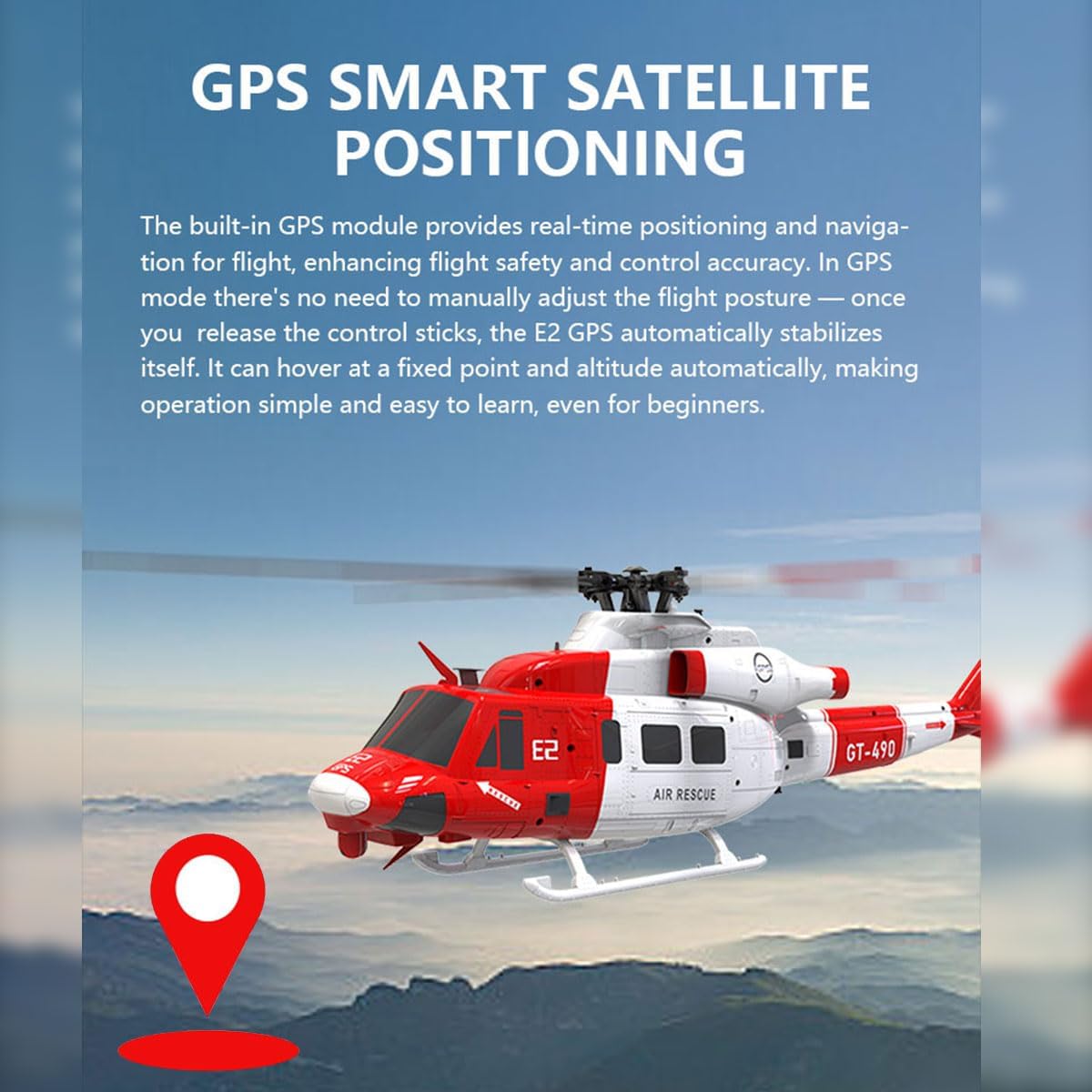
4.2 GPS Smart Satellite Positioning
The built-in GPS module provides real-time positioning and navigation, enhancing flight safety and control accuracy. In GPS mode, the helicopter automatically stabilizes itself, allowing it to hover at a fixed point and altitude. This feature simplifies operation, making it easier for beginners to learn.
4.3 Vision + TOF LiDAR System
The helicopter integrates a vision system for horizontal displacement data and a Time-of-Flight (TOF) LiDAR sensor for vertical altitude data. Together, these systems create a three-dimensional spatial coordinate system, enabling precise position and altitude hold, even in GPS-denied environments. This technology also supports intelligent return-to-home functions.

4.4 Intelligent Return-to-Home
The flight controller combines altitude and distance data to automatically plan a return route. When activated in GPS mode, the E2 UH-1Y will return to its takeoff point, land, and shut off its motors. Additionally, if the battery voltage drops too low during flight, an automatic return will be triggered to ensure a safe landing.

4.5 Flight Duration
With a fully charged 3S 11.1V 1600mAh Smart LIPO Battery, the helicopter can achieve a flight time of approximately 15 minutes.
5. Manteniment
5.1 Neteja
- After each flight, gently wipe the helicopter body with a soft, dry cloth to remove dust and debris.
- Avoid using chemical cleaners or solvents, as they may damage the plastic components or electronics.
5.2 Emmagatzematge
- Store the helicopter and remote control in a cool, dry place, away from direct sunlight and extreme temperatures.
- Remove batteries from the remote control if storing for extended periods.
- Emmagatzemeu les bateries LiPo a un volum d'emmagatzematgetage (typically around 3.8V per cell) to prolong their lifespan.
5.3 Inspecció i substitució de components
- Regularly inspect rotor blades, landing gear, and other structural components for cracks or damage.
- If any part is damaged, replace it immediately using genuine GOOSKY spare parts. An extra main shaft and spare screws are included for common replacements.
- Ensure all screws are tightened appropriately, but do not overtighten.
6. Solució De Problemes
If you encounter issues with your GOOSKY E2 UH-1Y RC Helicopter, please refer to the following common problems and solutions:
| Problema | Causa possible | Solució |
|---|---|---|
| Helicopter does not power on. | Battery not charged or improperly connected. | Ensure flight battery is fully charged and securely connected. Check remote control battery. |
| Unstable flight or difficulty hovering. | GPS signal weak, calibration issue, or damaged rotor blades. | Fly in an open area with clear sky for better GPS signal. Recalibrate the helicopter. Inspect and replace damaged rotor blades. |
| Loss of control or unresponsive. | Out of range, interference, or remote control battery low. | Ensure you are within the 300-meter control distance. Avoid areas with strong electromagnetic interference. Charge remote control battery. |
| Temps de vol curt. | Bateria no carregada completament, bateria antiga o vol agressiu. | Ensure battery is fully charged (approx. 90 min). Consider replacing old batteries. Practice smoother flying techniques. |
Si el problema persisteix després d'intentar aquestes solucions, poseu-vos en contacte amb l'atenció al client.
7. Especificacions
Detailed technical specifications for the GOOSKY E2 UH-1Y RC Helicopter:
| Característica | Detall |
|---|---|
| Model | GOOSKY E2 UH-1Y (E2 GPS) |
| Número de model de l'article | J2P46N11F9IN34XYLF |
| Material | Components de plàstic + electrònics |
| Escala | 1/35 |
| Diàmetre del rotor | 490 mm |
| Diàmetre del rotor de cua | 87 mm |
| Single Body Weight | 538 g (aprox. 1.18 lliures) |
| Pes al vol | Uns 538 g |
| Motor d'accionament | GOOSKY Dual Brushless Direct Drive Motor |
| Control remot | 2.4G A8 Rechargeable Remote Control |
| Distància de control remot | 300 metres |
| Bateria corporal | 3S 11.1V 1600mAh 30C Smart LIPO Battery |
| Carregador | Carregador dedicat |
| Temps de càrrega | Uns 90 minuts |
| Temps de vol | Uns 15 minuts |
| Dimensions del producte | 48.3 x 49 x 13.2 cm (19.02 x 19.29 x 5.2 polzades) |
| Edat recomanada | 16 anys i més |

8. Garantia i Suport
For warranty information, technical support, or spare parts, please contact the manufacturer, GOOSKY, or your authorized seller (XMBRICDIYY). Please retain your proof of purchase for warranty claims.