
1. Producte acabatview
The Doohoeek Universal Travel Keyboard Plus is a versatile, portable keypad designed for enhanced typing across multiple devices. It features dual Bluetooth connectivity, 7-color backlighting, and an integrated stand for optimal viewing angles. Compatible with iOS, Android, and Windows operating systems, this keyboard is ideal for tablets, foldable phones, and laptops.
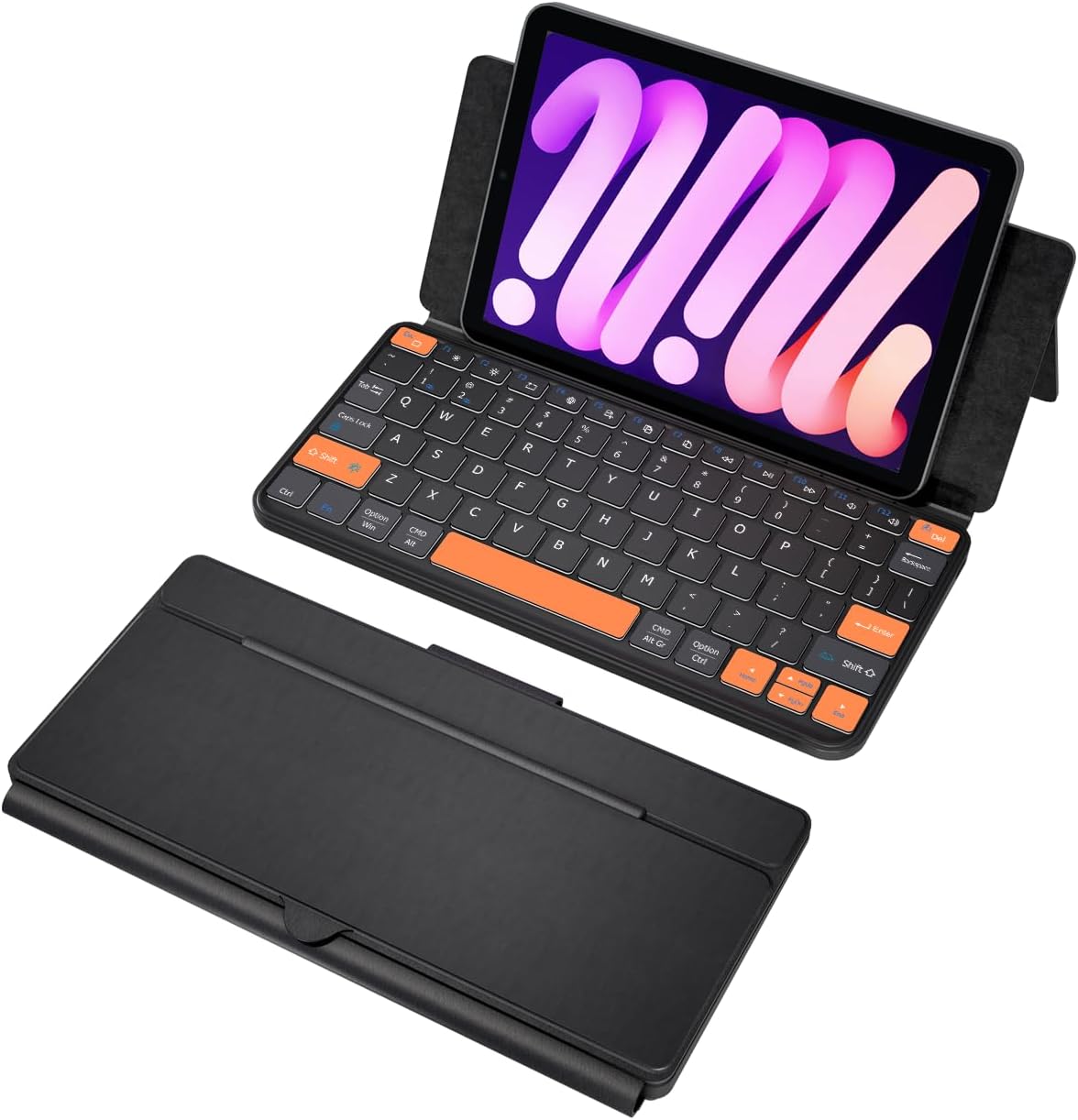
Image: The Doohoeek Universal Travel Keyboard Plus, showcasing its compact, foldable design and backlit keys. The image displays the keyboard both folded for portability and unfolded, ready for use, with a phone placed in its integrated stand.
2. Configuració i connexió
2.1. Càrrega inicial
Before first use, ensure the keyboard is fully charged. Connect the provided USB-C charging cable to the keyboard's charging port and a compatible USB power source. The charging indicator light will show the charging status.
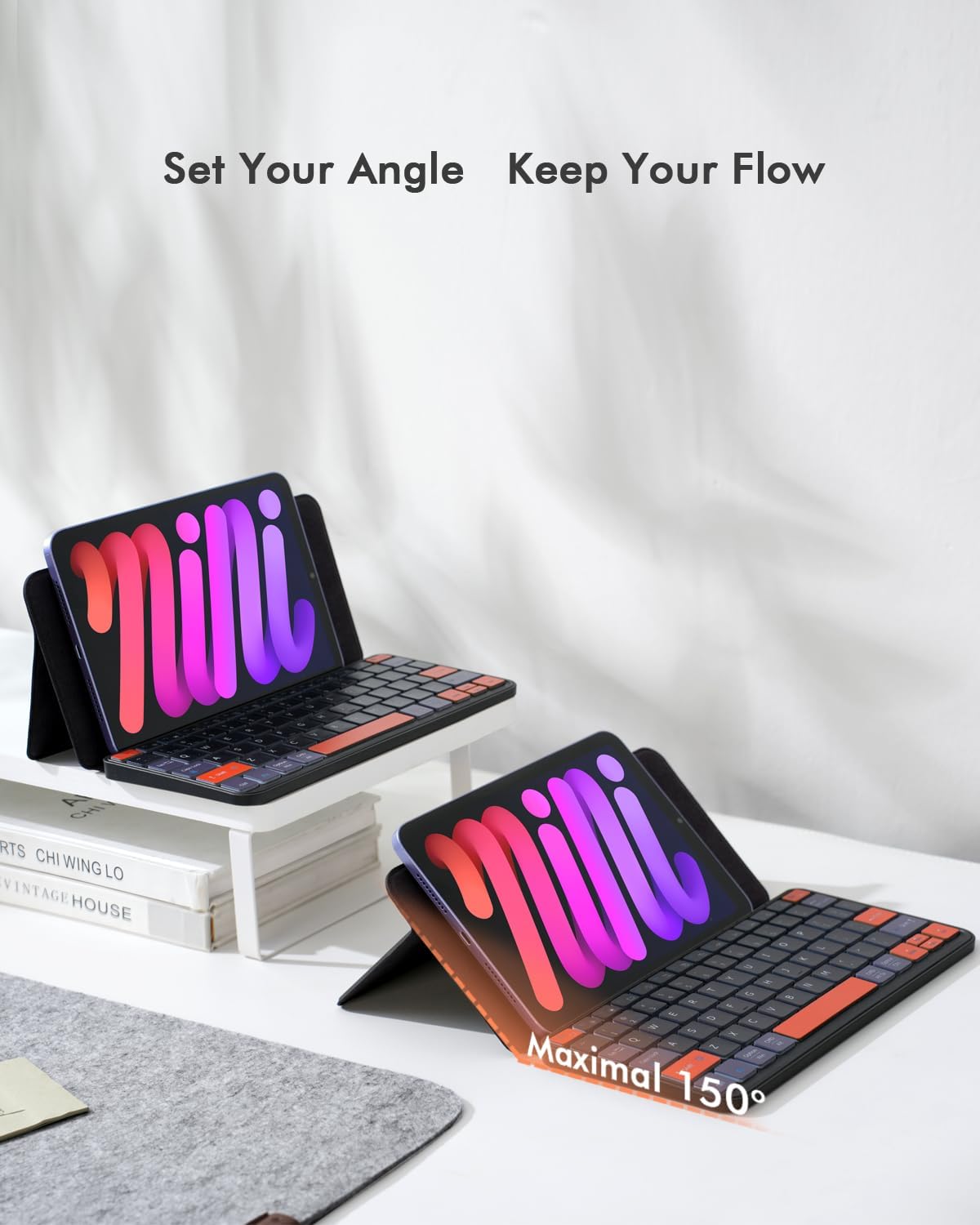
Image: The keyboard connected to a USB-C charging cable, illustrating the charging process. Icons indicate a 500mAh battery, 1.5-2 hours charging time, 150 hours continuous working time, and 30 days standby.
2.2. Emparellament Bluetooth
- Enceneu el teclat amb l'interruptor d'encesa situat al lateral.
- Press and hold the first and the last key at the top row of the keyboard until all indicator lights start flashing.
- The Bluetooth light will flicker quickly, indicating it has entered Bluetooth pairing mode. (If not, press Fn + 1 or Fn + 2 to activate pairing mode for the desired channel).
- On your device (tablet, phone, or laptop), go to Bluetooth settings and search for "Wireless keyboard".
- Select "Wireless keyboard" to complete the pairing process.
Video: A demonstration of connecting the Doohoeek Universal Travel Keyboard Plus to a device via Bluetooth, showing the pairing process and key functionality.
Vídeo: Un overview of the Doohoeek Universal Travel Keyboard Plus, highlighting its features and ease of setup with various devices.
3. Instruccions de funcionament
3.1. Ús del suport integrat
The keyboard features an integrated stand that allows you to prop up your tablet or phone at various angles, up to 150 degrees, for comfortable typing and viewing. Simply unfold the keyboard and adjust the stand to your desired position.

Image: The keyboard with a tablet securely placed in its integrated stand, demonstrating the adjustable angle for comfortable use.
3.2. Control de la llum de fons
The keyboard offers 7-color adjustable backlighting with 3 levels of brightness. To change the backlight color, press Fn + Shift. To adjust brightness, press Fn + Alt. Note that the backlight illuminates the perimeter and gaps around the keys, providing an ambient glow, but the letters/symbols on the keycaps themselves do not light up.

Imatge: Un primer pla view of the keyboard's keys, showcasing the vibrant 7-color backlighting in action.
3.3. Dual-Device Switching
This keyboard supports connection to two different devices simultaneously. To switch between connected devices, press Fn + 1 or Fn + 2.

Image: The keyboard simultaneously connected to an iPad and a laptop, demonstrating the seamless switching capability between two devices.
3.4. Compatibilitat del sistema operatiu
The keyboard is compatible with iOS, Android, and Windows operating systems. It features an enhanced layout with larger keys and additional shortcuts, optimized for comfortable typing on various devices including iPads, Android tablets, and foldable phones.

Image: The keyboard displaying its multi-OS compatibility with Android, iOS, and Windows logos, indicating broad device support.
4. Manteniment
To ensure the longevity and optimal performance of your Doohoeek Universal Travel Keyboard Plus, follow these maintenance guidelines:
- Neteja: Feu servir un drap suau i sec per netejar la superfície del teclat. Per a la brutícia persistent, netegeu lleugerament.ampNetegeu el drap amb aigua o una solució de neteja suau. Eviteu l'excés d'humitat.
- Emmagatzematge: When not in use, fold the keyboard to protect the keys and screen. Store it in a cool, dry place away from direct sunlight and extreme temperatures.
- Cura de la bateria: To maintain battery health, avoid fully discharging the keyboard frequently. Charge it regularly, even if not in constant use.
- Eviteu líquids: Mantingueu el teclat allunyat de líquids per evitar danys als components interns.
5. Solució De Problemes
5.1. Problemes de connexió Bluetooth
If you experience difficulty connecting the Bluetooth or if the connection is unstable, please follow these steps:
- Enceneu el teclat.
- Press and hold the first and the last key at the top row of the keyboard until all indicator lights start flashing.
- The Bluetooth light should flicker quickly, automatically entering Bluetooth pairing mode. (If not, press Fn + 1 or Fn + 2).
- On your device, search for and select "Wireless keyboard" in the Bluetooth settings to reconnect.
- Ensure your device's Bluetooth is enabled and the keyboard is within range.
6. Especificacions
| Característica | Detall |
|---|---|
| Marca | Doohoeek |
| Model | Universal Travel Keyboard Plus (B0F9179JND) |
| Tecnologia de connectivitat | Bluetooth |
| Dispositius compatibles | Laptops, Smartphones (iPhones, Z Fold Series, Z Flip Series & other Keyboard-Enabled Phones), Tablets (Galaxy Tabs, iPads, Lenovo Tabs, Pixel Tabs & other Tablets) |
| Característiques especials | Backlit (7-Color), Integrated Stand, Rechargeable |
| Color | Negre |
| Material | Plàstic |
| Font d'alimentació | Alimentat per bateria (500 mAh) |
| Temps de càrrega | 1.5-2 hores |
| Temps de treball continu | 150 hores |
| Temps d'espera | 30 dies |
| Disposició del teclat | QWERTY |
| Nombre de claus | 84 |
| Minimum Required OS | Windows 10, iPadOS 13 |
| Components inclosos | 1 x Funda de teclat |
7. Garantia i Suport
The Doohoeek Universal Travel Keyboard Plus comes with a 1 anys de garantia. For any support inquiries or warranty claims, please contact Doohoeek customer service through your purchase platform or the official brand weblloc.