
Introducció
Thank you for choosing the Cryfokt 4-in-1 Portable Air Cooler and Humidifier. This versatile device is designed to enhance your comfort by functioning as a cooling fan, a mini air conditioner, a humidifier, and a 7-color night light. It features a 500ml water tank for extended humidification, 6 adjustable wind speeds, and advanced Nano Mist Technology for effective cooling and skin hydration. Please read this manual carefully before use to ensure proper operation and maintenance.
Instruccions de configuració
- Desempaquetar el dispositiu: Carefully remove all components from the packaging. Ensure you have the air cooler, USB cable, two ice packs, and the hanging hook accessory.
- Connectar l'alimentació: Connect the USB cable to the device's power input and plug the other end into a DC 5V 2A 10W power adapter (not included) or a compatible USB port.
- Omplir el dipòsit d'aigua: Open the water tank cover. Fill the 500ml water tank with clean tap water. Do not overfill. For enhanced cooling, you may add the provided ice packs or ice cubes to the water tank.
- Install Ice Packs (Optional): If using, place the ice packs into the water tank after filling with water.
- Col·locació: Place the air cooler on a stable, flat surface. Ensure there is adequate space around the device for proper airflow.

Imatge: Més deview of the Cryfokt Portable Air Cooler and its included accessories, such as the USB cable and ice packs, ready for setup.
Instruccions de funcionament
- Encès/apagat: Press the power button on the control panel to turn the device on or off. The digital display will illuminate.
- Ajustar la velocitat del ventilador: Use the fan speed control buttons to select one of the 6 available wind speeds. The current speed setting will be shown on the display.
- Activate Humidification (Nano Mist): Press the mist button (often indicated by a water droplet icon) to activate the Nano Mist Technology. This function atomizes water into a fine mist, providing additional cooling and humidification.
- Estableix el temporitzador: Press the timer button to set an operating duration. The timer allows you to schedule the device to turn off automatically after a set period.
- Control Night Light: Press the light button to cycle through the 7 soft color options or activate the gradient color mode. Press again to turn off the light.
- Ajustar la direcció de l'aire: Manually adjust the direction of the air outlet up or down by up to 60 degrees to direct airflow as needed.

Image: The control panel of the air cooler, illustrating the timing setting and various function buttons.
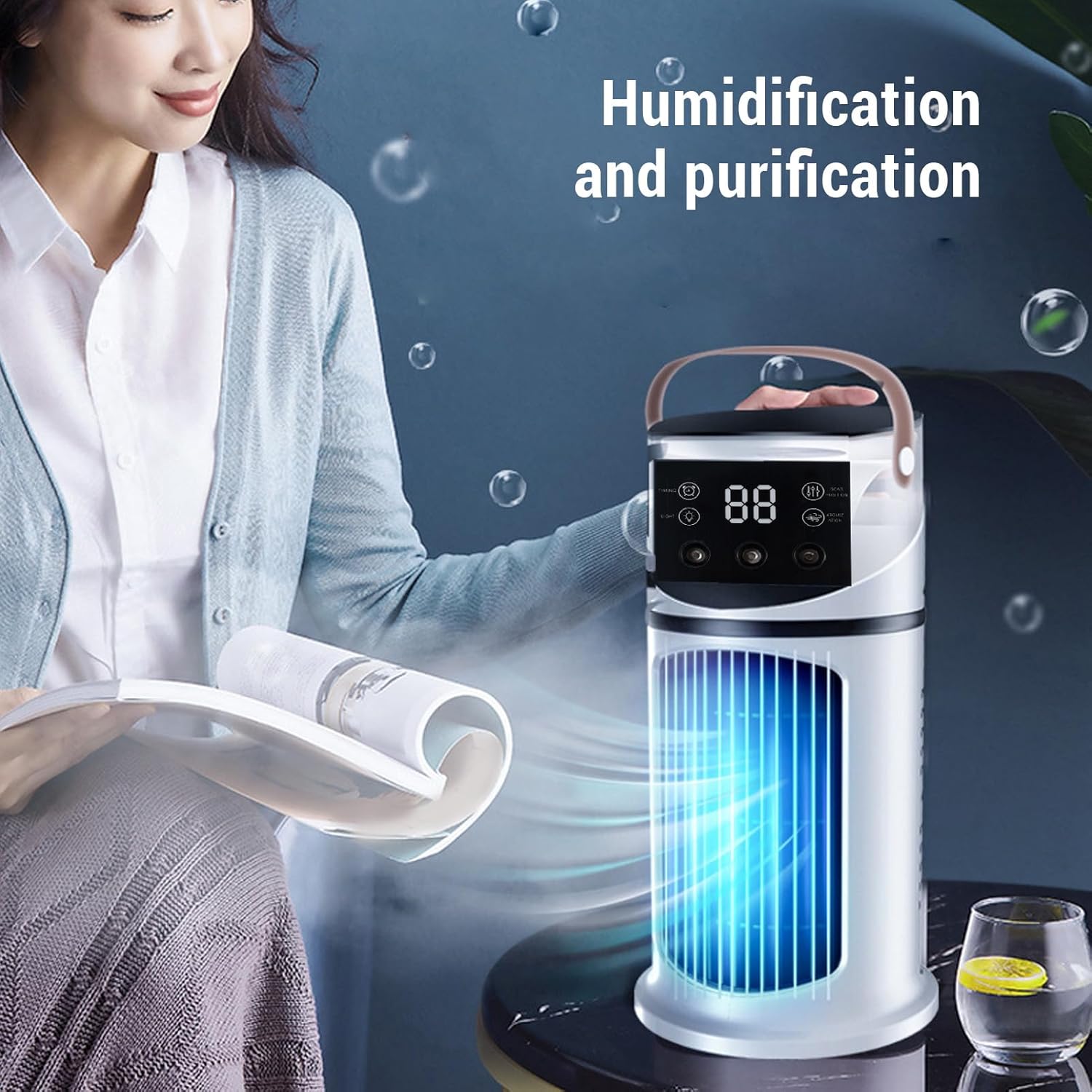
Image: The air cooler in operation, demonstrating its humidification and air purification features.

Image: The air cooler operating with low noise, providing a quiet environment.
Manteniment
Regular cleaning ensures optimal performance and extends the lifespan of your air cooler.
- Neteja del dipòsit d'aigua: Empty the water tank regularly, especially if the device will not be used for an extended period. Clean the tank with a soft cloth and mild detergent, then rinse thoroughly. Ensure it is completely dry before refilling or storing.
- Neteja exterior: Netegeu l'exterior del dispositiu amb un damp tela. No utilitzeu netejadors abrasius ni dissolvents.
- Reixes d'entrada/sortida d'aire: Periodically clean any dust accumulation on the air inlet and outlet grilles using a soft brush or vacuum cleaner.
- Emmagatzematge: When storing the device, ensure the water tank is empty and dry. Store it in a cool, dry place away from direct sunlight.
Resolució de problemes
| Problema | Causa possible | Solució |
|---|---|---|
| El dispositiu no s'encén | Sense font d'alimentació o connexió fluixa | Ensure the USB cable is securely connected and the power adapter is working. Check if the power outlet is functional. |
| No mist/humidification | Water tank is empty or mist function is not activated | Refill the water tank. Press the mist button to activate the function. Ensure the water level is above the minimum mark. |
| Flux d'aire feble | Fan speed set too low or air inlets/outlets are blocked | Increase the fan speed. Clear any obstructions from the air inlets and outlets. |
| Soroll inusual | Device not on a stable surface or foreign object inside | Place the device on a stable, flat surface. If noise persists, turn off and inspect for any foreign objects. |
Especificacions
| Característica | Detall |
|---|---|
| Marca | Cryfokt |
| Nom del model | Cryfoktkzwrbu9os8 |
| Material | Acrilonitril butadiè estirè (ABS) |
| Tipus de muntatge | Taula |
| Característiques especials | Timer, 7-Color Night Light, Humidifier |
| Tipus de control | Botó |
| Capacitat del contenidor | 500 mil·lilitres |
| Pes de l'article | 725 grams |
| Ús recomanat | Personal cooling for small rooms or offices |
| Wattage | 10 watts |
| Nombre de velocitats | 6 |
| Mode de funcionament | Manual |
| Dimensions de l'article (D x W x H) | 28P x 16A x 16H centímetres |
| Entrada de potència | DC 5V 2A |
Informació de la garantia
Specific warranty details for this product are not provided in the available information. Please refer to the product packaging or contact the seller directly for comprehensive warranty terms and conditions.
Atenció al client
If you encounter any issues or have questions regarding your Cryfokt 4-in-1 Portable Air Cooler and Humidifier that are not covered in this manual, please contact the seller or manufacturer for assistance. Keep your purchase receipt handy for any warranty claims or support inquiries.