
Introduction to Your Kindle Fire HD 8 (12th Generation)
This user guide provides comprehensive instructions for setting up, operating, maintaining, and troubleshooting your Amazon Kindle Fire HD 8 (12th Generation) tablet. Familiarize yourself with its features and functions to maximize your device experience.
The Kindle Fire HD 8 (12th Generation) is a versatile tablet designed for entertainment, reading, and productivity. It features an 8-inch HD display, enhanced performance, and integration with Amazon's ecosystem of services.
1. Configuració i configuració inicial
Follow these steps to prepare your Kindle Fire HD 8 for first use.
1.1 Desembalatge i càrrega
- Carefully remove the Kindle Fire HD 8 and its accessories from the packaging.
- Connect the included USB-C cable to the tablet's charging port and the power adapter. Plug the adapter into a wall outlet.
- Allow the device to charge fully before initial use. The charging indicator light will change when complete.
1.2 Engegada/apagada
- To power on: Press and hold the power button (located on the side) until the Amazon logo appears.
- Per apagar: manteniu premut el botó d'engegada i, a continuació, seleccioneu "Apagar" a les opcions que apareixen a la pantalla.
- Per reiniciar: manteniu premut el botó d'engegada i, a continuació, seleccioneu "Reiniciar" a les opcions que apareixen a la pantalla.
1.3 Connexió a Wi-Fi
- After powering on, the device will guide you through the initial setup. Select your preferred language.
- Choose your Wi-Fi network from the list and enter the password if required.
- Ensure a stable internet connection for optimal performance and content downloads.
1.4 Registre del dispositiu
- Sign in with your existing Amazon account credentials. If you do not have an account, you will be prompted to create one.
- Registration links your device to your Amazon content library and services.
1.5 Configuració de l'usuari Profiles
- The Kindle Fire HD 8 supports multiple user profiles. This is useful for families.
- Navega a Configuració > Profiles & Family Library to add or manage profiles.
- Cada profile can have personalized settings, content, and parental controls.
2. Com fer funcionar el Kindle Fire HD 8
Learn how to navigate and utilize the various features of your tablet.
2.1 Navegació per la interfície
- Gestos de lliscament: Swipe down from the top for Quick Settings and notifications. Swipe left/right to switch between content libraries (Books, Apps, Video, etc.).
- Pantalla d'inici: Displays recently used apps, recommended content, and a search bar.
- Barra de navegació: Located at the bottom, it includes Home, Back, and Recent Apps buttons.
2.2 Downloading and Managing Content
- Llibres: Access the Kindle Store to purchase and download eBooks. Your library is accessible via the "Books" tab.
- Aplicacions: Use the Amazon Appstore to find and install applications. Manage installed apps via Settings > Apps & Notifications.
- Vídeos: Stream or download movies and TV shows from Prime Video or other supported services.
- Emmagatzematge: Monitor and manage internal storage via Configuració > Emmagatzematge. You can offload content or move it to an SD card (if installed).
2.3 Ajustar la configuració
- Visualització: Adjust brightness, font size, and screen timeout in Configuració > Pantalla.
- So: Control volume levels and notification sounds in Configuració > So.
- Notificacions: Customize app notifications in Settings > Apps & Notifications.
2.4 Ús d'Alexa
- Your Kindle Fire HD 8 includes Alexa. To activate, say "Alexa" or tap the Alexa icon.
- Use Alexa for voice commands, information, smart home control, and more.
3. Manteniment i cura
Una cura adequada garanteix la longevitat i el rendiment òptim del dispositiu.
3.1 Neteja del vostre dispositiu
- Feu servir un drap suau i sense borrissol per netejar la pantalla i l'exterior.
- Avoid abrasive materials, sprays, or solvents that could damage the screen or finish.
- No submergiu el dispositiu en aigua.
3.2 Cura de la bateria
- Charge your device regularly, but avoid leaving it fully discharged for extended periods.
- Use only the provided charger or a compatible USB-C charger.
- Eviteu exposar el dispositiu a temperatures extremes.
3.3 Actualitzacions de programari
- Your Kindle Fire HD 8 will periodically receive software updates to improve performance and add features.
- Ensure your device is connected to Wi-Fi and has sufficient battery life during updates.
- You can manually check for updates in Settings > Device Options > System Updates.
4. Resolució de problemes comuns
Solutions for frequently encountered problems.
4.1 Device Not Responding or Frozen
- Press and hold the power button for 20-30 seconds until the device restarts.
- Assegureu-vos que el dispositiu tingui prou càrrega de bateria.
4.2 Problemes de connexió Wi-Fi
- Verify that Wi-Fi is enabled on your device (Configuració > Wi-Fi).
- Reinicieu el vostre encaminador i mòdem Wi-Fi.
- Oblida't de la xarxa i torna a connectar-te tornant a introduir la contrasenya.
- Assegureu-vos que esteu dins de l'abast de la vostra xarxa Wi-Fi.
4.3 Apps Crashing or Not Loading
- Force close the app: Go to Settings > Apps & Notifications > [App Name] > Force Stop.
- Esborra la memòria cau de l'aplicació: vés a Settings > Apps & Notifications > [App Name] > Storage > Clear Cache.
- Desinstal·leu i torneu a instal·lar l'aplicació.
- Assegureu-vos que el programari del vostre dispositiu estigui actualitzat.
4.4 Restabliment de fàbrica (últim recurs)
Un restabliment de fàbrica esborrarà totes les dades del dispositiu i el restaurarà a la configuració original de fàbrica. Back up important data before proceeding.
- Vés a Configuració > Opcions del dispositiu > Restableix els valors predeterminats de fàbrica.
- Confirm your decision when prompted.
5. Especificacions tècniques
Key technical details of the Kindle Fire HD 8 (12th Generation).
| Mostra | 8-inch HD (1280 x 800) IPS display |
| Processador | Hexa-core processor (2.0 GHz) |
| Emmagatzematge | 32 GB or 64 GB internal (expandable up to 1 TB via microSD) |
| RAM | 2 GB |
| Durada de la bateria | Fins a 13 hores de lectura, navegant web, watching video, and listening to music |
| Connectivitat | Dual-band Wi-Fi (802.11a/b/g/n/ac), Bluetooth 5.2 LE |
| Ports | USB-C (2.0), 3.5 mm stereo jack, microSD slot |
| Càmeres | 2 MP front and 2 MP rear-facing cameras with 720p HD video recording |
| Dimensions | 201.90 x 137.34 x 9.60 mm (7.95" x 5.41" x 0.38") |
| Pes | 337 grams (11.9 unces) |
6. Garantia i atenció al client
For official warranty information, technical support, and additional resources, please refer to the official Amazon support weblloc.
- Official Amazon Support: Visita amazon.com/devicesupport per a preguntes freqüents, guies de resolució de problemes i opcions de contacte.
- Informació de la garantia: Details regarding your device's limited warranty can be found on the Amazon support website or within the device's legal section in settings.
7. Product Guide Images
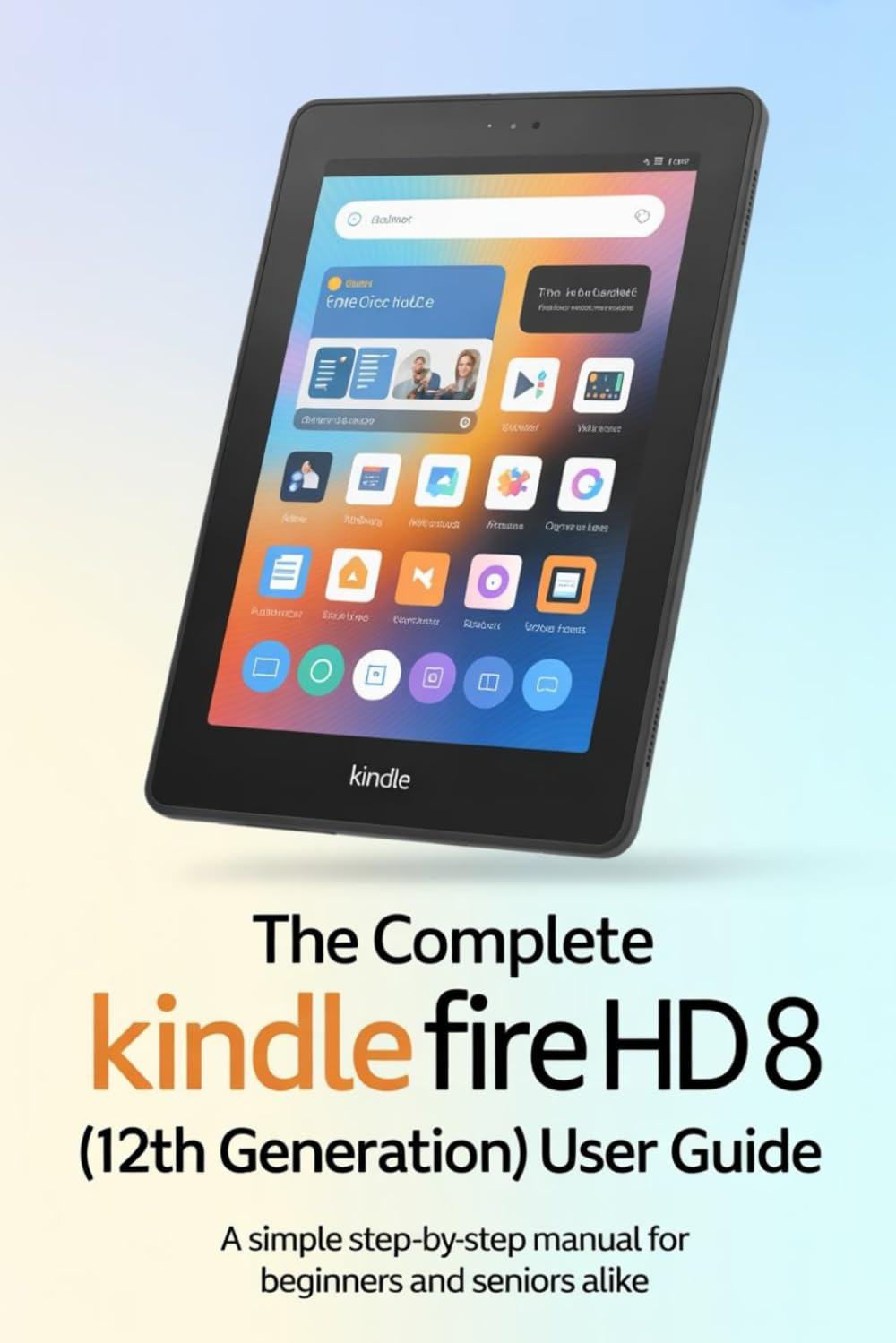
Image 1: Front cover of the user guide book for the Kindle Fire HD 8 (12th Generation). The cover features the title and author information.

Image 2: Back cover of the user guide book, displaying the ISBN barcode and additional publication details.