
Introducció
This user manual provides detailed instructions for the C idea CM817 Pro Max 8-inch Tablet. Please read this manual thoroughly before using your device to ensure proper operation and to maximize its features. Keep this manual for future reference.
Contingut del paquet
Verifiqueu que tots els elements siguin presents al paquet:
- C idea CM817 Pro Max 8-inch Tablet
- Adaptador de càrrega
- Cable USB-C
- Manual d'usuari (aquest document)
- Stylus Pen (if included in your specific package)
- Keyboard (if included in your specific package)
- Mouse (if included in your specific package)

Image: The C idea CM817 Pro Max tablet shown with its common accessories, which may include a keyboard, mouse, charging adapter, USB-C cable, and stylus pen.
Producte acabatview
Familiarize yourself with the physical components of your C idea CM817 Pro Max tablet.

Image: A diagram illustrating the various ports and buttons on the C idea CM817 Pro Max tablet, including the front camera, rear camera, power button, volume controls, speakers, TF/SIM card slot, USB-C port, and headphone jack.
- Càmera frontal: Per a videotrucades i selfies.
- Càmera posterior: Per capturar fotos i vídeos.
- Botó d'engegada / apagada: Press and hold to power on/off or restart. Press briefly to wake/sleep the screen.
- Botons de volum: Adjust the tablet's audio volume.
- Ponents: Sortida d'àudio.
- TF/SIM Slot: Insert a TF (MicroSD) card for expandable storage or a SIM card for cellular connectivity.
- Port USB-C: For charging the tablet and connecting to a computer for data transfer.
- Auriculars Jack: Connecteu auriculars de 3.5 mm.
Configuració
1. Càrrega de la tauleta
Before first use, fully charge the tablet. Connect the USB-C cable to the tablet's USB-C port and the other end to the charging adapter. Plug the adapter into a power outlet. The battery indicator on the screen will show charging status.
2. Encès / apagat
- Encès: Press and hold the Power On/Off button until the C idea logo appears.
- Apagar: Press and hold the Power On/Off button until the power options menu appears, then select "Power off".
- Reinicia: Al menú d'opcions d'energia, seleccioneu "Reiniciar".
3. Configuració inicial
Quan l'encengueu per primera vegada, seguiu les instruccions que apareixen a la pantalla per configurar la tauleta:
- Seleccioneu el vostre idioma preferit.
- Connecteu-vos a una xarxa Wi-Fi.
- Sign in with your Google account or create a new one. This is necessary to download apps from the Google Play Store.
- Configura el bloqueig de pantalla (PIN, patró o contrasenya).
- Review i acceptar els termes i condicions.
4. Inserció de targetes SIM i MicroSD
Locate the TF/SIM slot on the side of the tablet. Use the provided SIM ejector tool (if applicable) to open the tray. Carefully place your SIM card and/or MicroSD card into the designated slots, ensuring correct orientation. Close the tray securely.
Instruccions de funcionament
1. Navegació bàsica
- Toca: Toca una icona per obrir una aplicació o seleccionar un element.
- Llisca: Arrossegueu el dit per la pantalla per desplaçar-vos per les pàgines o el contingut.
- Pessigar: Feu servir dos dits per ampliar o reduir les imatges i web pàgines.
- Pantalla d'inici: La pantalla principal on podeu accedir a aplicacions i widgets.
- Panell de notificacions: Llisca cap avall des de la part superior de la pantalla per accedir a les notificacions i a la configuració ràpida.

Image: The C idea CM817 Pro Max tablet showcasing its Android home screen, featuring various application icons and a clean user interface.
2. Wi-Fi and Cellular Connectivity
Per connectar-vos a la Wi-Fi, aneu a Configuració > Xarxa i Internet > Wi-Fi. Turn Wi-Fi on and select your desired network. Enter the password if prompted. For cellular data, ensure a SIM card is inserted and go to Configuració > Xarxa i Internet > Xarxa mòbil to configure data settings.
3. Ús de la càmera
Open the Camera app from the home screen or app drawer. Tap the shutter button to take a photo. Switch between the 5MP front camera and 8MP rear camera using the camera switch icon. You can also record videos.
4. Gestió de l'emmagatzematge
Your tablet comes with 512GB of internal storage and supports up to 512GB expandable storage via a MicroSD card. To view ús d'emmagatzematge, aneu a Configuració > Emmagatzematge. Regularly clear unnecessary files and uninstall unused apps to maintain performance.

Image: Multiple C idea tablets demonstrating the ample storage capacity, highlighting 8GB RAM, 512GB internal ROM, and support for an additional 512GB via TF (MicroSD) card.
5. Durada de la bateria
The 8000mAh battery provides extended usage. To optimize battery life, reduce screen brightness, disable Wi-Fi/Bluetooth when not in use, and close background apps. You can monitor battery usage in Configuració > Bateria.
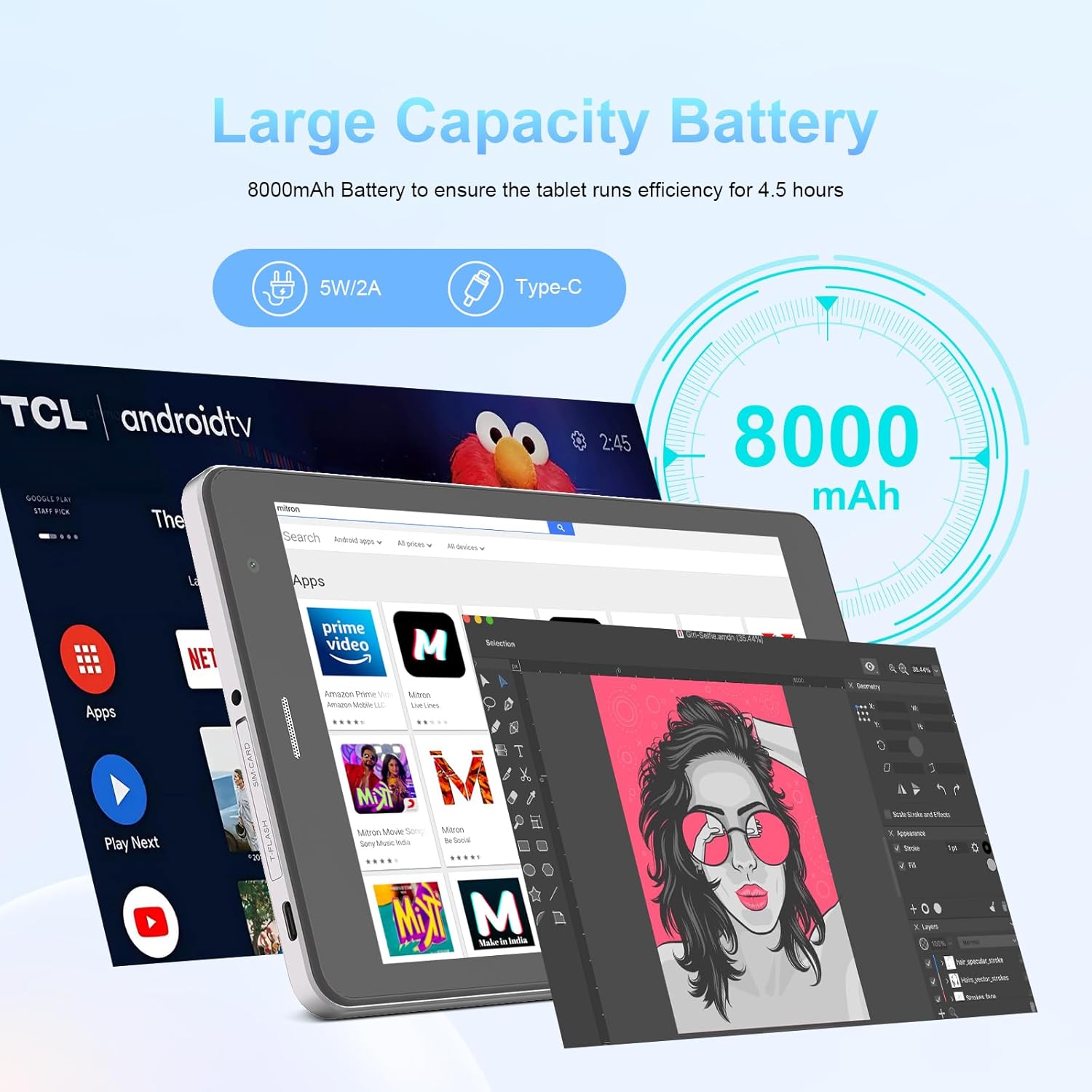
Image: The C idea CM817 Pro Max tablet, emphasizing its 8000mAh large capacity battery, designed for extended operational hours.
6. Configuració de la pantalla
The tablet features an 8-inch 1280x800 IPS HD display. Adjust brightness, font size, and display timeout in Configuració > Pantalla per a un còmode viewexperiència.

Image: The C idea CM817 Pro Max tablet showcasing its 8-inch IPS HD screen with a resolution of 800x1280 pixels, providing clear visuals.
Manteniment
1. Neteja
Use a soft, lint-free cloth to clean the screen and body of the tablet. Do not use abrasive cleaners or solvents, as they may damage the surface. Avoid getting moisture into ports.
2. Actualitzacions de programari
Regularly check for system updates to ensure your tablet has the latest features and security patches. Go to Configuració > Sistema > Actualització del sistema per comprovar i instal·lar actualitzacions.
3. Cura de la bateria
To prolong battery lifespan, avoid exposing the tablet to extreme temperatures. Do not let the battery completely drain frequently. Use the original charger or a certified compatible charger.
Resolució de problemes
- La tauleta no s'encén: Ensure the tablet is charged. Press and hold the Power On/Off button for at least 10-15 seconds to force a restart.
- Problemes de connexió Wi-Fi: Reinicia el router Wi-Fi i la tauleta. Oblida't de la xarxa a la configuració del Wi-Fi i torna a connectar-te.
- Rendiment lent: Close unused apps, clear cache (Settings > Storage), and restart the tablet. Consider uninstalling large or unnecessary applications.
- La càmera no funciona: Ensure the Camera app has necessary permissions (Settings > Apps > Camera > Permissions). Restart the tablet.
- Emmagatzematge ple: Delete old photos/videos, uninstall unused apps, or move files to an inserted MicroSD card.
- Les aplicacions es bloquegen: Esborra la memòria cau i les dades de l'aplicació (Configuració > Aplicacions > [Nom de l'aplicació] > Emmagatzematge > Esborra la memòria cau/Esborra les dades). Si el problema persisteix, desinstal·la i torna a instal·lar l'aplicació.
Especificacions
| Característica | Detall |
|---|---|
| Marca | C idea |
| Nom del model | CM817 Pro Max |
| Sistema operatiu | Android 15 |
| Processador | Octa-core (MediaTek) |
| RAM | 8 GB |
| Emmagatzematge intern (ROM) | 512 GB |
| Emmagatzematge ampliable | Up to 512GB (via TF/MicroSD card) |
| Mida de la pantalla | 8 polzades |
| Resolució de pantalla | 1280 x 800 pixels (IPS HD) |
| Càmera frontal | 5MP |
| Càmera posterior | 8MP |
| Capacitat de la bateria | 8000 mAh (polímer de liti) |
| Connectivitat | Wi-Fi, 5G SIM, Bluetooth |
| Ports | USB-C, presa per a auriculars de 3.5 mm |
| Pes de l'article | 1 kg 80 g |
| Dimensions del paquet | 29.8 x 18 x 6.4 cm |
Garantia i Suport
For warranty information and technical support, please refer to the warranty card included in your package or contact C idea customer service. Keep your purchase receipt as proof of purchase.