
1. Introducció
This manual provides instructions for the safe and efficient use of your TESSAN Multi Plug Outlet Extender, Model TS-WM1026-C. This device is designed to expand a single wall outlet into multiple AC outlets and USB charging ports, offering surge protection and a convenient power switch.

2. Instruccions de seguretat
Si us plau, llegiu i comprengui totes les instruccions de seguretat abans d'utilitzar aquest producte. Si no segueix aquestes instruccions, pot provocar descàrregues elèctriques, incendis o lesions greus.
- No supereu la potència màxima de 1875 W.
- This device is for indoor use only. Do not expose to moisture or wet conditions.
- No desmunteu ni modifiqueu el dispositiu.
- Mantenir fora de l'abast dels nens i mascotes.
- Assegureu-vos que la presa de corrent estigui correctament connectada a terra abans de connectar l'extensor.
- Avoid plugging in high-power appliances such as heaters, air conditioners, or microwaves into this extender.
- If the surge protector indicator light is off, the surge protection feature may be compromised. Replace the unit.
3. Característiques del producte
- 11-in-1 Splitter Plug Outlet: Expands to 8 AC outlets (1875W Max), 1 USB-C port, and 2 USB-A ports, allowing simultaneous charging of up to 11 devices.
- USB Wall Plug: Features one USB-C port (15W Max) and two USB-A ports (12W Max per port) for efficient charging of phones, tablets, and other USB-powered devices.
- Surge Protector and Power Switch: Includes a power switch for easy control of the power supply and surge protection to safeguard connected devices from power surges.
- Instal·lació senzilla: Designed with a stabilizing rod for firm attachment to wall outlets, suitable for standard and decorator outlets. The plastic post can be cut off for GFCI and USB receptacle outlets.
- Wide Space Outlet Multiplier: A 3-sided design with widely spaced outlets ensures that large plugs can be used simultaneously without blocking adjacent outlets.

4. Configuració
Follow these steps to properly install your TESSAN Multi Plug Outlet Extender:
- Ensure the wall outlet is clean and free from debris.
- Align the extender's prongs with the wall outlet. The stabilizing rod on the back of the extender helps secure it to the wall.
- For GFCI or USB receptacle outlets, the plastic stabilizing post on the back of the extender can be carefully cut off if it obstructs installation.
- Gently push the extender firmly into the wall outlet until it is securely seated.

5. Instruccions de funcionament
Once installed, the TESSAN Multi Plug Outlet Extender is ready for use.
- Interruptor d'alimentació: Use the integrated power switch to turn the AC outlets and USB ports on or off. This eliminates the need to frequently plug and unplug devices.
- Preses de CA: Plug your devices into any of the 8 AC outlets. The 3-sided design ensures ample space for larger adapters.
- Càrrega USB: Connect your USB-powered devices to the USB-C (15W Max) or USB-A (12W Max per port) ports for charging.
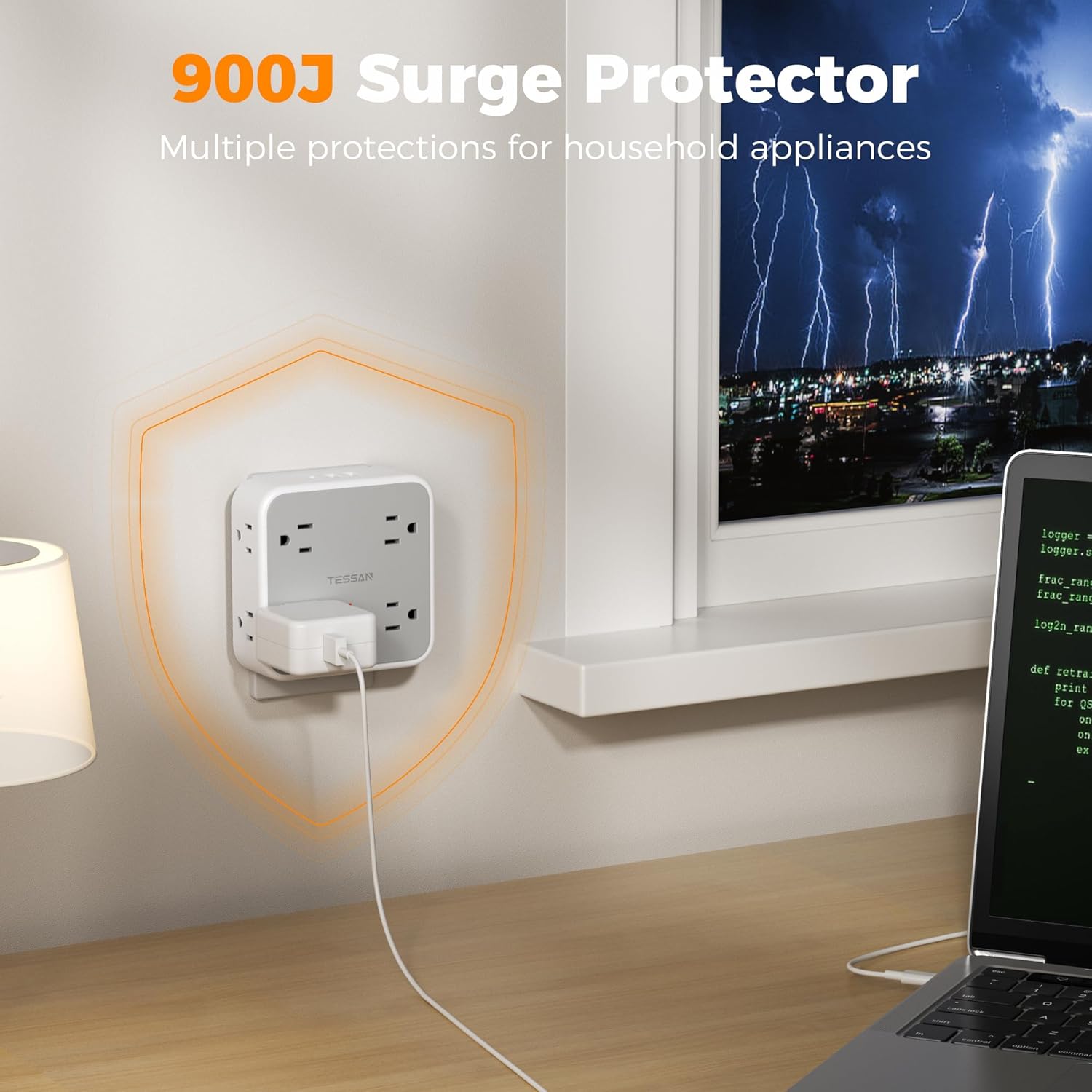
- Protecció contra sobretensions: The built-in surge protector safeguards your electronics from voltage spikes. A red indicator light typically signifies active surge protection. If this light is off, the surge protection may have been consumed and the unit should be replaced.



6. Manteniment
To ensure the longevity and safe operation of your outlet extender:
- Mantingueu el dispositiu net i lliure de pols. Feu servir un drap sec i suau per netejar-lo.
- No utilitzeu netejadors líquids ni aerosols.
- Periodically check the device and connected cords for any signs of damage. Discontinue use if damage is observed.
7. Solució De Problemes
If you encounter issues with your TESSAN Multi Plug Outlet Extender, consider the following:
- Sense alimentació als dispositius:
- Ensure the extender's power switch is in the 'ON' position.
- Verify that the wall outlet is functioning by plugging in another device directly.
- Check if the surge protection indicator light is on. If it's off, the surge protection may have been tripped or consumed.
- Assegureu-vos el wat totaltagLa potència dels dispositius connectats no supera els 1875 W.
- Ports USB que no es carreguen:
- Confirm the device is properly connected to the USB port.
- Try a different USB cable or device to rule out cable/device issues.
- Ensure the extender's power switch is on.
- Loose Fit in Wall Outlet:
- Ensure the stabilizing rod is correctly positioned or removed if it interferes with the outlet type.
- The extender is designed for standard and decorator outlets. Some older or worn outlets may not provide a snug fit.
Si els problemes persisteixen, poseu-vos en contacte amb el servei d'atenció al client.
8. Especificacions
| Característica | Detall |
|---|---|
| Número de model | TS-WM1026-C |
| Preses de corrent altern | 8 |
| Ports USB-A | 2 (12 W màx. per port) |
| Port USB-C | 1 (15 W màx.) |
| Potència màxima | 1875W |
| Protecció contra sobretensions | Sí (900J) |
| Pes de l'article | 9.6 unces |
| Dimensions del paquet | 4.41 x 4.37 x 2.8 polzades |
| Característiques especials | On/Off Switch, Surge Protection, USB Slot, Wide Spaced Outlet |
9. Garantia i Suport
Every TESSAN product is assigned a unique serial number (SN) for verification and support purposes. To verify product details, confirm warranty, or trace your product, please contact our support team with your serial number.
How to Find Your Serial Number (SN)
The serial number is typically printed or engraved on the product (usually on the back or bottom), near technical specifications, safety certifications, and electrical ratings. The SN code follows a fixed 13-character format: TS | XX | X | X | XX | XXXXXX.

Contacta amb l'assistència
For further assistance, please visit the official TESSAN weblloc web o consulteu la informació de contacte que s'inclou amb l'embalatge del producte.