
1. Introducció
This manual provides detailed instructions for the installation, operation, and maintenance of your Loddery 9-Inch Android 13 Car Stereo Radio. This unit is designed specifically for Dodge Dart models manufactured between 2012 and 2016, offering advanced features such as Wireless & Wired CarPlay, Android Auto, built-in GPS, Wi-Fi, DSP, and support for a rearview càmera.
2. Contingut del paquet
Si us plau, verifiqueu que tots els elements siguin presents al paquet:
- Loddery 9-Inch Android 13 Car Stereo Unit
- Power Harness and Wiring Adapters
- Antena GPS
- Cables USB
- Micròfon extern
- posteriorview Càmera (si està inclosa al paquet específic)
- Suports i cargols de muntatge
- Car Compass

3. Configuració i instal·lació
Installation of this car stereo requires basic automotive electrical knowledge. If you are unsure about any steps, it is recommended to seek professional installation.
3.1 Comprovació prèvia a la instal·lació
- Ensure the vehicle's ignition is off and the battery is disconnected before starting.
- Confirm compatibility with your Dodge Dart (2012-2016).
3.2 Passos d'instal·lació
- Remove the Original Radio: Carefully remove the trim panels and screws securing the factory radio. Disconnect all wiring harnesses from the original unit.
- Connecteu l'arnès de cablejat: Connect the provided wiring harness to the vehicle's factory harness. Ensure all connections are secure. Connect the GPS antenna, USB cables, and external microphone.
- Instal·leu la part posteriorview Càmera (opcional): Si instal·leu la part posteriorview camera, route the camera cable to the rear of the vehicle and connect it to the designated input on the stereo unit.
- Mount the New Unit: Attach the mounting brackets to the Loddery stereo unit. Slide the unit into the dashboard opening and secure it with screws.
- Torneu a connectar la bateria i proveu-ho: Reconnect the vehicle's battery. Turn on the ignition and power on the stereo unit to test all functions (radio, audio, touch screen, GPS, Bluetooth, camera).
- Remunta el tauler de control: Once all functions are verified, reassemble the dashboard trim panels.


4. Instruccions de funcionament
4.1 Funcionament bàsic
- Encès/apagat: The unit typically powers on with the vehicle's ignition. A long press on the power button (if available) can manually turn it off or on.
- Interfície de pantalla tàctil: Navigate through menus and applications using the capacitive touch screen.
- Control de volum: Adjust audio volume using the physical knobs/buttons on the unit or via steering wheel controls.
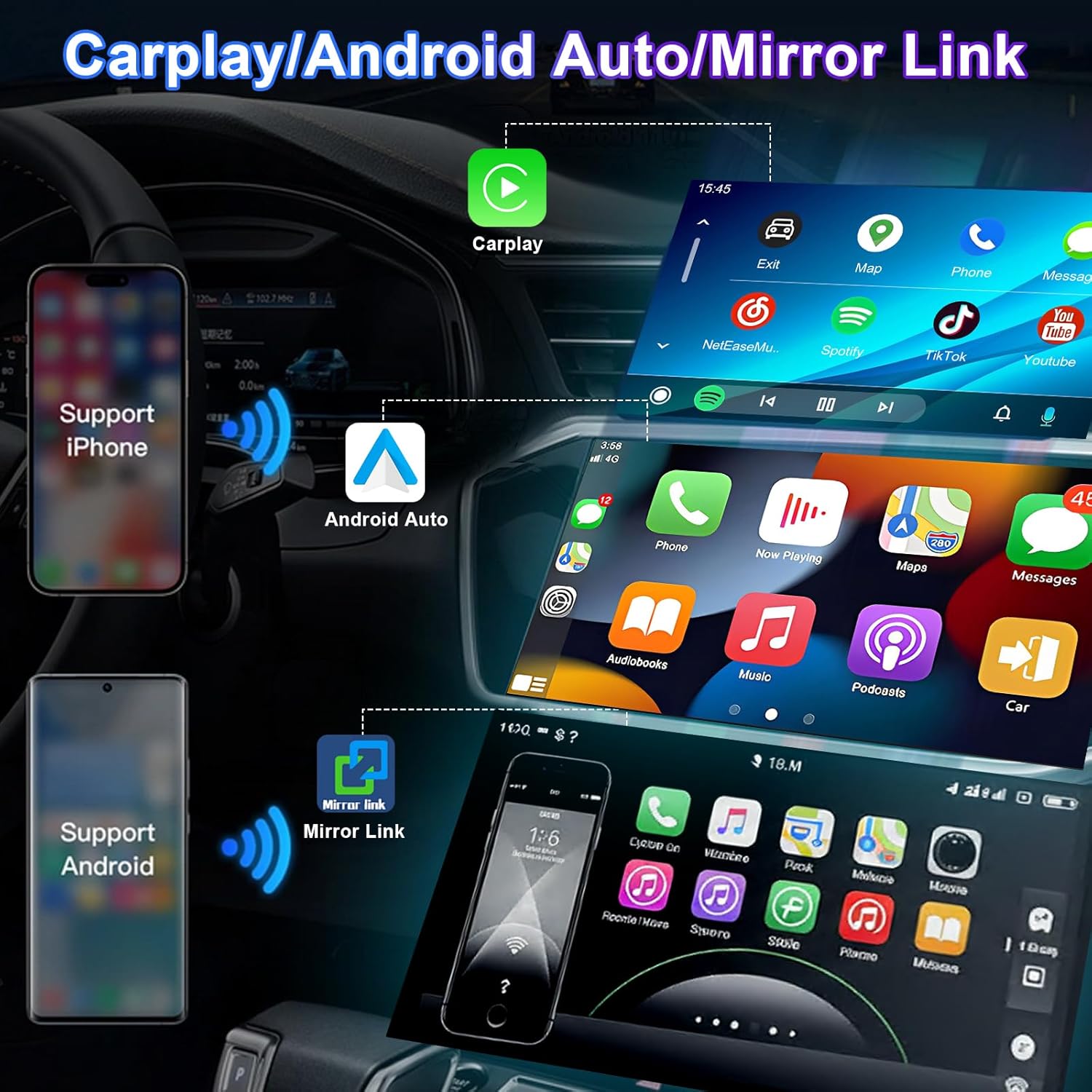
4.2 Wireless & Wired CarPlay / Android Auto
This unit supports both wireless and wired connections for Apple CarPlay and Android Auto, integrating your smartphone's features directly onto the stereo display.
- Connexió sense fil: Enable Bluetooth and Wi-Fi on your smartphone. Pair your phone with the car stereo via Bluetooth. Follow the on-screen prompts to initiate CarPlay or Android Auto wirelessly.
- Connexió per cable: Connect your smartphone to the stereo's USB port using a certified USB cable. The system will automatically detect and launch CarPlay or Android Auto.
- Control de veu: Utilize Siri (for CarPlay) or Google Assistant (for Android Auto) for navigation, calls, messages, and music playback.

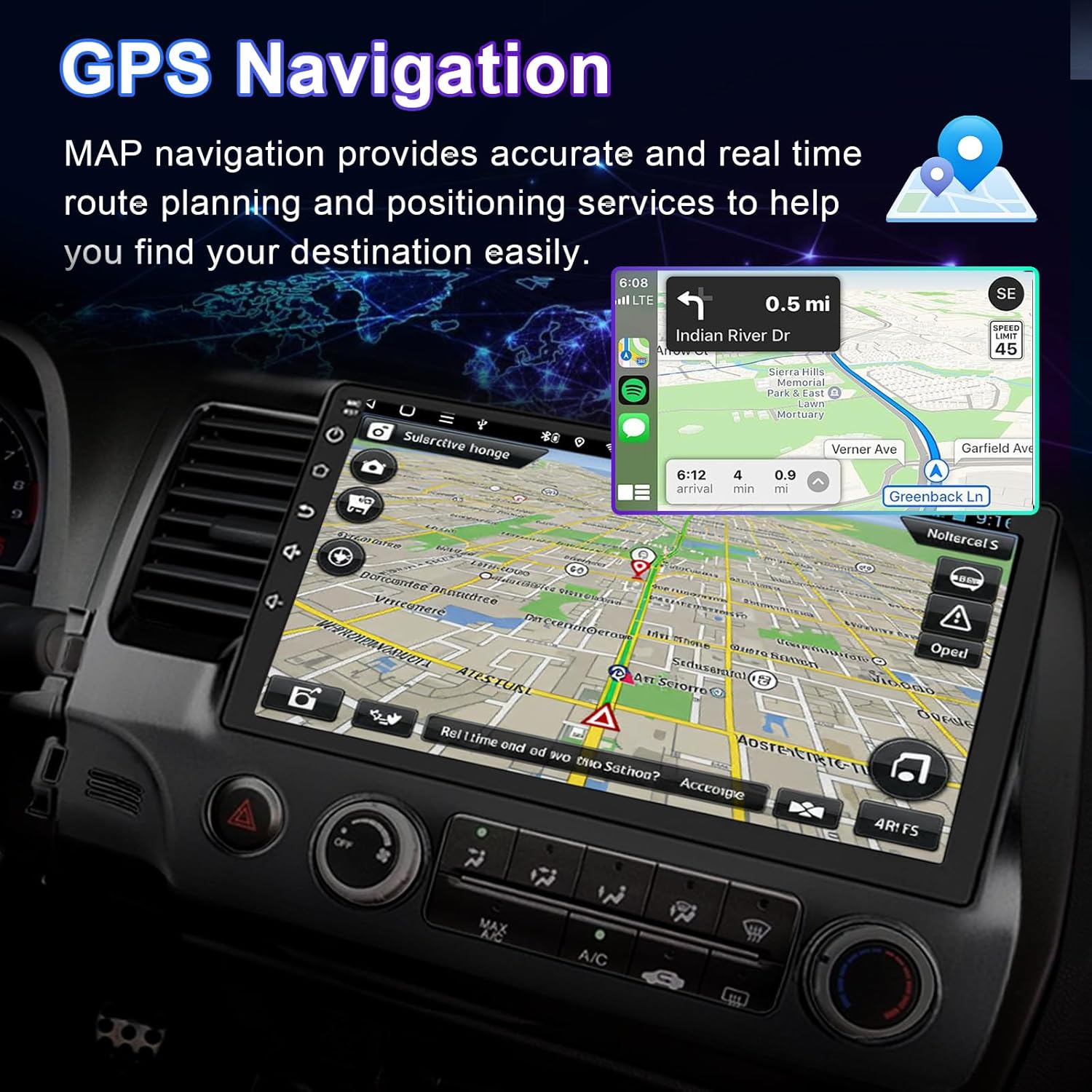
4.3 Navegació GPS
The unit supports both offline and online navigation. Connect the included GPS module for accurate positioning.
- Mapes fora de línia: Pre-installed maps allow navigation without an internet connection.
- Navegació en línia: Connect to Wi-Fi to download and use online navigation applications (e.g., Google Maps, Waze).
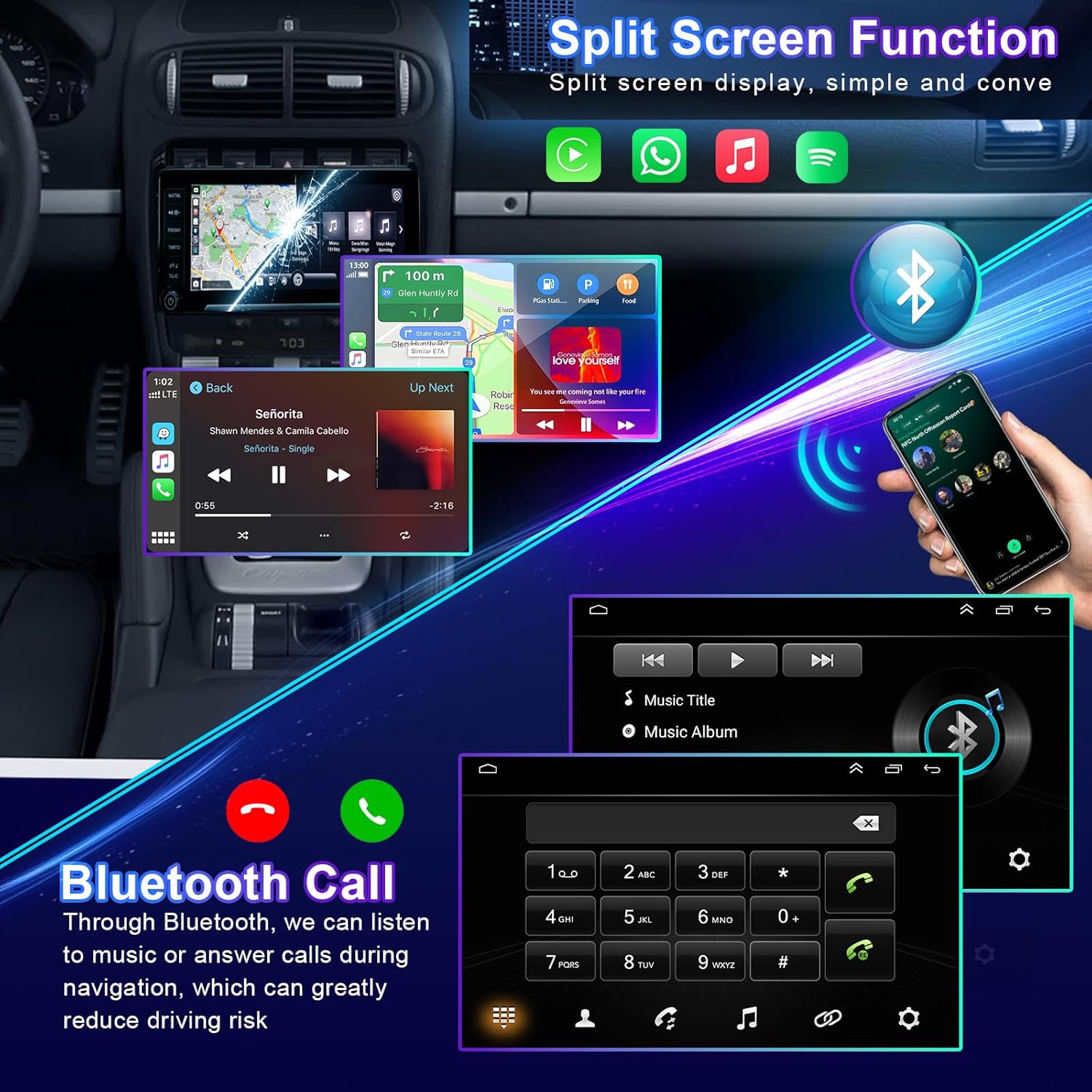
4.4 Funcionalitat Bluetooth
Connecta el teu telèfon intel·ligent mitjançant Bluetooth per a trucades de mans lliures i transmissió d'àudio.
- Maridatge: Go to the Bluetooth settings on the stereo and your phone. Select the stereo's Bluetooth name from your phone's device list to pair.
- Trucades mans lliures: Make and receive calls directly from the stereo screen. Your phone's contacts can be synchronized.
- Transmissió d'àudio: Reprodueix música del telèfon a través dels altaveus del cotxe.
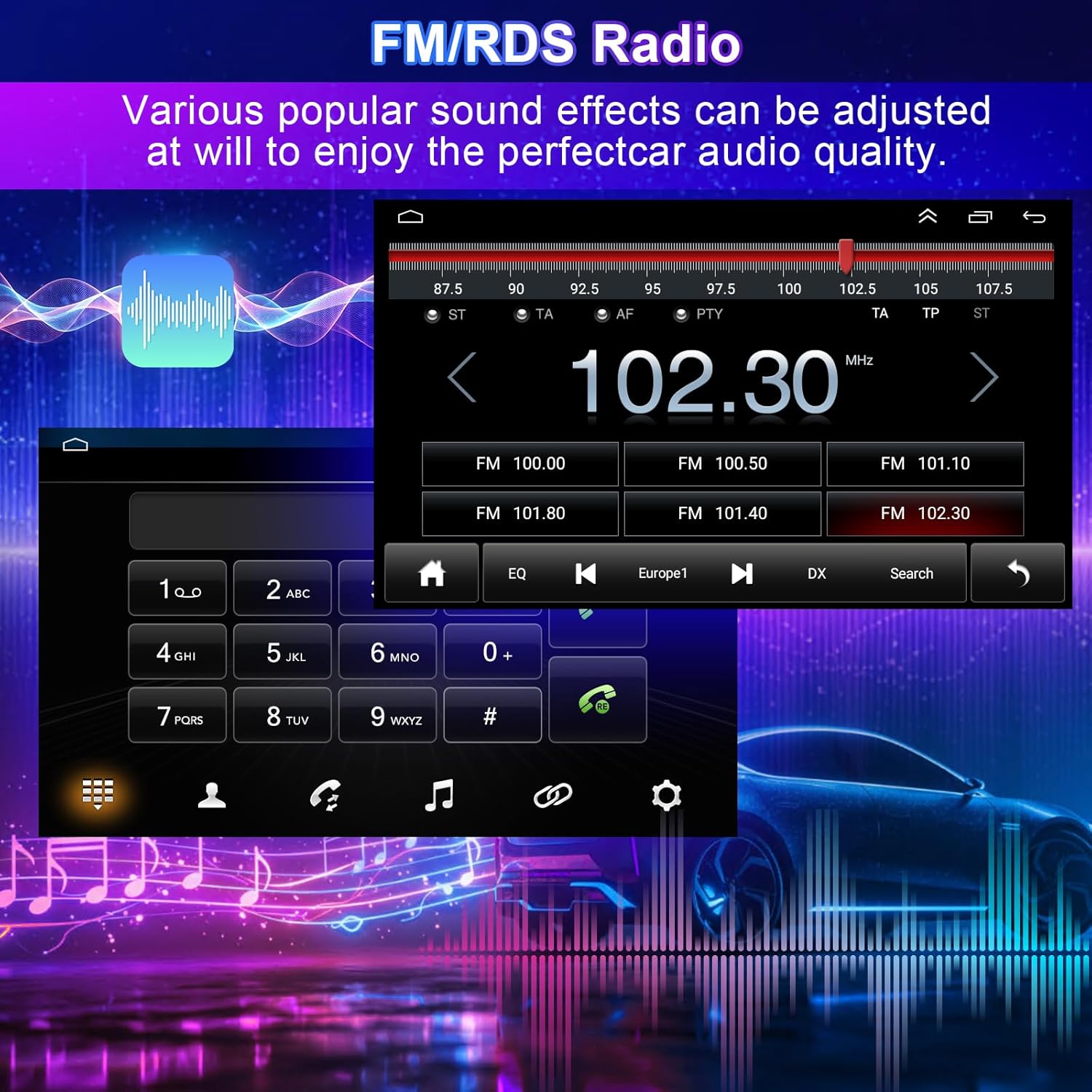
Ràdio 4.5 FM/RDS
Accedeix a les emissores de ràdio locals amb una recepció clara i informació RDS (Radio Data System).
- tuning: Use the touchscreen to scan for stations or manually tune to a specific frequency.
- Efectes de so: Ajusteu diversos efectes de so i configuracions d'equalitzador per personalitzar la vostra experiència d'àudio.
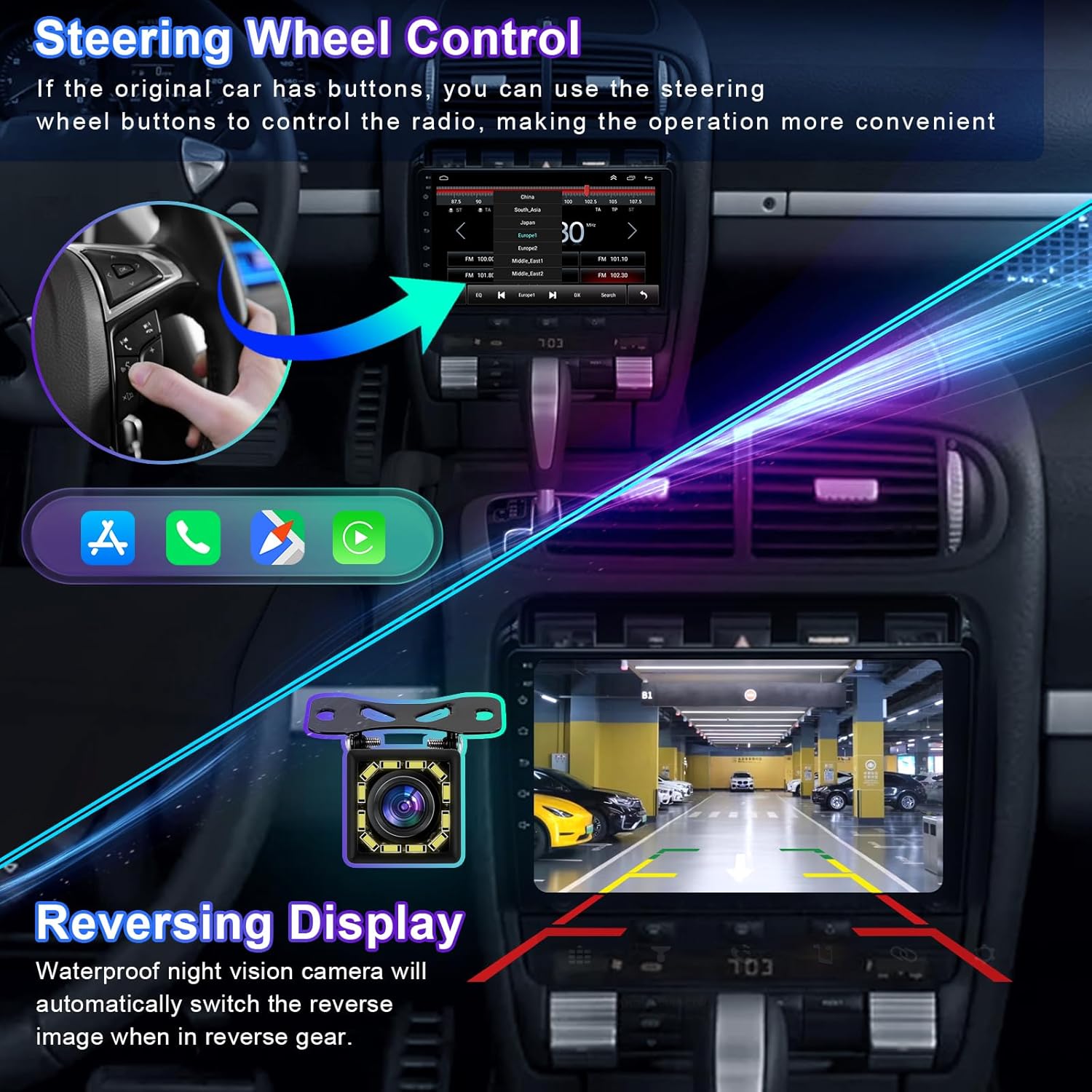
4.6 Control del volant (SWC)
If your vehicle has existing steering wheel buttons, they can be configured to control the stereo, enhancing convenience and safety.
- Configuració: Access the 'Steering Wheel Control' settings in the stereo's menu. Follow the on-screen instructions to map your vehicle's steering wheel buttons to specific functions (e.g., volume up/down, track skip, answer call).
4.7 Darrera View Entrada de càmera
La unitat mostra automàticament la part posteriorview camera feed when the vehicle is shifted into reverse gear, aiding in safe parking and maneuvering.
- Visualització automàtica: The screen will switch to the camera view quan s'enganxa la marxa enrere.
- Directrius: Dynamic or static parking guidelines may be displayed to assist with parking.
4.8 Funció de pantalla dividida
Fes diverses tasques executant dues aplicacions simultàniament a la pantalla, com ara la navegació i la reproducció de música.
- Activació: Refer to the system's user interface for specific gestures or menu options to activate split-screen mode.
4.9 Enllaç de mirall
Mirror Link allows you to display your smartphone's screen directly onto the car stereo, supporting both iOS and Android devices via Wi-Fi or USB.
- Connexió: Connect your phone via USB or Wi-Fi and select the Mirror Link option on the stereo. Follow the prompts on both devices to establish the connection.
5. Manteniment
Un manteniment adequat garanteix la longevitat i el rendiment òptim de l'equip de música del vostre cotxe.
- Neteja de pantalla: Utilitzeu un drap suau i sense pelusa lleugerament dampNetegeu-ho amb aigua o amb un netejador de pantalles dissenyat específicament per a pantalles electròniques. Eviteu productes químics agressius o materials abrasius.
- Actualitzacions de programari: Periodically check for available software updates through the system settings (requires Wi-Fi connection) to ensure you have the latest features and bug fixes.
- Atenció general: Eviteu exposar la unitat a temperatures extremes, a la llum solar directa durant períodes prolongats o a una humitat excessiva.
6. Solució De Problemes
Aquesta secció tracta els problemes habituals que podeu trobar. Per a problemes que no figuren aquí, poseu-vos en contacte amb l'atenció al client.
| Problema | Causa possible | Solució |
|---|---|---|
| Sense poder | Connexió d'alimentació fluixa, fusible fundit, problema amb la bateria del vehicle. | Check power wiring harness connections. Inspect vehicle fuses. Ensure vehicle battery is charged. |
| Sense so | Volum massa baix, silenci activat, problema de cablejat de l'altaveu, configuració de sortida d'àudio incorrecta. | Increase volume. Check if mute is active. Verify speaker connections. Adjust audio settings in the system menu. |
| GPS Signal Loss | GPS antenna not connected, antenna obstructed, poor satellite reception. | Assegureu-vos que l'antena GPS estigui connectada correctament i col·locada en un lloc sense obstacles (per exemple, al tauler de control). Moveu-vos a una zona oberta per a una millor recepció. |
| Problemes de connexió Bluetooth | Telèfon no detectable, emparellament incorrecte, interferències. | Assegureu-vos que el Bluetooth estigui activat en tots dos dispositius. Suprimiu els emparellaments anteriors i torneu-los a emparellar. Reinicieu tots dos dispositius. |
| No s'inicia el CarPlay/Android Auto | Incorrect USB cable, phone software issue, app not installed. | Use a certified USB cable. Ensure CarPlay/Android Auto is enabled on your phone. Update phone OS and apps. |
| La pantalla tàctil no respon | Bloqueig del sistema, error temporal del programari. | Restart the unit (if possible, by holding the power button). If persistent, a factory reset might be necessary (note: this will erase all user data). |
7. Especificacions
| Característica | Especificació |
|---|---|
| Nom del model | for Dodge Dart Radio 2012-2016 |
| Mida de la pantalla | 9 polzades |
| Resolució de pantalla | 1280x720 (IPS Touchscreen) |
| Sistema operatiu | Android 13 |
| Tecnologia de connectivitat | Bluetooth, Ethernet, USB, Wi-Fi |
| Característiques especials | Wireless & Wired CarPlay, Android Auto, Built-in GPS, DSP, Steering Wheel Control, Rear View Camera Support, Split Screen, Mirror Link, FM/RDS Radio |
| Components inclosos | Car Stereo Unit, Wiring Harness, GPS Antenna, USB Cables, External Microphone, Car Compass |
| Pes de l'article | 4.13 lliures (1875 grams) |
| Dimensions del paquet | 14.96 x 12.2 x 6.69 polzades |
| Piles incloses | No |
8. Garantia i Suport
Your Loddery car stereo comes with a manufacturer's warranty. For any questions or concerns regarding your product, please feel free to contact the seller or manufacturer directly. Please refer to your purchase documentation for specific warranty terms and contact information.
For technical assistance or further inquiries, please reach out to Loddery customer support through the platform where the product was purchased.