
Auusda T161N
Auusda 16-inch FHD Laptop User Manual
Model: T161N
Marca: Auusda
Introducció
This manual provides essential information for the proper setup, operation, and maintenance of your Auusda 16-inch FHD Laptop, Model T161N. Please read this manual thoroughly before using your device to ensure optimal performance and longevity. Keep this manual for future reference.
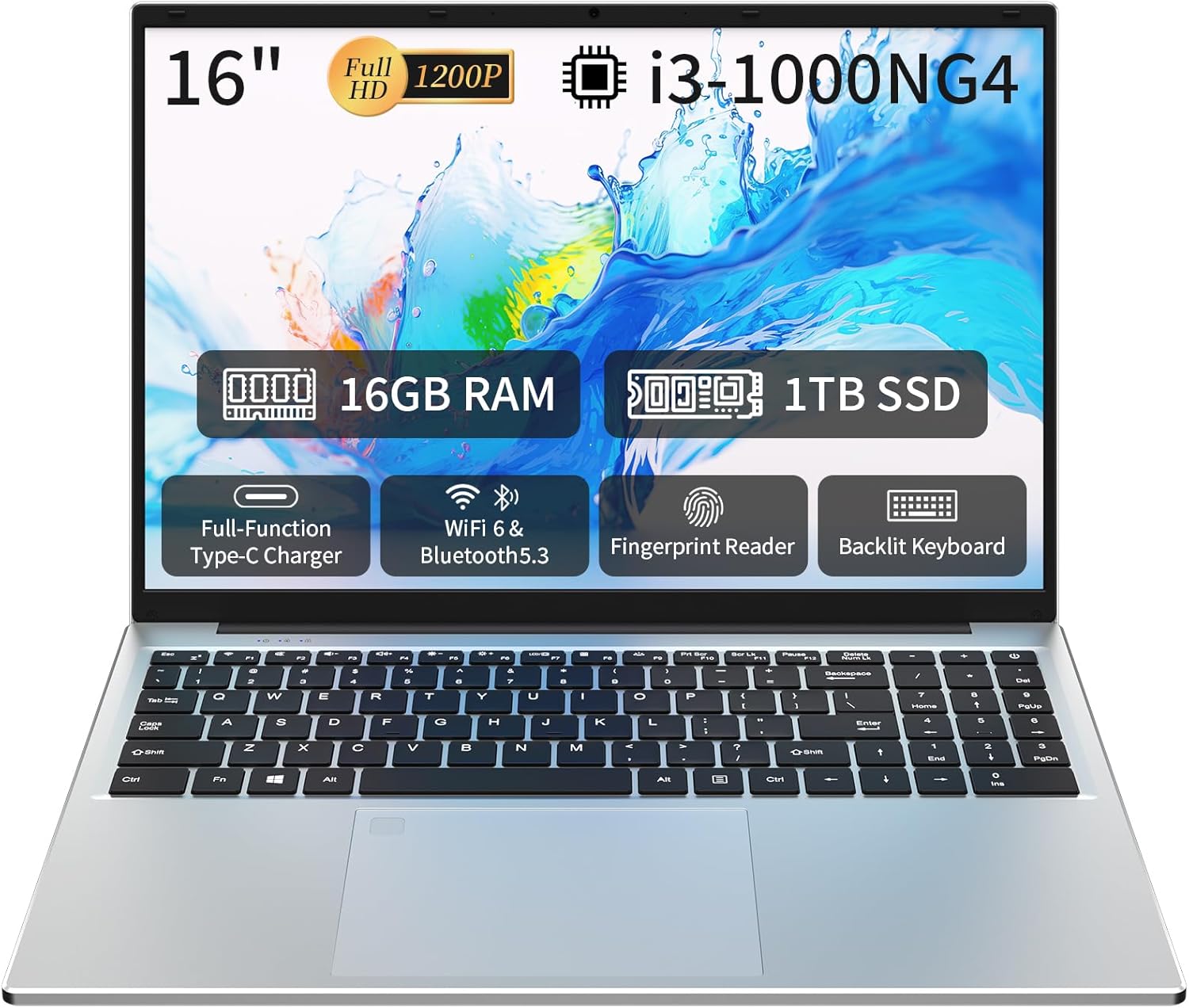
Image: The Auusda 16-inch FHD Laptop, showcasing its 16-inch Full HD display, 16GB RAM, 1TB SSD, i3-1000NG4 processor, Full-Function Type-C port, Wi-Fi 6 & Bluetooth 5.3, Fingerprint Reader, and Backlit Keyboard.
Què hi ha a la caixa
Verifiqueu que tots els elements estiguin presents a l'embalatge:
- 1 x Auusda 16-inch FHD Laptop
- 1 x Carregador
- 1 x Funda de teclat
- 1 x manual d'instruccions

Image: A visual representation of the items included in the product packaging, alongside the laptop's physical dimensions (14.17 x 9.76 x 0.71 inches).
Producte acabatview
Característiques clau
- Processador: Intel Core i3-1000NG4, up to 3.2 GHz
- Memòria: 16 GB de RAM DDR4
- Emmagatzematge: SSD de 1 TB
- Visualització: 16-inch Full HD (1920x1200) IPS display with 180° viewangle de ing
- Sistema operatiu: Windows 11 Pro
- Connectivitat: Wi-Fi 6, Bluetooth 5.3
- Ports: Full-Function Type-C (charging, data, 4K video), 2x USB 3.0, 1x USB 2.0, Mini HDMI, 3.5mm Standard Headphone Jack, DC 3.5 power input
- Seguretat: Lector d'empremtes digitals
- Teclat: Teclat retroil·luminat amb teclat numèric
- Bateria: 5000mAh Lithium Battery (11.4V)
Processador i rendiment
The laptop is equipped with an Intel Core i3-1000NG4 processor, providing efficient performance for multitasking and everyday computing tasks. The 16GB DDR4 RAM ensures smooth operation, while the 1TB SSD offers fast boot-up times and ampla capacitat d'emmagatzematge.
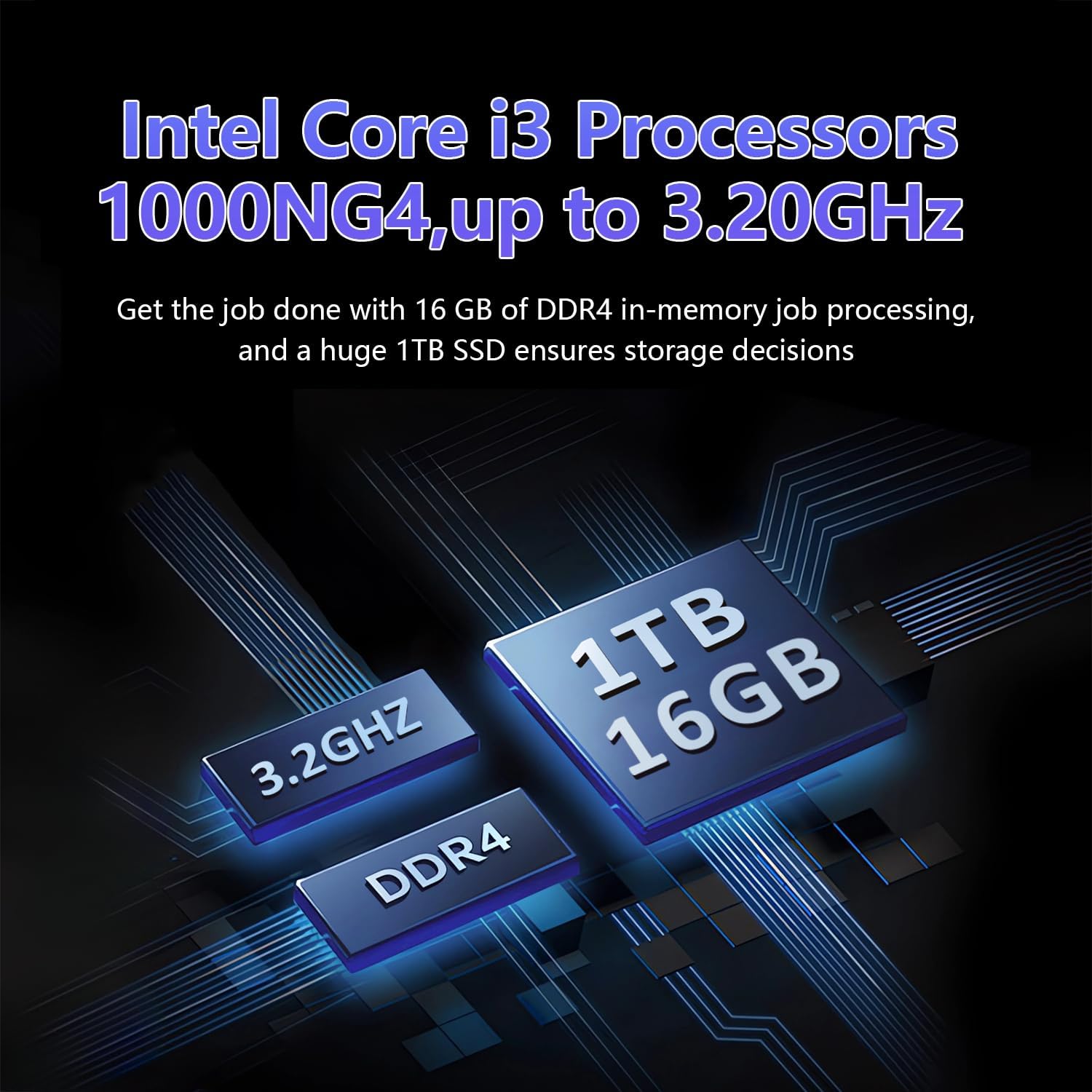
Image: A visual representation of the Intel Core i3-1000NG4 processor, 16GB DDR4 RAM, and 1TB SSD, highlighting their roles in the laptop's performance.
Mostra
The 16-inch Full HD (1920x1200) IPS display offers clear and vibrant visuals. Its 180° viewing angle allows for flexible positioning and comfortable collaboration.
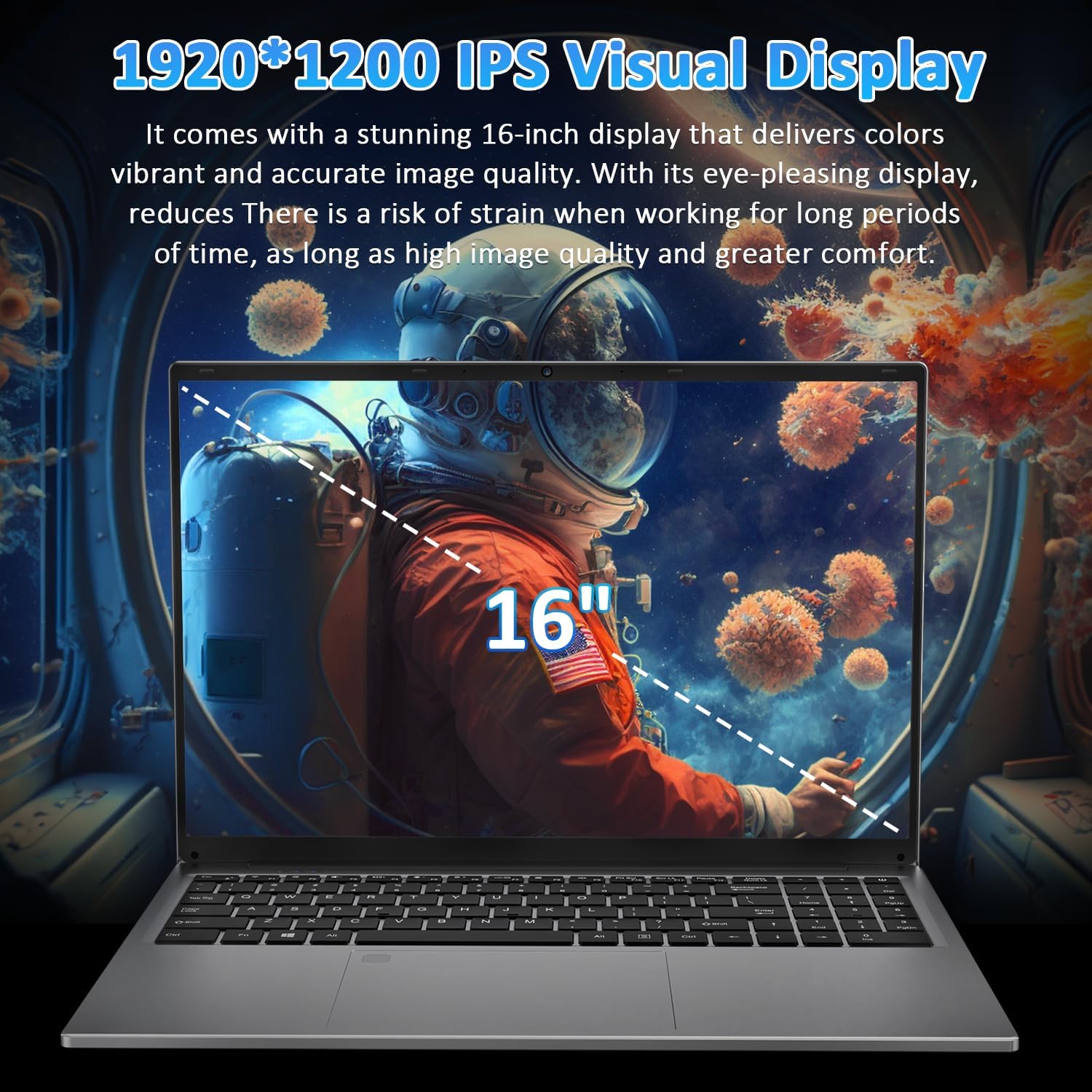
Image: The laptop's 16-inch 1920x1200 IPS display, illustrating its visual quality and size.
Ports i connectivitat
The laptop features a variety of ports for versatile connectivity, including a Full-Function Type-C port for charging, data transfer, and 4K video output. Dual USB 3.0 ports, a USB 2.0 port, a Mini HDMI port, and a 3.5mm headphone jack are also available.
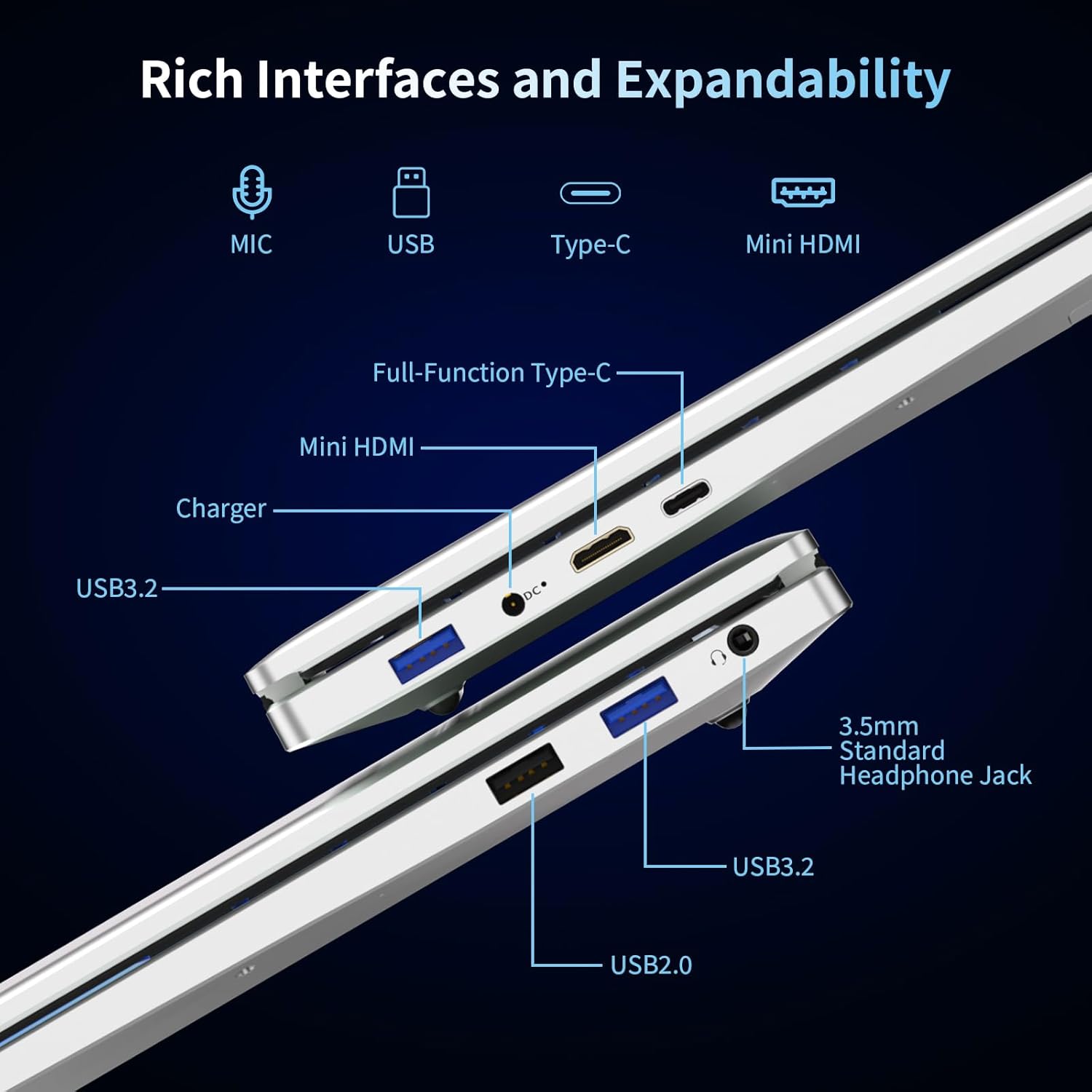
Imatge: Una imatge detallada view of the laptop's left and right sides, showing the arrangement and types of available ports for external connections.
Keyboard and Security
The integrated backlit keyboard enhances typing in low-light conditions. A dedicated numeric keypad is included for data entry. For enhanced security, the laptop features a fingerprint reader for quick and secure access.

Image: The laptop's keyboard area, illustrating the backlit keys, integrated numeric keypad, and the fingerprint unlock sensor.
Bateria
The laptop is powered by a 5000mAh Lithium battery, designed to provide extended usage time.

Image: The laptop with an overlay indicating its 5000mAh battery capacity and 11.4V rating.
Configuració
1. Càrrega inicial
- Connect the provided charger to the laptop's DC 3.5 power input port.
- Connecteu el carregador a una presa de corrent.
- Deixeu que el portàtil es carregui durant almenys 30 minuts abans del primer ús o fins que l'indicador de la bateria mostri una càrrega suficient.
2. Encès
- Obriu la tapa de l'ordinador portàtil.
- Premeu el botó d'engegada que es troba al teclat.
- Seguiu les instruccions que apareixen a la pantalla per completar la configuració inicial del Windows 11 Pro, inclosa la selecció d'idioma, la connexió de xarxa i la creació d'un compte d'usuari.
Instruccions de funcionament
Using Windows 11 Pro
Your laptop comes pre-installed with Windows 11 Pro. Familiarize yourself with the operating system's interface and features. Microsoft provides extensive online documentation and tutorials for Windows 11.
Connexió a Wi-Fi
- Feu clic a la icona Wi-Fi de la barra de tasques.
- Seleccioneu la xarxa desitjada de la llista.
- Introduïu la contrasenya de xarxa si se us demana i feu clic a "Connecta".
Ús de dispositius Bluetooth
- Aneu a "Configuració" > "Bluetooth i dispositius".
- Assegureu-vos que el Bluetooth estigui activat.
- Select 'Add device' and follow the instructions to pair your Bluetooth device.
Lector d'empremtes digitals
To set up fingerprint login:
- Go to 'Settings' > 'Accounts' > 'Sign-in options'.
- Under 'Windows Hello Fingerprint', click 'Set up' and follow the on-screen prompts to register your fingerprint.
Teclat retroil·luminat
The backlit keyboard can be toggled on or off, and its brightness adjusted, using specific function keys (refer to your keyboard layout for the exact key combination, often Fn + F key).
Connexió de pantalles externes
Use the Mini HDMI port or the Full-Function Type-C port to connect an external monitor or projector. Press Tecla Windows + P per seleccionar els modes de visualització (Duplicar, Ampliar, només segona pantalla).

Imatge: Examples of the laptop's versatility in various usage scenarios, including office tasks, daily browsing, online education, and gaming.
Manteniment
Neteja
- Feu servir un drap suau i sense borrissol per netejar la pantalla i les superfícies exteriors.
- Per a marques difícils, lleugerament dampNetegeu el drap amb aigua o un netejador de pantalles. Eviteu productes químics agressius.
- Assegureu-vos que el portàtil estigui apagat i desendollat abans de netejar-lo.
Cura de la bateria
- Eviteu descarregar completament la bateria amb freqüència.
- Store the laptop in a cool, dry place if not used for extended periods, with the battery charged to about 50%.
- Utilitzeu només el carregador subministrat.
Actualitzacions de programari
Regularly check for and install Windows updates to ensure system stability, security, and performance.
Resolució de problemes
El portàtil no s'encén
- Assegureu-vos que el carregador estigui connectat correctament tant al portàtil com a una presa de corrent que funcioni.
- Verifiqueu que la presa de corrent funciona connectant-hi un altre dispositiu.
- Deixeu que el portàtil es carregui una estona abans d'intentar tornar-lo a encendre.
Sense connexió Wi-Fi
- Comproveu si el Wi-Fi està habilitat a la configuració de Windows.
- Reinicieu el router i el mòdem.
- Ensure you are selecting the correct network and entering the correct password.
Screen is Blank or Flickering
- Reinicieu l'ordinador portàtil.
- If an external display is connected, try disconnecting it.
- Update your display drivers through Windows Update or the manufacturer's weblloc.
Rendiment lent
- Tanca les aplicacions innecessàries que s'executen en segon pla.
- Comproveu i instal·leu les actualitzacions pendents de Windows.
- Executeu una neteja i desfragmentació del disc (per al disc dur, no cal per a l'SSD).
- Escaneja per detectar programari maliciós o virus.
Especificacions
| Característica | Especificació |
|---|---|
| Nom del model | T161N |
| Processador | Intel Core i3-1000NG4 (up to 3.2 GHz) |
| RAM | 16 GB DDR4 SDRAM |
| Disc dur | SSD de 1 TB |
| Mida de la pantalla | 16 polzades |
| Resolució de visualització | Full HD (1920x1200) IPS |
| Coprocessador gràfic | Iris Plus Graphics G4 48EUs |
| Sistema operatiu | Windows 11 Pro |
| Connectivitat sense fil | Wi-Fi 6, Bluetooth 5.3 |
| Ports | Full-Function Type-C, 2x USB 3.0, 1x USB 2.0, Mini HDMI, 3.5mm Headphone Jack, DC 3.5 |
| Bateria | 5000mAh Lithium Battery (11.4V) |
| Pes de l'article | 5.26 lliures |
| Dimensions del producte | 14.17 x 9.76 x 0.71 polzades |
| Color | Plata |
Garantia i Suport
Garantia del fabricant
Your Auusda laptop comes with a 2 anys de garantia del fabricant. This warranty covers defects in materials and workmanship under normal use. Additionally, a Política de devolució sense complicacions de 90 dies is provided for your peace of mind.
Suport ampliat
Gaudeix 3-month extended support and access to Atenció al client 24 hores to assist you with any inquiries or issues.
Contacta amb l'assistència
For support, please provide your order number and a video demonstrating the problem to the following email address:
Correu electrònic: Auusda.ltd@gmail.com
Alternatively, you can log in to your Amazon account, navigate to 'Your Orders', and select 'Ask questions' for assistance.
Ask a question about this manual
Ask about setup, troubleshooting, compatibility, parts, safety, or missing instructions. Manuals+ will review the question and use this page’s manual context to help answer it.