
1. Introducció i finalview
This manual provides comprehensive instructions for the Auusda 16-inch Laptop, model T160R-8+512-3250U. Designed for efficient performance and versatile use, this laptop is equipped with a Ryzen 3 3250U processor, 8GB DDR4 RAM, and a 512GB SSD, ensuring smooth multitasking and quick data access. It comes pre-installed with Windows 11 Pro, offering a modern and secure operating environment.
The laptop features a vibrant 16-inch FHD IPS display with a 1920x1200 resolution and a 178° wide viewing angle, providing clear and detailed visuals for both work and entertainment. Enhanced security is provided by a fingerprint recognition key for convenient login and a physical privacy switch for the 1MP HD webcam. The backlit keyboard ensures visibility in various lighting conditions, adding to user comfort.
Connectivity options include a full-function Type-C port, standard HDMI 4K video output, and three USB ports, allowing for seamless connection to multiple peripherals and external displays. Dual-band WiFi 5 (802.11ac) and Bluetooth 4.2 technology ensure stable and high-speed wireless connections for all your networking and device pairing needs.

Figure 1.1: The Auusda 16-inch Laptop, showcasing its sleek design and key specifications on the screen.
2. Guia de configuració
2.1 Desembalatge i inspecció inicial
Traieu amb cura tots els components de l'embalatge. Verifiqueu que hi hagi els elements següents:
- Auusda 16-inch Laptop
- Adaptador d'alimentació
- Manual d'usuari
- Keyboard membranes (Transparent and Spanish, as gifts)
Inspeccioneu el portàtil per detectar qualsevol dany físic abans de continuar.

Figura 2.1: Elements inclosos al paquet del producte.
2.2 Connexió de l'adaptador de corrent
Connect the power adapter to the charging port on the side of the laptop. Plug the other end into a wall outlet. The battery indicator light will illuminate, indicating that the laptop is charging.
2.3 Arrencada inicial i configuració del Windows 11 Pro
Press the power button to turn on the laptop. Follow the on-screen prompts to complete the initial setup of Windows 11 Pro. This includes selecting your region, language, connecting to a Wi-Fi network, and creating a user account.
2.4 Configuració del sensor d'empremtes dactilars
During the Windows 11 setup or later via Windows Settings (Accounts > Sign-in options > Fingerprint Recognition), you can set up the fingerprint sensor for quick and secure login. Follow the instructions to register your fingerprints.
3. Instruccions de funcionament
3.1 Gestió de l'energia
- Encès: Premeu el botó d'engegada situat a la part superior dreta del teclat.
- Mode de repòs: Tanqueu la tapa o premeu Fn + F1 (or the sleep key if available) to put the laptop into sleep mode.
- Apagar: Feu clic al botó Inici, després a Engegada i seleccioneu "Apagar".
- Reinicia: Feu clic al botó Inici, després a Engegada i seleccioneu "Reinicia".
3.2 Teclat i touchpad
The laptop features a full-size keyboard with a numeric keypad and a backlit function. To toggle the keyboard backlight, press Fn + barra espaiadora (or the dedicated backlight key if present). The touchpad supports multi-touch gestures for navigation.
3.3 Webcam and Privacy Switch
The integrated 1MP HD webcam is located at the top center of the display. For privacy, a physical switch is provided next to the webcam. Slide the switch to cover or uncover the camera lens.

Figure 3.1: The physical webcam privacy switch and various ports.
3.4 Connexió de dispositius externs
El portàtil ofereix diversos ports per connectar dispositius externs:
- Ports USB 3.0 (x3): For connecting USB devices such as external hard drives, mice, and keyboards.
- Full-Function Type-C Port (x1): Supports data transfer, video output (DisplayPort Alternate Mode), and power delivery.
- HDMI Port (x1): For connecting to external monitors or TVs, supporting up to 4K resolution.
- Presa per a auriculars (x1): Per connectar auriculars o altaveus externs.
- TF Card Slot (x1): Per llegir targetes de memòria TransFlash (microSD).
Video 3.1: A detailed view of the laptop's physical appearance, including its ports, webcam privacy switch, and fingerprint sensor.
4. Manteniment i cura
4.1 Neteja del portàtil
- Utilitzeu un drap suau i sense pelusa lleugerament dampesbandiu amb aigua o un netejador de pantalles per netejar la pantalla.
- Per al teclat i el xassís, feu servir un drap suau. Eviteu productes químics agressius o materials abrasius.
- Netegeu regularment la pols de les reixetes de ventilació per garantir un flux d'aire adequat i evitar el sobreescalfament.
4.2 Cura de la bateria
El portàtil està equipat amb una bateria de 5000 mAh. Per maximitzar la vida útil de la bateria:
- Eviteu descarregar completament la bateria amb freqüència.
- No exposeu el portàtil a temperatures extremes.
- Si guardeu el portàtil durant un període prolongat, assegureu-vos que la bateria estigui carregada al 50% aproximadament.
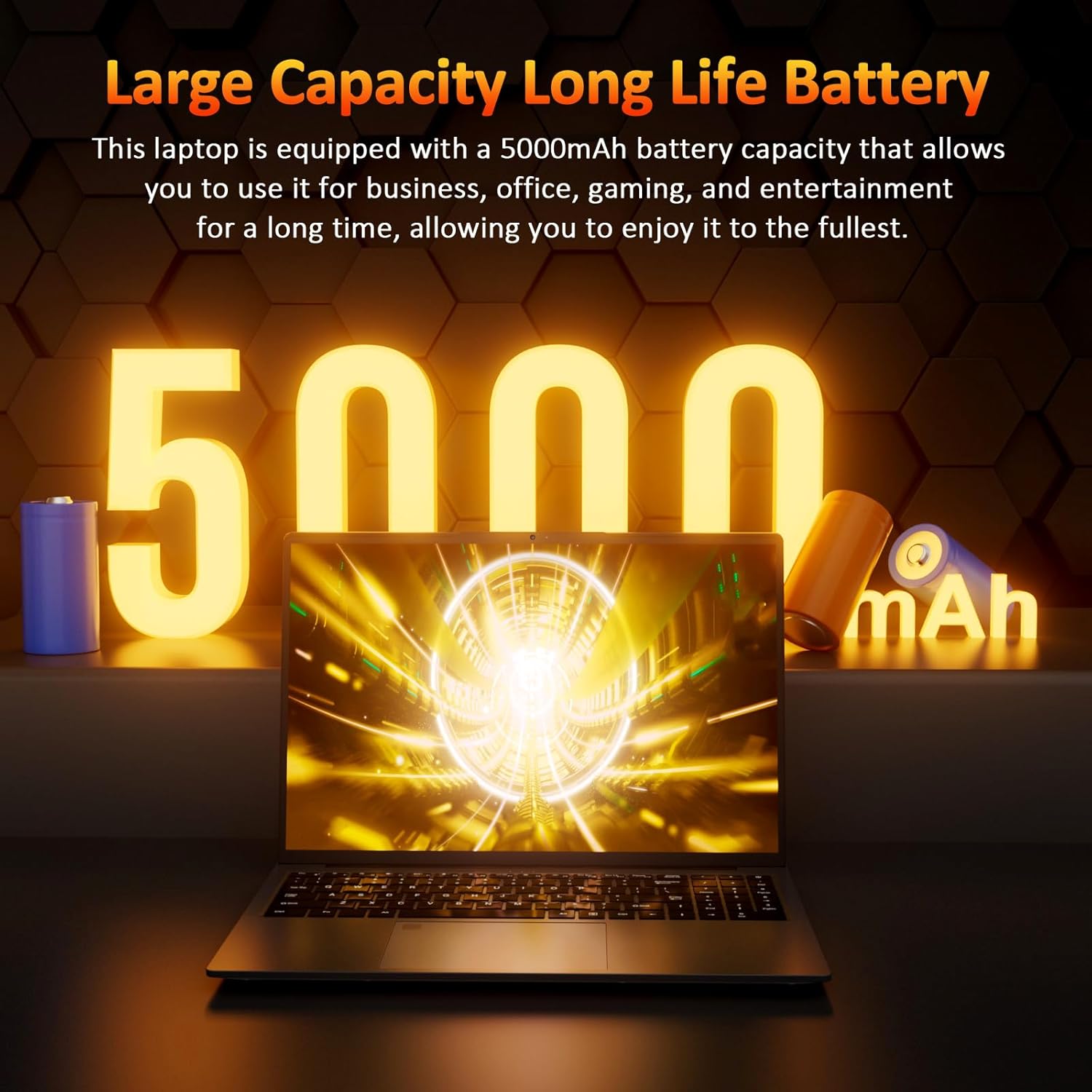
Figure 4.1: The laptop's high-capacity battery provides extended usage.
4.3 Actualitzacions de programari
Regularly update your Windows 11 operating system and device drivers to ensure optimal performance, security, and compatibility. You can check for updates via Windows Settings > Windows Update.
5. Solució De Problemes
This section addresses common issues you might encounter with your Auusda laptop.
El portàtil 5.1 no s'encén
- Assegureu-vos que l'adaptador de corrent estigui connectat correctament tant al portàtil com a una presa de corrent que funcioni.
- Comproveu si la presa de corrent funciona connectant-hi un altre dispositiu.
- Si la bateria està completament esgotada, deixeu-la carregar durant almenys 30 minuts abans d'intentar encendre-la.
5.2 Problemes de connexió Wi-Fi
- Verify that Wi-Fi is enabled on your laptop (check the Wi-Fi icon in the taskbar).
- Reinicieu el vostre encaminador i mòdem Wi-Fi.
- Forget the network in Windows Wi-Fi settings and reconnect.
- Ensure your laptop is within range of the Wi-Fi signal.
5.3 Problemes de visualització
- Si la pantalla està en blanc, proveu de prémer Fn + F7 (or the display toggle key) to cycle through display modes.
- Assegureu-vos que els controladors de pantalla estiguin actualitzats.
- If using an external monitor, check the cable connection and ensure the monitor is powered on.
5.4 Rendiment lent
- Tanca les aplicacions innecessàries que s'executen en segon pla.
- Consulteu el Gestor de tasques (Ctrl+Maj+Esc) per a processos que consumeixen molta CPU o RAM.
- Assegureu-vos que el vostre SSD tingui prou espai lliure.
- Executeu una anàlisi de virus.
6. Especificacions
| Característica | Especificació |
|---|---|
| Mida de la pantalla de peu | 16 polzades |
| Resolució de pantalla | 1920 x 1200 píxels |
| Resolució de pantalla màxima | 1920 píxels |
| Processador | 2.6 GHz Ryzen 3 3250U |
| RAM | 8 GB DDR4 |
| Disc dur | 512 GB SSD (PCIE x 2) |
| Coprocessador gràfic | Gràfics AMD Radeon (integrats) |
| Tipus sense fil | 802.11a/b/g/n/ac (WiFi 5) |
| Bluetooth | 4.2 |
| Ports USB 2.0 | 2 |
| Ports USB 3.0 | 1 |
| Full-Function Type-C | 1 |
| HDMI | Yes (4K output) |
| Sistema operatiu | Windows 11 Pro |
| Pes de l'article | 3.7 lliures |
| Dimensions del producte | 14 x 11 x 0.7 polzades |
| Color | Gris |
| Durada mitjana de la bateria | 3 hores |
| Característiques especials | Backlit Keyboard, Fingerprint Reader, Memory Card Slot, Numeric Keypad, Portable |
7. Garantia i Suport
Auusda provides comprehensive support for your laptop. For any inquiries or assistance, please refer to the following:
- Període de garantia: A 12-month warranty is provided, covering free repair, return, or exchange services for the computer.
- Assistència en línia: For assistance with your order, log in to your Amazon account, navigate to "Your Account," then "Your order," and select "Ask questions."
- Suport per correu electrònic: You can also reach our support team directly via email at supportus@auusdalaptop.com. We aim to provide a 24-hour response to all questions.

Figure 7.1: Auusda's commitment to quality and customer service.