
Introducció
The Muddy Pro Cam 18 Bundle is a high-performance trail camera system designed for outdoor scouting and monitoring. This bundle includes the 18MP Pro Cam trail camera, a 16GB SD card, and six AA batteries, providing a complete solution for capturing high-quality images and videos in various outdoor conditions. Its robust design and advanced features make it an ideal tool for wildlife observation and property surveillance.

Image: The Muddy Pro Cam 18 Bundle, featuring the trail camera, six AA batteries, and a 16GB SD card.
Contingut del paquet
Please verify that all items are present in your Muddy Pro Cam 18 Bundle:
- Muddy Pro Cam 18 Trail Camera
- 16GB SD Memory Card
- 6 piles AA
- Corretja de muntatge ajustable
Configuració
Instal·lació de la bateria
The Pro Cam 18 operates on 6 AA batteries. For optimal performance and battery life, it is recommended to use high-quality alkaline or lithium batteries.
- Localitzeu el compartiment de la bateria a la part inferior de la càmera.
- Open the battery compartment latch and pull out the battery tray.
- Introduïu 6 piles AA, assegurant-vos de la polaritat correcta (+/-) tal com s'indica a l'interior del compartiment.
- Feu lliscar la safata de la bateria de nou a la càmera fins que sentiu un clic i encaixi fermament al seu lloc.

Image: The Muddy Pro Cam 18 with its battery chamber open, ready for battery insertion.
Instal·lació de la targeta SD
The camera requires a Secure Digital (SD) card for storing images and videos. The bundle includes a 16GB SD card, and the camera supports up to 32GB.
- Open the front cover of the camera to reveal the control panel and SD card slot.
- Insert the 16GB SD card into the designated slot until it clicks. Ensure the card is inserted in the correct orientation.
- Tanqueu la coberta frontal de manera segura.

Image: The Muddy Pro Cam 18 with batteries and the SD card correctly installed in their respective compartments.
Opcions de muntatge
The Pro Cam 18 offers flexible mounting solutions:
- Corretja ajustable: Use the included adjustable strap with buckle to secure the camera to a tree or post.
- 1/4"-20 Thread: The camera features a 1/4"-20 threaded insert on the bottom for use with standard camera mounts or tripods.
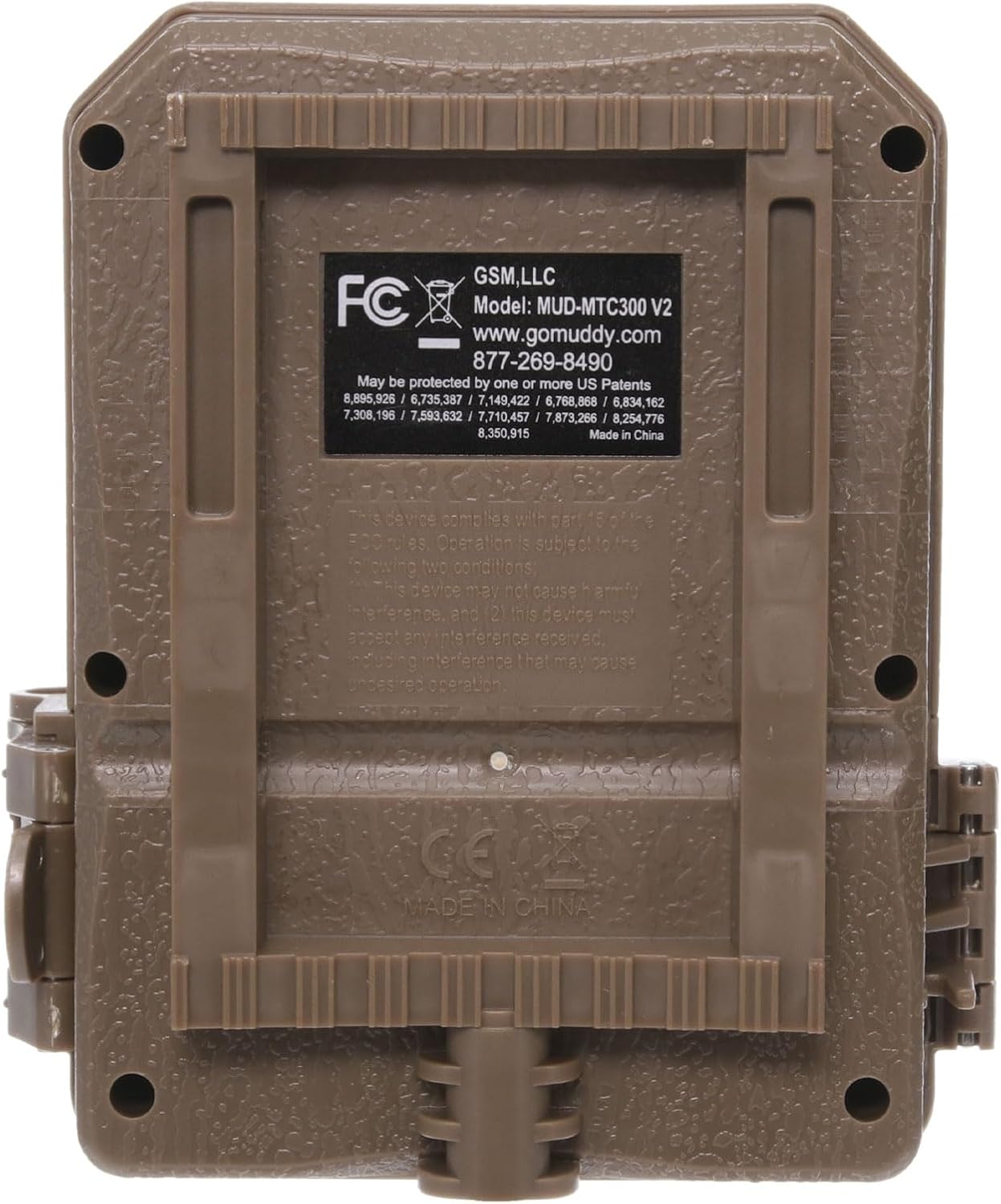
Imatge: Lateral view of the Muddy Pro Cam 18, highlighting the durable latch mechanism and the mounting points.
Instruccions de funcionament
Encès/Apagat
To power on the camera, open the front cover and locate the ON/OFF switch. Slide the switch to the 'ON' position. The backlit LCD screen will illuminate, indicating the camera is active. To power off, slide the switch to 'OFF'.

Image: The Muddy Pro Cam 18 with its front cover open, displaying the backlit LCD screen and control buttons for easy navigation.
Configuració bàsica
Use the control buttons next to the LCD screen to navigate and adjust camera settings. The backlit LCD screen provides clear visibility for setting up the camera.
- Qualitat de la imatge: Set to 18 Megapixel for high-resolution photos.
- Opcions de vídeo: Choose from 4 video options, with lengths ranging from 10 to 60 seconds. Videos are recorded in standard VGA resolution.
- Retard de l'activació: Select from 7 options, ranging from 10 seconds to 30 minutes, to control the delay between detections.
- Burst Interval: Configure the camera to capture 2-6 photo bursts per trigger event.
- Interval de detecció: The camera features a 50-foot detection range with a 3-zone, 50-degree detection angle.
- Image Data: Captured images include Camera ID, Date, Time, Temperature, and Moon Phase stamps.

Imatge: Frontal view of the Muddy Pro Cam 18 trail camera, showing the lens and IR emitters.
Recuperació de dades
To retrieve captured images and videos, remove the SD card from the camera. Insert the SD card into a compatible card reader connected to a computer or other device. The files can then be viewed, copied, or deleted.
Manteniment
- Neteja: Regularly clean the camera lens and housing with a soft, dry cloth. Avoid abrasive materials or harsh chemicals.
- Substitució de la bateria: Replace batteries when the low battery indicator appears on the LCD screen or when performance degrades. Dispose of used batteries responsibly.
- Gestió de la targeta SD: Periodically format the SD card (after backing up important data) to maintain optimal performance and prevent data corruption.
- Carcassa impermeable: Ensure the camera's housing latches are securely closed to maintain its waterproof integrity, especially before exposure to rain or moisture.
Resolució de problemes
| Problema | Causa possible | Solució |
|---|---|---|
| La càmera no s'encén | Incorrect battery installation; Dead batteries | Check battery polarity; Replace with fresh batteries. |
| Mala qualitat d'imatge/vídeo | Dirty lens; Low light conditions; Incorrect settings | Clean the lens; Ensure adequate lighting or adjust IR settings; Verify image quality settings. |
| Durada de la bateria curta | Frequent triggers; Cold weather; Low-quality batteries | Reduce trigger frequency; Use lithium batteries in cold weather; Use high-quality alkaline batteries. |
| No images/videos recorded | SD card full or corrupted; Camera not armed; Detection issues | Format or replace SD card; Ensure camera is in 'ON' mode; Check detection range and angle. |
Especificacions
| Característica | Detall |
|---|---|
| Qualitat d'imatge | 18 megapíxels |
| Resolució de vídeo | VGA estàndard |
| Video Length Options | 10 - 60 Seconds |
| Pantalla | Pantalla LCD amb retroiluminació |
| Interval de detecció | 50 peus |
| Angle de detecció | 3 Zone + 50 degree |
| Interval d'explosió | 2-6 segons |
| LEDs | 18 with invisible flash |
| Trigger Delay Options | 10 sec - 30 min. (7 options) |
| Velocitat de desencadenament | 1.5 segons |
| Image Data Stamp | Camera ID, Date, Time, Temp, & Moon Phase |
| Opcions de muntatge | Adjustable strap with buckle; 1/4" - 20 thread |
| Tipus de bateria | 6 AA or 12V DC alternate power option |
| Durada de la bateria | Fins a 10,000 imatges |
| Memòria | Requires secure digital card, up to 32GB |
| Material | Molded ABS; waterproof housing |
| Temperatura de funcionament | -10 Degrees F to 140 degrees F |
| Color | Non-reflective brown |
| Dimensions (A x A x P) | 4.75" x 4.25" x 2.5" |
Informació de la garantia
The Muddy Pro Cam 18 Bundle comes with a Garantia limitada de 1 anysSi us plau, conserveu el comprovant de compra per a reclamacions de garantia. Per conèixer els termes i condicions específics, consulteu la documentació de la garantia inclosa amb el producte o poseu-vos en contacte amb el servei d'atenció al client.
Suport
For technical support, frequently asked questions, or to submit a photo, please use the following resources:
- Suport telefònic: 877-269-8490
- Recursos en línia: Visita GoMuddy.com per obtenir informació i suport addicionals.