
1. Introducció
The AWOW HA7 Mini PC is a compact yet powerful computing solution designed for a wide range of applications, from daily office tasks to creative work and light gaming. Featuring the AMD Ryzen 7 8745HS processor, advanced integrated graphics, and high-speed connectivity, the HA7 delivers robust performance in a small form factor.
This manual provides essential information for setting up, operating, maintaining, and troubleshooting your AWOW HA7 Mini PC. Please read it carefully to ensure proper use and to maximize your device's potential.
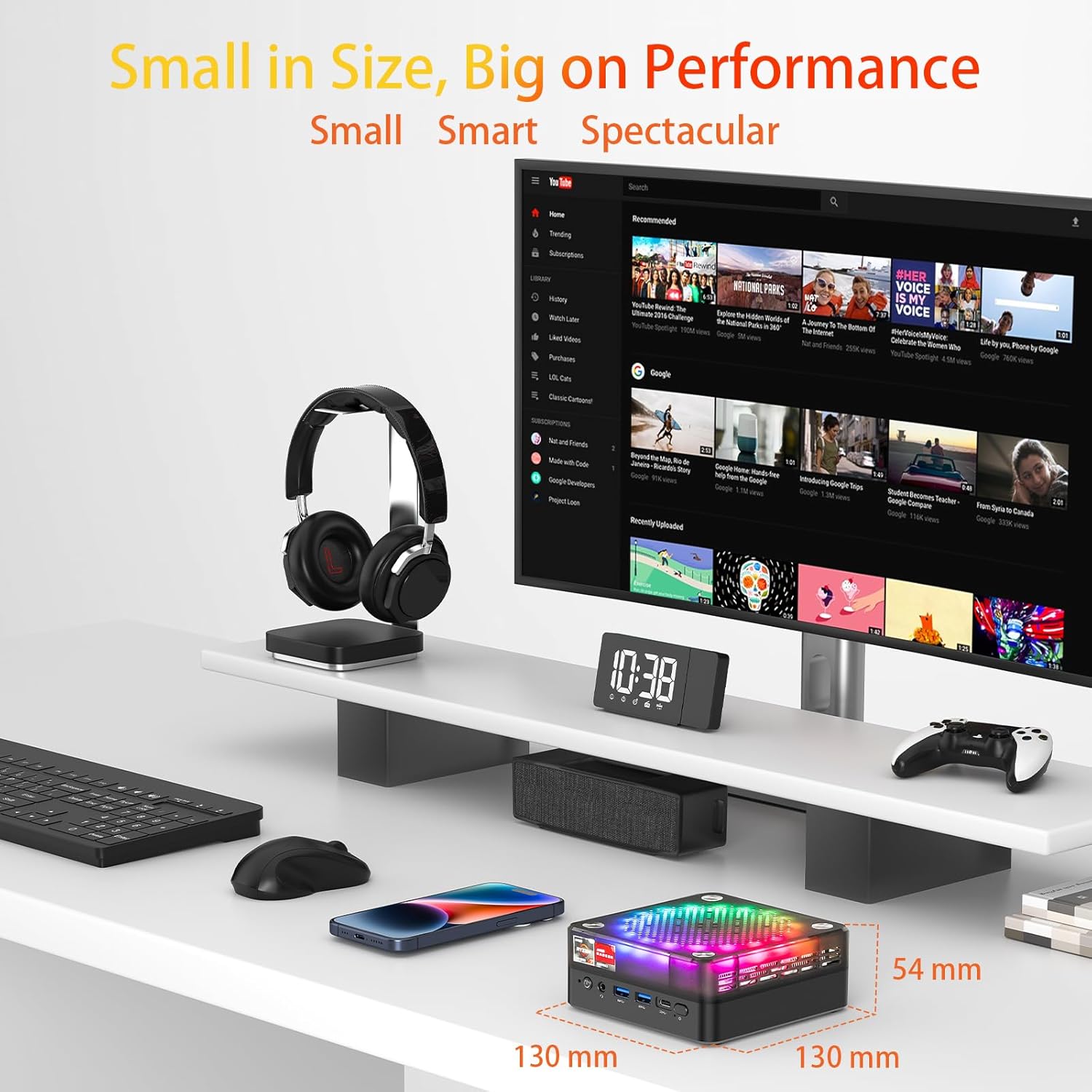
The AWOW HA7 Mini PC is designed for high performance in a compact size, measuring 130mm x 130mm x 54mm.
Característiques principals:
- Pure Power in a Tiny Form Factor: The AMD Ryzen 7 8745HS processor (8 cores / 16 threads) on a 4nm manufacturing process, with 16MB Smart Cache and turbo speeds up to 5.1 GHz, handles demanding tasks and multitasking with ease.
- Miraculous Efficiency: With a TDP of only 54W, this mini PC delivers incredible power density, ensuring high performance while being energy-efficient, quiet, and cost-effective.
- Versatile for Work and Creativity: The HA7 is a reliable partner for daily office tasks, programming, and demanding photo/video editing, ensuring smooth operation with multiple applications simultaneously.
- Compact Gaming Pleasure: The HA7, with its Ryzen 7 8745HS and integrated Radeon graphics, provides smooth gaming for popular titles like CS:GO, APEX Legends, PUBG, DOTA 2, and League of Legends.
2. Configuració
2.1 Desembalatge i inspecció inicial
Carefully remove the AWOW HA7 Mini PC and all accessories from its packaging. Inspect the device for any signs of damage. If any damage is found, contact your retailer immediately.
2.2 Connexió de perifèrics
Before powering on your Mini PC, connect all necessary peripherals:
- Monitor: Connect your monitor(s) to the HDMI 2.0, DisplayPort 1.4, or Type-C video output ports. The HA7 supports triple 4K display output.
- Teclat i ratolí: Connect your USB keyboard and mouse to the available USB 2.0 or USB 3.0 ports. Wireless peripherals can be connected via Bluetooth 5.2 or a USB dongle.
- Xarxa: For a wired connection, connect an Ethernet cable to the 2.5G LAN port. For wireless, ensure your Wi-Fi network is available.
- Àudio: Connecteu altaveus o auriculars al connector d'àudio de 3.5 mm si cal.
- Potència: Connect the power adapter to the Mini PC's power input port and then to a power outlet.

Front and rear ports of the AWOW HA7 Mini PC for connecting various peripherals.
2.3 Primer arrencada i configuració del sistema operatiu
After connecting all peripherals, press the power button on the front of the Mini PC. The device will power on. Since the system is listed with DOS as the operating system, you will likely need to install your preferred operating system (e.g., Windows, Linux) following its specific installation instructions. Refer to the operating system's documentation for detailed installation steps.
3. Instruccions de funcionament
3.1 Encès/Apagat
- Encès: Premeu el botó d'engegada que es troba a la part frontal del Mini PC.
- Apagar: For a safe shutdown, use the operating system's shutdown function. Alternatively, press and hold the power button for 5-10 seconds to force a shutdown (only recommended if the system is unresponsive).
3.2 Connectivitat de xarxa
- Cablejat (LAN): Ensure an Ethernet cable is connected to the 2.5G LAN port. The operating system should automatically detect the connection.
- Wireless (Wi-Fi 6): Access your operating system's network settings, select your Wi-Fi network, and enter the password to connect. The HA7 supports Wi-Fi 6 for faster and more reliable connections.
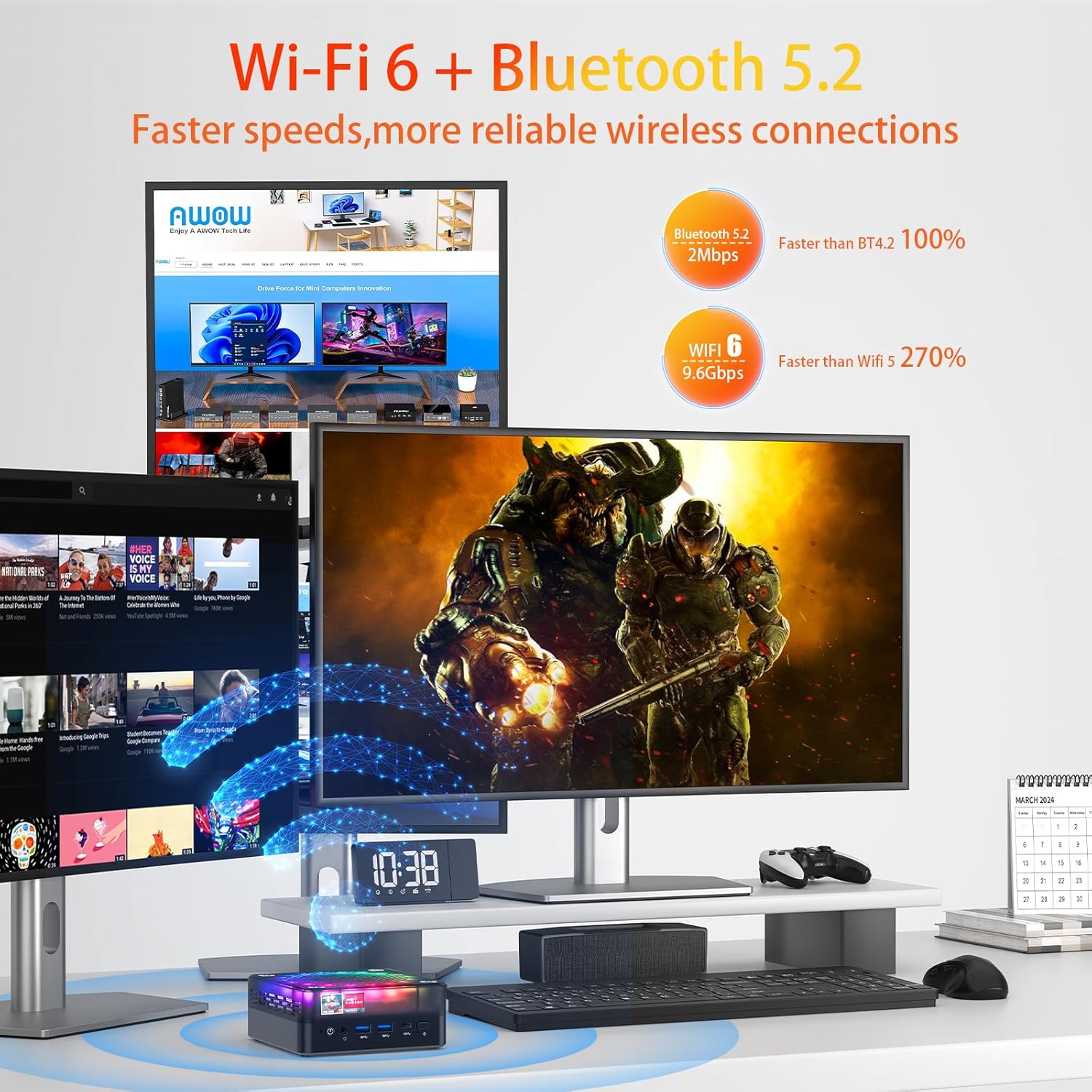
The AWOW HA7 Mini PC features Wi-Fi 6 and Bluetooth 5.2 for advanced wireless connectivity.
3.3 Bluetooth Devices
To connect Bluetooth devices (e.g., headphones, speakers, keyboard, mouse), enable Bluetooth in your operating system's settings, search for available devices, and pair them according to their instructions.
3.4 Triple Display Output
The AWOW HA7 supports connecting up to three 4K displays simultaneously. Connect your monitors to the HDMI 2.0, DisplayPort 1.4, and Type-C ports. Configure display settings within your operating system to extend or duplicate your desktop across multiple screens.
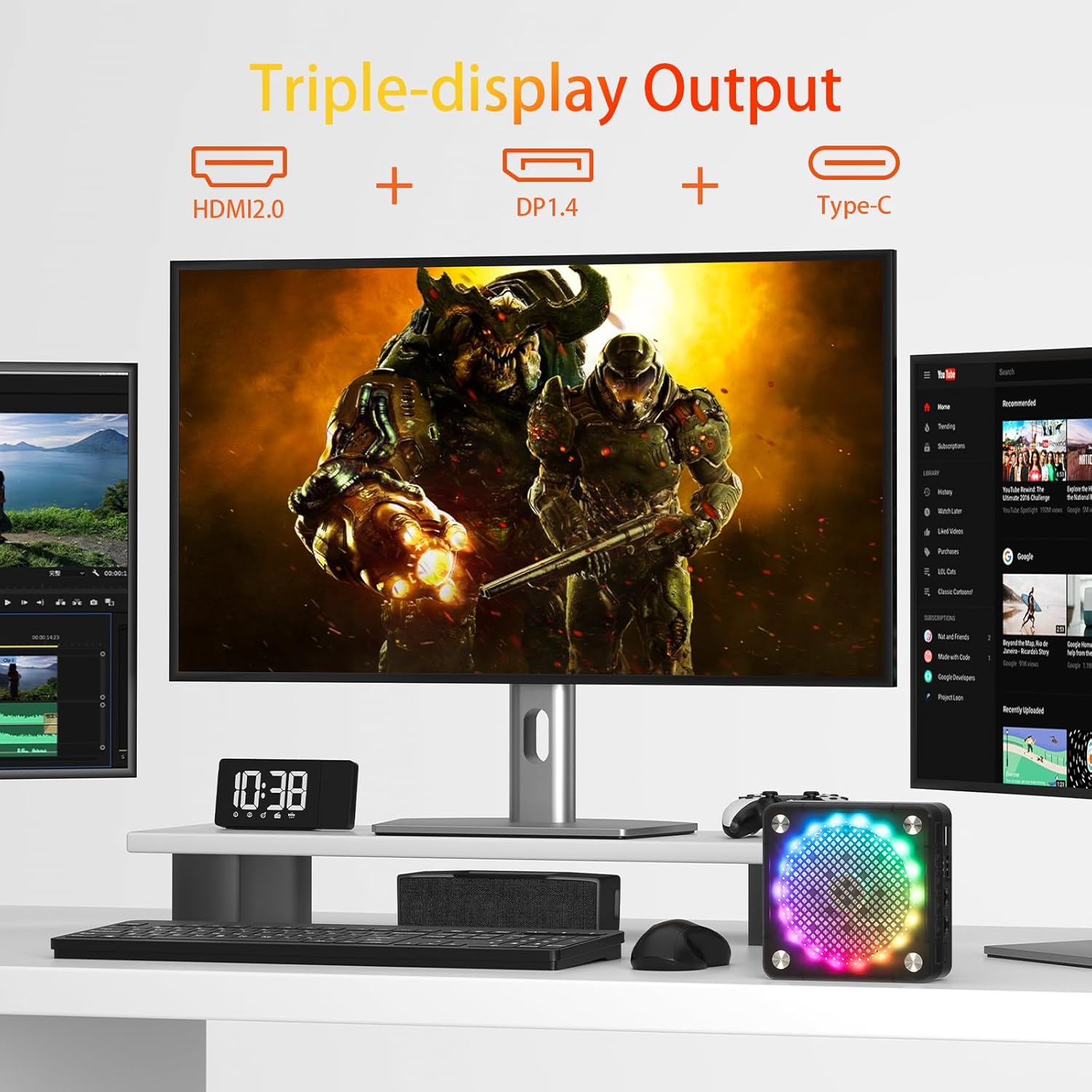
Triple display setup with the AWOW HA7 Mini PC using HDMI, DisplayPort, and Type-C outputs.
4. Manteniment
4.1 Neteja
To maintain optimal performance and longevity, regularly clean your Mini PC:
- Exterior: Use a soft, dry, lint-free cloth to wipe the exterior. Avoid liquid cleaners.
- Reixetes: Use compressed air to gently clear dust from the ventilation openings. Do this periodically to prevent overheating.
4.2 Actualitzacions de programari
Keep your operating system, drivers, and applications updated to ensure security, stability, and optimal performance. Check for updates regularly through your operating system's settings or the manufacturer's weblloc.
4.3 Hardware Upgrades
The AWOW HA7 Mini PC may support upgrades for components such as RAM (up to 64GB) and storage (PCIe 4.0 SSD). If you plan to upgrade, consult a qualified technician or refer to specific upgrade guides provided by AWOW to avoid damaging the device or voiding the warranty.

Internal cooling system of the AWOW HA7 Mini PC, featuring a 10cm CPU fan and a 7cm system fan.
5. Solució De Problemes
This section addresses common issues you might encounter with your AWOW HA7 Mini PC.
5.1 Sense poder
- Assegureu-vos que l'adaptador de corrent estigui connectat correctament tant al Mini PC com a una presa de corrent que funcioni.
- Proveu la presa de corrent amb un altre dispositiu per confirmar que funciona.
- Prova un adaptador de corrent diferent si està disponible i és compatible.
5.2 Sense sortida de pantalla
- Verify that the monitor is powered on and the correct input source is selected.
- Check that the video cables (HDMI, DP, Type-C) are securely connected to both the Mini PC and the monitor.
- Try connecting to a different display or using a different video cable.
5.3 Problemes de connectivitat de xarxa
- Amb cable: Ensure the Ethernet cable is properly connected and your router/modem is working. Check network adapter settings in your operating system.
- Sense fil: Verify that Wi-Fi is enabled in your operating system and you are connected to the correct network with the right password. Restart your router/modem.
5.4 El sistema no respon
- If the system freezes, press and hold the power button for 5-10 seconds to force a shutdown. Wait a few moments, then power it back on.
- If the issue persists, consider reinstalling the operating system or contacting support.
6. Especificacions
Below are the detailed technical specifications for the AWOW HA7 Mini PC:

The AWOW HA7 is powered by the AMD Ryzen 7 8745HS processor.
| Característica | Especificació |
|---|---|
| Marca | UAU! |
| Número de model de l'article | HA7 |
| Sèrie | HA7 |
| Sistema operatiu | DOS |
| Marca del processador | AMD |
| Tipus de processador | AMD Ryzen 7 |
| Model de processador | AMD Ryzen 7 8745HS |
| Velocitat del processador | 3.8 GHz (up to 5.1 GHz Turbo) |
| Nombre de nuclis | 8 |
| Mida de la memòria cau | 16 MB Smart Cache |
| Memòria màxima | 64 GB |
| Mida del disc dur | 1 TB |
| Tecnologia de disc dur | SSD (PCIe 4.0) |
| Coprocessador gràfic | AMD Radeon 780M |
| Descripció de la targeta gràfica | Integrat |
| Graphics Card RAM Type | SDRAM DDR5 |
| Tipus de connectivitat | Bluetooth, Wi-Fi 6 (802.11ac) |
| Interfície del maquinari | Ethernet (2.5G), HDMI, DisplayPort, USB |
| Nombre de ports HDMI | 1 (HDMI 2.0) |
| Number of DisplayPort Ports | 1 (DP 1.4) |
| Nombre de ports USB 2.0 | 2 |
| Nombre de ports USB 3.0 | 2 (USB 3.2 Gen2) |
| Port tipus C | Yes (for display output and data) |
| Jack d'àudio | 3.5 mm |
| Característiques especials | High-performance processor, Triple 4K display support, Quiet operation |
| Tipus de PC | Mini PC |
| Dimensions del paquet | 20.3 x 20 x 11.4 cm |
| Pes | 1.33 quilograms |
7. Garantia i Suport
7.1 Informació de la garantia
The AWOW HA7 Mini PC comes with a standard manufacturer's warranty. Please refer to the warranty card included in your product packaging or visit the official AWOW weblloc web per obtenir informació detallada sobre els termes i condicions de la garantia. Conserveu el comprovant de compra per a reclamacions de garantia.
7.2 Suport tècnic
For technical assistance, troubleshooting beyond this manual, or service inquiries, please contact AWOW customer support. You can typically find contact information (email, phone, or support portal) on the official AWOW website. When contacting support, please have your product model (HA7) and serial number ready.