
1. Introducció
This manual provides essential information for the safe and efficient use of your OUKITEL G5 Rugged Phone. Please read it thoroughly before operating the device. The OUKITEL G5 is designed for durability and performance in challenging environments, featuring a robust build, powerful battery, and versatile functionalities.
2. Contingut del paquet
Verifiqueu que tots els elements siguin presents al paquet del producte:
- 1 x OUKITEL G5 Mobile Phone
- 1 x Carregador
- 1 x cable USB
- 1 x SIM Card Pin
- 1 x Manual d'usuari
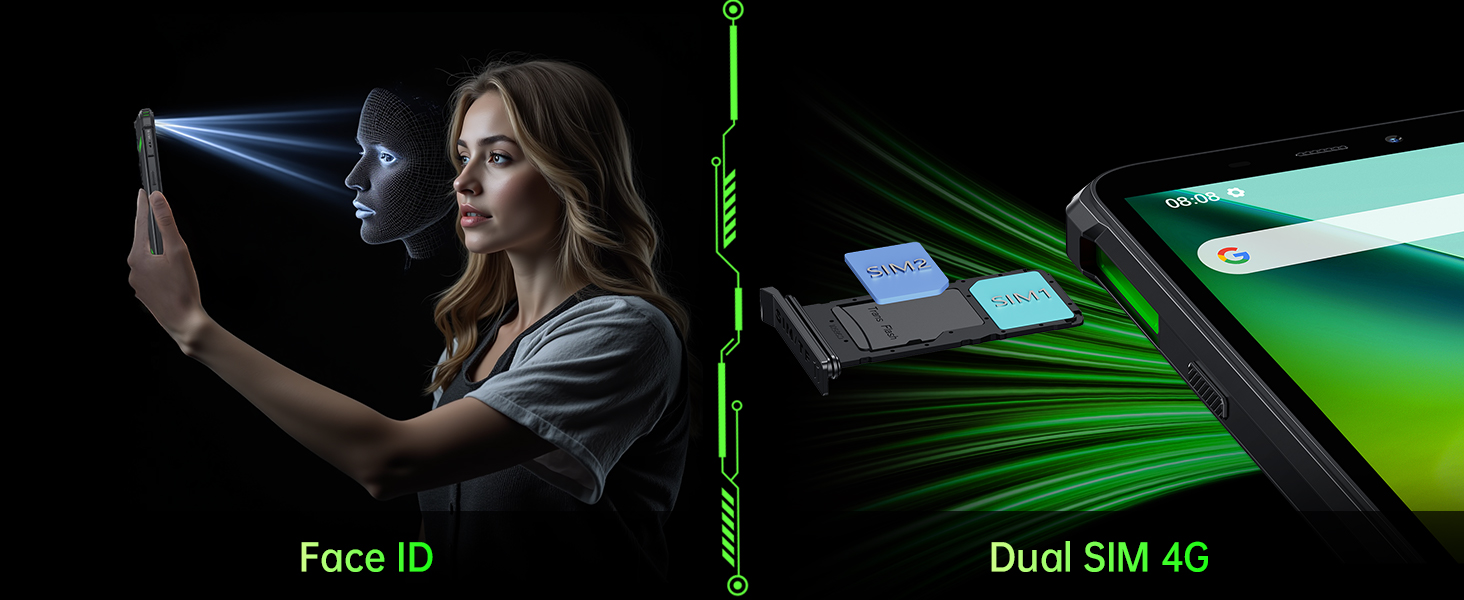
Image: Contents of the OUKITEL G5 retail package, including the phone, charger, USB cable, SIM pin, and user manual.
3. Configuració
3.1. Inserció de la targeta SIM i la targeta MicroSD
- Localitza la ranura per a la targeta SIM/TF al lateral del telèfon.
- Feu servir l'eina d'expulsió de la SIM proporcionada per obrir la safata.
- Place your Nano-SIM card(s) and/or MicroSD card (up to 1TB) into the tray according to the diagram.
- Torneu a inserir la safata al telèfon amb cura, assegurant-vos que quedi al mateix nivell que la carcassa del dispositiu.
3.2. Engegada i configuració inicials
- Press and hold the Power button until the OUKITEL logo appears.
- Segueix les instruccions que apareixen a la pantalla per seleccionar l'idioma, connectar-te a la Wi-Fi i configurar el teu compte de Google.
- Configure security settings such as Face ID for quick unlocking.
Video: An unboxing and initial setup demonstration of the OUKITEL G5 Rugged Phone, showing the phone's design and accessories.
4. Instruccions de funcionament
4.1. Pantalla i navegació
The OUKITEL G5 features a 6.0-inch HD display with 576x1152 resolution and 450 nits brightness. Navigate the Android 14 operating system using touch gestures. The 60Hz refresh rate ensures smooth interaction.

Image: The OUKITEL G5 phone displaying a vibrant image on its 6.0-inch HD screen, highlighting its resolution and brightness capabilities.
4.2. Funcions de la càmera
The phone is equipped with a 13MP rear main camera and a 5MP front camera. Access the camera application from the home screen or app drawer. Select between photo, video, and specialized modes like underwater photography. Facial recognition allows for quick and secure unlocking.

Image: Close-up of the OUKITEL G5's rear camera module (13MP) and a depiction of the 5MP front camera, alongside example photos taken with the device.
4.3. Dual Camping Lights
The OUKITEL G5 features innovative dual camping lights with three-level brightness adjustment. These lights can be activated via a dedicated shortcut or through the phone's software interface. They are useful for illuminating dark environments during camping, repairs, or other nighttime activities. The lights also support SOS mode for emergencies.

Image: The OUKITEL G5 phone with its dual camping lights activated, illustrating various usage scenarios such as cycling, camping, and night work.
Video: A demonstration of the OUKITEL G5's dual camping lights, showing activation and use in a dark environment for tasks like car repair.
Video: A rugged smartphone with dual camping lights being used in various outdoor and low-light conditions, highlighting its utility.
4.4. Rendiment i emmagatzematge
The OUKITEL G5 is equipped with 16GB RAM (4GB + 12GB expandable) and 64GB internal storage, expandable up to 1TB via a MicroSD card. This configuration supports smooth multitasking and ampespai per a aplicacions i suports multimèdia.

Image: A visual representation of the OUKITEL G5's internal components, emphasizing its 16GB RAM and 64GB ROM with 1TB expandable storage.
4.5. Gestió de la bateria
The 6300mAh battery provides extended usage times, including up to 35 days of standby and 45 hours of call time. To optimize battery life, manage background app usage and screen brightness. The phone also supports reverse charging to power other devices.

Image: The OUKITEL G5 phone highlighting its 6300mAh battery capacity, with icons indicating long standby, music, video, call, and game times.
4.6. Connectivitat i navegació
The G5 supports dual SIM dual 4G connectivity, Bluetooth 5.0, and a 3.5mm audio jack. For navigation, it integrates a high-precision GPS positioning system (GPS+GLONASS+Beidou+Galileo) for accurate location services.
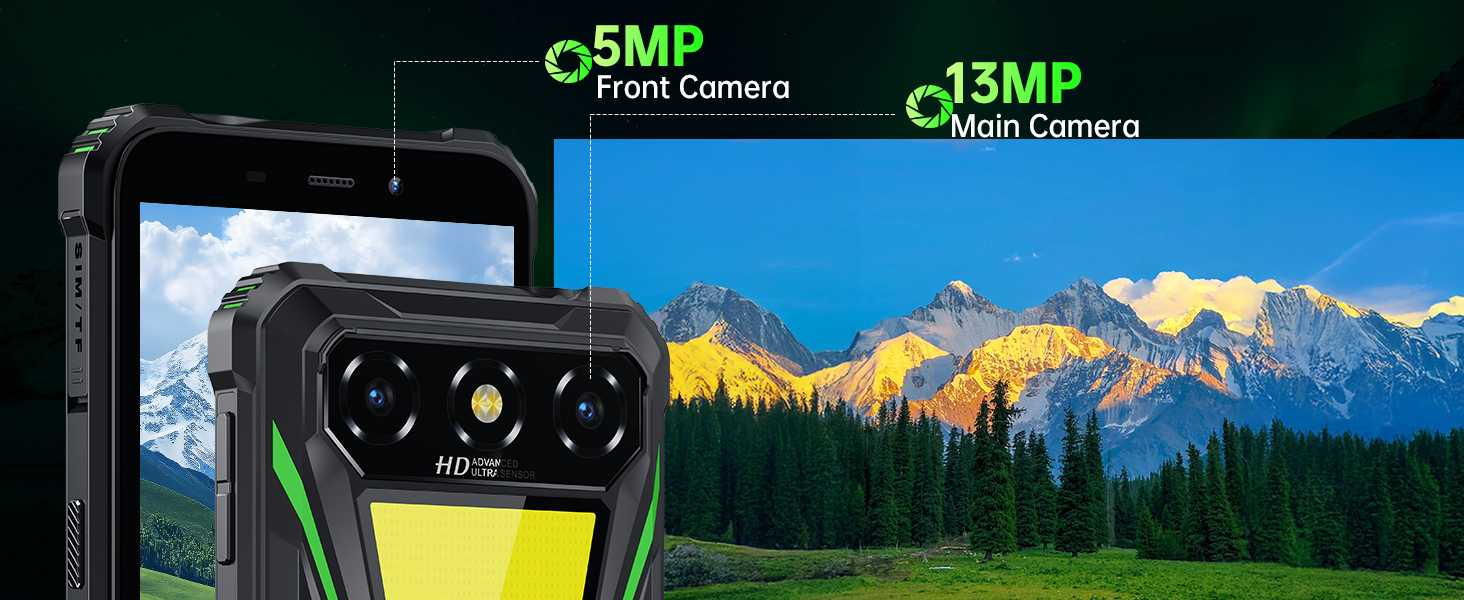
Image: The OUKITEL G5 showcasing its 3.5mm audio jack for wired headphones and its GPS functionality with a map display.
4.7. Custom Shortcut Keys and Tool Kit
The device features customizable shortcut keys for quick access to functions like starting recording, turning on the flashlight, taking screenshots, activating SOS mode, or launching games. A versatile tool kit application is also pre-installed, offering tools such as a compass, decibel meter, bubble level, magnifier, protractor, plumb bob, picture hanger, alarm bell, and height gauge.
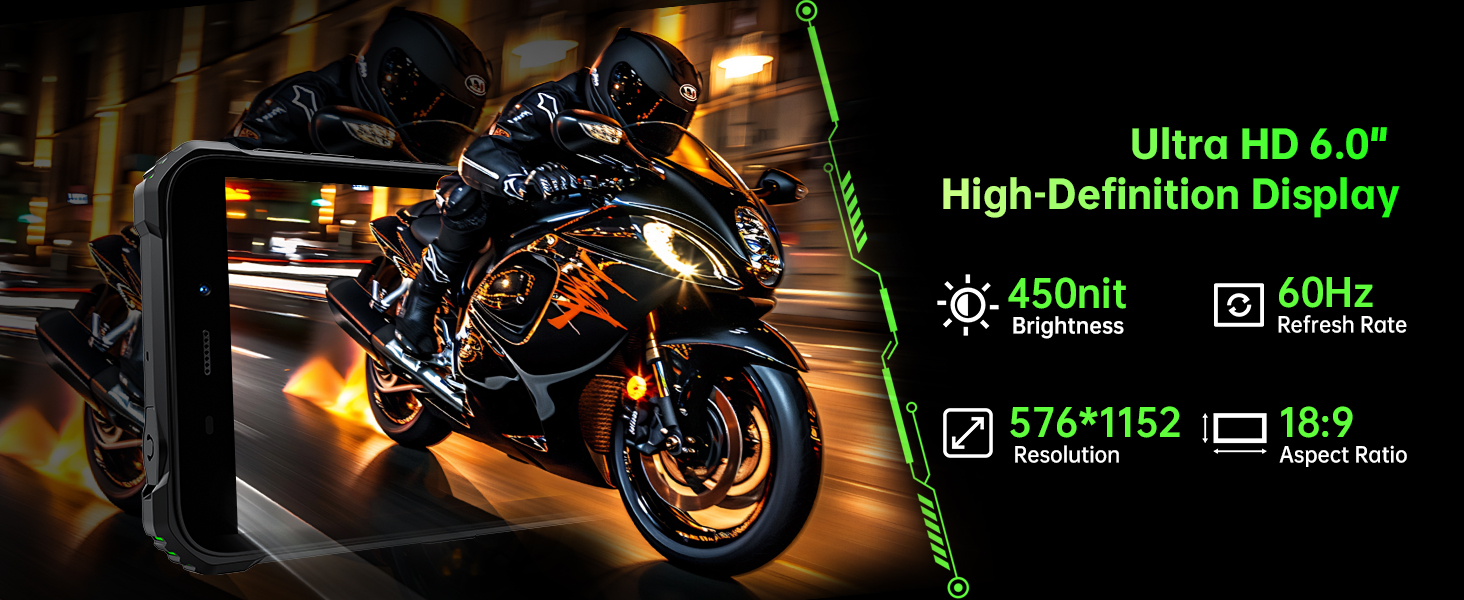
Image: A close-up of the OUKITEL G5's side button, illustrating the various functions that can be assigned to its custom shortcut keys.
Image: The OUKITEL G5 displaying its built-in versatile tool kit, with icons for various tools like compass, decibel meter, and bubble level, set against an outdoor campteló de fons.
5. Manteniment
5.1. Neteja del dispositiu
To clean your OUKITEL G5, use a soft, damp cloth. Avoid harsh chemicals or abrasive materials that could damage the screen or rugged exterior. Ensure all ports are closed before cleaning if exposing to water.
5.2. Resistència a l'aigua i a la pols
The OUKITEL G5 is rated IP68, IP69K, and MIL-STD-810H for water, dust, and shock resistance. This means it can withstand immersion in water, high-pressure water jets, and drops. However, ensure all port covers are securely closed to maintain water resistance. Avoid exposing the phone to extreme temperatures or corrosive liquids.

Image: The OUKITEL G5 demonstrating its durability features: being dropped (shockproof), submerged in water (IP68 waterproof), and covered in dust (IP69K dustproof).
6. Solució De Problemes
6.1. Problemes comuns i solucions
- El telèfon no s'encén: Assegureu-vos que la bateria estigui carregada. Connecteu el carregador i espereu uns minuts abans d'intentar tornar-lo a engegar.
- Rendiment lent: Close unnecessary background applications. Clear cache regularly. Consider expanding storage with a MicroSD card if internal storage is full.
- Problemes de connectivitat de xarxa: Check if your SIM card is properly inserted. Verify network settings and ensure you have an active plan with your carrier. Some carriers may have specific compatibility requirements.
- El Face ID no funciona: Ensure your face is well-lit and clear of obstructions. Re-register your face ID if issues persist.
- Camping lights not working: Check the battery level. Ensure the feature is enabled in settings or via the shortcut key.
7. Especificacions
| Característica | Especificació |
|---|---|
| Marca | OUKITEL |
| Nom del model | G5 |
| Sistema operatiu | Android 14 |
| Mida instal·lada de la memòria RAM | 16 GB (4GB + 12GB expandable) |
| Capacitat d'emmagatzematge de memòria | 64 GB |
| Mida màxima admesa de la memòria flash | 1 TB |
| Mida de la pantalla | 6 polzades |
| Resolució | 576 x 1152 |
| Freqüència d'actualització | 60 Hz |
| Rear Facing Camera Photo Sensor Resolution | 13 MP |
| Front Photo Sensor Resolution | 5 MP |
| Capacitat de la bateria | 6300 milionsamp Hores |
| Temps de conversa telefònica | 45 hores |
| Tecnologia cel·lular | 4G |
| Nombre de ranures per a targetes SIM | Doble SIM |
| Funció de seguretat biomètrica | Reconeixement facial |
| Nivell de resistència a l'aigua | Waterproof (IP68, IP69K, MIL-STD-810H) |
| Conector d'auriculars | 3.5 mm |
| GPS Geotagging Functionality | True (GPS+GLONASS+Beidou+Galileo) |
8. Garantia i Suport
Your OUKITEL G5 Rugged Phone comes with a standard manufacturer's warranty. Please refer to the warranty card included in your package for specific terms and conditions. For technical support, troubleshooting assistance, or warranty claims, please contact OUKITEL customer service through their official weblloc web o la informació de contacte que es proporciona a la documentació de la garantia.