
1. Producte acabatview
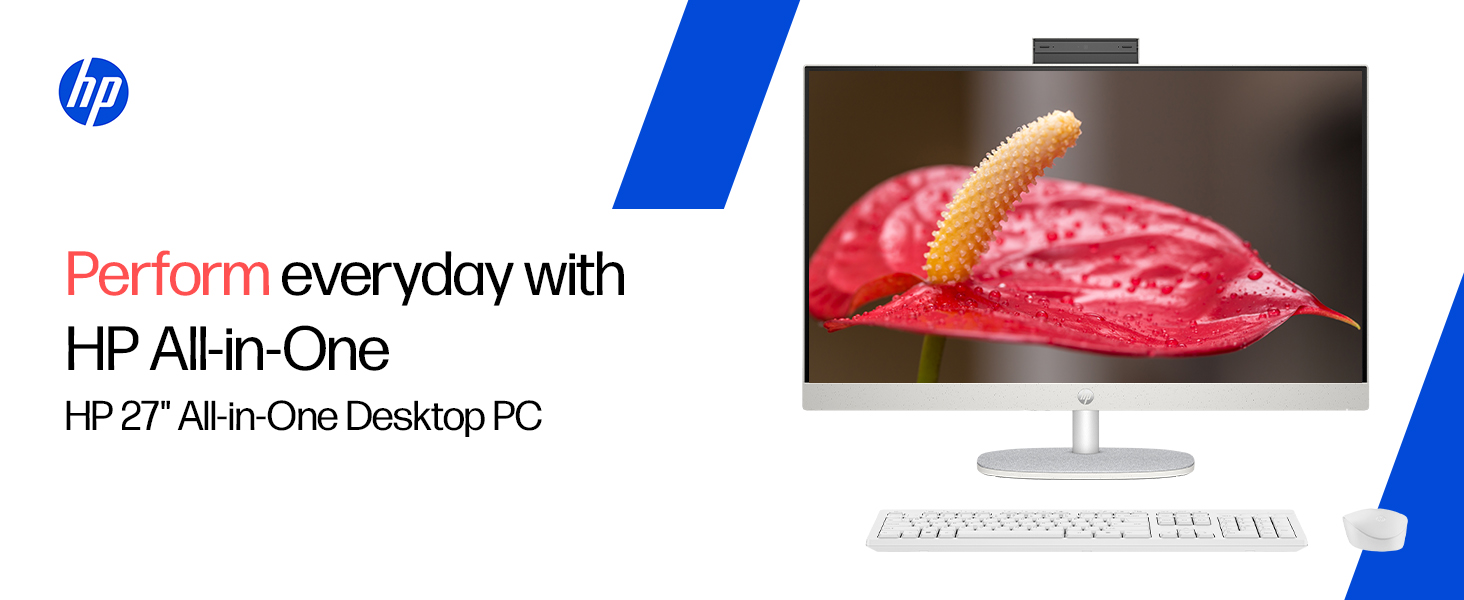
The HP All-in-One PC models 27-cr0902in and 27-cr0906in are designed for everyday computing tasks, offering a blend of performance and display quality. This manual provides essential information for setting up, operating, maintaining, and troubleshooting your device.
Característiques clau
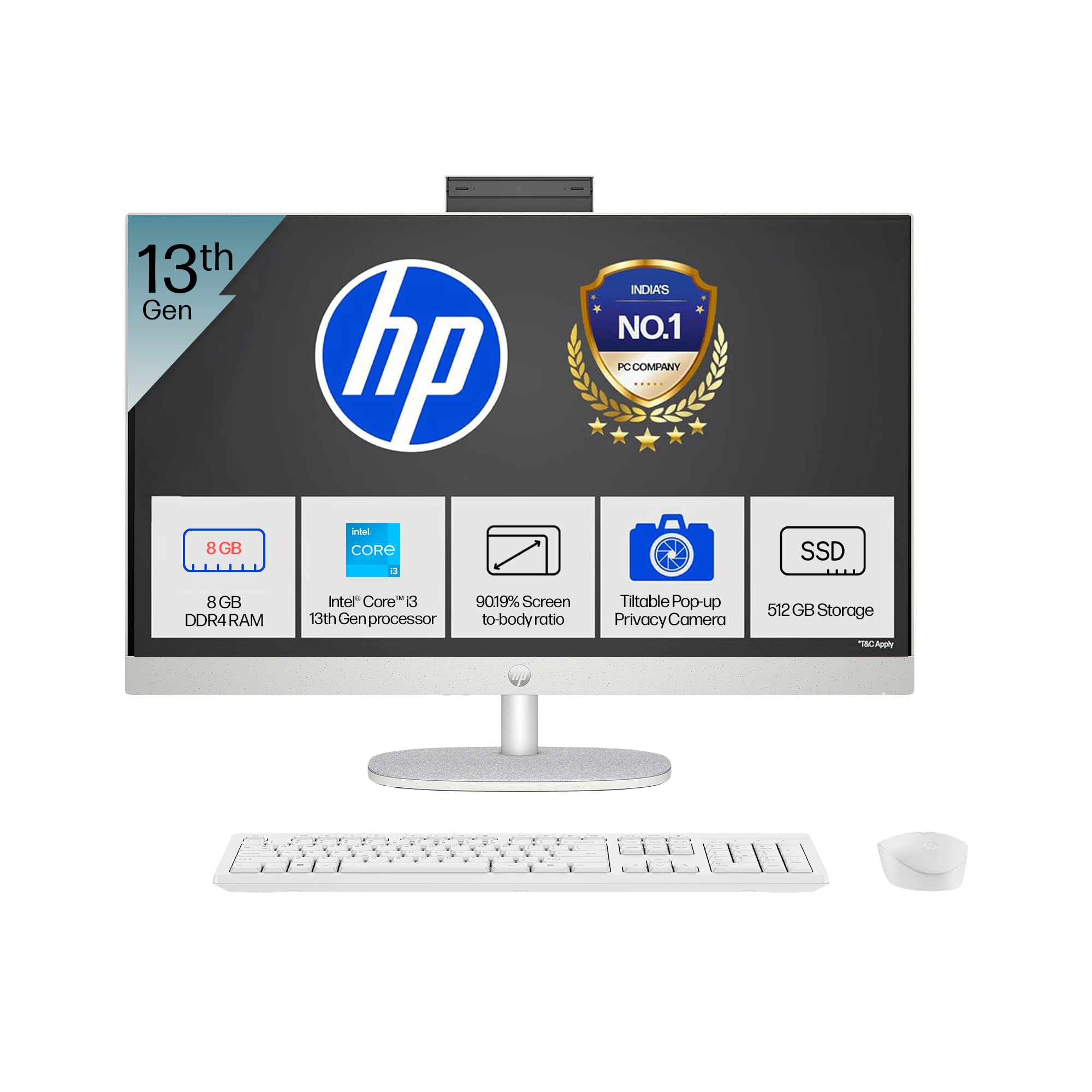
- Processador: Intel Core i3-1315U (up to 4.5 GHz with Intel Turbo Boost Technology, 6 cores, 8 threads)
- Memòria: 8 GB DDR4-3200 MT/s RAM
- Emmagatzematge: SSD M.2 PCIe NVMe de 512 GB
- Visualització: 27-inch (68.6 cm) diagonal, FHD (1920 x 1080), touch, IPS, three-sided microedge, anti-glare, 300 nits, 99% sRGB
- Gràfics: Gràfics Intel UHD integrats
- Sistema operatiu: Windows 11 Home únic idioma en mode S
- Càmera: HP True Vision 1080p FHD IR tilt privacy camera with temporal noise reduction and integrated dual array digital microphones
- Connectivitat: Wi-Fi 6 (2x2), Bluetooth 5.3, 1 USB Type-C 5Gbps, 2 USB Type-A 5Gbps, 2 USB 2.0 Type-A, 1 headphone/microphone combo, 1 RJ-45
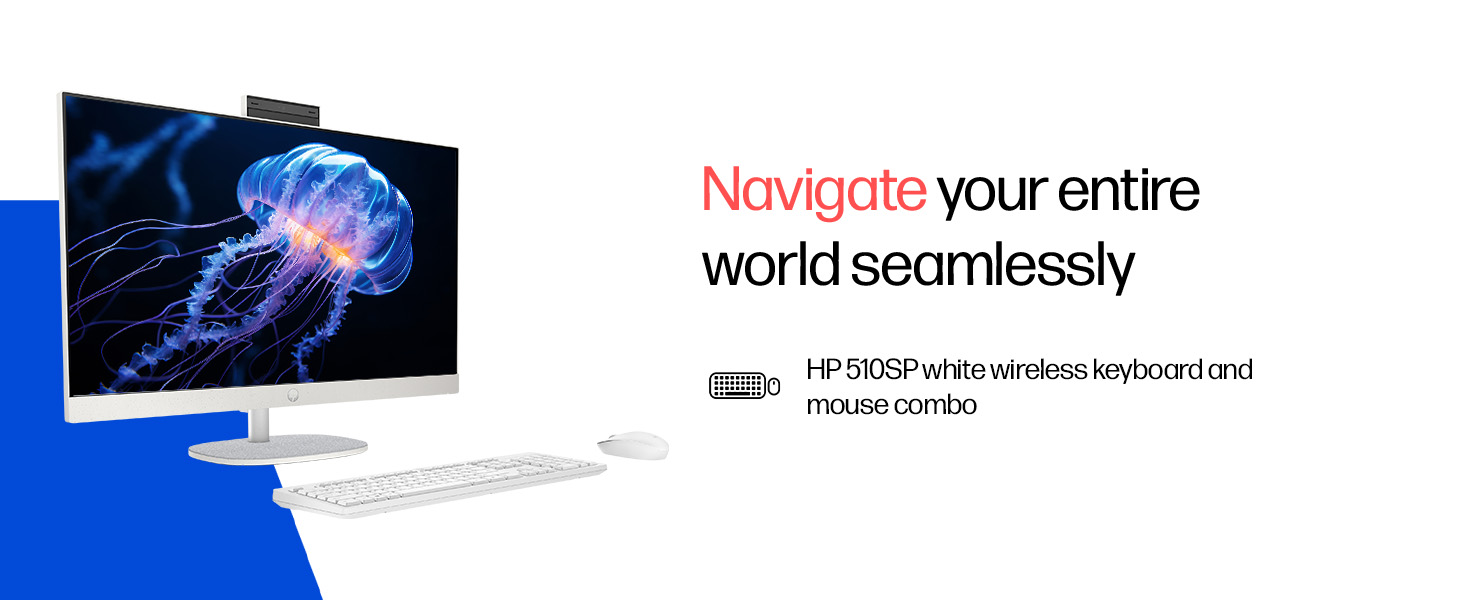
- Included Peripherals: HP 510SP White Wireless Keyboard and Mouse Combo
2. Guia de configuració
Follow these steps to set up your HP All-in-One PC.
2.1 Desembalatge de la caixa
Traieu amb cura tots els components de l'embalatge. Assegureu-vos que hi hagi els elements següents:
- HP All-in-One PC unit
- Adaptador d'alimentació i cable
- HP 510SP White Wireless Keyboard
- HP 510SP White Wireless Mouse
- Documentació (aquest manual, informació de garantia)
2.2 Connexió de perifèrics
- Connecteu el teclat i el ratolí: Insert the USB receiver for the wireless keyboard and mouse into an available USB port on the back of the All-in-One PC. Ensure batteries are installed in both the keyboard and mouse.
- Connectar l'alimentació: Connect the power adapter to the power input port on the back of the All-in-One PC, then plug the power cable into a wall outlet.
- Connexions opcionals:
- Dispositius externs: Connect any external USB devices (e.g., external hard drives, printers) to the available USB ports.
- Cable de xarxa: If using a wired network connection, connect an Ethernet cable to the RJ-45 port.

2.3 Encès inicial
Press the power button, usually located on the side or back of the display. The PC will boot up, and you will be guided through the Windows 11 setup process. Follow the on-screen instructions to configure your operating system, network, and user accounts.
3. Instruccions de funcionament
3.1 Engegada/Apagada i Mode de repòs
- Encès: Premeu el botó d'encesa.
- Apagar: Feu clic al botó Inici del Windows i, a continuació, seleccioneu Energia > Apagar.
- Reinicia: Feu clic al botó Inici del Windows i, a continuació, seleccioneu Energia > Reiniciar.
- Dormir: Click the Start button in Windows, then select Power > Sleep. You can also configure power settings in Windows to automatically enter sleep mode after a period of inactivity.
3.2 Ús de la pantalla tàctil
Your HP All-in-One PC features a touch-enabled display. You can interact with the operating system and applications using touch gestures similar to a tablet or smartphone. Common gestures include tapping, swiping, pinching to zoom, and stretching to zoom out.
3.3 Using the HP True Vision Camera
The integrated HP True Vision 1080p FHD IR tilt privacy camera is suitable for video calls and facial recognition login (Windows Hello). The camera can be tilted for optimal viewing angles and includes a privacy shutter for security. To use the camera, open an application that requires camera access (e.g., Camera app, video conferencing software).
3.4 Audio and Microphones
The PC includes integrated dual 2W speakers and dual array digital microphones with temporal noise reduction for clear audio input during calls or recordings. You can adjust volume settings through the Windows sound controls.
4. Manteniment
Proper maintenance ensures the longevity and optimal performance of your HP All-in-One PC.
4.1 Neteja del dispositiu
- Visualització: Utilitzeu un drap suau i sense pelusa lleugerament dampened with water or a screen cleaning solution. Avoid harsh chemicals or abrasive materials.
- Xassís: Netegeu les superfícies exteriors amb un drap suau i sec.
- Teclat i ratolí: Use a soft brush or compressed air to remove dust and debris.
- Apagueu i desendolleu sempre l'ordinador abans de netejar-lo.
4.2 Actualitzacions de programari
Regularly check for and install Windows updates and HP driver updates to ensure system stability, security, and performance. You can find Windows updates in the Settings app under "Windows Update." HP drivers can be found on the official HP support weblloc.
4.3 Còpia de seguretat del sistema
Es recomana fer còpies de seguretat de les dades importants en un disc dur extern o en un emmagatzematge al núvol per evitar la pèrdua de dades.
5. Solució De Problemes
Aquesta secció tracta els problemes habituals que podeu trobar amb el vostre ordinador HP All-in-One.
5.1 No Power / System Not Turning On
- Assegureu-vos que el cable d'alimentació estigui connectat correctament tant a l'ordinador com a la presa de corrent.
- Verifiqueu que la presa de corrent de la paret funciona connectant-hi un altre dispositiu.
- Proveu una presa de corrent diferent.
5.2 Problemes de visualització
- Sense imatge a la pantalla: Ensure the PC is powered on. If connected to an external monitor, check the input source on the monitor.
- Imatge parpellejant o distorsionada: Update graphics drivers. If the issue persists, contact support.
- Touch screen not responding: Restart the PC. Ensure there are no obstructions on the screen. Check for driver updates for the touch display.
5.3 System Performance Issues (Slowdown, Hanging)
- Tanca les aplicacions innecessàries que s'executen en segon pla.
- Check Task Manager (Ctrl+Shift+Esc) for processes consuming high CPU, memory, or disk usage.
- Assegureu-vos que el vostre sistema operatiu i els controladors estiguin actualitzats.
- Executeu una anàlisi completa del sistema per detectar programari maliciós o virus.
- Consider freeing up disk space on your SSD.
5.4 Peripheral Connectivity Problems (Keyboard/Mouse)
- Ensure the USB receiver is securely plugged into a USB port.
- Check the batteries in the wireless keyboard and mouse and replace them if necessary.
- Proveu de connectar el receptor USB a un port USB diferent.
- Reinicieu el PC.
6. Especificacions tècniques
Detailed specifications for the HP All-in-One PC 27-cr0902in/cr0906in.
| Característica | Detall |
|---|---|
| Marca | HP |
| Números de model | 27-cr0902in, 27-cr0906in |
| Processador | Intel Core i3-1315U (fins a 4.5 GHz, 6 nuclis, 8 fils d'execució, 10 MB de memòria cau L3) |
| Sistema operatiu | Windows 11 Home únic idioma en mode S |
| Memòria (RAM) | 8 GB de DDR4-3200 MT/s (1 x 8 GB) |
| Emmagatzematge | SSD M.2 PCIe NVMe de 512 GB |
| Mostra | 27-inch (68.6 cm) FHD (1920 x 1080) IPS, touch, anti-glare, 300 nits, 99% sRGB |
| Gràfics | Gràfics Intel UHD (integrats) |
| Càmera | HP True Vision 1080p FHD IR tilt privacy camera with temporal noise reduction |
| Àudio | Integrated dual array digital microphones, Dual 2W speakers |
| Connectivitat sense fil | Realtek RTL8852BE Wi-Fi 6 (2x2), Bluetooth 5.3 |
| Ports | 1 USB Type-C 5Gbps, 2 USB Type-A 5Gbps, 2 USB 2.0 Type-A, 1 headphone/microphone combo, 1 RJ-45 |
| Teclat i ratolí | HP 510SP White Wireless Keyboard and Mouse Combo |
| Dimensions (L x P x A) | 61.2 x 18.6 x 44.1 cm (24.11 x 7.33 x 17.36 polzades) |
| Pes | 6.42 kg |
| Color | Shell White |
| Certificacions ambientals | EPEAT Gold Registered, ENERGY STAR certified |
7. Garantia i Suport
7.1 Informació de la garantia
Your HP All-in-One PC comes with a 1 any de garantia del fabricant on the device from the date of purchase. Please retain your purchase receipt for warranty claims.
7.2 Suport tècnic
For any technical or product-related queries, please contact HP customer support:
- Números gratuïts: 1800-258-7170 or 1860-258-3079
- Contacte del fabricant: HP India Sales Pvt. Ltd.
- Contacte de l'importador: HP India Sales Private Limited, No. 24, Kothari Arena, Hosur Main Road, Adugodi, Bangalore, Karnataka, India, 560030
També podeu visitar el suport oficial d'HP website for drivers, documentation, and further assistance.