
1. Introducció
This manual provides essential information for the safe and efficient operation of your Xiaomi TV A Pro 2026 43-inch LED Smart TV. Please read this manual thoroughly before using the product and retain it for future reference.
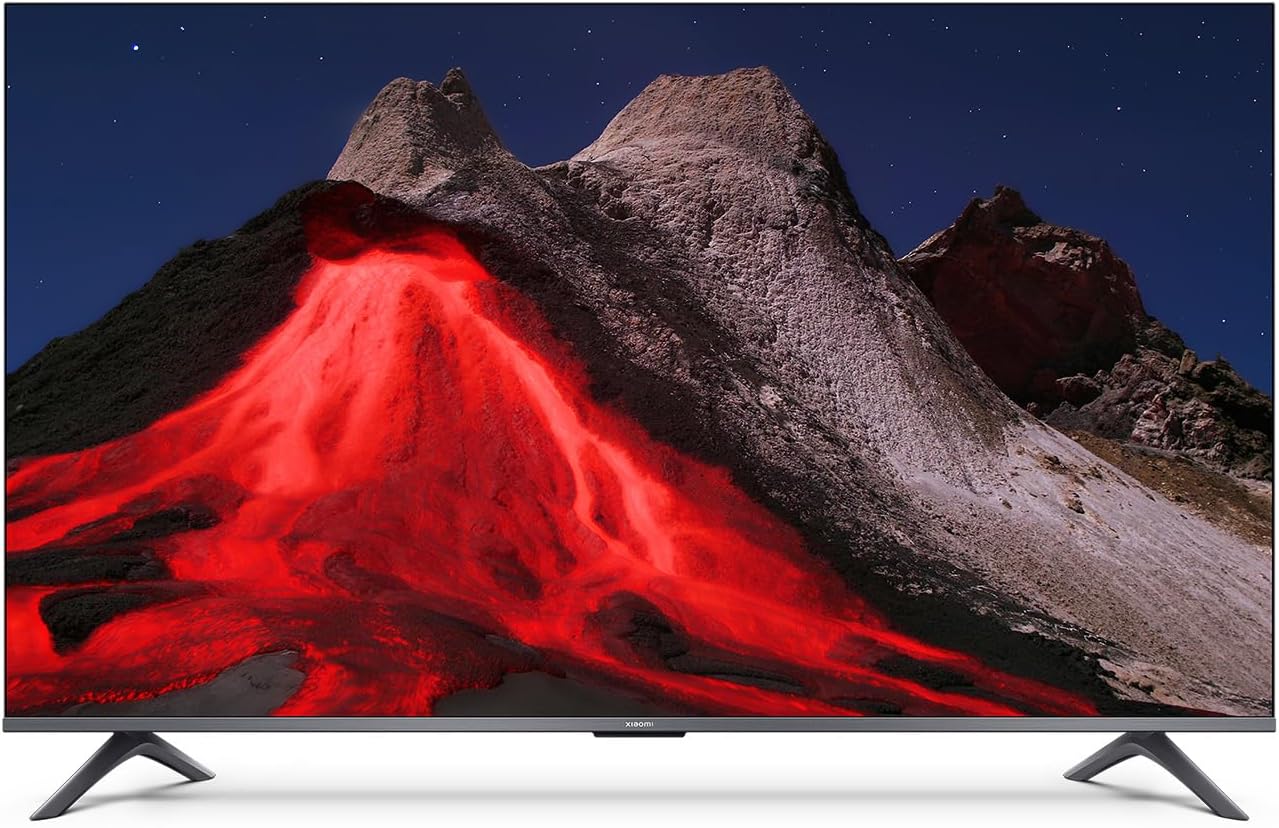
Imatge 1.1: Frontal view of the Xiaomi TV A Pro 2026 43-inch TV.
2. Informació de seguretat
Always observe the following safety precautions to prevent electric shock, fire, or damage to the TV:
- No exposeu el televisor a la pluja o la humitat.
- No obriu el televisor casing; demaneu totes les tasques de manteniment a personal qualificat.
- Assegureu-vos una ventilació adequada al voltant del televisor.
- Mantingueu el televisor allunyat de la llum solar directa, de fonts de calor i de flames obertes.
- Feu servir només el cable d'alimentació que s'inclou amb el televisor.
- Desendolleu el televisor durant tempestes o quan no l'utilitzeu durant períodes prolongats.
3. Configuració
3.1. Desembalatge
Carefully remove the TV and all accessories from the packaging. The TV weighs approximately 31 kilograms. It is recommended that two people handle the TV during unpacking and installation.
3.2. Instal·lació del suport (muntatge sobre taula)
To install the table stand:
- Col·loqueu el televisor cara avall sobre una superfície suau i plana per evitar que la pantalla es faci malbé.
- Alineeu les potes del suport amb els forats dels cargols corresponents a la part inferior del televisor.
- Fixeu les potes del suport amb els cargols proporcionats. Assegureu-vos que estiguin ben ajustades.
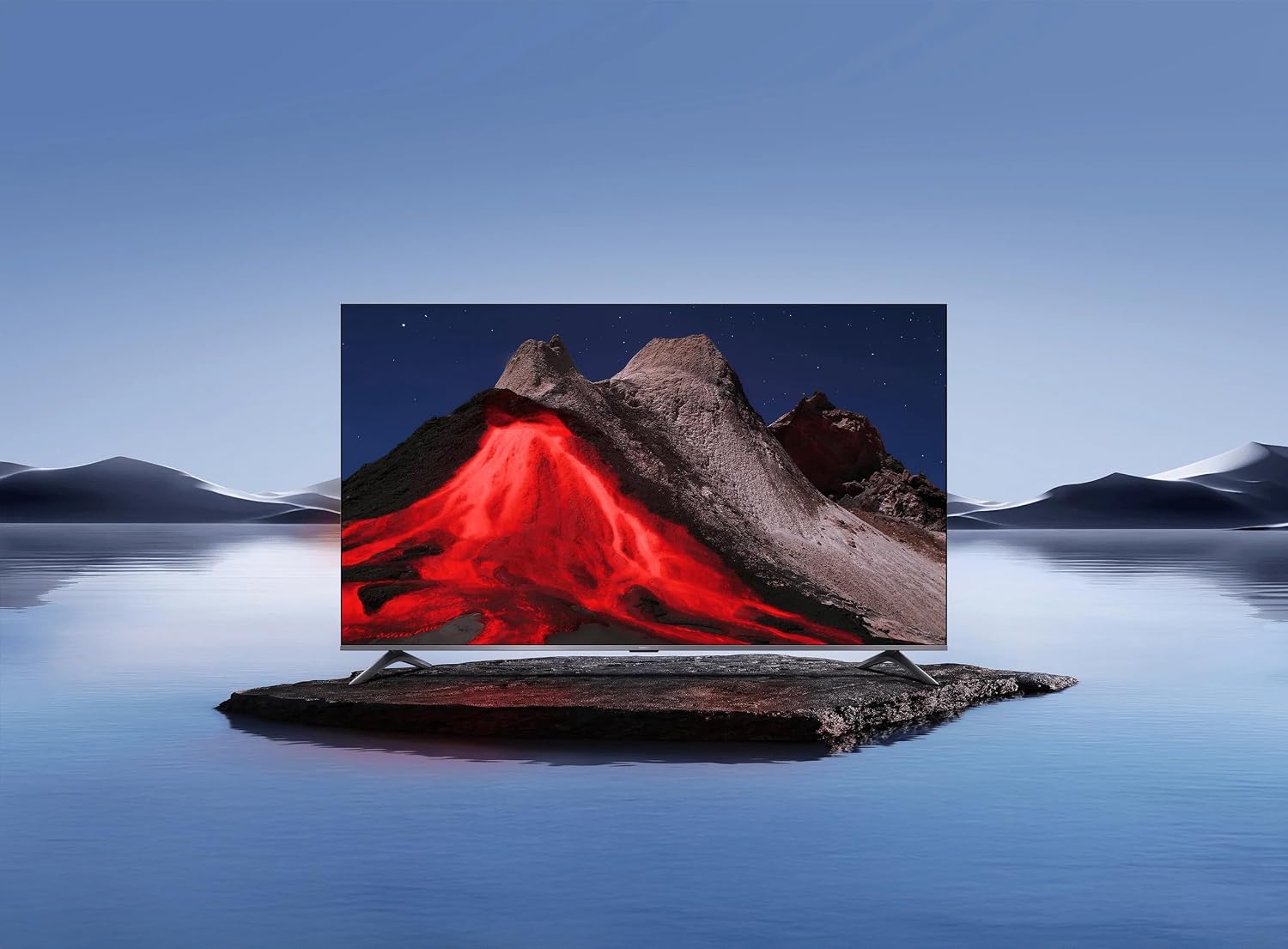
Image 3.1: Xiaomi TV A Pro 2026 43-inch mounted on its table stand.
3.3. Muntatge a la paret
If you choose to wall mount your TV, use a VESA-compliant wall mount kit (not included) that supports a 400 x 400 mm pattern. Follow the instructions provided with your wall mount kit. Ensure the wall can support the weight of the TV.

Image 3.2: Xiaomi TV A Pro 2026 43-inch wall-mounted.
3.4. Dispositius de connexió
Connect your external devices to the TV using the available ports:
- Ports HDMI: Per connectar reproductors de Blu-ray, consoles de jocs, descodificadors, etc.
- Ports USB: For connecting USB storage devices (e.g., flash drives) to play media. There is 1 USB 3.0 port.
- Port Ethernet: Per a una connexió a Internet per cable.
- Port d'infrarojos: For external IR blaster (if applicable).
- Cable de corrent: Connecteu el cable d'alimentació al televisor i després a una presa de corrent.
3.5. Engegada inicial
After connecting all cables, plug the TV into a power outlet. Press the power button on the remote control or on the TV itself. Follow the on-screen instructions to complete the initial setup, including language selection, network connection (Wi-Fi or Ethernet), and channel scanning.
4. Funcionament del televisor
4.1. Control remot
The TV can be controlled using the provided remote control. It supports both traditional button input and voice control. Refer to the remote control guide for specific button functions.
4.2. Funcions de Smart TV
Your Xiaomi TV A Pro 2026 runs on the Android operating system, providing access to a wide range of applications. Supported internet services include Netflix, Hulu, and Amazon Prime Video. Connect to the internet via Wi-Fi or Ethernet to access these features.
4.3. Integració de l'assistent de veu
Utilize the integrated voice assistant for hands-free control. Press the dedicated voice button on your remote and speak commands to search for content, control playback, or adjust settings.
4.4. Configuració de la imatge
Accediu al menú de configuració de la imatge per personalitzar la vostra viewExperiència:
- Resolució: The TV supports 1080p resolution.
- Freqüència d'actualització: Enjoy smooth motion with a 120Hz refresh rate.
- Relació d'aspecte: The standard aspect ratio is 16:9.
- Augment de l'IA: Enhances lower-resolution content to near 1080p quality.
- HDR/Quantum Dot Display: Provides enhanced contrast and color vibrancy.
4.5. Configuració de so
The TV features standard built-in speakers. Adjust volume, sound modes, and other audio settings through the sound menu.
5. Manteniment
5.1. Neteja del televisor
- Pantalla: Netegeu suaument la pantalla amb un drap suau i sense borrissol. Per a marques difícils, netegeu lleugerament.ampen the cloth with water or a screen cleaner specifically designed for TVs.
- Cos: Feu servir un drap suau i sec per netejar el televisor.asing. No utilitzeu productes de neteja abrasius ni dissolvents.
- Desendolla sempre el televisor abans de netejar-lo.
5.2. Actualitzacions de programari
Periodically check for software updates to ensure optimal performance and access to the latest features. Navigate to the settings menu, then select 'About' or 'System Update' to check for and install available updates. Ensure a stable internet connection during updates.
6. Solució De Problemes
Si teniu problemes amb el televisor, consulteu les solucions habituals següents:
- Sense energia: Assegureu-vos que el cable d'alimentació estigui connectat correctament tant al televisor com a la presa de corrent. Proveu una altra presa de corrent.
- Sense imatge/so: Comproveu la font d'entrada. Assegureu-vos que els dispositius externs estiguin encesos i connectats correctament.
- Mala qualitat d'imatge: Adjust picture settings. Check the signal source quality.
- El control remot no funciona: Canvieu les piles. Assegureu-vos que no hi hagi obstruccions entre el comandament a distància i el sensor d'infrarojos del televisor.
- Problemes de connexió de xarxa: Reinicieu el vostre encaminador. Comproveu la contrasenya del Wi-Fi. Proveu una connexió Ethernet amb cable.
If problems persist, consult the Xiaomi support weblloc o contacteu amb el servei d'atenció al client.
7. Especificacions
| Característica | Especificació |
|---|---|
| Marca | XIAOMI |
| Nom del model | Un professional del 2026 |
| Mida de la pantalla | 43 polzades |
| Tecnologia de visualització | LED |
| Resolució | 1080p |
| Freqüència d'actualització | 120 Hz |
| Relació d'aspecte | 16:9 |
| Característiques especials | AI Upscaling, Voice Assistant Integration, HDR or Quantum Dot Display |
| Tecnologia de connectivitat | HDMI, USB, Ethernet, Infrared, Wi-Fi |
| Serveis d'Internet compatibles | Netflix, Hulu, Amazon Prime Video |
| Sistema operatiu | Android |
| Mètode de control | Remot, Veu |
| Pes de l'article | 31 quilos |
| Estàndard de muntatge VESA | 400 x 400 mm |
8. Garantia i Suport
8.1. Informació de la garantia
Your Xiaomi TV A Pro 2026 is covered by a Garantia limitada. Please refer to the warranty card included with your product or visit the official Xiaomi weblloc web per obtenir informació detallada sobre els termes i condicions relacionats amb la cobertura de la garantia i el servei.
8.2. Atenció al client
For technical assistance, product inquiries, or warranty claims, please contact Xiaomi customer support through their official weblloc web o la informació de contacte que es proporciona a la documentació del producte.