
GUY-TECH 50704E00270
Instruction Manual for GUY-TECH 5V USB-C Replacement Charger
Brand: GUY-TECH | Model: 50704E00270
1. Producte acabatview
This GUY-TECH 5V USB-C Replacement Charger is designed to provide a reliable power supply for compatible devices, such as the Comfytemp K4008 V1.0 Red Light Knee Massager with a 5000mAh battery. It is a compact and efficient power adapter.

Image 1.1: The GUY-TECH 5V USB-C Replacement Charger with its integrated cable.
Característiques principals:
- Entrada Voltage: AC 100V - 240V, suitable for worldwide use.
- Proteccions de seguretat: Features Over Voltage Output Protection, Over Current Output Protection, and Short Circuit Output Protection to safeguard your device.
- Eficiència: Designed for high power exchange efficiency, ensuring stable working and controlled operating temperature.
- Portabilitat: Small and lightweight design for convenience, portability, and easy storage.
- Compatibilitat: Specifically designed as a replacement charger for devices requiring a 5V DC USB Type C power supply.

Imatge 1.2: Detallada view highlighting the American plug type, the thick copper core for durability, and the flexibility of the power cord.

Image 1.3: The compact size of the charger allows for easy portability and storage in bags or pockets.
2. Instruccions de configuració
To set up your GUY-TECH 5V USB-C Replacement Charger, follow these simple steps:
- Verificar la compatibilitat: Ensure your device requires a 5V DC input and utilizes a USB Type C port for charging. This charger is specifically designed for USB-C compatible devices.
- Connecteu-vos a la presa de corrent: Insert the charger's two-prong plug into a standard AC 100V-240V wall outlet.
- Connecta't al dispositiu: Plug the USB Type C connector of the charger's cable into the charging port of your compatible device.
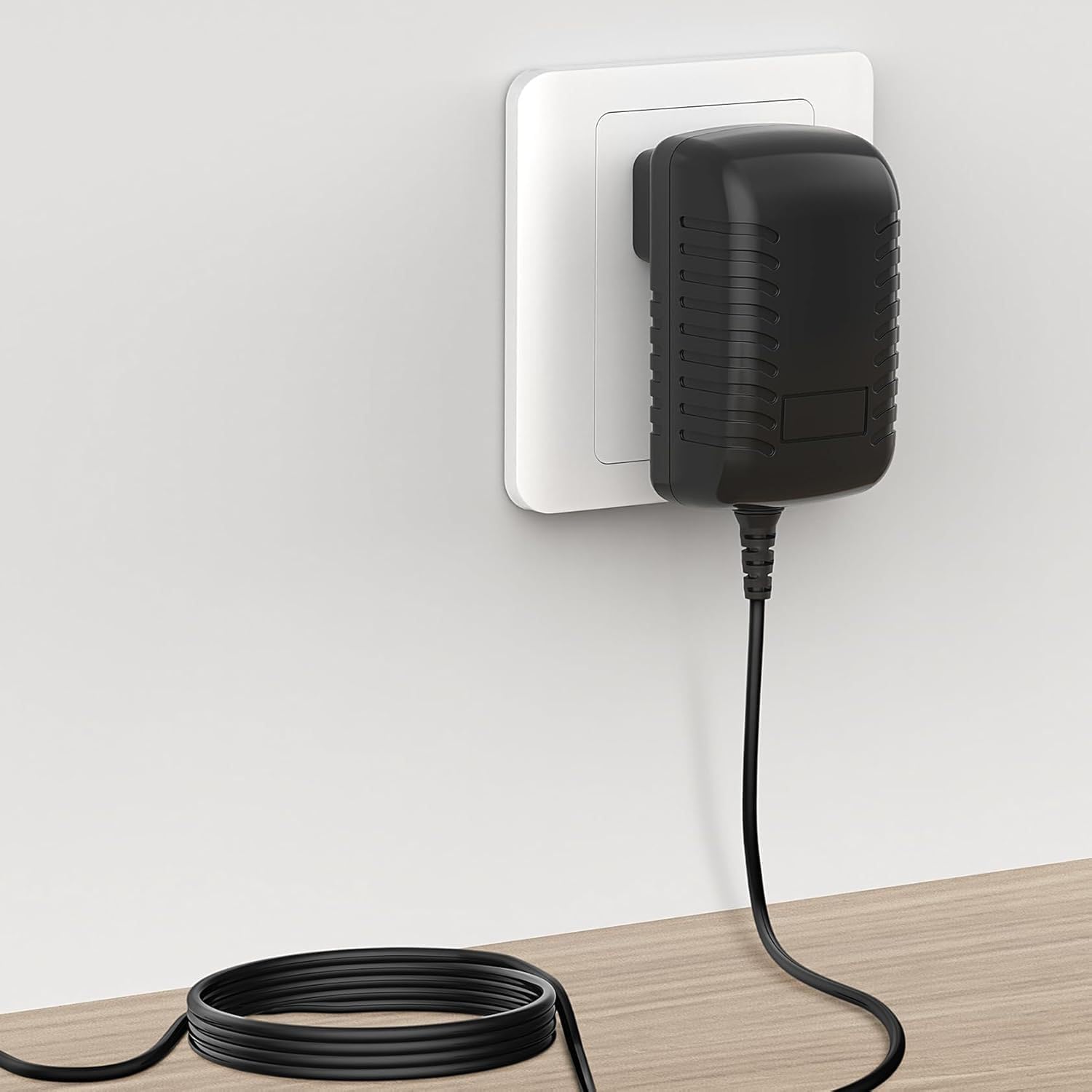
Image 2.1: The charger securely plugged into a standard wall power outlet.

Image 2.2: Ensure your device uses a USB-C port (left) and not a Micro USB port (right) for proper connection.
3. Instruccions de funcionament
Once connected, the charger will automatically begin supplying power to your device. The charging process is straightforward:
- Càrrega automàtica: The charger will detect your device and initiate charging.
- Característiques de seguretat: Built-in protections (Over Voltage, Over Current, Short Circuit) work automatically to prevent damage to both the charger and your connected device.
- Indicator (if applicable): Refer to your device's manual for information on charging indicators (e.g., LED lights) that signal charging status. The charger itself does not have an external indicator light.
Always ensure the charger is used in a well-ventilated area and avoid covering it during operation to prevent overheating.
4. Manteniment
Proper maintenance will extend the lifespan of your GUY-TECH charger:
- Neteja: Disconnect the charger from the power outlet and your device before cleaning. Use a soft, dry cloth to wipe the surface. Do not use liquid cleaners or abrasive materials.
- Emmagatzematge: Store the charger in a cool, dry place away from direct sunlight and extreme temperatures. Avoid tightly winding the cable to prevent damage.
- Manipulació: Do not drop, disassemble, or attempt to repair the charger yourself. This can void the warranty and pose safety risks.
- Cura del cable: Regularly inspect the cable for any signs of fraying, cuts, or damage. If damage is observed, discontinue use immediately.
5. Solució De Problemes
Si teniu problemes amb el carregador, consulteu els passos habituals següents per a la resolució de problemes:
| Problema | Causa possible | Solució |
|---|---|---|
| Charger not supplying power. |
|
|
| Càrrega lenta. |
|
|
| El carregador es nota calent. |
|
|
If the problem persists after trying these steps, please contact GUY-TECH customer support for further assistance.
6. Especificacions
Detailed technical specifications for the GUY-TECH 5V USB-C Replacement Charger:
| Característica | Detall |
|---|---|
| Marca | GUY-TECH |
| Número de model | 50704E00270 |
| Fabricant | SHENZHEN XINGSENXIANG |
| Entrada Voltage | CA 100V - 240V |
| Tipus de font d'alimentació | Elèctric amb cable |
| Tipus de connector | USB Type C (Plug) |
| Nombre de Ports | 1 |
| Dispositius compatibles | Devices requiring 5V DC USB Type C input (e.g., Comfytemp K4008 V1.0 Red Light Knee Massager, Monitors, Printers, Speakers, Tablets) |
| Característica especial | Disseny ideal per viatjar |
| Material | Metal Plastic Composite |
| Color | Negre |
| Certificacions | CCC, CE, RoHS |
| Dimensions (aprox.) | 2.92 in (length) x 1.58 in (width) x 1.18 in (height) - Refer to Image 6.1 for visual representation. |

Image 6.1: Approximate dimensions of the charger unit.
7. Garantia i Suport
Specific warranty details are not provided in the product information. For warranty claims, technical support, or any inquiries regarding your GUY-TECH 5V USB-C Replacement Charger, please contact the manufacturer or the seller directly through your purchase platform.
Always retain your proof of purchase for any warranty or support requests.