
1. Introducció
This manual provides essential information for the safe and efficient use of your DOOGEE Fire 3 rugged smartphone. Please read it thoroughly before operating your device.
The DOOGEE Fire 3 is designed for durability and performance, featuring a robust build, long-lasting battery, and the latest Android 15 operating system. It is engineered to withstand challenging environments while providing a smooth and personalized mobile experience.

Figura 1: Davant i darrere view of the DOOGEE Fire 3 rugged smartphone.
Unboxing the DOOGEE Fire 3
Watch this video for a detailed unboxing experience of your new DOOGEE Fire 3 smartphone, showcasing all included accessories and initial presentation.
Video 1: DOOGEE Fire 3 Unboxing.
2. Configuració inicial
2.1 Instal·lació de la targeta SIM i la targeta MicroSD
To install your SIM card(s) and an optional MicroSD card:
- Localitza la safata de la targeta SIM al lateral del telèfon.
- Introduïu l'eina d'expulsió de la SIM proporcionada al forat petit que hi ha al costat de la safata i premeu suaument fins que la safata surti.
- Col·loqueu la targeta (o targetes) Nano-SIM i/o la targeta MicroSD a les ranures designades de la safata. Assegureu-vos que els contactes daurats estiguin mirant cap avall.
- Empenyeu amb cura la safata cap a dins del telèfon fins que quedi alineada amb la carcassa del dispositiu.
Note: Please check compatibility with your local frequency band before purchasing and inserting SIM cards. The phone supports GSM T-Mobile, but may not work with AT&T, new Cricket, or Verizon.
2.2 Engegada i configuració inicial
To power on your device, press and hold the Power button located on the side of the phone until the DOOGEE logo appears. Follow the on-screen prompts to complete the initial setup, which includes:
- Selecció del vostre idioma.
- Connexió a una xarxa Wi-Fi.
- Configuració del vostre compte de Google.
- Configuring screen lock (PIN, pattern, password).
2.3 Configuració del desbloqueig facial
For enhanced security and convenience, you can set up Face Unlock:
- Vés a Configuració > Seguretat i privadesa > Desbloqueig facial.
- Segueix les instruccions que apareixen a la pantalla per registrar la teva cara. Assegura't que ets en una zona ben il·luminada.
- Once registered, you can unlock your phone by simply looking at the front camera.
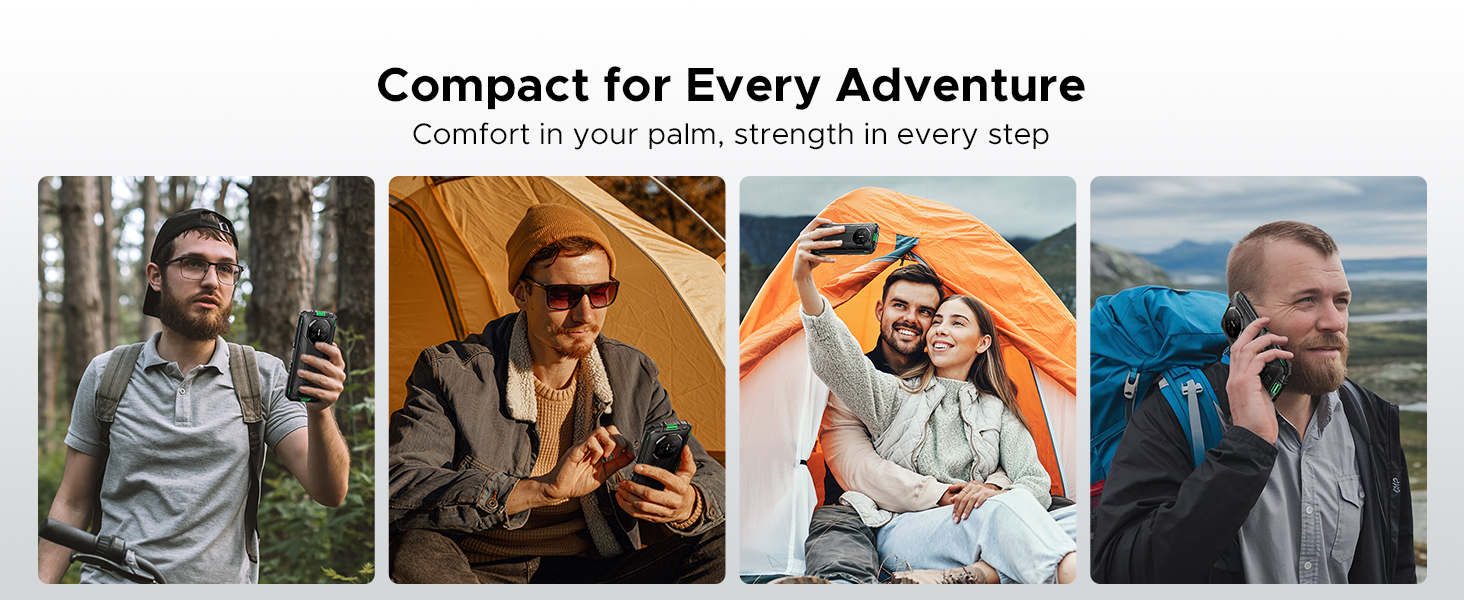
Figure 2: Key features including Face Unlock.
3. Funcionament del vostre dispositiu
3.1 Característiques d'Android 15
Your DOOGEE Fire 3 runs on Android 15, offering a range of features for improved usability and privacy:
- Clonació d'aplicacions: Run multiple instances of the same app for different accounts.
- Smart Motion Sensing: Utilize gestures for quick actions.
- Superporta-retalls: Funcionalitat de porta-retalls millorada per gestionar el contingut copiat.
- Pantalla dividida: Utilitza dues aplicacions simultàniament a la pantalla.
- Protecció de la privadesa millorada: Granular control over app permissions and data access.
- Mode guant: Improve touch sensitivity for use with gloves.
- Screen Awareness: Keeps the screen on while you are looking at it.
- Subtítol en directe: Automatically captions media playing on your device (English only).
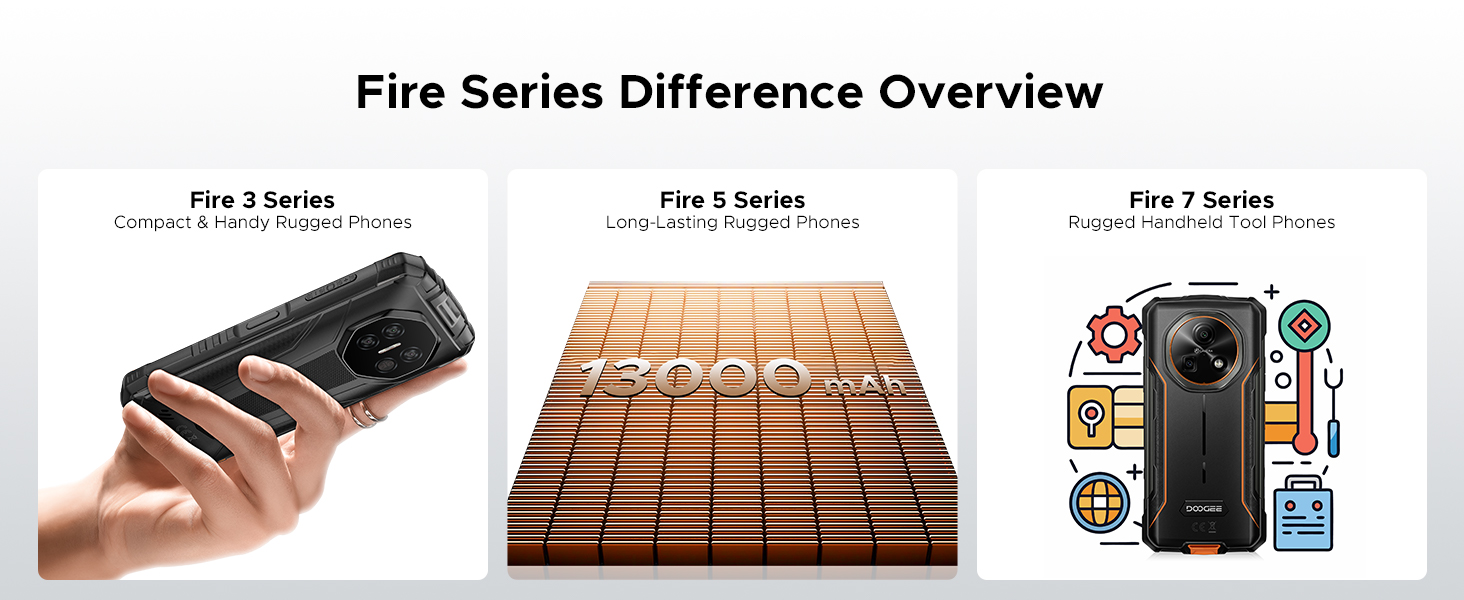
Figure 3: Android 15 operating system features.
3.2 Ús de la càmera
The DOOGEE Fire 3 features a 13MP AI triple rear camera and an 8MP front camera.
- Fent fotos: Obre l'aplicació Càmera, emmarca la foto i toca el botó de l'obturador.
- Reconeixement d'escenes per IA: The camera automatically detects scenes (e.g., greenery, sunrise) and optimizes settings for the best photo quality.
- Càmera frontal: Switch to the front camera for selfies and video calls.

Figure 4: Capturing photos with the 13MP main camera.
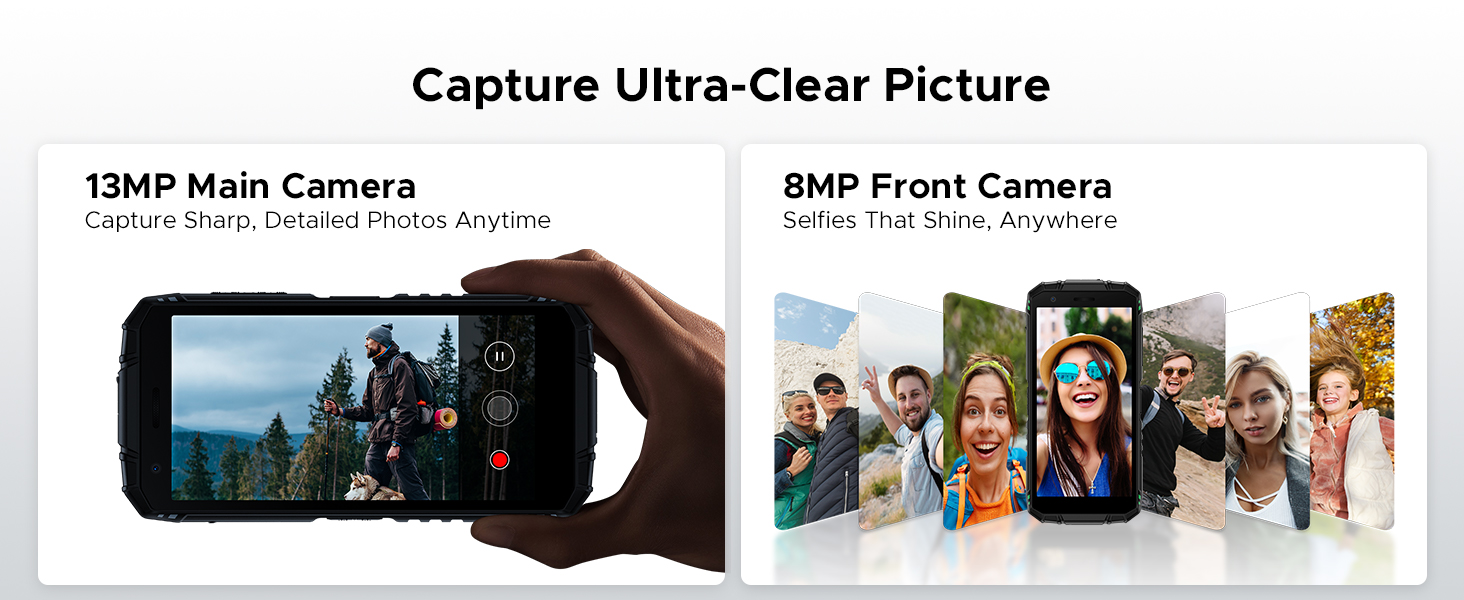
Figure 5: AI Scene Recognition in the camera app.
3.3 Digital Toolkit
The DOOGEE Fire 3 includes a suite of useful tools for outdoor and daily activities:
- Brúixola
- Sonòmetre
- Penjar fotos
- Lupa
- Transportador
- Plumb Bob
- Campana d'alarma
- Gradient
- Height Measure
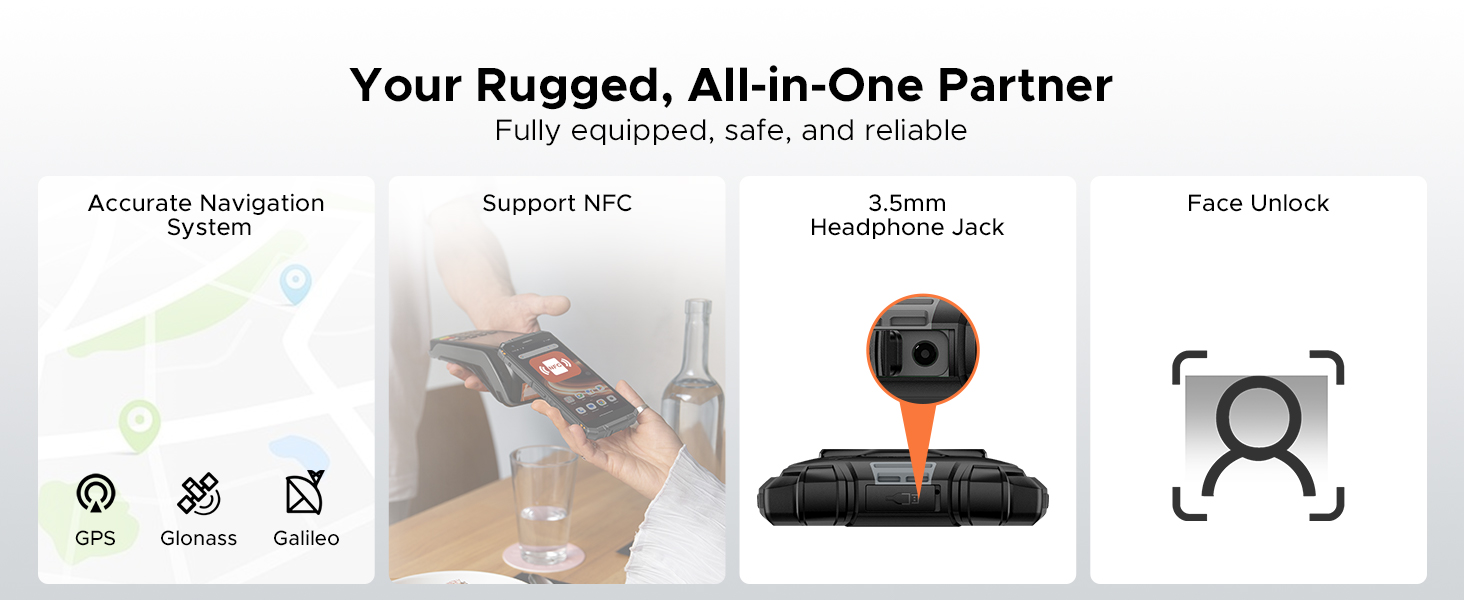
Figure 6: Digital Toolkit applications.
3.4 Navegació i connectivitat
The device supports multiple navigation systems and essential connectivity features:
- Navegació: Accurate positioning with GPS, Glonass, and Galileo.
- NFC: Supports Near Field Communication for contactless payments and data exchange.
- Presa d'auriculars de 3.5 mm: Per a accessoris d'àudio amb cable.
3.5 General Usage Overview
Aquest vídeo ofereix una visió generalview of the DOOGEE Fire 3's compact size and powerful features in various usage scenarios.
Video 2: DOOGEE Fire 3 Small Body, Big Power.
4. Gestió de la bateria
The DOOGEE Fire 3 is equipped with a massive 8350mAh battery, designed for extended use.
4.1 Durada i càrrega de la bateria
- Temps d'espera: Fins a 47 dies.
- Reproducció de música: Fins a 87 hores.
- Video Watching: Fins a 28 hores.
- Trucada: Fins a 44 hores.
- Càrrega: Admet càrrega de 10 W.
- Càrrega inversa: The phone can act as a power bank to charge other devices like earbuds or smartwatches.
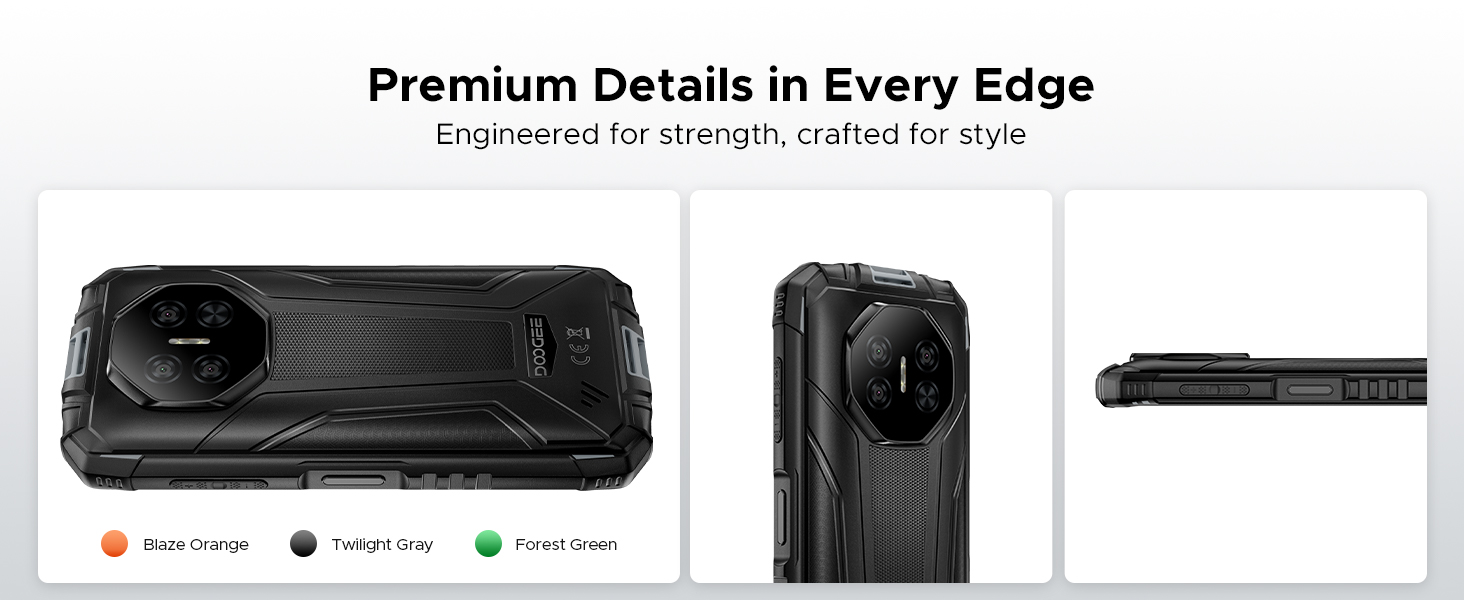
Figure 7: 8350mAh large battery features.
4.2 Battery Performance Overview
This video demonstrates the impressive battery life and charging capabilities of the DOOGEE Fire 3 rugged phone.
Video 3: DOOGEE Fire 3 Rugged Phone - Big Battery.
5. Durabilitat i disseny
The DOOGEE Fire 3 is built to endure harsh conditions, certified with industry-leading ruggedness standards.
5.1 Ruggedness Certifications
- IP68: Resistent a l'aigua i a la pols.
- IP69K: Resistent a dolls d'aigua d'alta pressió i alta temperatura.
- MIL-STD-810H: Military-grade standard for drops, shocks, and extreme temperatures.
The phone can withstand drops from up to 5 feet, survive 30 minutes underwater at 4 feet depth, and is fully protected against dust, sand, and dirt.
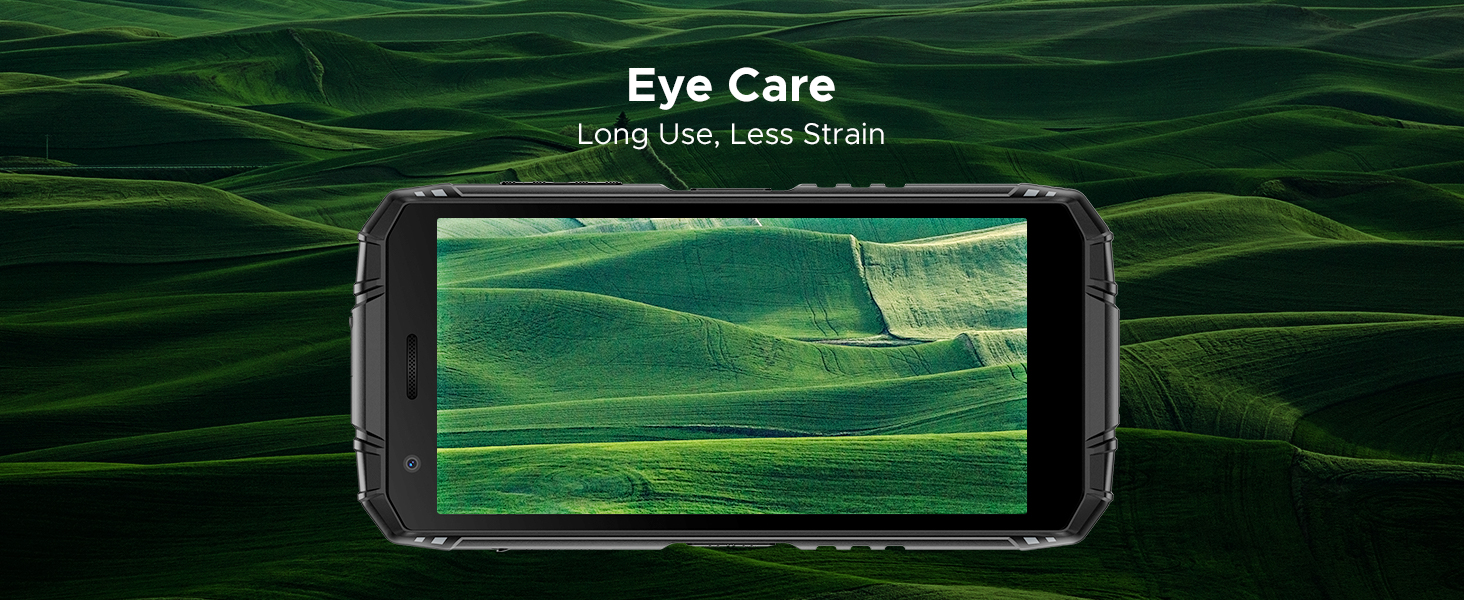
Figure 8: IP68/IP69K/MIL-STD-810H certifications for water, drop, and dust resistance.
5.2 Característiques físiques
- Dimensions: 162.5 x 77.4 x 17.8 mm
- Pes: 291 g (9.2 unces)
- Visualització: 5.5" HD+ IPS Display with 400 nits (TYP) brightness, 16.7M screen color, and 720*1440 resolution. Features Eye Care mode for reduced strain.
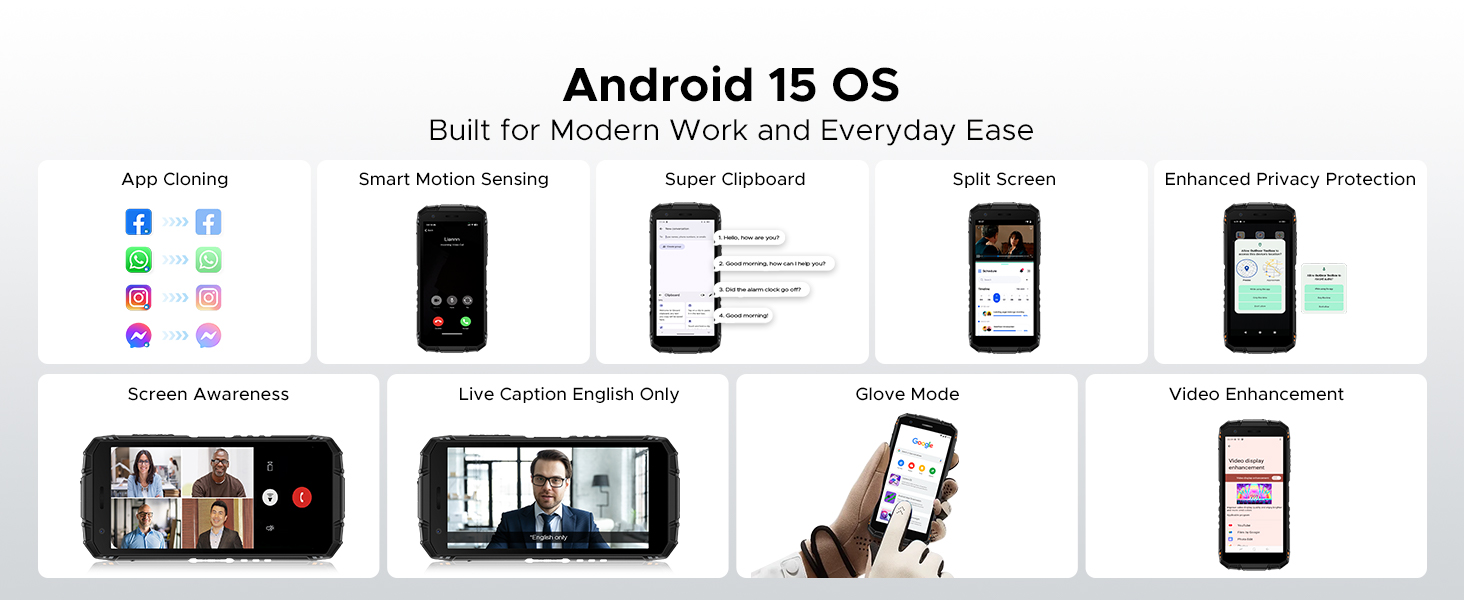
Figure 9: Compact design for comfortable grip.
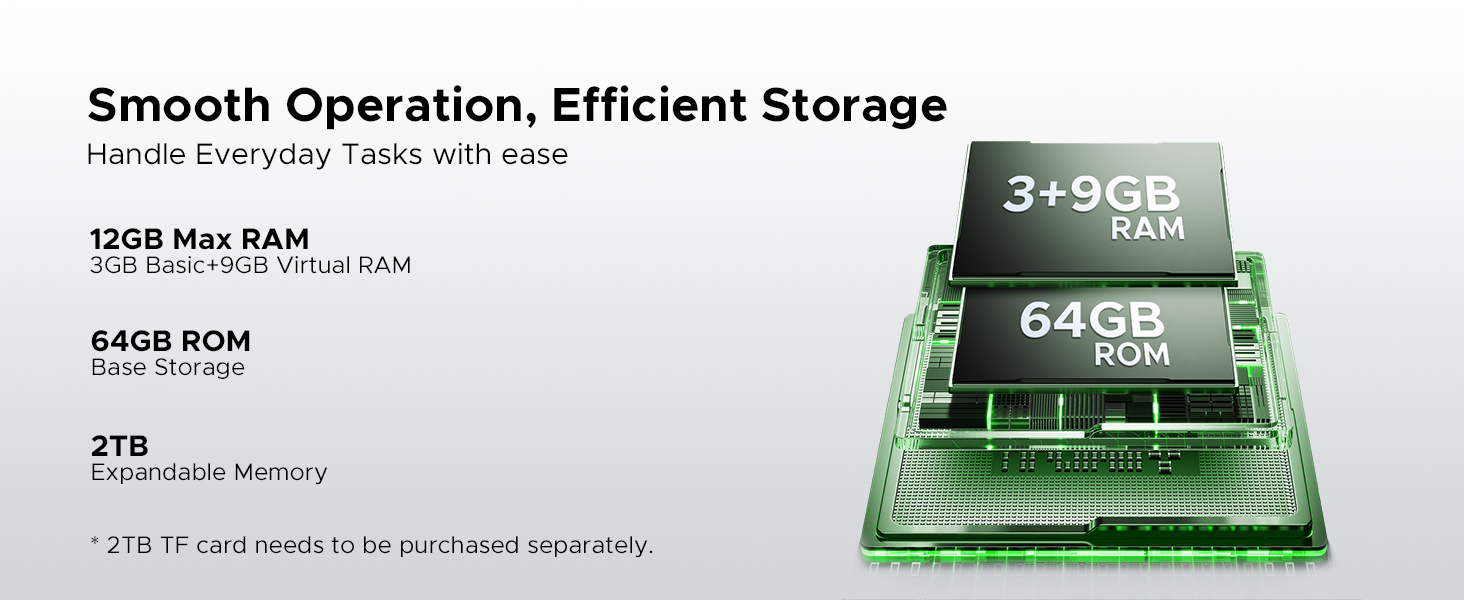
Figure 10: 5.5" HD+ IPS Display details.
6. Especificacions
| Característica | Detall |
|---|---|
| Marca | DOOGEE |
| Nom del model | Fire3 |
| Sistema operatiu | Android 15 |
| Processador | Unisoc SC9863A Octa-Core (1.6GHz) |
| RAM | 12GB (3GB Basic + 9GB Virtual) |
| Emmagatzematge intern | 64 GB |
| Emmagatzematge ampliable | Up to 2TB via MicroSD card (not included) |
| Mida de la pantalla | 5.45 polzades |
| Tipus de visualització | HD+ IPS Display |
| Resolució | 720*1440 |
| Brillantor | 400 nits (TYP) |
| Càmera posterior | 13MP AI Triple Camera |
| Càmera frontal | 8MP |
| Capacitat de la bateria | 8350 mAh |
| Carregant | 10W, Reverse Charging supported |
| Durabilitat | IP68, IP69K, MIL-STD-810H (Waterproof, Drop-proof, Dust-proof) |
| Connectivitat | 4G Cellular Technology, Wireless, NFC |
| Navegació | GPS, Glonass, Galileo |
| Dimensions | 162.5 x 77.4 x 17.8 mm |
| Pes de l'article | 262 grams (9.2 unces) |
| Característiques especials | Face Unlock, Digital Toolkit, 3.5mm Headphone Jack |
| Compatibilitat amb operadors sense fil | GSM T-Mobile (Not compatible with AT&T, new Cricket, Verizon) |
7. Solució De Problemes
If you encounter issues with your DOOGEE Fire 3, refer to the following common solutions:
7.1 Power and Charging Issues
- Phone won't turn on: Assegureu-vos que la bateria estigui carregada. Connecteu el telèfon al carregador i espereu uns minuts abans d'intentar engegar-lo de nou.
- El telèfon no es carrega: Comproveu si el cable de càrrega i l'adaptador estan danyats. Proveu una altra presa de corrent. Assegureu-vos que el port de càrrega estigui net i lliure de residus.
7.2 Xarxa i connectivitat
- No signal/Network issues: Verify your SIM card is correctly inserted. Check if your carrier is supported by the device (GSM T-Mobile compatible). Restart the phone.
- Problemes de connexió Wi-Fi: Restart your Wi-Fi router. Forget the network on your phone and reconnect.
7.3 Rendiment i programari
- Apps crashing/Freezing: Close background apps. Clear the cache of the problematic app (Settings > Apps > [App Name] > Storage > Clear cache). Update the app or the phone's software.
- Rendiment lent: Allibera espai d'emmagatzematge eliminant innecessaris files or apps. Restart your device regularly.
7.4 Problemes de visualització
- La pantalla no respon: Perform a forced restart (usually by holding the Power button for 10-15 seconds).
- Display flickering: Check for software updates. If the issue persists, contact support.
7.5 Water/Dust Exposure
While the DOOGEE Fire 3 is rugged, prolonged exposure or extreme conditions beyond its ratings (IP68/IP69K/MIL-STD-810H) can cause damage. If the phone has been exposed to water or dust, ensure all ports are dry and clean before charging or using accessories.
8. Garantia i Suport
DOOGEE is committed to providing high-quality products and excellent customer service.
8.1 Informació de la garantia
- Període de garantia: Your DOOGEE Fire 3 comes with a 2-year free warranty.
- Garantia de devolució de diners: Enjoy 30 days of money back without reason from the date of purchase.
Conserveu el vostre comprovant de compra per a reclamacions de garantia.
8.2 Atenció al client
For any problems or inquiries, our professional support team is available 24/7 to assist you.
- Assistència en línia: Visit the official DOOGEE weblloc web per a preguntes freqüents, recursos d'assistència i opcions de contacte.
- Suport per correu electrònic: Consulteu l'embalatge del producte o la fitxa oficial website for specific email contact details.
We recommend checking the official DOOGEE website for the most up-to-date support information and warranty terms.