
1. Introducció
Thank you for choosing the Earbay BT681CD-2025 Wireless Headset. This headset is designed for clear communication in various environments, featuring Bluetooth 5.2 connectivity, a noise-canceling microphone, and a comfortable design. This manual provides detailed instructions for setup, operation, and maintenance to ensure optimal performance.
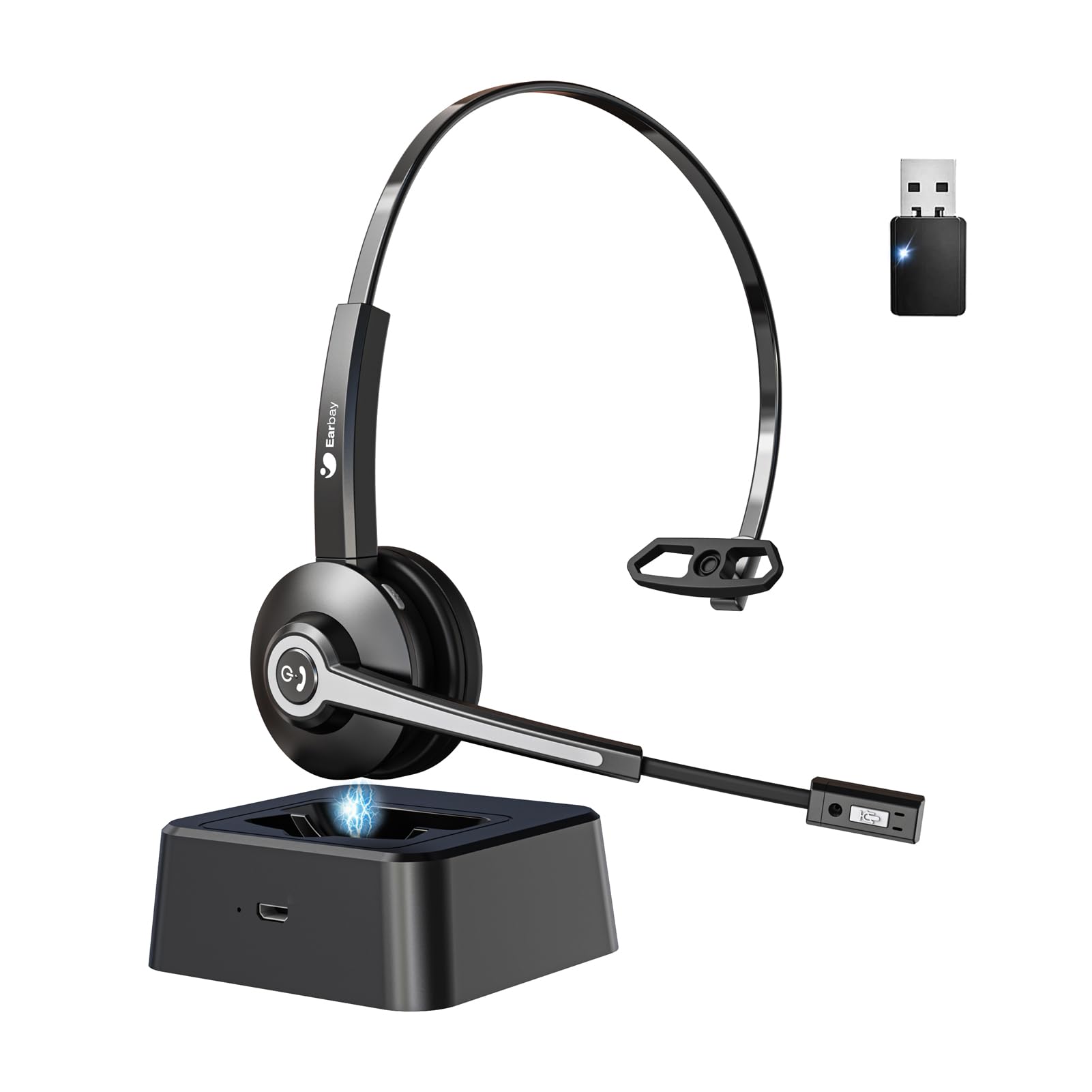
Image 1.1: Earbay BT681CD-2025 Wireless Headset with charging base and USB dongle.
2. Contingut del paquet
Si us plau, comproveu el paquet per veure si hi ha els elements següents:
- Earbay BT681CD-2025 Wireless Headset
- Base de càrrega
- Dongle USB
- Cable de càrrega USB-C
- Manual d'usuari
3. Instruccions de configuració
3.1. Càrrega dels auriculars
Before first use, fully charge the headset. The headset can be charged using the included USB-C cable or by placing it on the charging base.
- Ús del cable USB-C: Connect the USB-C cable to the headset's charging port and the other end to a USB power source (e.g., computer, wall adapter).
- Using Charging Base: Place the headset onto the charging base. Ensure the charging contacts align.
A full charge takes approximately 1.5 to 2 hours. The LED indicator on the headset will show charging status (e.g., red for charging, blue for fully charged).

Image 3.1: Headset charging options: USB-C cable and charging base.
3.2. Connecting via USB Dongle
For optimal compatibility and stable connection with computers, use the provided USB dongle.
- Inseriu el dongle USB en un port USB disponible de l'ordinador.
- Engegueu els auriculars. Intentaran connectar-se automàticament al dongle.
- Once connected, the LED indicator on both the headset and dongle will show a stable blue light.
- Ensure the headset is selected as the default audio input and output device in your computer's sound settings.
3.3. Connexió mitjançant Bluetooth
The headset can connect to two devices simultaneously (e.g., computer via dongle and phone via Bluetooth).
- Power on the headset. It will enter pairing mode if not already connected to a device. The LED will flash blue and red.
- Al vostre dispositiu (p. ex., telèfon intel·ligent, tauleta), activeu el Bluetooth i cerqueu els dispositius disponibles.
- Select "Earbay BT681CD-2025" from the list of devices.
- Un cop vinculat, l'indicador LED dels auriculars es tornarà de color blau continu.
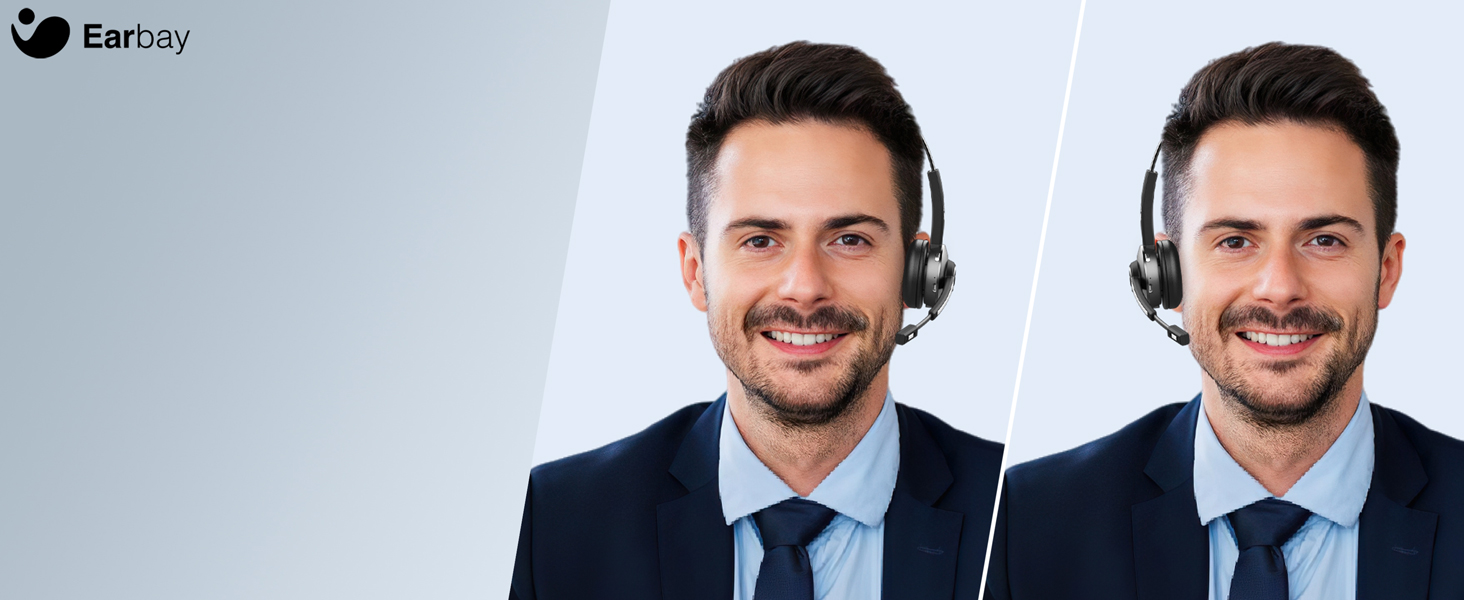
Image 3.2: The headset supports two connection methods: Bluetooth 5.2 and USB Dongle, allowing connection to two devices simultaneously.
4. Instruccions de funcionament
4.1. Encendre/apagar
- Encès: Press and hold the Multi-function Button (MFB) for 3 seconds until the LED flashes blue.
- Apagar: Press and hold the MFB for 5 seconds until the LED flashes red and then turns off.
4.2. Gestió de trucades
- Respondre/Finalitzar la trucada: Premeu el MFB una vegada.
- Rebutja la trucada: Manteniu premut el MFB durant 2 segons.
- Silenciar el micròfon: Press the dedicated mute button on the microphone arm. The LED on the microphone will indicate mute status.
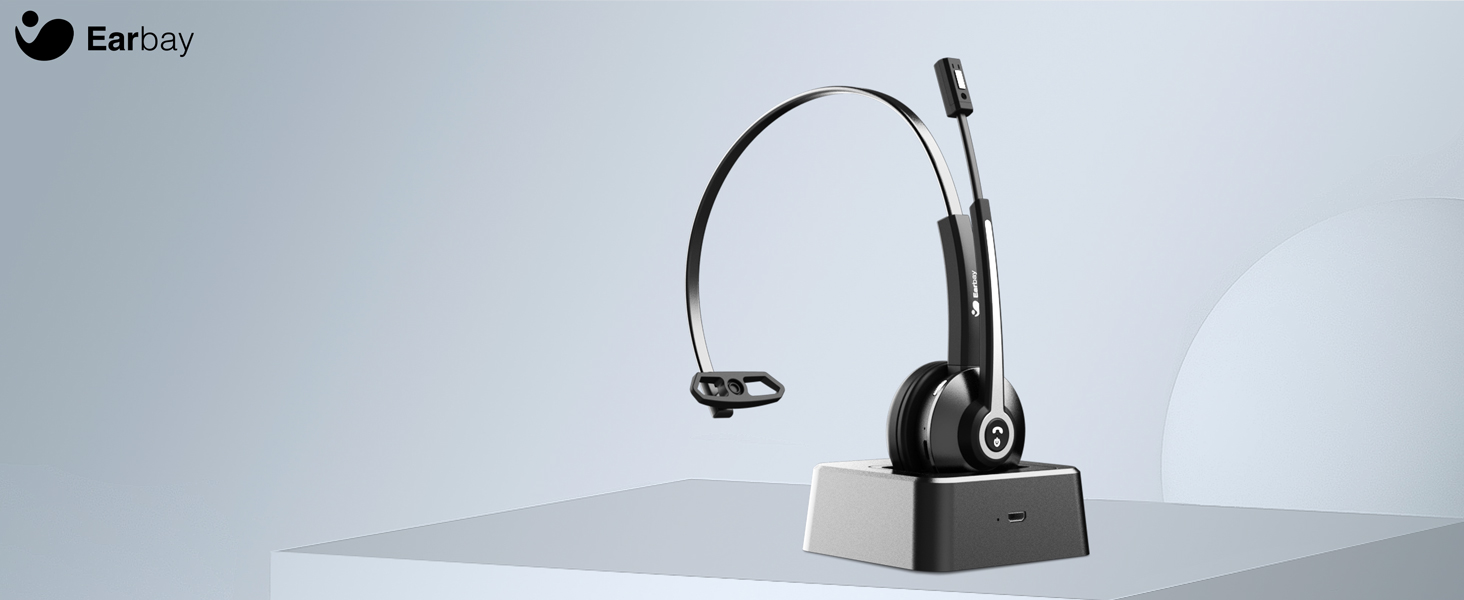
Image 4.1: The microphone arm features a dedicated mute button for privacy during calls.
4.3. Control de volum
- Pujar el volum: Premeu el botó Pujar volum.
- Baixar el volum: Premeu el botó per baixar el volum.
4.4. Portar els auriculars
The headset is designed for comfort during extended use.
- Diadema ajustable: Esteneu o retraieu la diadema per adaptar-la a la mida del vostre cap.
- Rotatable Ear Cups: The ear cups can rotate 180 degrees for a comfortable fit and easy storage.
- Flexible Mic Arm: The microphone arm can be rotated 270 degrees to position the microphone optimally for your voice.
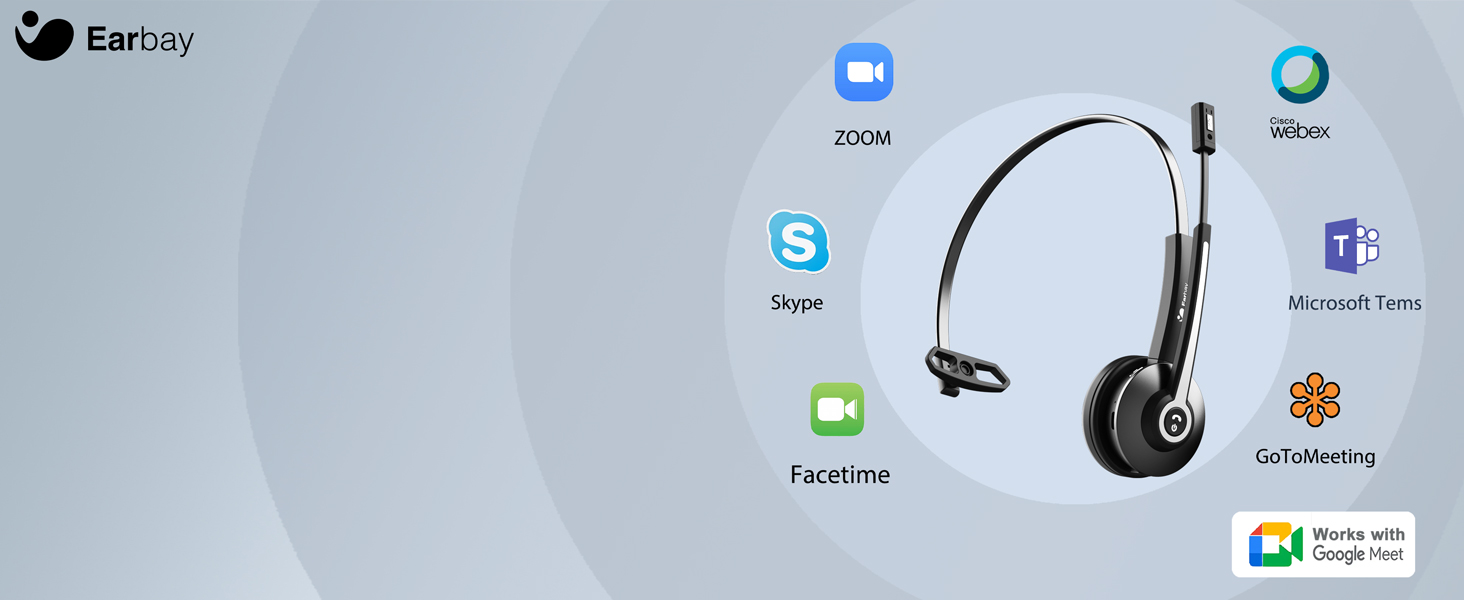
Image 4.2: The headset features memory foam earcups and a lightweight design for all-day comfort.
5. Manteniment
To ensure the longevity and performance of your headset, follow these maintenance guidelines:
- Neteja: Feu servir un drap suau i sec per netejar els auriculars. Eviteu utilitzar productes químics agressius o materials abrasius.
- Emmagatzematge: Guardeu els auriculars en un lloc fresc i sec, allunyat de la llum solar directa i de temperatures extremes.
- Cura de la bateria: Avoid fully discharging the battery frequently. Charge the headset regularly, even if not in use, to maintain battery health.
- Eviteu la humitat: No exposeu els auriculars a l'aigua ni a una humitat excessiva.
6. Solució De Problemes
If you encounter issues with your Earbay BT681CD-2025 headset, refer to the following common problems and solutions:
| Problema | Causa possible | Solució |
|---|---|---|
| Els auriculars no s'encenen | Bateria baixa | Carregueu completament els auriculars. |
| No es pot connectar al dispositiu | Not in pairing mode, Bluetooth off, or device too far | Ensure headset is in pairing mode (flashing blue/red LED). Turn on Bluetooth on your device. Move headset closer to the device. Re-pair the headset. |
| No hi ha so o mala qualitat d'àudio | Incorrect audio output selected, low volume, or interference | Check your device's sound settings to ensure the headset is selected as the output. Increase headset and device volume. Move away from sources of interference. |
| El micròfon no funciona | Microphone muted, incorrect input selected, or mic arm not positioned correctly | Unmute the microphone. Check your device's sound settings to ensure the headset is selected as the input. Adjust the microphone arm closer to your mouth. |
| La connexió cau amb freqüència | Out of range, interference, or low battery | Stay within the operating range (up to 33 feet/10 meters). Reduce interference from other wireless devices. Charge the headset. |
7. Especificacions
- Número de model: BT681CD-2025
- Marca: Earbay
- Tecnologia de comunicació sense fils: Bluetooth 5.2
- Interfície del dispositiu d'entrada: Bluetooth, USB
- Característiques de control de soroll: Cancel·lació de soroll (micròfon)
- Bateria: 1 bateria no estàndard (inclosa)
- Temps de càrrega: Aproximadament 1.5 hores
- Temps de conversa: Fins a 28 hores
- Temps d'espera: Fins a 400 hores
- Interval de funcionament: Fins a 33 peus (10 metres)
- Pes de l'article: 12 unces
- Color: Negre
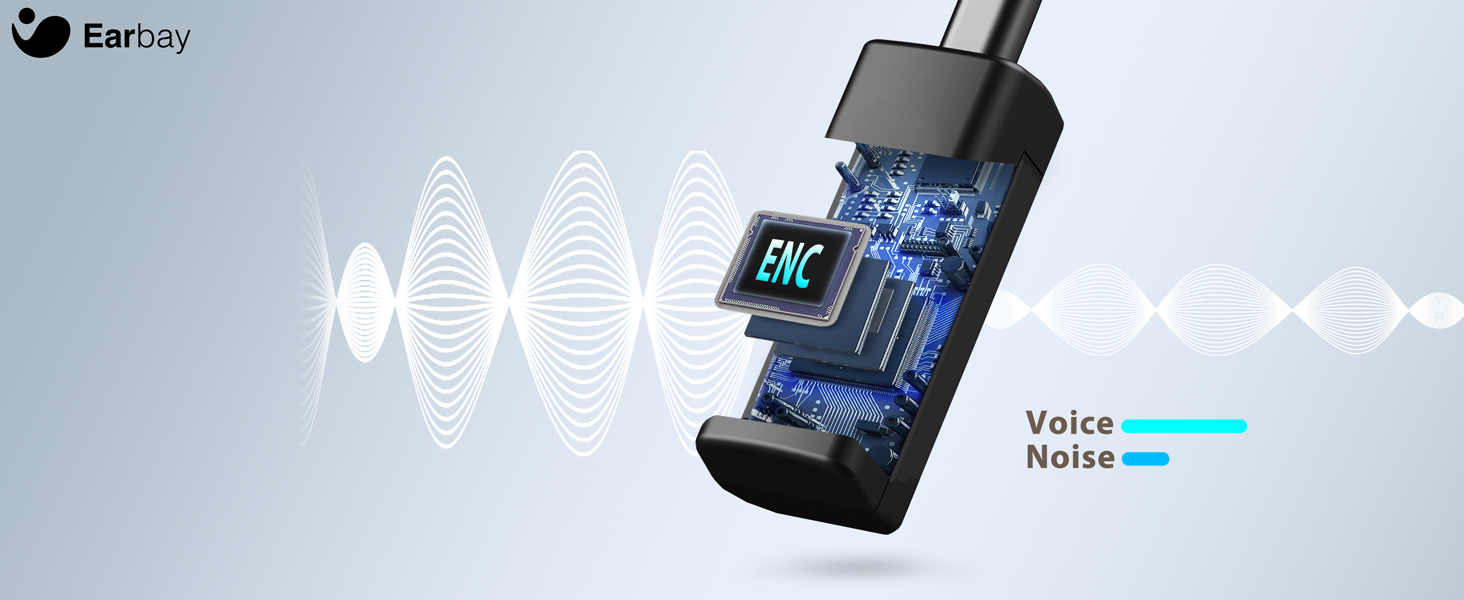
Image 7.1: The headset features a Bluetooth 5.2 chip for stable and clear connections.
8. Producte acabatview Vídeo
Mireu aquest vídeo per obtenir una visió generalview of the Earbay Wireless Headset features and design.
Vídeo 8.1: Presentació oficial del producte en vídeoasing the Earbay Wireless Headset's design and key functionalities.
9. Garantia i Suport
Earbay products come with a standard manufacturer's warranty. For detailed warranty information, product support, or technical assistance, please refer to the contact information provided on the product packaging or visit the official Earbay weblloc web. Si us plau, conserveu el comprovant de compra per a reclamacions de garantia.