
1. Introducció
The QCY MeloBuds N70 are advanced wireless earbuds designed to deliver a superior audio experience with adaptive hybrid active noise cancellation, high-resolution audio support, and extended battery life. This manual provides detailed instructions for setting up, operating, and maintaining your earbuds.
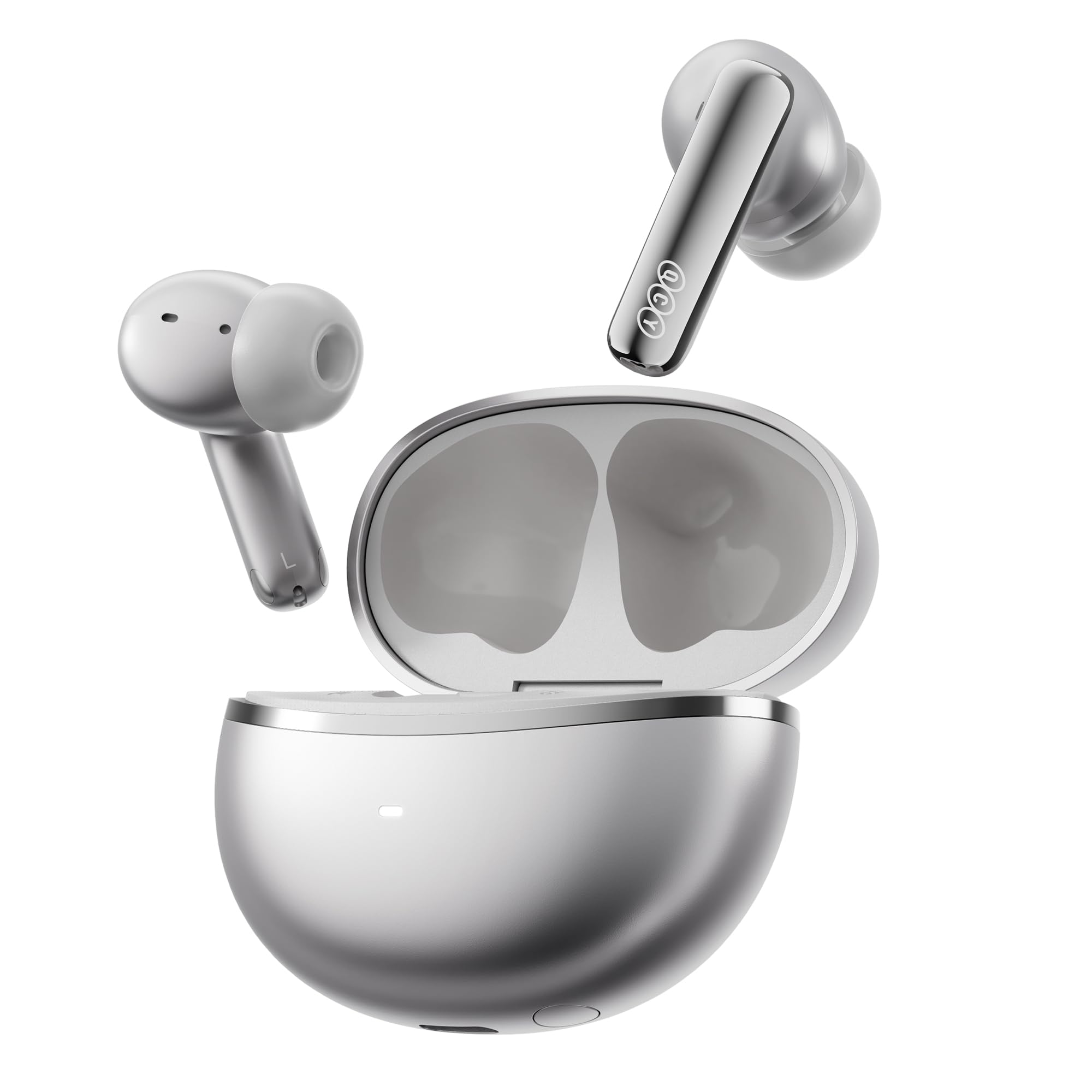
Image: QCY MeloBuds N70 earbuds and charging case in Titanium Gold.
2. Què hi ha a la caixa
- QCY MeloBuds N70 Earbuds
- Estoig de càrrega sense fil
- Eartips (XS/S/M/L/XL) - 5 sizes for optimal fit
- Cable de càrrega USB-C
- Manual d'usuari
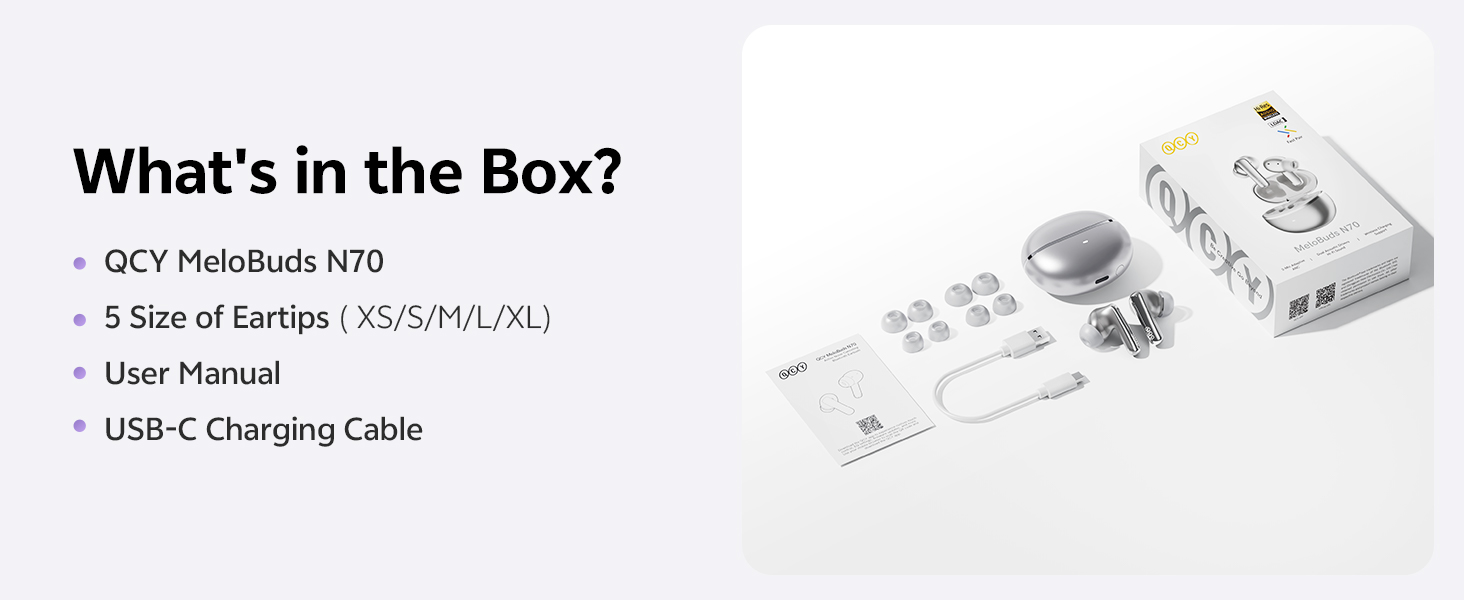
Image: All items included in the QCY MeloBuds N70 package.
3. Producte acabatview
3.1 Components dels auriculars
- DualCore Acoustic System: Features a ring-shape dynamic driver for bass and mids, and a MEMS tweeter for clear highs.
- 6 micròfons: Integrated for clear calls and effective noise cancellation.
- Àrea de control tàctil: Located on the stem of each earbud for various functions.
- Tuning Vent: Optimizes sound performance.
- Contactes de càrrega: Per carregar dins de la caixa.
3.2 Components de la caixa de càrrega
- Botó de cas: Per emparellament i reinici.
- LED indicador: Mostra l'estat de càrrega i el nivell de la bateria.
- Port de càrrega tipus C: Per a càrrega amb cable.
- Suport de càrrega sense fil: Allows for convenient wireless charging.
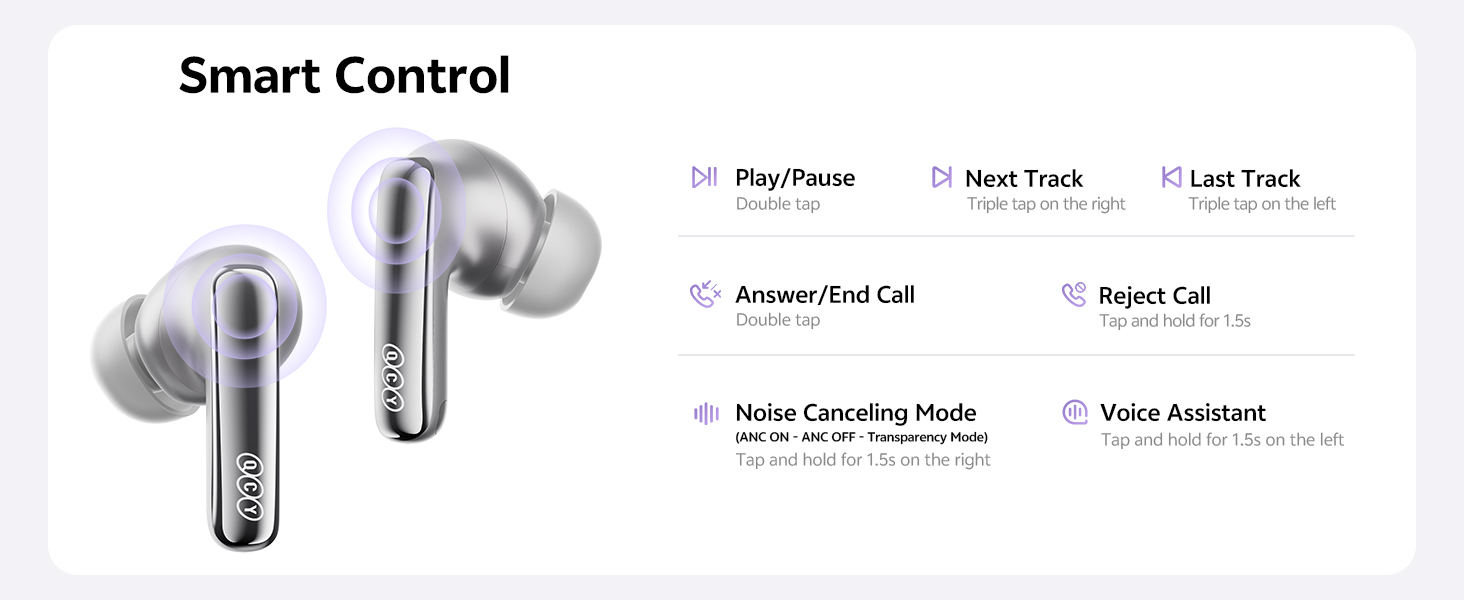
Image: Diagram illustrating the control areas and components of the earbuds and charging case.
4. Configuració
4.1 Emparellament inicial
- Obre la tapa de la funda de càrrega. Els auriculars s'encendran automàticament.
- Al dispositiu (telèfon intel·ligent, tauleta, etc.), activeu el Bluetooth.
- Cerca "QCY MeloBuds N70" in the list of available Bluetooth devices and select it to pair.
- Un cop emparellats, els auriculars estan llestos per al seu ús.
4.2 Connexió de dispositiu dual
The MeloBuds N70 supports multipoint connection, allowing you to connect to two Bluetooth devices simultaneously (e.g., a phone and a laptop) and switch between them seamlessly.
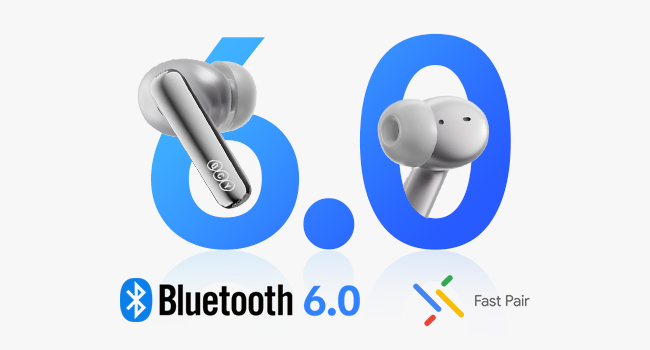
Image: Illustration of Bluetooth 6.0 and Google Fast Pair for quick connectivity.
4.3 QCY App Installation
For enhanced features and customization, download the official QCY App from the Google Play Store or Apple App Store. The app allows for EQ customization, firmware updates, and more.
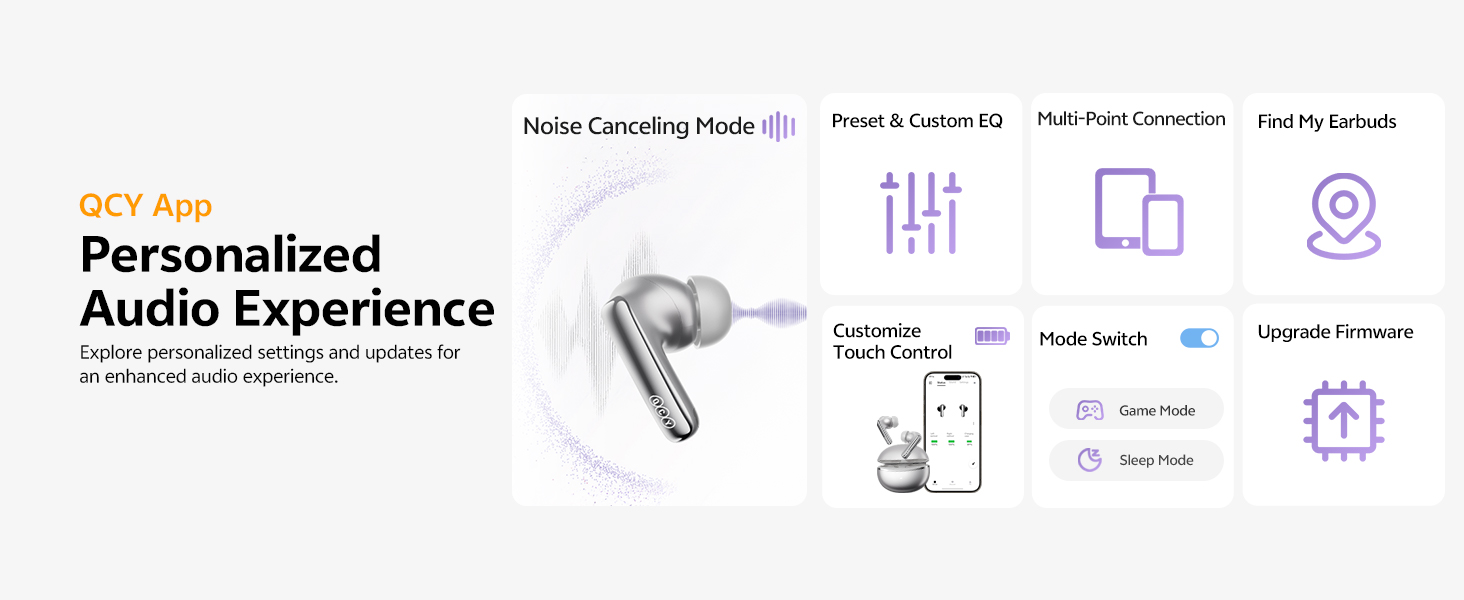
Image: QCY App interface demonstrating various control and customization options.
5. Instruccions de funcionament
5.1 Controls tàctils
- Reproduir/pausa: Fes doble toc a qualsevol dels auriculars.
- Pista següent: Toca tres vegades l'auricular dret.
- Pista anterior: Toca tres vegades l'auricular esquerre.
- Respondre/Finalitzar la trucada: Fes doble toc a qualsevol dels auriculars.
- Rebutja la trucada: Manteniu premut qualsevol dels auriculars durant 1.5 segons.
- Assistent de veu: Toca i mantén premut l'auricular esquerre durant 1.5 segons.
- ANC ON/OFF / Pass-Through: Tap and hold the right earbud for 1.5 seconds to cycle through modes.
5.2 Cancel·lació activa del soroll (ANC)
The MeloBuds N70 feature Adaptive Hybrid ANC, reducing noise by up to 56dB. You can switch between ANC ON, ANC OFF, and Pass-Through (Transparency) modes using the touch controls or the QCY App.
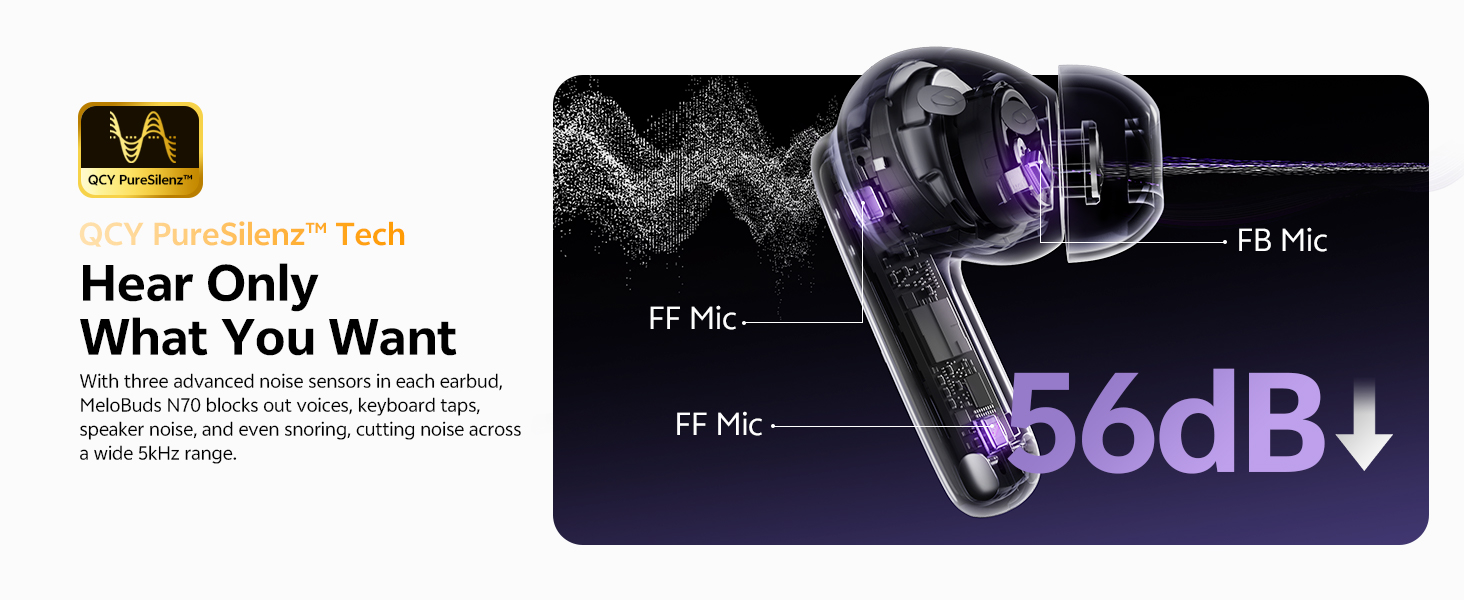
Image: Visual representation of the 56dB noise cancellation capability.
5.3 Detecció intraauricular
Music automatically pauses when you remove an earbud and resumes when you put it back on. This feature can be managed via the QCY App.

Image: Smart wearing detection feature, showing automatic play and pause.
6. Càrrega i bateria
6.1 Durada de la bateria
- ANC apagat: Up to 10 hours of single playtime; up to 50 hours total with the charging case.
- ANC activat: Up to 7 hours of single playtime; up to 35 hours total with the charging case.
6.2 Càrrega de la funda
- Càrrega per cable: Connecteu el cable USB-C al port de càrrega de la funda i a una font d'alimentació.
- Càrrega sense fils: Col·loca l'estoig de càrrega sobre una base de càrrega sense fil compatible.
- Càrrega ràpida: A 10-minute charge provides approximately 2 hours of use.
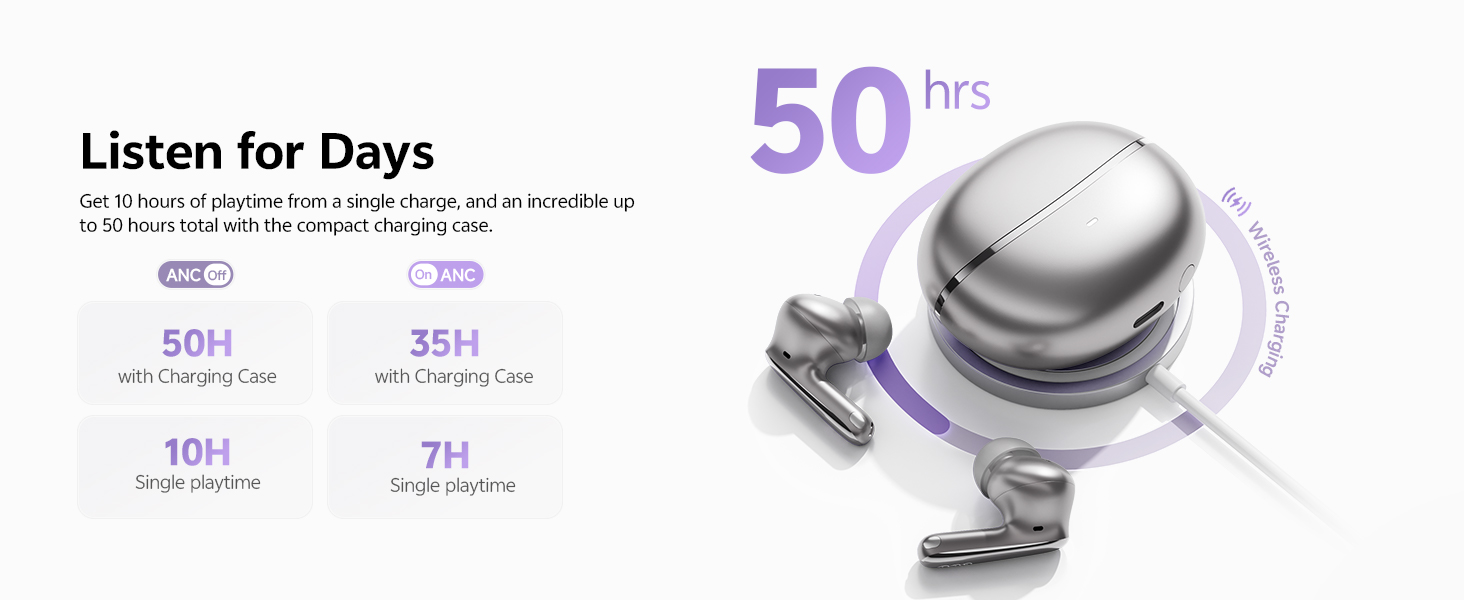
Imatge: Més deview of the 50-hour total playtime with the charging case.
7. Manteniment
7.1 Eartip Selection and Replacement
Choose the eartip size (XS/S/M/L/XL) that provides the most comfortable and secure fit for optimal sound quality and noise cancellation. Gently twist and pull to remove existing eartips, then push new ones onto the earbud nozzle.
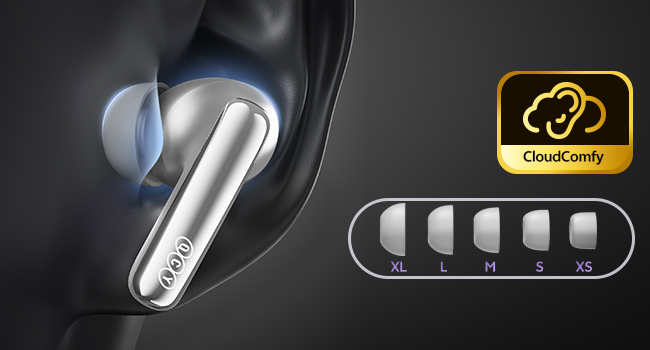
Image: Display of the five different sizes of ultra-soft silicone eartips.
7.2 Resistència a l'aigua
The earbuds are IPX5 waterproof, meaning they are protected from sweat and splashes. They are not designed for submersion in water.
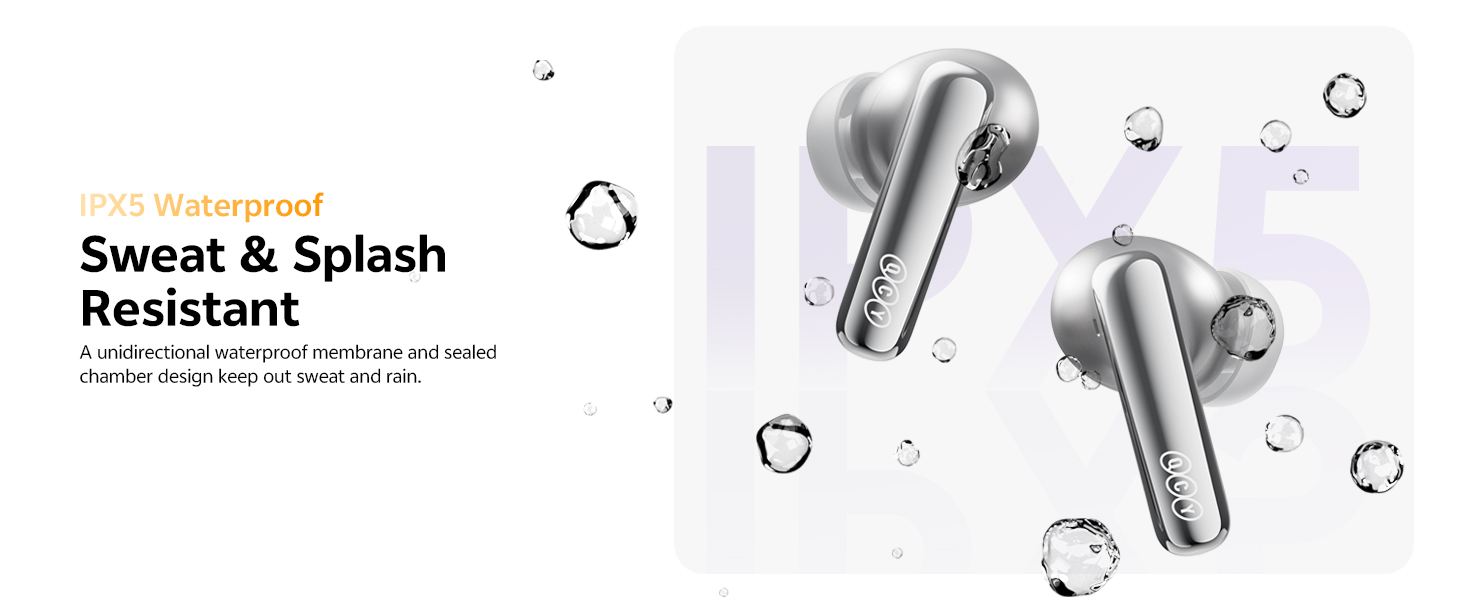
Image: Earbuds shown with water droplets, highlighting their IPX5 waterproof rating.
8. Solució De Problemes
- Auriculars que no s'emparellan: Ensure both earbuds are in the charging case, close the lid, then open it again. Check your device's Bluetooth settings.
- Problemes de so: Adjust the eartips for a secure fit. Check the QCY App for personalized EQ settings or firmware updates.
- ANC not working: Ensure the ANC mode is activated via touch control or the QCY App.
- Problemes de càrrega: Verify the USB-C cable is properly connected or that the wireless charging pad is functional.
- Wind noise during calls: The earbuds feature a patented wind shielding design to minimize wind noise. Ensure earbuds are properly seated.
9. Especificacions
| Característica | Especificació |
|---|---|
| Nom del model | MeloBuds N70 (HT18) |
| Control de soroll | Cancel·lació activa de soroll híbrida adaptativa (fins a 56 dB) |
| Tipus de controlador d'àudio | Ring Shape Dynamic Driver + MEMS Tweeter |
| Còdec d'àudio | LDAC Hi-Res Audio Wireless Certified |
| Versió Bluetooth | 6.0 |
| Connectivitat | Wireless, Multipoint Pairing, Google Fast Pair |
| Micròfons | 6-Mic AI Calls with Wind-Resistant Algorithm |
| Durada de la bateria (auriculars) | 10 hores (ANC desactivat), 7 hores (ANC activat) |
| Temps de reproducció total (amb estoig) | 50 hores (ANC desactivat), 35 hores (ANC activat) |
| Carregant | USB-C Fast Charging (10 min for 2 hrs use), Wireless Charging |
| Resistència a l'aigua | IPX5 |
| Mètode de control | Aplicació, Toc |
| Material | Plàstic |
| Pes | 4.9 unces |
| Color (aquesta variant) | Or de titani |
10. Garantia i assistència
10.1 Garantia del fabricant
Your QCY product is covered by a manufacturer's warranty. Please refer to the warranty card included in your package for specific terms and conditions. The warranty typically covers defects in materials and workmanship under normal use.
To claim warranty service, you may need to provide proof of purchase (date of purchase, user's name, user's phone, user's address, shop's name, shop's address, and comments).
The manufacturer's warranty is void under certain circumstances, including but not limited to:
- Manteniment o modificació inadequats o inadequats.
- Accident, mal ús, abús, contaminació o altres causes externes.
- L'ús d'adaptadors i accessoris no especificats.
- Malfunctions or damage resulting from natural disasters (e.g., lightning, earthquake, typhoon), abnormal voltage, etc.
- Damages that occur due to failure to follow the instructions.
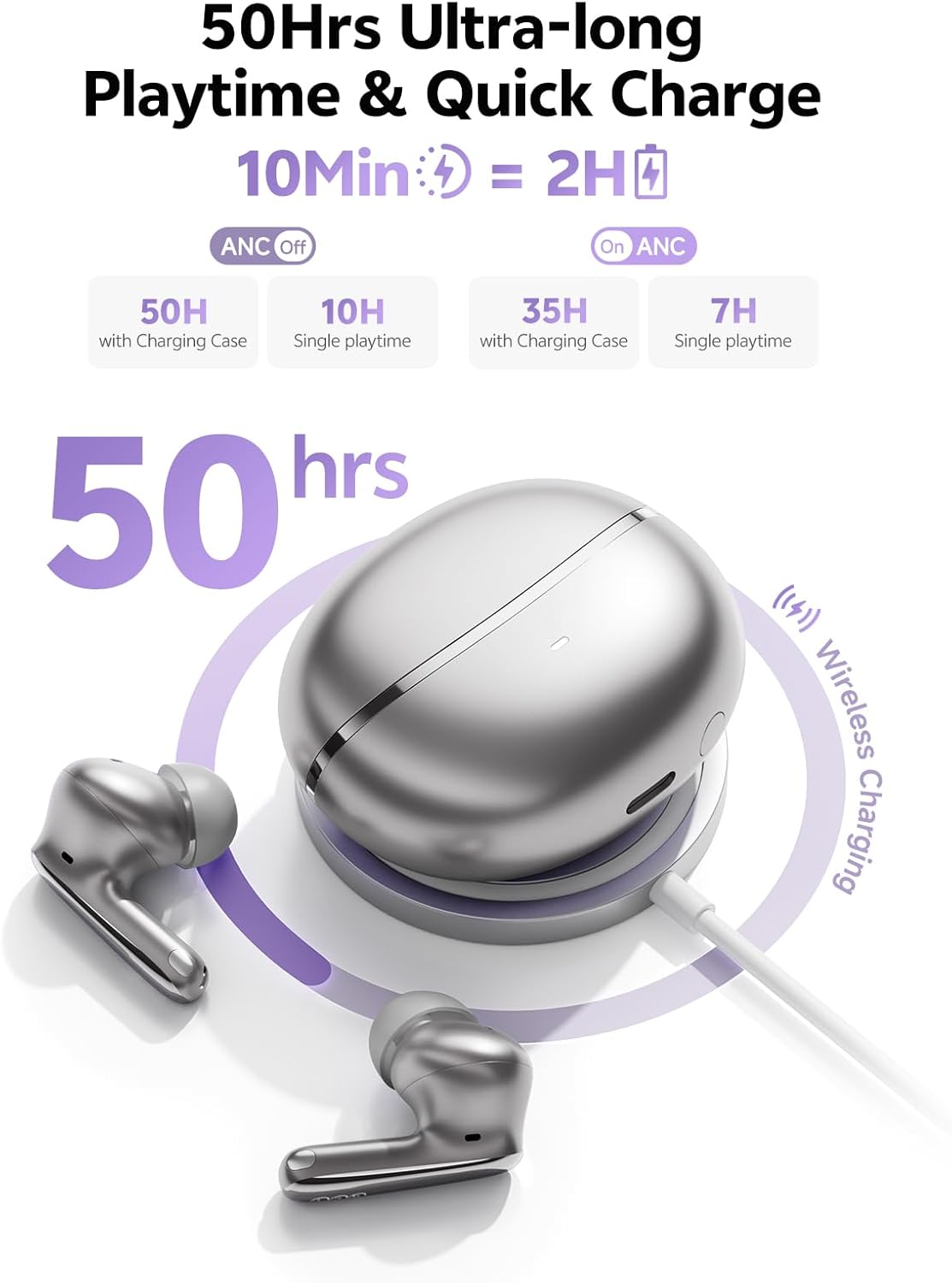
Image: A section of the user manual showing the warranty information and control diagram.
10.2 Atenció al client
For further assistance, technical support, or to provide feedback, please visit the official QCY website or contact their customer service through the QCY App.
11. Vídeo del producteview
Video: Official QCY MeloBuds N70 product overview, espectacleasing key features like dual drivers, noise cancellation, eartips, call quality, water resistance, multipoint pairing, and battery life.