
CHEREEKI B0FHHKMP1X
CHEREEKI Digital LED Alarm Clock User Manual
Model: B0FHHKMP1X
Introducció
Gràcies per la compraasing the CHEREEKI Digital LED Alarm Clock. This manual provides detailed instructions for setting up and operating your new alarm clock. Please read it thoroughly before use and keep it for future reference.
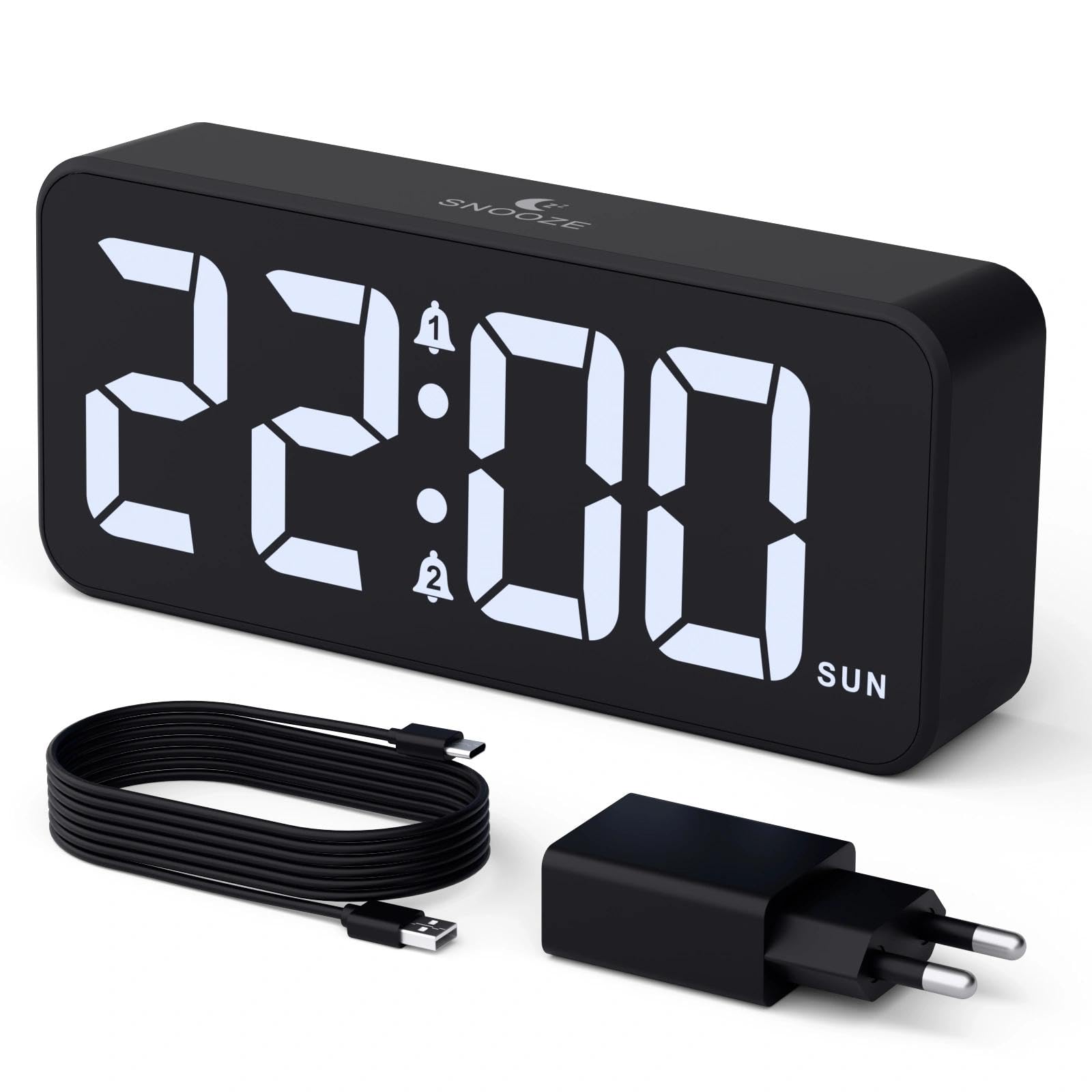
Image: The CHEREEKI Digital LED Alarm Clock, showcasing its large LED display and key features.
Informació de seguretat
- Ensure the power adapter and cable are compatible with the device's voltage requirements (5V/1A or 5V/2A).
- No exposeu el dispositiu a l'aigua ni a una humitat excessiva.
- Eviteu col·locar el dispositiu a prop de fonts de calor o sota la llum solar directa.
- No intenteu desmuntar ni reparar el dispositiu vosaltres mateixos. Poseu-vos en contacte amb el servei d'atenció al client si sorgeixen problemes.
- Mantenir fora de l'abast dels nens.
Contingut del paquet
- CHEREEKI Digital LED Alarm Clock
- Power Adapter (5V/1A or 5V/2A)
- USB Charging Cable (1.5m)
- Manual d'usuari
- CR2032 Backup Battery (pre-installed or included)

Image: Illustration of the items included in the product package.
Product Layout and Controls

Image: Rear panel of the alarm clock with labels for all buttons and ports.
- Botó de configuració de l'hora: Press to enter time setting mode.
- Botó d'alarma 1: Press to set Alarm 1.
- Botó d'alarma 2: Press to set Alarm 2.
- Botons amunt / avall: Ajusteu els valors durant la configuració.
- Botó de regulació de l'intensitat: Rotate to adjust display brightness (0-100%).
- Pom de volum: Rotate to adjust alarm volume (10 levels).
- Port de sortida USB: Per carregar dispositius externs.
- Port d'entrada tipus C: For power supply to the alarm clock.
- Botó DST: For Daylight Saving Time adjustment.
- Compartiment de la bateria: Houses the CR2032 backup battery.
Configuració
1. Connexió d'alimentació
The alarm clock operates solely on AC power. Connect the provided USB cable to the Type-C input port on the back of the clock and plug the adapter into a standard wall outlet (5V/1A or 5V/2A). The display will light up.

Image: The alarm clock connected to a power source via its adapter.
2. Bateria de seguretat
A CR2032 backup battery is included to retain time and alarm settings during power outages. This battery does not power the display or alarm functions; it only preserves memory. Ensure the battery is correctly installed in the compartment on the back of the clock.

Image: Close-up of the backup battery compartment, indicating its purpose to retain settings during power loss.
Instruccions de funcionament
Establiment de l'hora
- Press the "TIME SET" button. The hour digits will flash.
- Feu servir els botons "AMUNT" o "AVALL" per ajustar l'hora.
- Press "TIME SET" again to confirm the hour and move to minute setting. The minute digits will flash.
- Feu servir els botons "AMUNT" o "AVALL" per ajustar els minuts.
- Press "TIME SET" once more to confirm the minutes and exit time setting mode.
Configuració d'alarmes (alarma 1 i alarma 2)
This clock supports two independent alarms with three scheduling options.
- Press the "ALARM 1" or "ALARM 2" button. The alarm hour digits will flash.
- Use the "UP" or "DOWN" buttons to adjust the alarm hour.
- Press the respective alarm button again to confirm the hour and move to minute setting. The minute digits will flash.
- Use the "UP" or "DOWN" buttons to adjust the alarm minutes.
- Press the alarm button again to select the alarm schedule:
- Dies laborables: De dilluns a divendres
- Caps de setmana: Dissabte a diumenge
- Diari: De dilluns a diumenge
- Press the alarm button once more to confirm the schedule and exit alarm setting mode.
- To enable/disable an alarm, press the "ALARM 1" or "ALARM 2" button briefly outside of setting mode. An alarm icon will appear/disappear on the display.

Image: The alarm clock demonstrating dual alarm settings with various scheduling options.
Funció de posposar
When the alarm sounds, touch the top of the clock to activate the 5-minute snooze function. The alarm will temporarily stop and sound again after 5 minutes. To turn off the alarm completely, press any other button on the back of the clock.
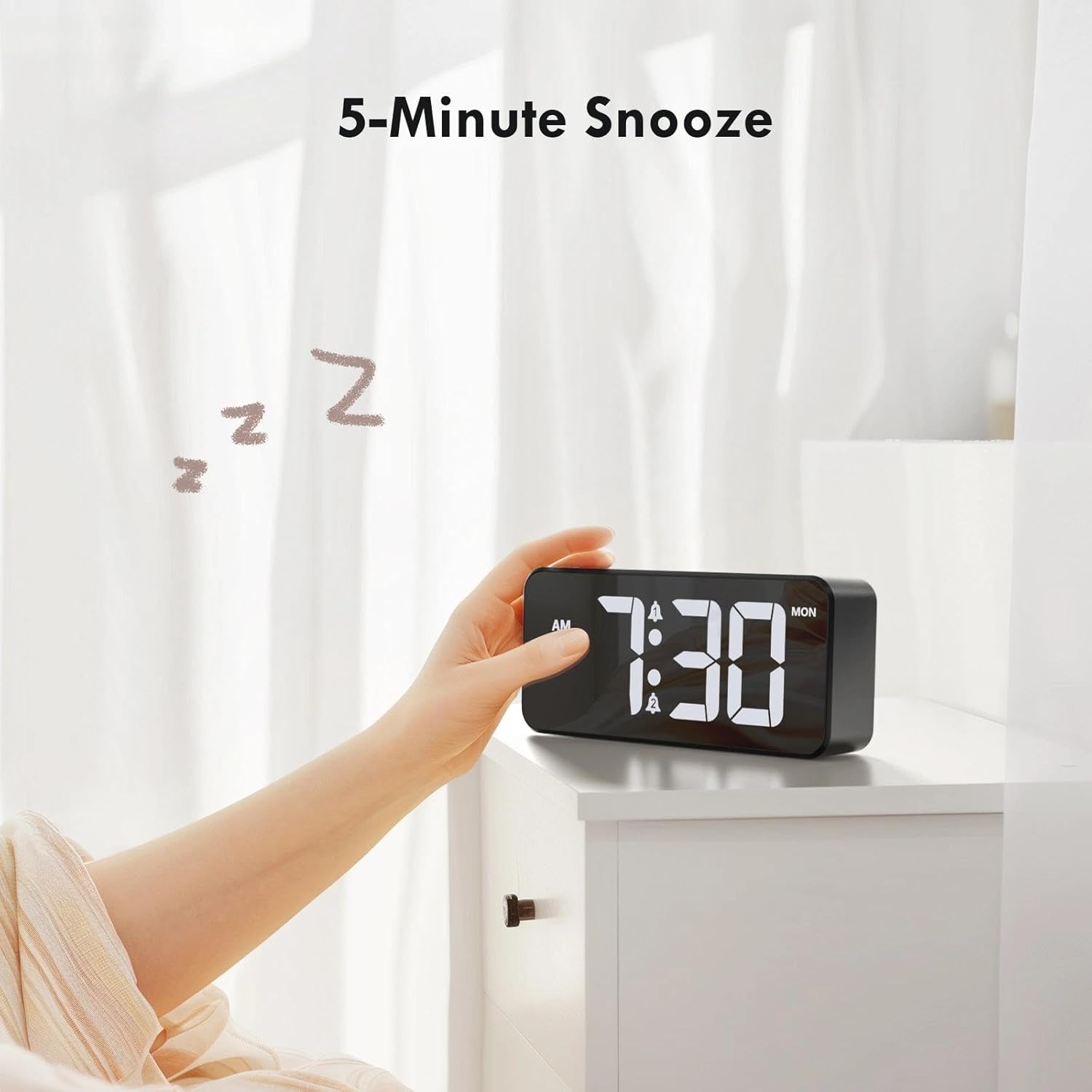
Image: A user activating the snooze function by touching the top of the alarm clock.
Ajust de la brillantor de la pantalla
Rotate the "DIMMER" knob on the back of the clock to adjust the display brightness from 0% (off) to 100% (maximum brightness). This allows for comfortable viewen qualsevol condició d'il·luminació.

Image: Visual representation of the adjustable brightness feature and the dimmer knob.
Ajust del volum de l'alarma
Rotate the "VOLUME" knob on the back of the clock to select one of the 10 available alarm volume levels. Choose a volume that suits your preference.

Image: The volume control knob and a visual scale indicating adjustable volume levels.
Format 12/24 hores
To switch between 12-hour and 24-hour time formats, press and hold the "TIME SET" button for a few seconds until the format changes. In 12-hour format, "AM" or "PM" indicators will be displayed.

Image: The alarm clock showing both 12-hour and 24-hour time display options.
Port de càrrega USB
The USB-A output port on the back of the clock allows you to charge other devices, such as smartphones or tablets. Simply connect your device's charging cable to this port.

Image: The alarm clock charging a smartphone via its integrated USB port.
Horari d'estiu (DST)
To adjust for Daylight Saving Time, press the "DST" button on the back of the clock. This will advance or set back the time by one hour. Press it again to revert.
Manteniment
- Clean the clock's surface with a soft, dry cloth. Do not use abrasive cleaners or solvents.
- Manteniu el dispositiu lliure de pols i residus.
- If the backup battery needs replacement, use a CR2032 coin cell battery. Ensure correct polarity.
Resolució de problemes
| Problema | Causa possible | Solució |
|---|---|---|
| La pantalla està apagada. | Not connected to power; Dimmer set to 0%. | Ensure the clock is plugged into a working power outlet. Rotate the Dimmer knob to increase brightness. |
| L'alarma no sona. | Alarm not activated; Volume set to minimum. | Press the ALARM 1/2 button to activate the alarm (icon should appear). Rotate the Volume knob to increase volume. |
| Configuració perduda després d'apagar l'alimentaciótage. | Backup battery is dead or missing. | Substituïu la pila de reserva CR2032. |
| La càrrega USB no funciona. | El rellotge no està alimentat; el cable del dispositiu està defectuós. | Ensure the alarm clock is powered. Try a different USB cable or device. |
Especificacions
- Marca: CHEREKI
- Model: B0FHHKMP1X
- Color: Negre
- Tipus de visualització: LED digital
- Material: Acrilonitril butadiè estirè (ABS)
- Dimensions del producte: 14.5 x 3.81 x 6.5 cm (5.7 x 1.5 x 2.5 polzades)
- Pes de l'article: 230 grams (0.5 lliures)
- Font d'alimentació: Wired Electric (5V/1A or 5V/2A adapter)
- Bateria de seguretat: CR2032 (for memory retention only)
- Característiques especials: Adjustable Brightness, Dual Alarm, Snooze, USB Charging Port, 12/24H Format, Adjustable Volume, Day of Week Display
Garantia i Suport
This CHEREEKI Digital LED Alarm Clock comes with a Garantia de per vida. For any product inquiries, technical support, or warranty claims, please contact CHEREEKI customer service through the retailer where you purchased the product or visit the official CHEREEKI weblloc per obtenir informació de contacte.
Si us plau, conserveu el comprovant de compra per motius de garantia.
Ask a question about this manual
Ask about setup, troubleshooting, compatibility, parts, safety, or missing instructions. Manuals+ will review the question and use this page’s manual context to help answer it.