
1. Introducció
Thank you for choosing the boAt Rockerz Plus 550 Wireless Headphones. This manual provides essential information for setting up, operating, and maintaining your headphones to ensure optimal performance and longevity. The Rockerz Plus 550 offers a superior audio experience with powerful 50mm drivers, extended battery life, and versatile connectivity options.
2. Què hi ha a la caixa
- Auriculars boAt Rockerz Plus 550
- Cable de càrrega
- Cable Aux
- Manual d'usuari
3. Producte acabatview i Característiques
3.1 Auriculars personalitzables
The boAt Rockerz Plus 550 features customizable earcups, allowing you to personalize the appearance of your headphones. Easily change the design to match your style while enjoying comfortable listening.
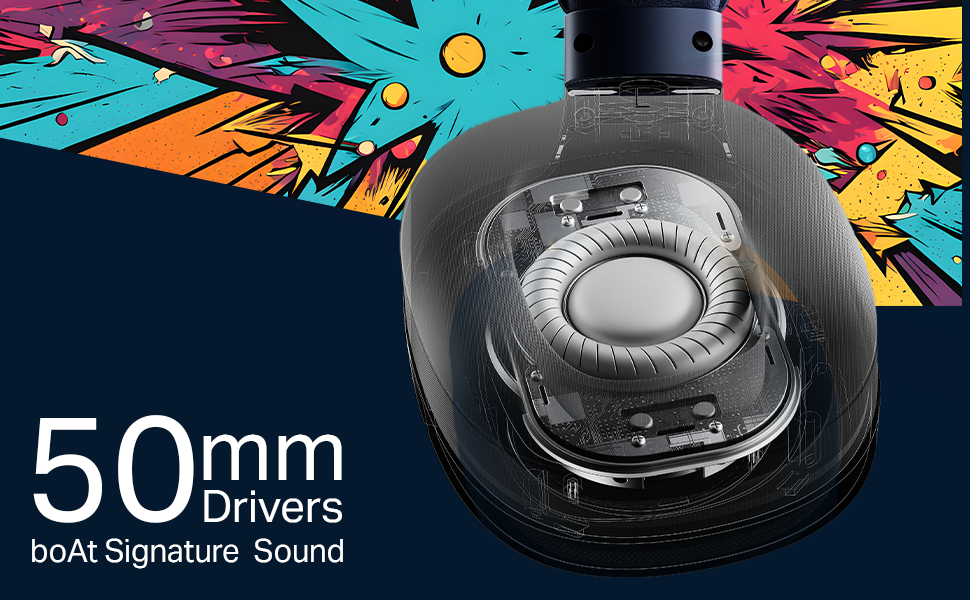
Image: boAt Rockerz Plus 550 headphones with a close-up view of the customizable earcups, highlighting the removable design elements.
3.2 Powerful 50mm Drivers
Experience rich bass and vibrant clarity with the powerful 50mm drivers. boAt Signature Sound technology enhances your music, movies, and other audio content.
Imatge: Una imatge detallada view of the internal 50mm driver component within the headphone earcup, illustrating its size and design.
3.3 Extended 100-Hour Playback
Enjoy up to 100 hours of battery life on a single charge, allowing for prolonged listening sessions or extended call times without frequent recharging.
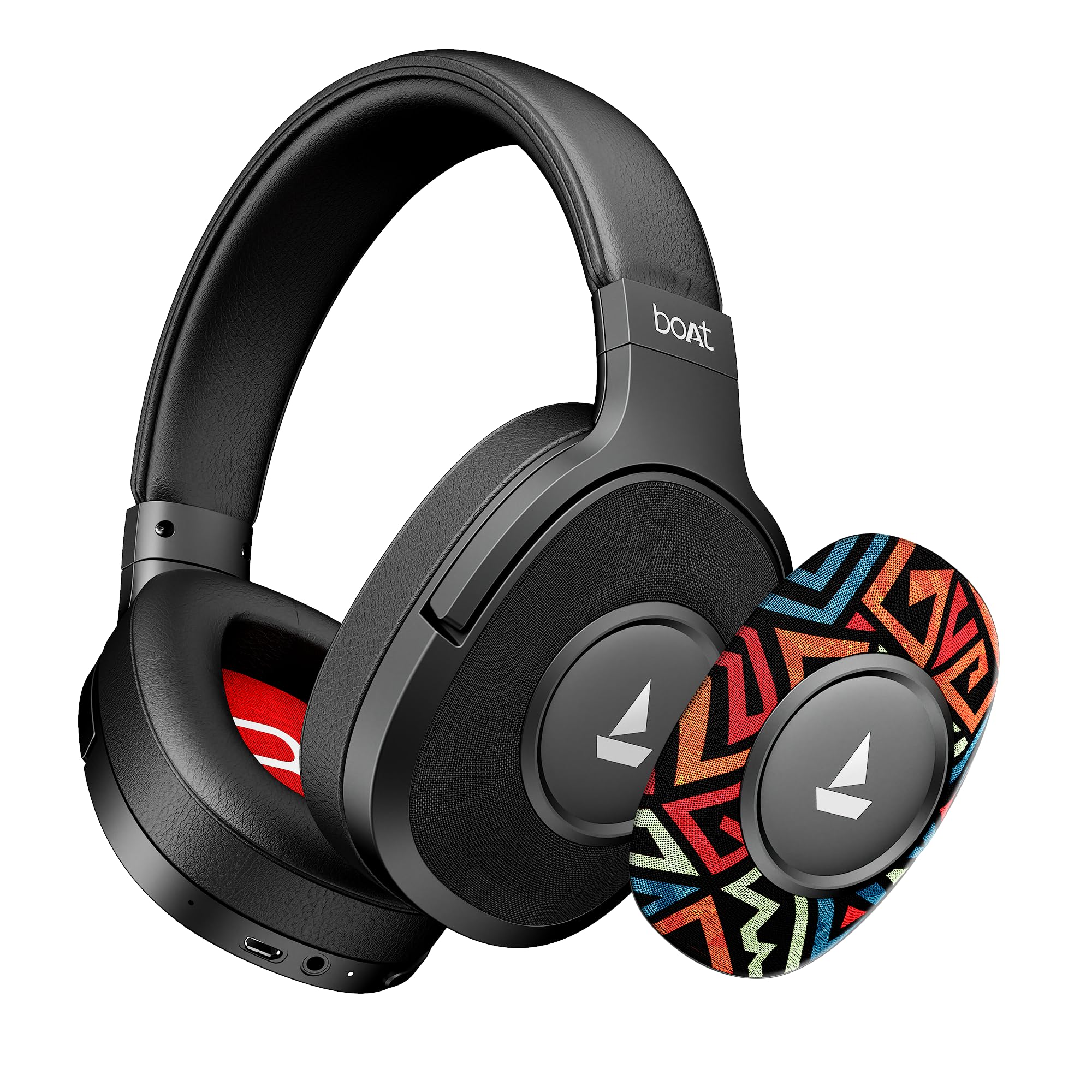
Image: The boAt Rockerz Plus 550 headphones displayed with text indicating 'Up To 100 Hours Playback', emphasizing the long battery life.
3.4 Bluetooth v5.4 & AUX Compatibility
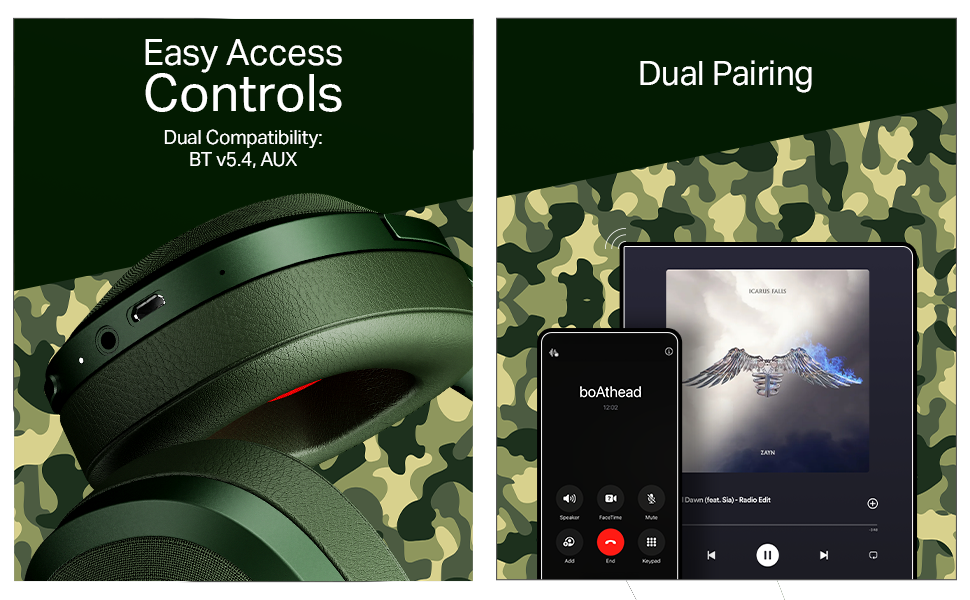
Connect wirelessly using Bluetooth v5.4 for stable and efficient audio streaming, or use the included AUX cable for a wired connection, offering flexible usage options.

Image: A close-up of the headphone earcup, showing the control buttons, charging port, and AUX input for both wireless and wired connectivity.
3.5 Emparellament dual
Seamlessly connect your Rockerz Plus 550 to two devices simultaneously. This feature allows you to switch between taking calls on your phone and streaming media on a tablet without needing to disconnect and reconnect.

Image: An illustration depicting the headphones connected to both a smartphone and a tablet, demonstrating the dual pairing functionality.
3.6 Easy Access Controls
Manage your audio playback and calls directly from the headphones using the conveniently placed control buttons. Adjust volume, skip tracks, and answer calls with ease.
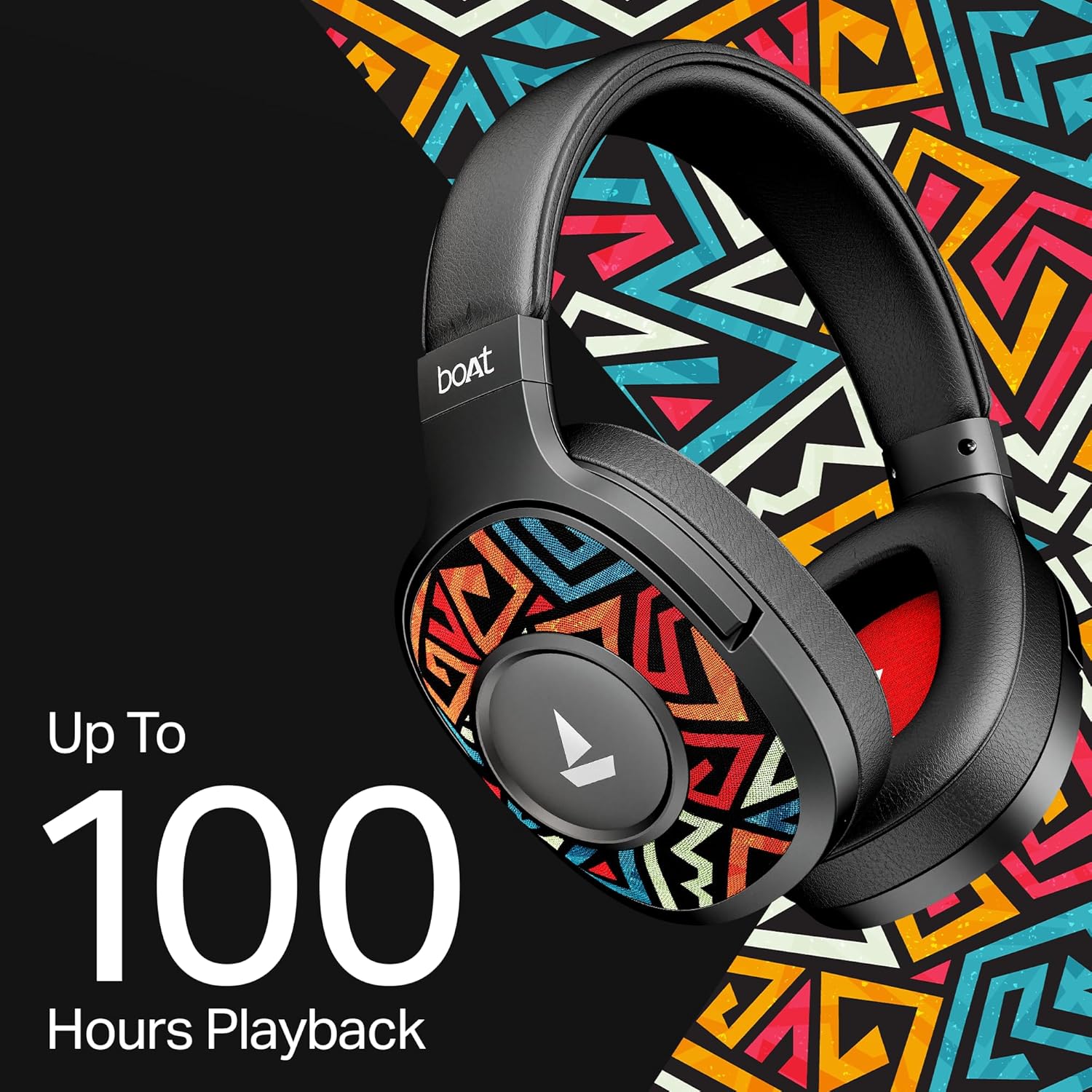
Image: A detailed shot of the physical control buttons located on the headphone earcup, highlighting their accessibility.
3.7 Suport per a l'assistent de veu
Activate your smartphone's voice assistant (Siri or Google Voice Assistant) directly from the headphones to perform tasks hands-free, such as setting reminders or checking the weather.

Image: A person wearing the headphones, suggesting interaction with a voice assistant for hands-free operation.
3.8 Ergonomic Over-the-Ear Design
Designed for comfort during extended use, the over-the-ear design ensures a snug and comfortable fit, reducing strain during long listening sessions.

Image: A model wearing the boAt Rockerz Plus 550 headphones, showcasing the comfortable over-the-ear fit and ergonomic design.
3.9 Physical Noise Isolation
The headphones provide physical noise isolation, helping to block out ambient distractions for a more immersive audio experience during calls or music playback.

Image: A woman wearing the boAt Rockerz Plus 550 headphones, illustrating the physical noise isolation feature in action.
4. Instruccions de configuració
4.1 Càrrega dels auriculars
- Connecteu el cable de càrrega al port de càrrega dels auriculars.
- Connecteu l'altre extrem del cable a una font d'alimentació USB (per exemple, un adaptador de paret, un port USB de l'ordinador).
- The LED indicator will show the charging status. A full charge takes approximately 2.5 hours.
- Once fully charged, the headphones provide up to 100 hours of playback time.
4.2 Engegada/apagada
- Per encendre: Premeu i manteniu premut el botó d'engegada fins que l'indicador LED s'encengui.
- Per apagar: Premeu i manteniu premut el botó d'engegada fins que l'indicador LED s'apagui.
4.3 Vinculació Bluetooth
- Assegureu-vos que els auriculars estiguin apagats.
- Premeu i manteniu premut el botó d'engegada durant aproximadament 5-7 segons fins que l'indicador LED parpellegi en blau i vermell alternativament, cosa que indica el mode d'emparellament.
- Al dispositiu (telèfon intel·ligent, tauleta, etc.), activeu el Bluetooth i cerqueu els dispositius disponibles.
- Seleccioneu "boAt Rockerz Plus 550" de la llista de dispositius.
- Un cop connectat, l'indicador LED parpellejarà en blau periòdicament.
- The headphones will automatically reconnect to the last paired device when powered on, if within range (up to 10 meters).
5. Instruccions de funcionament
5.1 Ús dels controls
The headphones feature intuitive push-button controls for various functions:
- Botó d'encesa: Premeu i manteniu premut per encendre/apagar. Premeu curtament per reproduir/pausar música o respondre/finalitzar trucades.
- Puja el volum (+): Premeu curtament per augmentar el volum. Premeu llargament per saltar a la pista següent.
- Baixar el volum (-): Short press to decrease volume. Long press to skip to the previous track.
- Assistent de veu: Double-press the Power button to activate your device's voice assistant.
5.2 Dual Pairing Functionality
Per connectar dos dispositius simultàniament:
- Emparelleu els auriculars amb el primer dispositiu tal com es descriu a la secció 4.3.
- Desactiva el Bluetooth al primer dispositiu. Els auriculars tornaran a entrar en mode d'emparellament.
- Vincula els auriculars amb el segon dispositiu.
- Enable Bluetooth on the first device. The headphones should now be connected to both devices.
- Audio will play from the device that is actively sending a signal. Calls from either device will take priority.
5.3 Mode AUX
Per utilitzar els auriculars en mode cablejat:
- Ensure the headphones are powered off or in Bluetooth mode.
- Connect one end of the 3.5mm AUX cable to the headphone's AUX port.
- Connect the other end of the AUX cable to your audio source's 3.5mm jack.
- The headphones will automatically switch to AUX mode. No battery power is required for wired listening.
6. Manteniment i cura
- Netegeu els auriculars regularment amb un drap suau i sec.
- Avoid exposing the headphones to extreme temperatures, humidity, or liquids. While water-resistant, they are not waterproof.
- Guardeu els auriculars en un lloc fresc i sec quan no els feu servir.
- No intenteu desmuntar ni reparar els auriculars vosaltres mateixos, ja que això anul·larà la garantia.
- Keep away from sharp objects to prevent scratches or damage.
7. Solució De Problemes
7.1 Sense poder
- Assegureu-vos que els auriculars estiguin completament carregats.
- Comproveu que el cable de càrrega i la font d'alimentació estiguin connectats correctament.
7.2 No es pot emparellar per Bluetooth
- Assegureu-vos que els auriculars estiguin en mode d'emparellament (el LED parpelleja en blau i vermell).
- Assegureu-vos que el Bluetooth estigui activat al dispositiu i que es trobi a menys de 10 metres dels auriculars.
- Oblida't del dispositiu de la configuració de Bluetooth del telèfon i intenta emparellar-lo de nou.
- Reinicieu els auriculars i el dispositiu.
7.3 Sense so o volum baix
- Ajusteu el volum tant dels auriculars com del dispositiu connectat.
- Assegureu-vos que els auriculars estiguin correctament emparellats i connectats.
- If using AUX mode, ensure the cable is fully inserted into both ports.
- Prova amb una font o dispositiu d'àudio diferent.
7.4 Problemes de qualitat de trucada
- Assegureu-vos que el micròfon no estigui obstruït.
- Apropa't al dispositiu connectat per millorar la intensitat del senyal Bluetooth.
- Avoid noisy environments.
8. Especificacions
| Característica | Detall |
|---|---|
| Marca | vaixell |
| Nom del model | 550. Rockerz |
| Número de model | 1000003843 |
| Col·locació de l'orella | Sobre l'orella |
| Factor de forma | Sobre l'orella |
| Control de soroll | Cancel·lació passiva de soroll |
| Mètode de control | Pulsador |
| Temps de càrrega de la bateria | 2.5 hores |
| Durada mitjana de la bateria | 100 hores |
| Tipus de controlador d'àudio | Conductor dinàmic |
| Interval de freqüència | 20 Hz - 20 kHz |
| Material de tancament | Escuma viscoelàstica, silicona |
| Usos específics per al producte | Entertainment, Travel |
| Dispositius compatibles | Telèfons mòbils |
| Nivell de resistència a l'aigua | Resistent a l'aigua |
| Conector d'auriculars | 3.5 mm Jack |
| Tecnologia de connectivitat de xarxa | Bluetooth |
| Tipus de tecnologia sense fil | Bluetooth |
| Interval Bluetooth | 10 metres |
| Versió Bluetooth | 5.4 |
| Pes de l'article | 250 grams |
| País d'origen | Xina |
9. Garantia i Suport
9.1 Informació de la garantia
The boAt Rockerz Plus 550 headphones come with a 1 any de garantia des de la data de compra. Si us plau, conserveu el comprovant de compra per a reclamacions de garantia.
9.2 Atenció al client
For any support, queries, or warranty claims, please contact the manufacturer:
- Fabricant: Imagine Marketing Ltd
- Correu electrònic: info@imaginemarketingindia.com
10. boAt Hearables App Support
Enhance your audio experience by downloading the boAt Hearables App. Scan the QR code below to access the app and explore features like streaming top tracks, listening to audiobooks, and accessing the user help guide.
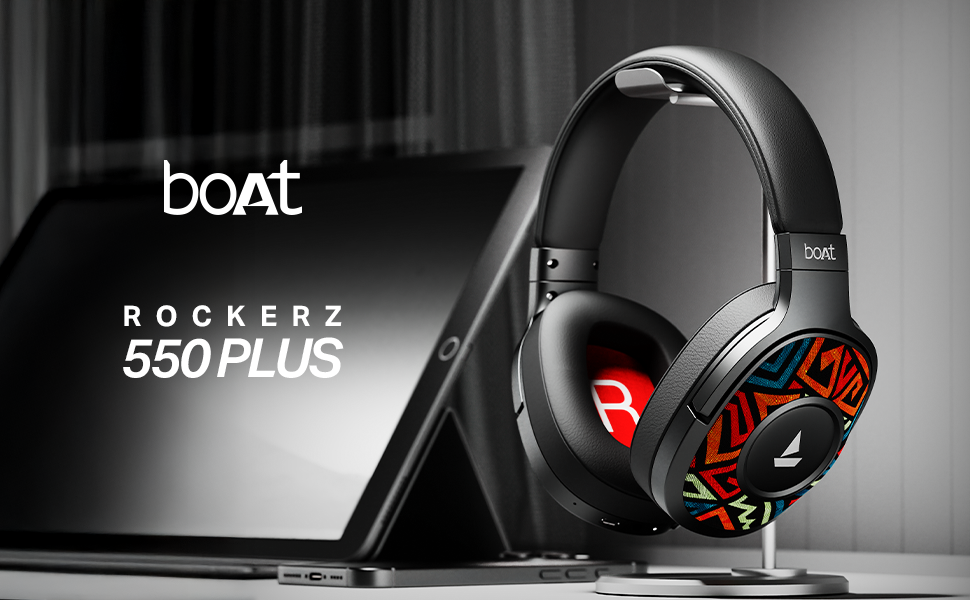
Image: A smartphone screen displaying a QR code for the boAt Hearables App. Scan this code to download the app and unlock additional features and support.
Alternatively, visit the app download page: https://l.ead.me/bdAX6k