
1. Introducció
The Portkeys HD7T is a 7-inch high-brightness touchscreen field monitor designed for professional videography and photography. It offers a 1000-nit display, 4K HDMI input, and a suite of professional monitoring tools to assist with precise exposure, focus, and color control during filming. Its lightweight and durable design makes it suitable for various shooting environments.

Figura 1.1: Frontal view of the Portkeys HD7T Camera Monitor, showcasing its touchscreen interface.
2. Què hi ha a la caixa
Verifiqueu que tots els components siguin presents al paquet abans de continuar amb la configuració.
- Monitor de càmera
- Para-sol
- HDMI Cable (A to A)
- HDMI Cable (A to D/Micro)
- 360° Rotatable Ball Head Mount
- Cable AV
- Parell de cobertes de goma

Figure 2.1: Included accessories list.
3. Característiques clau
3.1 Bright 7-Inch Display with 1000 Nits
The HD7T features a 1280 × 800 HD panel with 1000 nits of high brightness, an 1000:1 contrast ratio, and a matte anti-glare screen. This design reduces reflections, improving visibility, especially for outdoor shooting in daylight. A sun hood is included to further enhance viewing clarity in bright environments.

Figure 3.1: The 1000-nit display with included sunshade for enhanced outdoor visibility.

Figure 3.2: IPS HD Matte Screen details, highlighting resolution and color accuracy.
3.2 4K HDMI Input & Audio Output
The monitor supports video resolutions up to 4K@30p via HDMI. It includes a 3.5mm headphone jack for real-time audio monitoring and an additional AV input, making it suitable for DSLR and mirrorless camera setups.

Figure 3.3: HDMI input for 4K monitoring.
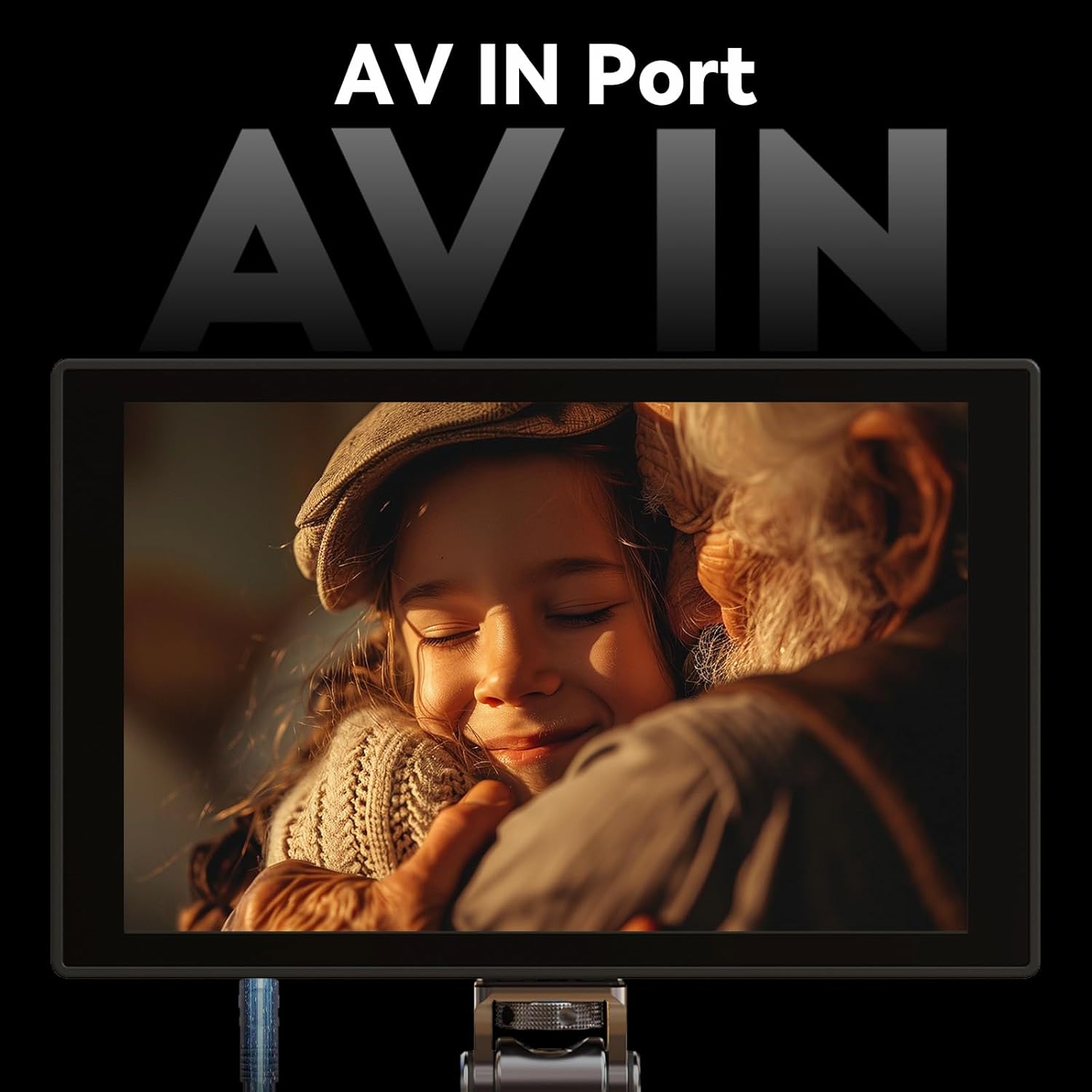
Figure 3.4: AV input port for broader compatibility.
3.3 Eines de monitorització professionals
Equipped with essential tools for precise exposure and focus control, including luma histogram, false color, focus peaking, zoom, and anamorphic de-squeeze (1.33x, 1.5x, 2.0x, and custom ratios). The monitor supports user-imported 3D LUTs for accurate color preview and creative look monitoring (note: LUT output is not supported).

Figura 3.5: Mésview of professional monitoring tools available on the HD7T.
3.4 Lightweight, Portable & Mount-Friendly
Weighing only 245g (8.64oz), the monitor features 1/4"-20 mounting threads on three sides, allowing for versatile rig, arm, or tripod setups. Its high-density engineering plastic structure ensures exceptional lightness while maintaining body strength, reducing weight by 30% compared to similar devices.

Figure 3.6: Lightweight design and dimensions of the HD7T.
3.5 Flexible Power Options & Durable Build
Compatible with NP-F batteries or 7.4~24V DC input for extended runtime flexibility. The rugged ABS+PC housing ensures durability in demanding production environments. (Note: Battery is not included).
4. Configuració
4.1 Alimentació del monitor
- Instal·lació de la bateria: Insert a compatible NP-F series battery into the battery plate on the rear of the monitor. Ensure it clicks securely into place.
- Potència CC: Alternatively, connect a 7.4V to 24V DC power adapter to the DC input port.
4.2 Muntatge del monitor
- Attach the included 360° rotatable ball head mount to one of the 1/4"-20 mounting threads on the monitor (top, bottom, or side).
- Secure the ball head mount to your camera's hot shoe, a cage, or a tripod.
4.3 Connexió a una càmera
- Connexió HDMI: Use the appropriate HDMI cable (A to A or A to D/Micro) to connect your camera's HDMI output to the HDMI input port on the monitor.
- Connexió AV: For devices with AV output, connect the AV cable to the AV IN port on the monitor.
- Monitorització d'àudio: Connect headphones to the 3.5mm audio output jack for real-time audio monitoring.
5. Funcionament del monitor
5.1 Interfície de pantalla tàctil
The HD7T features a full touchscreen control with an intuitive user interface. Navigate menus and adjust settings by tapping and swiping on the screen. Key buttons are easily accessible for quick operation.

Figure 5.1: Ultra-Clean UI and full touchscreen control.
5.2 Ús d'eines de monitorització
Access various monitoring tools from the side menu on the touchscreen. Tap on an icon to activate or deactivate a tool. Common tools include:
- Pico: Destaca les àrees d'interès.
- Color fals: Displays exposure levels using a color overlay.
- Zebra: Indicates overexposed areas with stripe patterns.
- RGB Waveform / Luma Waveform: Visualizes video signal levels.
- Histograma Luma: Shows the distribution of brightness levels.
- Zoom: Amplia una part de la imatge per a un enfocament crític.
- Descompressió anamòrfica: Corrects the aspect ratio for anamorphic lenses.
5.3 Importing and Using 3D LUTs
The HD7T supports user-imported 3D LUTs for real-time color grading preview. You can import up to 20 replaceable 3D LUT files via the USB-A interface.
- Save your 3D LUT files (e.g., .cube format) to a USB drive.
- Connect the USB drive to the USB-A port on the monitor.
- Navigate to the LUT management section in the monitor's menu to import and select your desired LUTs.
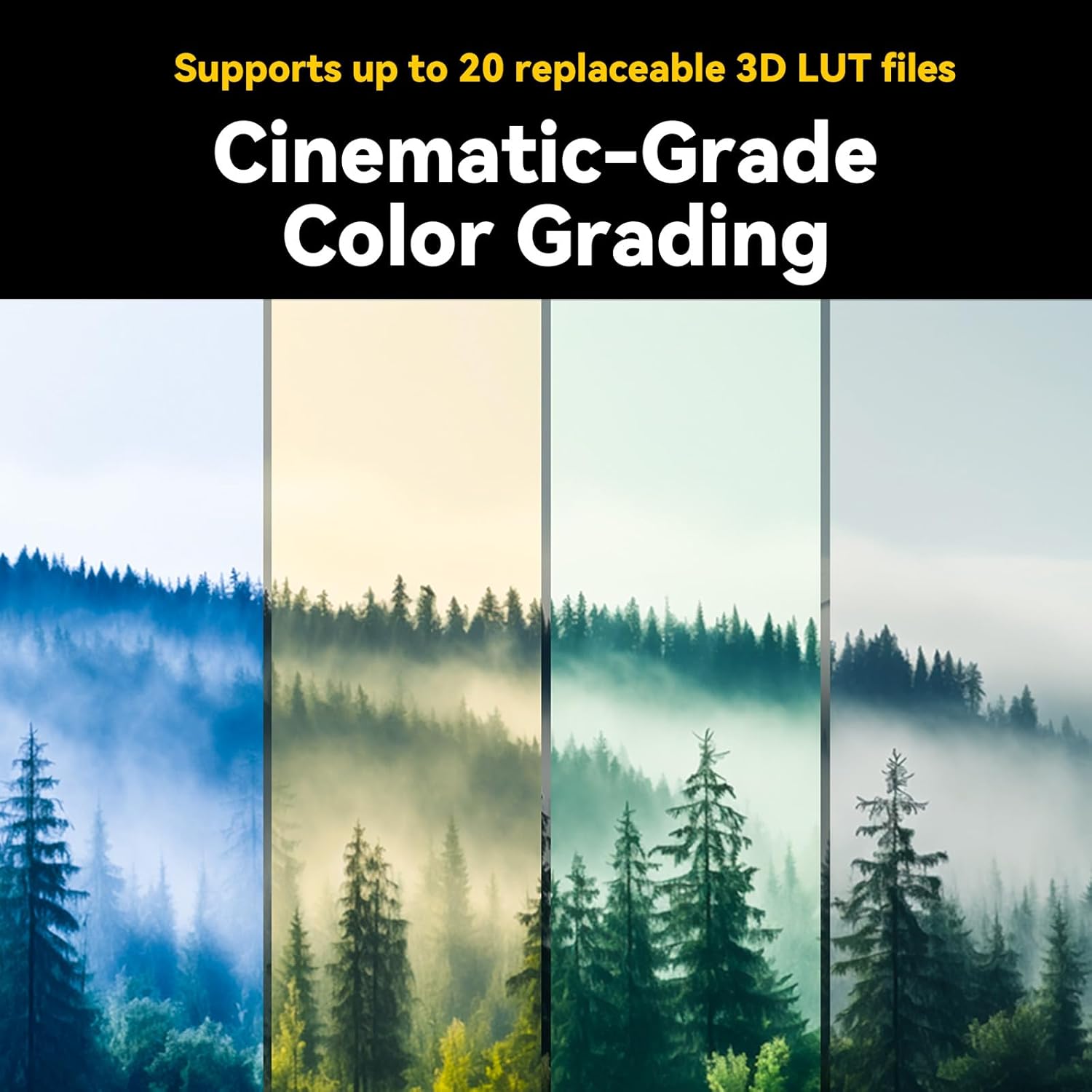
Figure 5.2: Cinematic-grade color grading with 3D LUTs.
6. Manteniment
Proper maintenance ensures the longevity and optimal performance of your Portkeys HD7T monitor.
- Neteja: Use a soft, lint-free cloth to clean the screen and body. For stubborn smudges on the screen, use a specialized screen cleaning solution. Avoid abrasive materials or harsh chemicals.
- Emmagatzematge: When not in use, store the monitor in a dry, dust-free environment, preferably in its original packaging or a protective case.
- Cura de la bateria: If using NP-F batteries, ensure they are charged regularly and stored in a cool, dry place. Remove batteries if the monitor will not be used for an extended period.
7. Solució De Problemes
| Problema | Causa possible | Solució |
|---|---|---|
| El monitor no s'encén | Low or depleted battery; incorrect DC power connection; battery not properly seated. | Charge or replace battery; ensure DC adapter is correctly connected and providing sufficient power; re-seat battery firmly. |
| No es mostra cap senyal de vídeo | Incorrect HDMI/AV cable connection; camera output settings incorrect; incompatible signal format; camera timeout setting. | Verify cable connections; check camera's video output settings (resolution, frame rate); ensure monitor input matches camera output; disable camera's auto-off or monitor timeout settings. |
| La pantalla tàctil no respon | Error temporal de programari; interferències del protector de pantalla. | Restart the monitor; ensure screen protector is correctly applied or remove it for testing. |
| Image appears distorted (anamorphic) | Anamorphic de-squeeze setting is incorrect or off. | Adjust the anamorphic de-squeeze ratio in the monitor settings to match your lens. |
8. Especificacions
| Especificació | Detall |
|---|---|
| Número de model | HD7T |
| Mida de la pantalla | 7 polzades |
| Resolució | 1280 x 800 píxels (HD) |
| Relació d'aspecte | 16:9 |
| Brillantor | 1000 Nit |
| Relació de contrast | 1000:1 |
| Profunditat de color | 8 bits |
| Entrada | 4K HDMI (up to 4K@30p), AV IN |
| Sortida | Conector d'auriculars de 3.5 mm |
| Entrada de potència | NP-F Battery, 7.4~24V DC |
| Pes de l'article | 1.34 pounds (approx. 245g for monitor only) |
| Dimensions del paquet | 8.23 x 8.11 x 1.93 polzades |
| Fabricant | Portkeys |
9. Garantia i Suport
For warranty information, technical support, or service inquiries, please contact Portkeys directly through their official channels. Details can typically be found on the manufacturer's weblloc o l'embalatge del producte.
També podeu visitar el Portkeys Official Store on Amazon per obtenir informació addicional sobre el producte i recursos d'assistència.