
Introducció
This manual provides essential information for the safe and efficient use of your LG 40U990A-W 40-inch Ultrafine 5K2K WUHD Nano IPS Curved Monitor. Please read this manual thoroughly before operating the product and retain it for future reference.
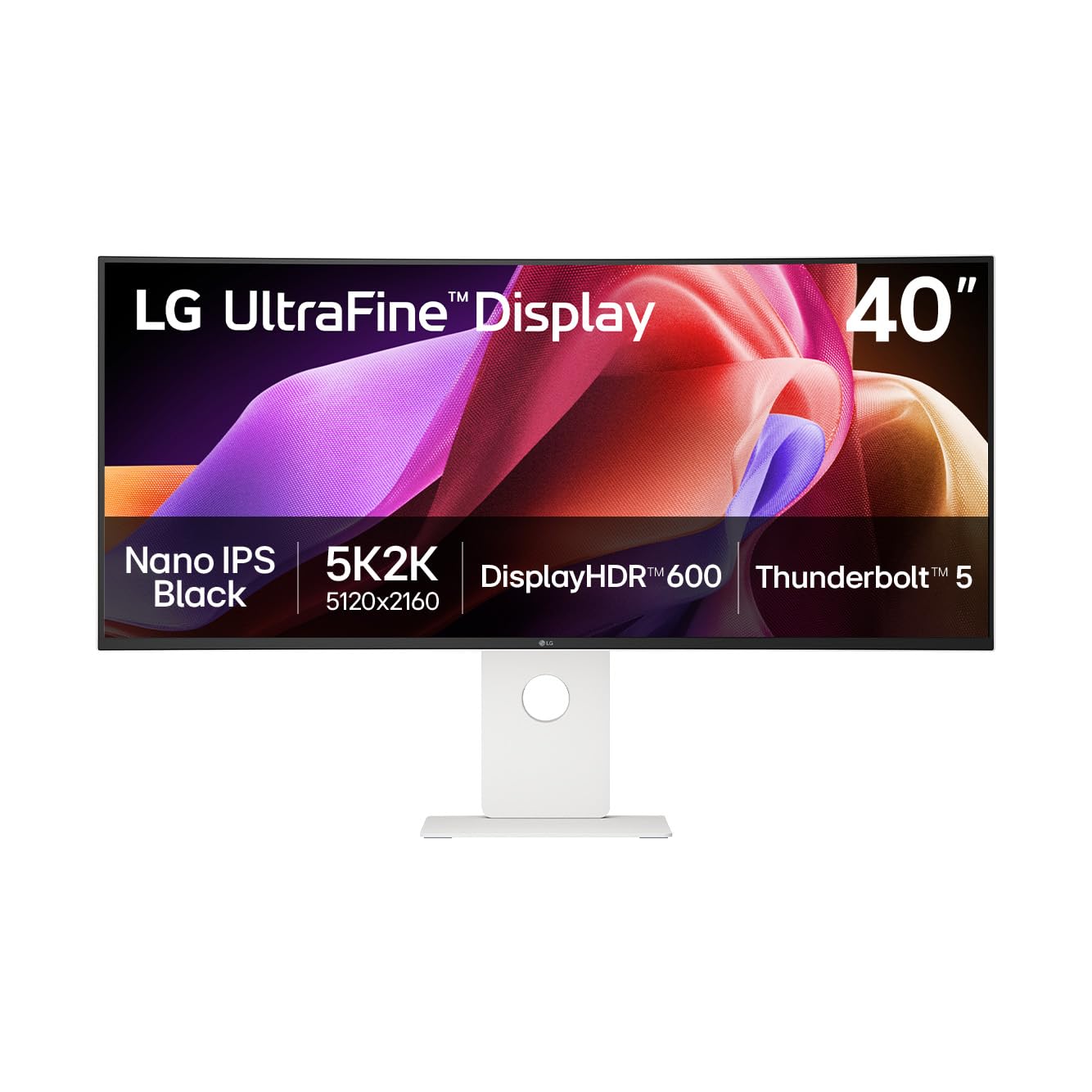
Figura 1: Frontal view of the LG 40U990A-W Ultrafine 5K2K WUHD Monitor.
Informació de seguretat
Always follow these safety precautions to prevent electric shock, fire, or damage to the product:
- No obriu el monitor casing. Demaneu totes les tasques de manteniment a personal de servei qualificat.
- No exposeu el monitor a la pluja ni a la humitat.
- Assegureu-vos una ventilació adequada al voltant del monitor.
- Feu servir només el cable d'alimentació i l'adaptador que s'inclouen amb el monitor.
- Eviteu col·locar objectes pesats al cable d'alimentació.
- Desconnecteu l'endoll durant tempestes amb llamps o quan no l'utilitzeu durant períodes prolongats.
Contingut del paquet
Verifiqueu que tots els elements siguin presents a la caixa:
- LG 40U990A-W Monitor
- Cable d'alimentació
- Cable HDMI
- Cable DisplayPort
- Cable USB-C
Configuració
1. Muntatge físic
Carefully remove the monitor and stand components from the packaging. Attach the stand base to the stand neck, then secure the assembled stand to the monitor panel. Ensure all screws are tightened securely. Alternatively, the monitor supports VESA mounting for wall or arm installation (mounting hardware sold separately).
2. Connexió a dispositius
The LG 40U990A-W offers versatile connectivity options:
- Thunderbolt 5: Connect compatible devices for high-speed data transfer (up to 80Gbps), 96W power delivery, and 5K2K display output using a single cable. The monitor features two Thunderbolt 5 ports (one in, one out for daisy-chaining).
- HDMI 2.1: Use the two HDMI 2.1 ports for connecting various multimedia devices.
- DisplayPort 2.1: Connect to devices supporting DisplayPort 2.1 (UHBR 13.5) for high-resolution video.
- USB-C: Four downstream USB-C ports are available for connecting peripherals.
- LAN RJ45: Per a la connectivitat de xarxa amb cable.
- Auriculars Jack: Per a la sortida d'àudio.

Figura 2: posterior view illustrating the monitor's various input and output ports.

Figure 3: Thunderbolt 5 connection providing power, data, and display to a laptop.
3. Connexió d'alimentació
Connect the power cable to the monitor's power input and then to a wall outlet. Press the power button (usually a joystick on the bottom center) to turn on the monitor.
Funcionament del monitor
1. Basic Controls (On-Screen Display)
The monitor features a joystick button located at the bottom center for navigating the On-Screen Display (OSD) menu. Press the joystick to open the OSD, then move it up/down/left/right to select and adjust settings.
2. Configuració de la pantalla i la imatge
- 5K2K WUHD Resolution: The 5120x2160 resolution provides an expansive workspace.
- Nano IPS Black: This technology delivers deep blacks and vibrant colors with a 2000:1 contrast ratio.
- Pantalla HDR 600: Certified for VESA DisplayHDR 600, ensuring dynamic range and vivid highlights.
- DCI-P3 Color Gamut: Offers up to 99% DCI-P3 coverage for accurate and rich color reproduction.
- Freqüència de refresc de 120 Hz: Provides smooth visuals, beneficial for fast-paced content and precise workflows.
- Sensor de llum: The monitor includes an adaptive brightness feature that adjusts screen brightness based on ambient light conditions.

Figure 4: The 5K2K resolution provides ample screen space for detailed work.

Figure 5: DisplayHDR 600 ensures dynamic range and vivid highlights.
3. Funcions avançades
- Daisy Chain: Connect two monitors and a laptop via Thunderbolt 5 and DisplayPort to expand your workspace.
- LG Switch App: Customize your display settings, utilize a personalized picture wizard, and enable smart screen split features. Download the latest version from LG.com.
- Controlador dual: Manage multiple devices with a single keyboard and mouse.
- KVM integrat: Switch between connected devices seamlessly.
- AMD FreeSync Premium Pro: For smooth, tear-free gameplay, ideal for creators who also game.

Figure 6: Daisy chain setup for enhanced multitasking efficiency.
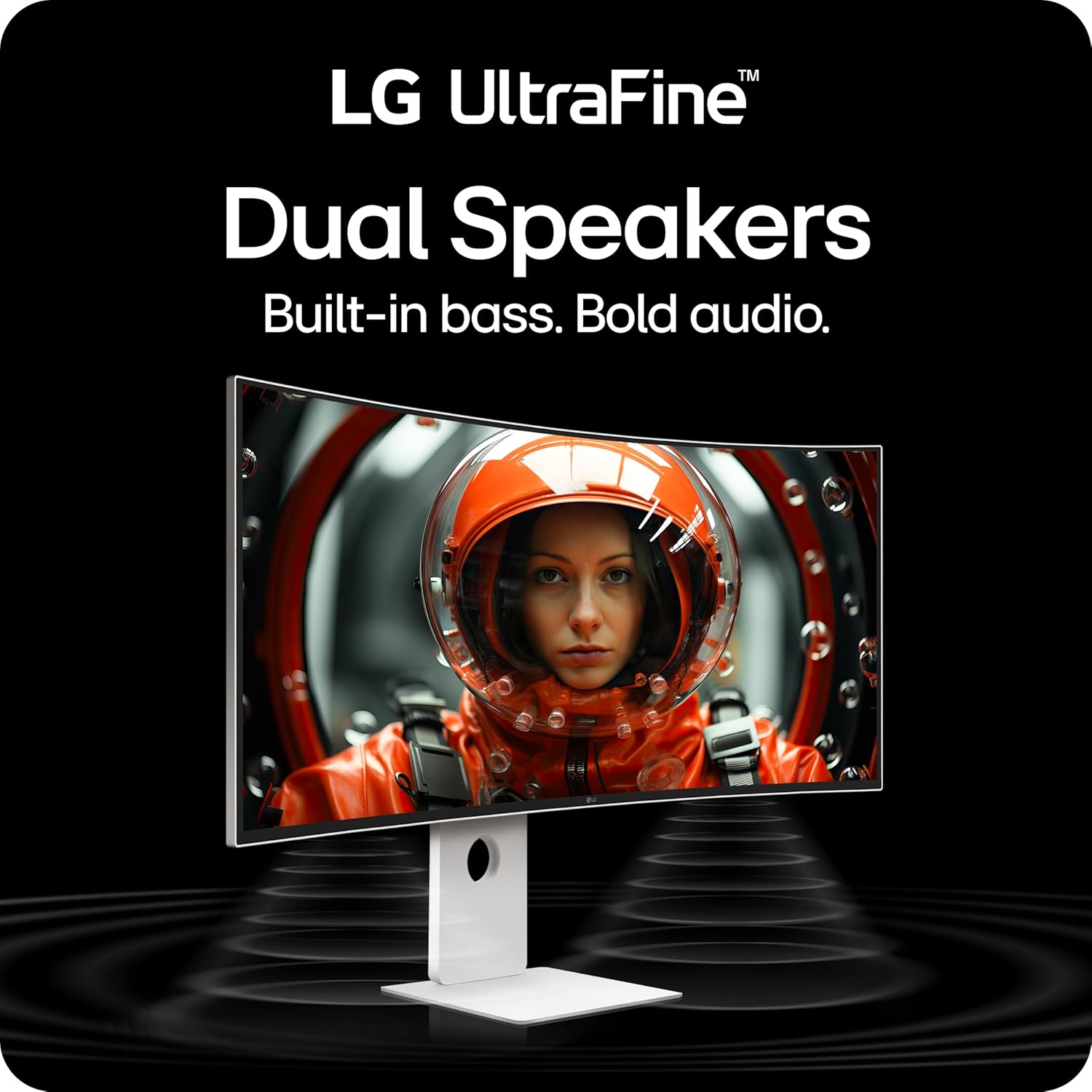
Figure 7: The LG Switch App allows for display customization and smart screen management.
4. Àudio
The monitor is equipped with dual speakers and Rich Bass technology for immersive sound.
5. Ergonomia
The stand allows for various adjustments to optimize your viewcomoditat:
- Inclinació: Adjust the screen angle from -5° to 20°.
- Alçada: Adjust the screen height by up to 130mm.
- Girar: Rotate the screen horizontally by ±20°.

Figure 8: Ergonomic stand adjustments for personalized viewcomoditat.
Manteniment
1. Neteja de la pantalla
Netegeu suaument la pantalla amb un drap suau i sense borrissol. Per a marques difícils, netegeu suaument.ampNetegeu el drap amb aigua o un netejador de pantalles especialitzat. Eviteu utilitzar productes químics agressius o materials abrasius.
2. Atenció general
Keep the monitor away from direct sunlight, heat sources, and excessive dust. Do not block ventilation openings. When moving the monitor, handle it carefully to avoid damage.
Resolució de problemes
Si teniu problemes, consulteu les solucions habituals següents:
- Sense pantalla: Ensure all cables (power, video) are securely connected. Check if the monitor is powered on and the correct input source is selected.
- Mala qualitat d'imatge: Adjust resolution and refresh rate settings on your connected device. Check monitor OSD settings for brightness, contrast, and color. Ensure video cables are not damaged.
- Sense so: Verify that the audio cable (if used) is connected, and volume levels are adjusted on both the monitor and the connected device. Check the monitor's OSD for audio output settings.
- Connectivity Issues (Thunderbolt 5): Ensure you are using the Thunderbolt 5 cable included with the monitor. Confirm your device supports Thunderbolt 5 or DisplayPort 2.1 for full functionality (96W charging, 5K2K @120Hz).
For further assistance, consult the LG support weblloc o contacteu amb el servei d'atenció al client.
Especificacions
| Mida de la pantalla | 40 polzades |
| Resolució | 5120 x 2160 (5K2K WUHD) |
| Tipus de panell | Nano IPS Black Curved (2500R) |
| Freqüència d'actualització | 120 Hz |
| Suport HDR | Pantalla VESA HDR 600 |
| Gamma de colors | Up to 99% DCI-P3 |
| Relació de contrast | 2000:1 (Nano IPS Black) |
| Connectivitat | Thunderbolt 5 (x2), HDMI 2.1 (x2), DisplayPort 2.1 (x1), USB-C Down (x4), RJ45 LAN, Headphone Out |
| Lliurament d'energia | Up to 96W via Thunderbolt 5 |
| Dimensions (AxAxP) | 37.3 x 24.2 x 10.2 polzades (amb suport) |
| Pes | 31.1 lliures (amb suport) |
| Ajustaments de peu | Tilt (-5° to 20°), Height (130mm), Swivel (±20°) |
Garantia i Suport
Your LG 40U990A-W monitor is covered by a limited warranty. Please refer to the warranty card included in your product packaging for specific terms and conditions. For technical support, driver downloads, or service inquiries, visit the official LG weblloc web o poseu-vos en contacte amb el servei d'atenció al client de LG.
Vídeo oficial del producte:
Vídeo 1: Un overview of the LG 40U990A-W UltraFine Monitor, highlighting its key features and benefits for professional use.