
Introducció
This manual provides instructions for the HIFI WALKER H20 Ultra Hi-Fi Lossless MP3 Music Player. Please read this manual thoroughly before using the device to ensure proper operation and to maximize your listening experience. The H20 Ultra is designed for high-fidelity audio playback, featuring advanced DAC technology and versatile connectivity options.
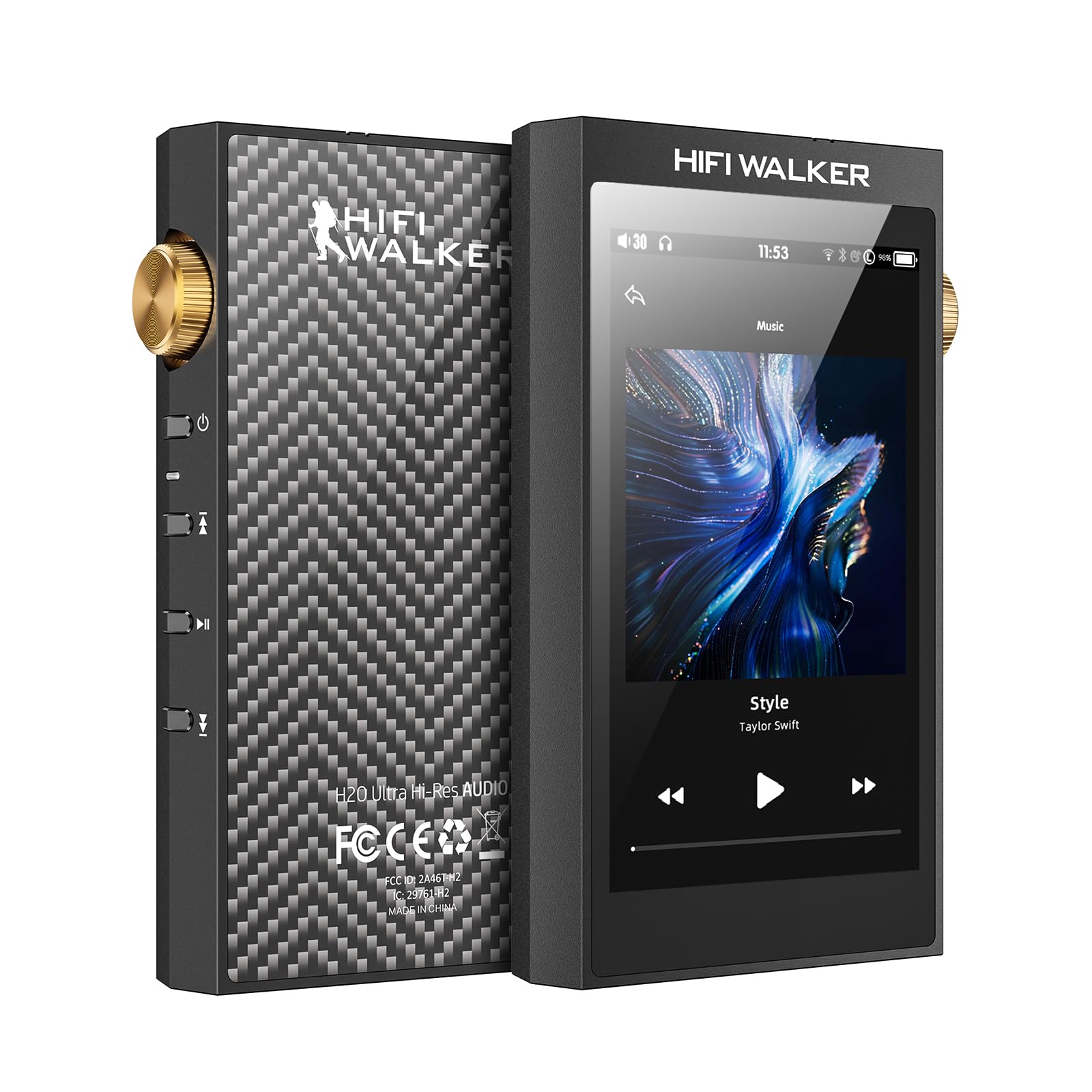
Imatge: Frontal view of the HIFI WALKER H20 Ultra MP3 Player, showcasinla seva pantalla tàctil de 4 polzades.
Configuració
1. Unboxing i Inspecció Inicial
Traieu amb cura tots els components de l'embalatge. Verifiqueu que hi hagi els elements següents:
- Reproductor MP3 H20 Ultra
- Cable de dades USB-C
- Targeta TF de 128 GB (preinstal·lada o per separat)
- Bossa d'emmagatzematge de vellut
- Manual d'usuari (aquest document)
Vídeo: Un unboxing i mésview of the HIFI WALKER H20 Ultra MP3 Player, demonstrating its components and initial handling.
2. Càrrega del dispositiu
Before first use, fully charge the H20 Ultra. Connect the provided USB-C data cable to the USB-C port on the bottom of the player and the other end to a USB power adapter (not included) or a computer's USB port. The device features a 3000mAh battery with fast charging support.

Image: The HIFI WALKER H20 Ultra connected to a USB-C charging cable, illustrating the charging process and battery life.
3. Inserció de la targeta TF
The H20 Ultra supports external storage via a TF (microSD) card. A 128GB TF card is included. Locate the TF card slot on the bottom of the device. Gently insert the TF card until it clicks into place. To remove, push the card in slightly until it springs out.
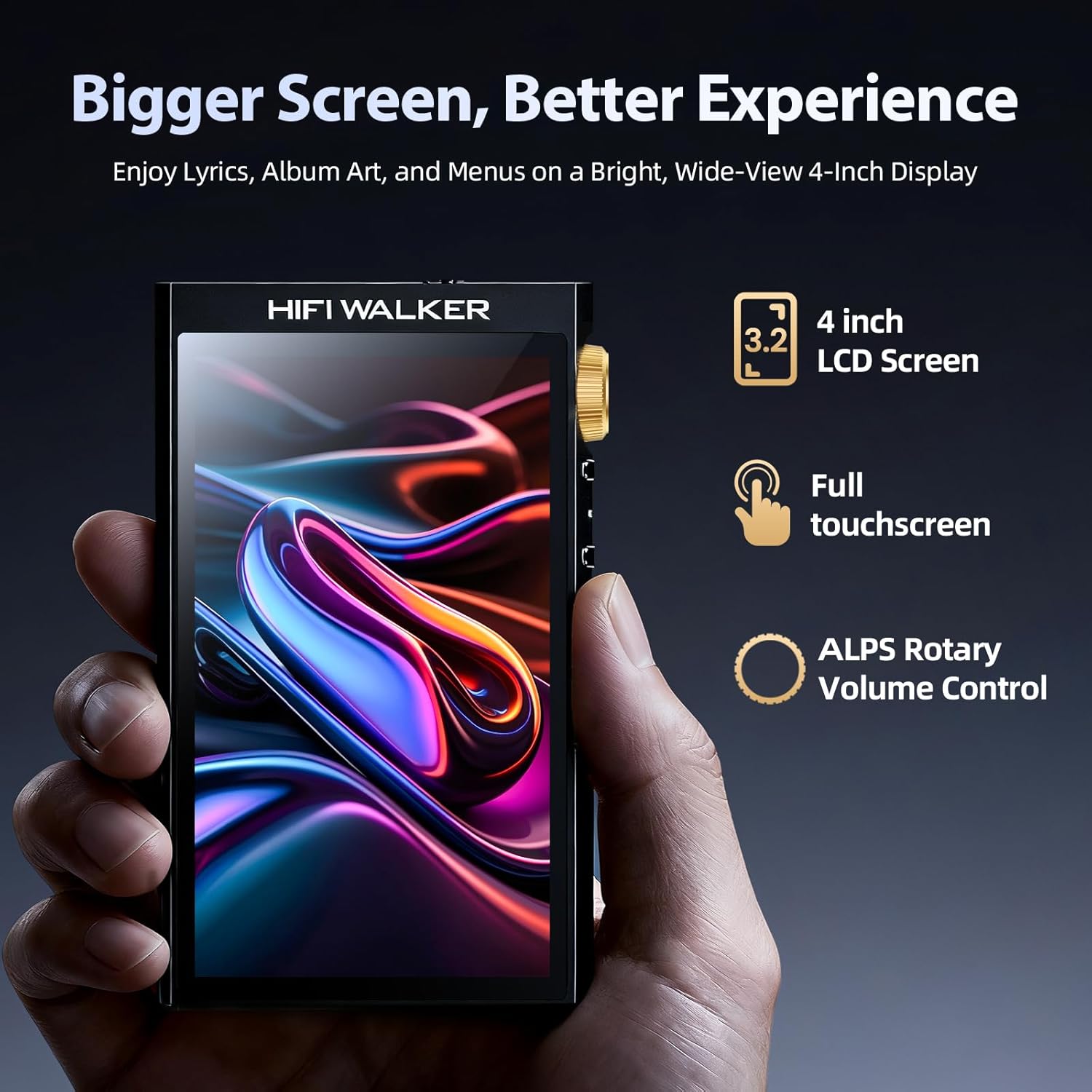
Imatge: Part inferior view of the HIFI WALKER H20 Ultra, showing the USB-C port and the TF card slot.
4. Connexió d'auriculars
The player features dual headphone jacks: a 4.4mm balanced output and a 3.5mm single-ended output. Connect your headphones to the appropriate jack. For optimal audio quality with compatible headphones, use the 4.4mm balanced output.

Imatge: Superior view of the HIFI WALKER H20 Ultra, highlighting the 4.4mm balanced and 3.5mm single-ended headphone jacks.
Funcionament
1. Engegada/Apagada i Controls Bàsics
Press and hold the power button on the side of the device to turn it on or off. The device features a precision ALPS mechanical volume knob for accurate volume adjustments, along with dedicated buttons for playback control (play/pause, skip track).

Imatge: Lateral view of the HIFI WALKER H20 Ultra, showing the gold-colored ALPS volume knob and the power, play/pause, and track navigation buttons.
2. Navegació amb pantalla tàctil
The H20 Ultra is equipped with a 4-inch 480x800 HD touchscreen. Navigate through menus, browse your music library, and adjust settings by tapping and swiping on the screen. The interface is designed for intuitive control.

Image: The HIFI WALKER H20 Ultra's 4-inch HD touchscreen displaying album art and playback controls.
3. Reproducció de música
The player supports a wide range of high-resolution audio formats, including WAV, FLAC, ALAC, APE, WMA, MP3, and native DSD decoding (up to DSD256 and 32-bit/768kHz PCM). To play music:
- Transfereix la teva música files to the inserted TF card.
- On the device, navigate to the "Music" or "File browsing" section.
- Select the desired song or album to begin playback.

Image: Screenshot of the HIFI WALKER H20 Ultra's music library interface, showing various music categories and file browsing options.
4. Configuració de l'equalitzador
Customize your audio experience using the built-in equalizer. Access the equalizer settings through the device's menu to adjust frequency bands or select from preset modes like Rock, Jazz, Classical, and Pop.

Image: Screenshot of the HIFI WALKER H20 Ultra's equalizer interface, showing adjustable frequency sliders and genre presets.
5. Connectivitat Bluetooth
The H20 Ultra features Bluetooth 5.2 for wireless audio streaming. To pair with Bluetooth headphones or speakers:
- Go to the device's settings menu and enable Bluetooth.
- Posa el teu dispositiu d'àudio Bluetooth en mode de vinculació.
- Select your device from the list of available devices on the H20 Ultra's screen.

Image: The HIFI WALKER H20 Ultra connected wirelessly to headphones and a speaker via Bluetooth, demonstrating its versatile connectivity.
6. USB DAC, Line Out, and SPDIF
The H20 Ultra can function as a USB DAC for computers, enhancing digital playback. It also provides SPDIF and Line Out outputs for connecting to external amplifiers, speakers, or Hi-Fi systems. These options are accessible via the USB-C port and can be configured in the device settings.
Manteniment
1. Neteja del dispositiu
Use a soft, dry, lint-free cloth to clean the device's screen and body. Avoid using abrasive cleaners, solvents, or aerosol sprays, as these can damage the finish or internal components.
2. Cura de la bateria
To prolong battery life, avoid exposing the device to extreme temperatures. Store the device in a cool, dry place when not in use for extended periods. Fully charge the device periodically if it is stored for a long time.
Resolució de problemes
If you encounter issues with your H20 Ultra, refer to the following common problems and solutions:
Device Does Not Power On
- Assegureu-vos que el dispositiu estigui completament carregat. Connecteu-lo a una font d'alimentació i deixeu-lo carregar durant almenys 30 minuts abans d'intentar tornar-lo a encendre.
- Feu un restabliment complet mantenint premut el botó d'engegada durant 10-15 segons.
Problemes de connexió Bluetooth
- Ensure Bluetooth is enabled on both the H20 Ultra and the target audio device.
- Place the devices in close proximity during pairing.
- Forget the device in the Bluetooth settings on both the H20 Ultra and the audio device, then attempt to re-pair.
- Some users have reported that manual reconnection is sometimes required.
Slow Boot-Up Time
- A longer boot-up time can occur, especially if the device's storage is nearly full or if there are many files to index.
- Ensure the device's firmware is up to date. Check the manufacturer's weblloc per a qualsevol actualització disponible.
Sense sortida de so
- Check headphone connections and ensure they are fully inserted into the correct jack (3.5mm or 4.4mm).
- Verify the volume level on the device and any connected audio equipment.
- Ensure the correct output mode (e.g., headphone, Line Out, SPDIF) is selected in the device settings if applicable.
Especificacions
| Característica | Detall |
|---|---|
| Nom del model | H20 Ultra |
| Marca | CAMINADOR HIFI |
| Xip DAC | ES9038Q2M SABRE DAC |
| Descodificació DSD | Native DSD (FPGA hardware decoding) up to DSD256 |
| PCM Playback | Fins a 32 bits/768 kHz |
| Mida de la pantalla | 4 Inches (480x800 HD Touchscreen) |
| Sortides d'auriculars | 4.4mm Balanced (4V), 3.5mm Single-Ended (2V) |
| Altres Sortides | USB DAC, Line Out, SPDIF |
| Bluetooth | Bluetooth 5.2 |
| Formats d'àudio compatibles | WAV, FLAC, ALAC, APE, WMA, MP3, DSD, DSF, DFF, AIFF, AAC, Ogg |
| Emmagatzematge de memòria | 128 GB (via included TF Card) |
| Capacitat de la bateria | 3000 mAh |
| Carregant | USB-C, Fast Charging |
| Material | Alumini de grau aeroespacial |
| Pes de l'article | 14.4 unces |
| Dimensions del paquet | 5.9 x 3.74 x 2.16 polzades |

Image: Diagram illustrating the ES9038Q2M DAC chip and its specifications within the H20 Ultra.

Image: A comparison table detailing the H20 Ultra's performance metrics against other players, including DAC, output capacity, and audio format support.
Garantia i Suport
The HIFI WALKER H20 Ultra comes with a standard manufacturer's warranty. For specific warranty terms, duration, and to register your product, please refer to the warranty card included in your packaging or visit the official HIFI WALKER weblloc.
For technical support, troubleshooting assistance beyond this manual, or service inquiries, please contact HIFI WALKER customer support through their official weblloc web o la informació de contacte que es proporciona a la documentació del producte.
