
Introducció
This manual provides essential information for setting up, operating, maintaining, and troubleshooting your XIAOMI Redmi 15C smartphone. Please read this guide thoroughly to ensure optimal performance and longevity of your device.

Image: The XIAOMI Redmi 15C smartphone, highlighting its sleek design and available color options.
The Redmi 15C features a durable and attractive design, measuring 8.2mm thin. Its robust construction ensures reliability for daily use.

Imatge: Lateral view of the Redmi 15C, illustrating its ultra-thin 8.2mm body.
Configuració
1. Instal·lació de la targeta SIM
The Redmi 15C supports Dual SIM functionality with Nano SIM cards. To install your SIM cards:
- Localitza la safata de la targeta SIM al lateral del dispositiu.
- Insert the SIM ejector tool (usually found in the box) into the small hole next to the tray and push gently until the tray pops out.
- Place your Nano SIM card(s) into the designated slots on the tray. Ensure the gold contacts face downwards.
- Torneu a inserir la safata amb cura al telèfon fins que encaixi al seu lloc.
2. Engegada i configuració inicials
Per encendre el dispositiu per primera vegada:
- Premeu i manteniu premut el botó d'engegada fins que aparegui el logotip de XIAOMI.
- Segueix les instruccions que apareixen a la pantalla per seleccionar l'idioma, connectar-te a una xarxa Wi-Fi i configurar el teu compte de Google.
- Configure biometric identification features such as fingerprint recognition for enhanced security.
Funcionament del vostre dispositiu
Pantalla i interfície d'usuari
The Redmi 15C features a large 6.9-inch HD LCD screen with a resolution of 720x1600 pixels and a 120Hz refresh rate, providing an impressive visual experience for all your content.

Image: The 6.9-inch eye-friendly display of the Redmi 15C, highlighting its size, 120Hz refresh rate, 720x1600 resolution, and 33W fast charging capability.
Funcions de la càmera
Capture detailed and brilliant photos with the 50-megapixel AI dual camera system. The rear camera features an f/1.8 large aperture, and the front camera has an 8MP sensor. Utilize various modes for optimal results:
- AI Portrait Mode: For professional-looking portraits with blurred backgrounds.
- Mode nocturn: Millora les fotos fetes en condicions de poca llum.
- Mode HDR: Improves dynamic range for balanced exposure in challenging lighting.

Image: The 50MP high-definition camera system of the Redmi 15C, detailing its features like AI Portrait Mode and Night Mode.
Gestió i càrrega de la bateria
Your Redmi 15C is equipped with a massive 6000 mAh high-capacity battery, providing ultra-long battery life. It supports 33W fast charging to quickly replenish power.

Image: Visual representation of the Redmi 15C's 6000mAh ultra-long battery life.
To charge your device, connect the USB-C cable to the charging port and a compatible 33W fast charger. Avoid using non-certified chargers to prevent damage.
Rendiment
The device is powered by a MediaTek Helio G81-Ultra octa-core processor, ensuring smooth performance for daily multitasking, popular applications, and mainstream gaming. With 4GB of RAM and 256GB of storage, you can enjoy a fluid and efficient user experience.
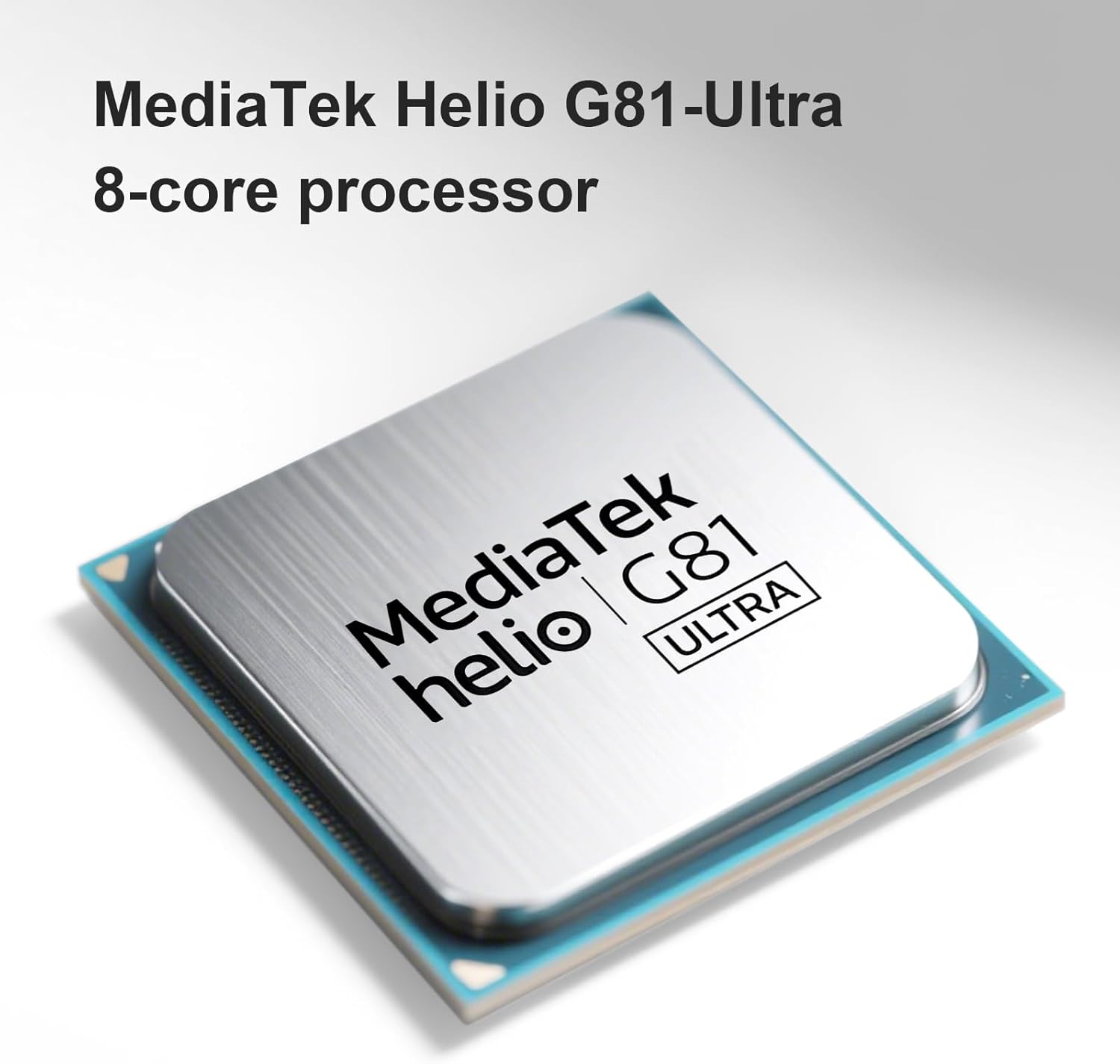
Image: The MediaTek Helio G81-Ultra 8-core processor, which powers the Redmi 15C for smooth performance.
Manteniment
Neteja del teu dispositiu
To clean your Redmi 15C, use a soft, lint-free cloth. Avoid using harsh chemicals, abrasive materials, or excessive moisture, as the device is not water-resistant.
Actualitzacions de programari
Regularly check for and install software updates to ensure your device has the latest features, security patches, and performance improvements. You can usually find this option in the device's settings under "About phone" or "System updates."
Cura de la bateria
To prolong battery life, avoid exposing your phone to extreme temperatures. It is recommended to keep the battery charge between 20% and 80% for optimal long-term health, though occasional full charges/discharges are acceptable.
Resolució de problemes
If you encounter issues with your Redmi 15C, consider the following common solutions:
- El dispositiu no respon: Premeu i manteniu premut el botó d'engegada durant uns 10-15 segons per forçar un reinici.
- Rendiment lent:
- Tanca les aplicacions que no s'utilitzen i que s'executen en segon pla.
- Esborra les dades de la memòria cau de les aplicacions que s'utilitzen amb freqüència.
- Assegureu-vos que hi hagi prou espai d'emmagatzematge disponible (almenys un 10-15% lliure).
- Perform a software update if available.
- Esgotament ràpid de la bateria:
- Comproveu l'ús de la bateria a la configuració per identificar les aplicacions que consumeixen molta bateria.
- Redueix la brillantor de la pantalla i escurça el temps d'espera de la pantalla.
- Desactiveu les funcions innecessàries com el GPS, el Bluetooth o el Wi-Fi quan no les feu servir.
- Problemes de connectivitat de xarxa:
- Activa i desactiva el mode avió.
- Reinicieu el vostre dispositiu.
- Verify SIM card installation and contact your service provider if issues persist.
- Restabliment de fàbrica: As a last resort for persistent software issues, you may perform a factory reset. Avís: Això esborrarà totes les dades del dispositiu. Fes una còpia de seguretat de les dades importants abans de continuar. This option is typically found in Settings > System > Reset options.
Especificacions
| Marca | XIAOMI |
| Nom del model | 15C |
| Sistema operatiu | Android 14 |
| Mida de la memòria RAM | 4 GB |
| Capacitat d'emmagatzematge | 256 GB |
| Mida de la pantalla | 6.9 polzades |
| Resolució | 720 x 1600 píxels |
| Freqüència d'actualització | 120 Hz |
| Tecnologia cel·lular | 4G |
| Tecnologia de connectivitat | 4G, LTE |
| Color | Negre |
| Number of SIM Card Slots | Doble SIM |
| Tipus de port de càrrega | USB-C |
| Identificació biomètrica | Reconeixement d'empremtes digitals |
| SIM Card Format | Nano |
| Nivell de resistència a l'aigua | No resistent a l'aigua |
| Conector d'auriculars | Desconegut |
| Front Camera Sensor Resolution | 8 MP |
| Rear Camera Sensor Resolution | 50 MP |
| Number of Rear Cameras | 1 |
| Number of Front Cameras | 1 |
| Potència màxima de la bateria | 6000 milionsamper-hour (mAh) |
| Resolució de vídeo efectiva | 1080 píxels |
| Resolució de captura de vídeo | 1080p |
| Velocitat de fotogrames | 30fps or 60fps |
| Tipus de pantalla | LCD |
| Dimensions de l'article | 17 x 8 x 0.8 cm |
| GPS and Georeferencing | Fals |
| Contingut del paquet | Smartphone |

Image: EU Energy Label for Redmi, indicating energy efficiency, battery life, durability, and IP64 rating. For more details, visit the official Base de dades EPREL.
Informació de la garantia
Your XIAOMI Redmi 15C smartphone is covered by a standard manufacturer's warranty. The specific terms and duration of the warranty may vary by region and point of purchase. Please refer to the warranty card included in your product packaging or visit the official XIAOMI weblloc per obtenir informació detallada.
Conserva el comprovant de compra (rebut o factura), ja que serà necessari per a qualsevol reclamació de garantia.
Suport
For further assistance, technical support, or service inquiries, please contact XIAOMI customer support through one of the following channels:
- Oficial Weblloc: Visita el XIAOMI Global Support page for FAQs, user guides, and contact options.
- Centres de servei: Locate authorized XIAOMI service centers in your region via the official weblloc.
- Comunitat en línia: Uneix-te al XIAOMI Community to find solutions and interact with other users.
Before contacting support, please have your device's model number and serial number ready. This information can usually be found in Settings > About phone.