
Tecno Spark GO 5G Smartphone User Manual
Model: KM8
1. Primers passos
1.1. Què hi ha a la caixa
Upon unboxing your Tecno Spark GO 5G, ensure all components are present:
- Tecno Spark GO 5G Smartphone
- Funda protectora per a telèfon
- Adaptador d'alimentació
- Cable USB
- Expulsor de la safata SIM

The retail package includes the Tecno Spark GO 5G smartphone, a protective phone case, a power adapter for charging, a USB cable, and a SIM tray ejector tool.
1.2. Dispositiu acabatview
Familiarize yourself with the physical layout of your Tecno Spark GO 5G.

This image shows the Tecno Spark GO 5G smartphone in Ink Black, highlighting its sleek design and dual camera setup on the rear.
1.3. Inserir la targeta SIM i engegar
- Localitza la safata de la targeta SIM al lateral del dispositiu.
- Introduïu l'eina d'expulsió de la safata de la SIM al forat petit que hi ha al costat de la safata i premeu suaument fins que la safata surti.
- Col·loqueu la targeta o targetes nano-SIM i/o la targeta microSD a la safata amb els contactes daurats cap avall.
- Torneu a inserir la safata al telèfon amb cura.
- Press and hold the Power button (usually on the right side) until the Tecno logo appears.
- Seguiu les instruccions que apareixen a la pantalla per completar la configuració inicial, inclosa la selecció d'idioma i la connexió Wi-Fi.
1.4. Carregant la bateria
Before first use, it is recommended to fully charge the device. Connect the USB cable to the power adapter and then to your phone's charging port. Plug the adapter into a power outlet. The battery indicator on the screen will show charging progress.
The image prominently displays the 6000mAh battery capacity of the Tecno Spark GO 5G, indicating long-lasting power.
2. Funcionament del vostre dispositiu
2.1. Navegació bàsica
Your Tecno Spark GO 5G features a responsive touchscreen for interaction. Use gestures such as tapping, swiping, pinching, and spreading to navigate the interface.

A close-up of the Tecno Spark GO 5G's display, illustrating the vibrant user interface and screen layout.
2.2. Connectivitat
- Wi-Fi: Ves a Configuració > Xarxa i internet > Wi-Fi per connectar-te a les xarxes disponibles.
- Bluetooth: Ves a Configuració > Dispositius connectats > Bluetooth per emparellar-lo amb altres dispositius Bluetooth.
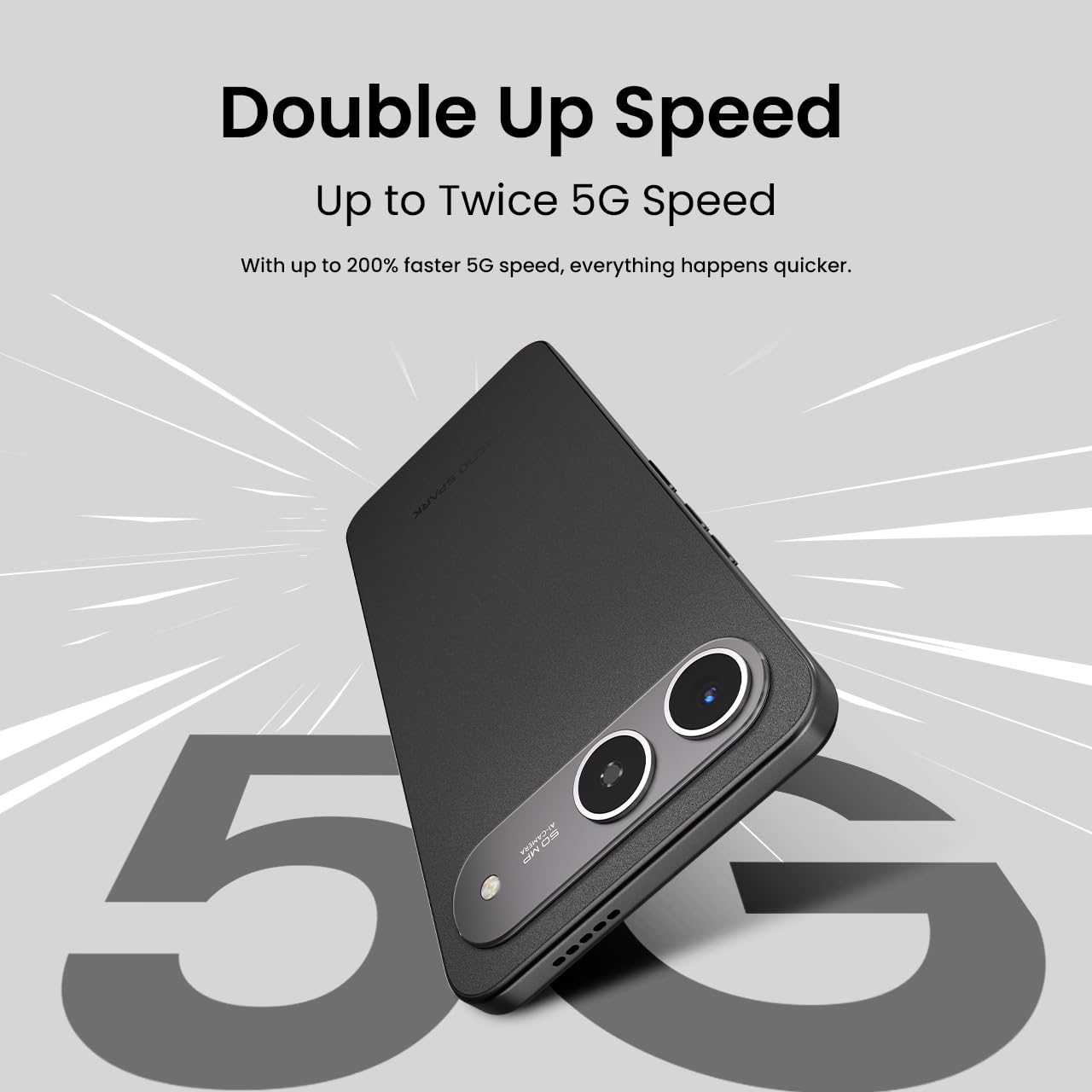
- Xarxa 5G: The device supports 5G Carrier Aggregation for enhanced speed and signal strength.

This image emphasizes the smartphone's capability for up to double 5G speed, indicating enhanced network performance.

The image illustrates the 4x4 MIMO technology integrated into the Tecno Spark GO 5G, which uses four antennas for faster and stronger network connectivity.
2.3. Funcions de la càmera
The Tecno Spark GO 5G is equipped with a 50MP AI Camera. Open the Camera app from your home screen or app drawer. Select different modes like Photo, Video, Portrait, or Night mode. Tap the shutter button to capture images or start/stop video recording.

Un detallat view of the Tecno Spark GO 5G's 50MP AI Camera, designed for capturing high-resolution images.
2.4. Ella AI Features
Your device includes Ella AI with support for Indian languages, enhancing daily tasks and interactions.
- Suport de veu: Use voice commands in supported Indian languages for various tasks.
- Encercla per cercar: Draw a circle around any object or text on your screen to initiate a search.
- AI Writing Assistant: Utilize AI to help draft messages, emails, or other text content.
A visual representation of the Ella AI interface on the Tecno Spark GO 5G, showcasing its support for various Indian languages.

This image demonstrates Ella AI's productivity tools, such as 'Circle to Search' for quick information retrieval and an 'AI Writing Assistant' for drafting content.
3. Manteniment i cura
3.1. Neteja del dispositiu
Feu servir un drap suau i sense borrissol per netejar la pantalla i la carcassa del telèfon. Eviteu utilitzar productes químics agressius o materials abrasius que puguin danyar l'acabat.
3.2. Cura de la bateria
To prolong battery life, avoid exposing your phone to extreme temperatures. It is generally recommended to keep the battery charge between 20% and 80% for optimal longevity. The 6000mAh battery is designed for extended use.
3.3. Actualitzacions de programari
Comproveu i instal·leu regularment si hi ha actualitzacions de programari per assegurar-vos que el dispositiu tingui les funcions, els pegats de seguretat i les millores de rendiment més recents. Aneu a Configuració > Sistema > Actualització del sistema.
3.4. Resistència a la pols i a l'aigua
The Tecno Spark GO 5G has an IP64 rating, meaning it is resistant to dust ingress and splashes of water. While it can withstand splashes, it is not designed for submersion in water. Avoid intentional exposure to water or dust.

This image visually represents the IP64 rating of the Tecno Spark GO 5G, signifying its resistance to dust and water splashes.
4. Solució De Problemes
Si teniu problemes amb el dispositiu, proveu els passos habituals següents per resoldre problemes:
- El dispositiu no s'encén: Assegureu-vos que la bateria estigui carregada. Connecteu el telèfon al carregador i espereu uns minuts abans d'intentar engegar-lo de nou.
- Les aplicacions es bloquegen o es bloquegen: Close the problematic app and reopen it. If the issue persists, restart your phone. You can also clear the app's cache or data via Settings > Apps > [App Name] > Storage.
- Problemes de connectivitat de xarxa: Check if Airplane Mode is off. Restart your phone. Verify your SIM card is properly inserted. If using Wi-Fi, restart your router.
- Rendiment lent: Tanca les aplicacions que no fas servir. Esborra la memòria cau i les aplicacions temporals files. Consider uninstalling apps you no longer use.
- Restabliment de fàbrica: As a last resort, if software issues persist, you may perform a factory reset. This will erase all data on your phone, so back up important information first. Go to Settings > System > Reset options > Erase all data (factory reset).
5. Especificacions
Key technical specifications for the Tecno Spark GO 5G (Model: KM8):
| Característica | Especificació |
|---|---|
| Sistema operatiu | Android 15 |
| Número de model de l'article | KM8 |
| Dimensions del producte | 16.8 x 7.8 x 0.8 cm |
| Pes de l'article | 194 g |
| Potència nominal de la bateria | 6000 mAh |
| Mida instal·lada de la memòria RAM | 4 GB (up to 8GB with Memory Fusion) |
| Emmagatzematge intern | 128 GB de ROM |
| Model de CPU | MediaTek D6400 5G Processor |
| Velocitat de la CPU | 3.4 GHz |
| Tecnologies de connectivitat | Bluetooth, Infrared, USB, Wi-Fi |
| Altres funcions de visualització | Sense fil |
| Interfície del dispositiu: principal | Pantalla tàctil |
| Jack d'àudio | Sense presa per a auriculars |
| Factor de forma | Toca |
| Color | Tinta Negre |
| Fabricant | G Mobiles India |
| País d'origen | Índia |

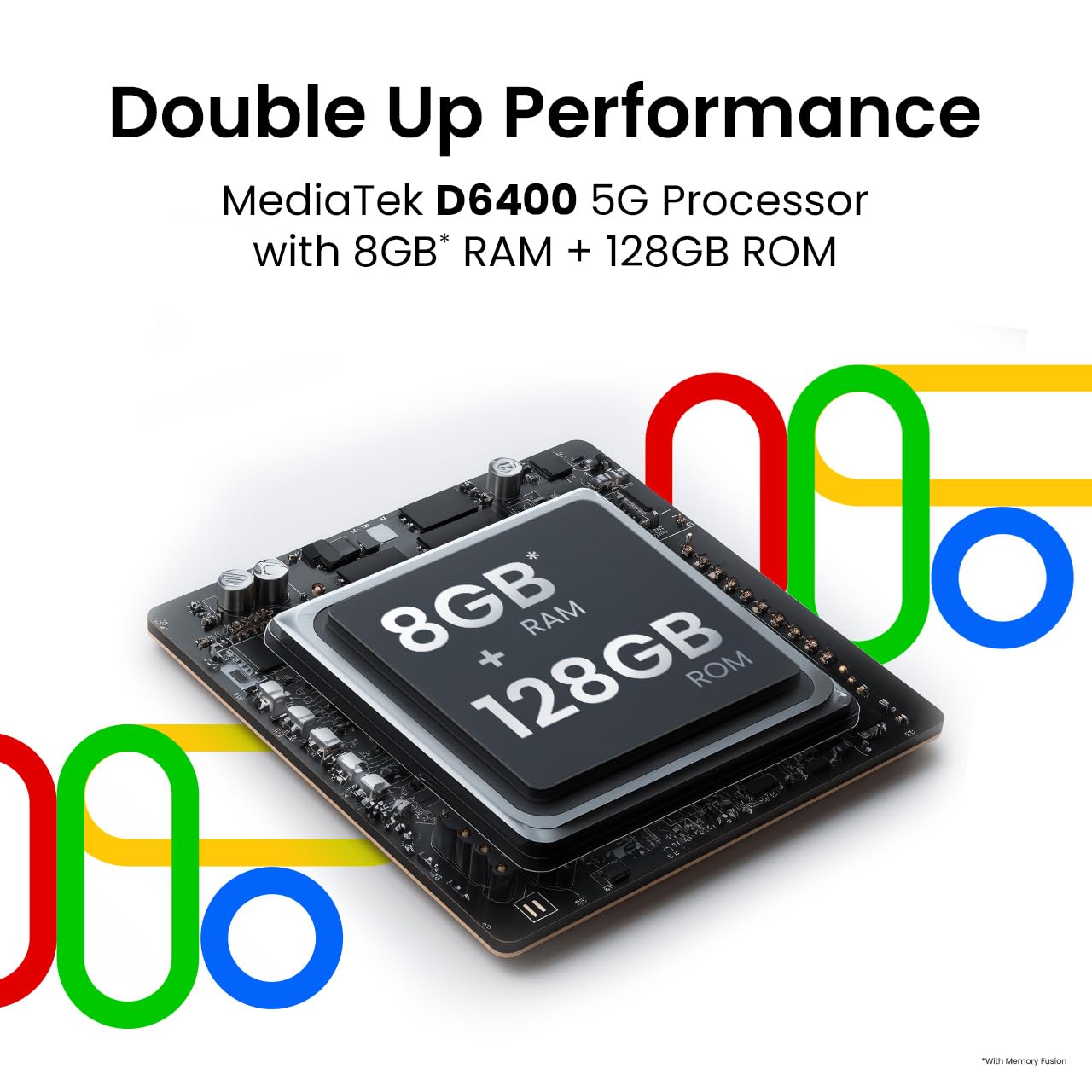
This image highlights the MediaTek D6400 5G Processor, 8GB RAM (with Memory Fusion), and 128GB ROM of the Tecno Spark GO 5G.

This image highlights the Tecno Spark GO 5G's slim 7.99mm body and light 194g weight, emphasizing its ergonomic design.
6. Garantia i Suport
6.1. Informació de la garantia
Your Tecno Spark GO 5G smartphone comes with a manufacturer's warranty. Please refer to the warranty card included in your product packaging or visit the official Tecno weblloc web per obtenir els termes i condicions detallats sobre la cobertura de la garantia, la durada i els procediments de servei. Conserveu el comprovant de compra per a les reclamacions de garantia.
6.2. Atenció al client
For further assistance, technical support, or service inquiries, please contact Tecno customer support. You can find contact details, FAQs, and service center locations on the official Tecno weblloc: Tecno Mobile India.