
Introducció
This manual provides essential information for using your Tecno Spark GO 5G smartphone. It covers setup, operation, maintenance, troubleshooting, and detailed product specifications. Please read this manual thoroughly to ensure proper use and to maximize the device's performance.

Figure 1: Tecno Spark GO 5G Smartphone (Sky Blue)
The Tecno Spark GO 5G is designed with a slim 7.99mm body and features a 6000mAh battery. It includes Ella AI with Indian language support and boasts an IP64 rating for dust and water resistance. The device supports 5G connectivity with Carrier Aggregation for enhanced speed and signal strength.
Configuració
Contingut del paquet
Comproveu que el vostre paquet contingui els elements següents:
- Tecno Spark GO 5G Smartphone
- Funda de telèfon
- Adaptador d'alimentació
- Expulsor de la safata SIM
- Cable USB
Inserció de la targeta SIM
Locate the SIM card tray on the side of your device. Use the provided SIM tray ejector tool to open the tray. Insert your Nano-SIM card(s) and/or microSD card into the designated slots, ensuring correct orientation. Gently push the tray back into the device until it clicks into place.

Figura 2: Pro lateralfile of the device, indicating SIM tray position
Engegada i càrrega inicials
Press and hold the power button located on the side of the device until the Tecno logo appears. Follow the on-screen instructions to complete the initial setup, including language selection, Wi-Fi connection, and Google account setup. For optimal performance, fully charge the device using the provided power adapter and USB cable before first use. The 6000mAh battery provides extended usage time.
Instruccions de funcionament
Navegació bàsica
The Tecno Spark GO 5G features a touchscreen interface. Use gestures such as tapping, swiping, pinching, and spreading to navigate through menus, open applications, and interact with content. The volume buttons are located on the side for adjusting audio levels, and the power button can also be used to lock/unlock the screen.
Ella AI Assistant
Your device includes Ella AI, an intelligent assistant that supports various Indian languages. To activate Ella AI, use the designated voice command or gesture (refer to device settings for specific activation methods). Ella AI can assist with daily tasks, information retrieval, and more.

Figure 3: Ella AI with Indian Language Support
Connectivitat 5G
The Tecno Spark GO 5G supports 5G networks, including 5G Carrier Aggregation for improved speed and signal stability. Ensure your SIM card and mobile plan support 5G services in your area. The device also features 4x4 MIMO support, utilizing four antennas to enhance network performance.
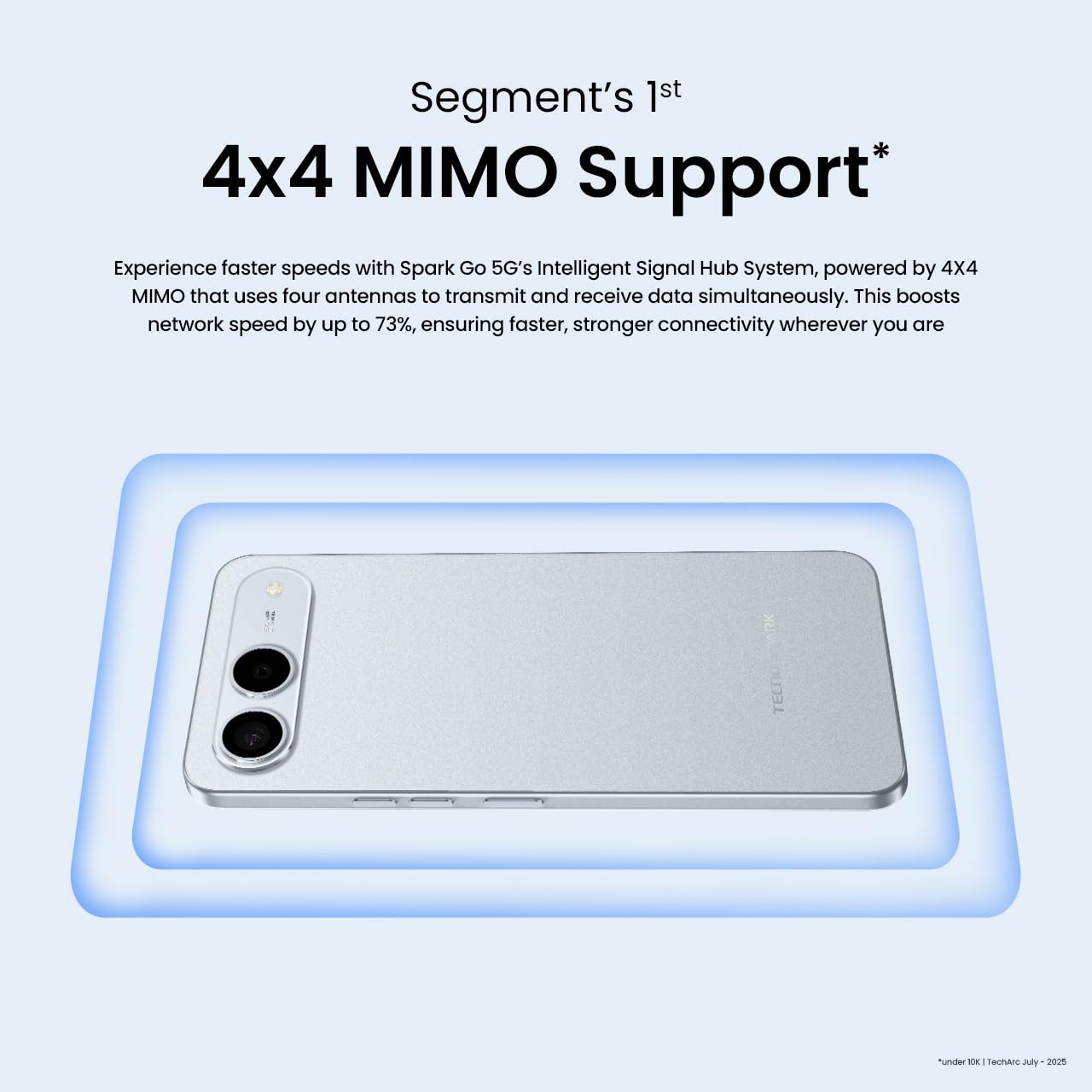
Figure 4: Tecno Spark GO 5G with enhanced 5G speed
Ús de la càmera
The device is equipped with a 50MP AI camera. Open the Camera application to capture photos and videos. Explore various modes and settings, such as portrait, night mode, and panorama, to enhance your photography experience. The AI features assist in optimizing image quality.

Figure 5: Capturing moments with the 50MP AI Camera
Manteniment
Dust and Water Resistance (IP64)
The Tecno Spark GO 5G has an IP64 rating, meaning it is resistant to dust ingress and splashing water from any direction. While it offers protection against everyday spills and dust, it is not fully waterproof. Avoid submerging the device in water or exposing it to high-pressure water jets. If the device gets wet, wipe it dry immediately with a clean, soft cloth.
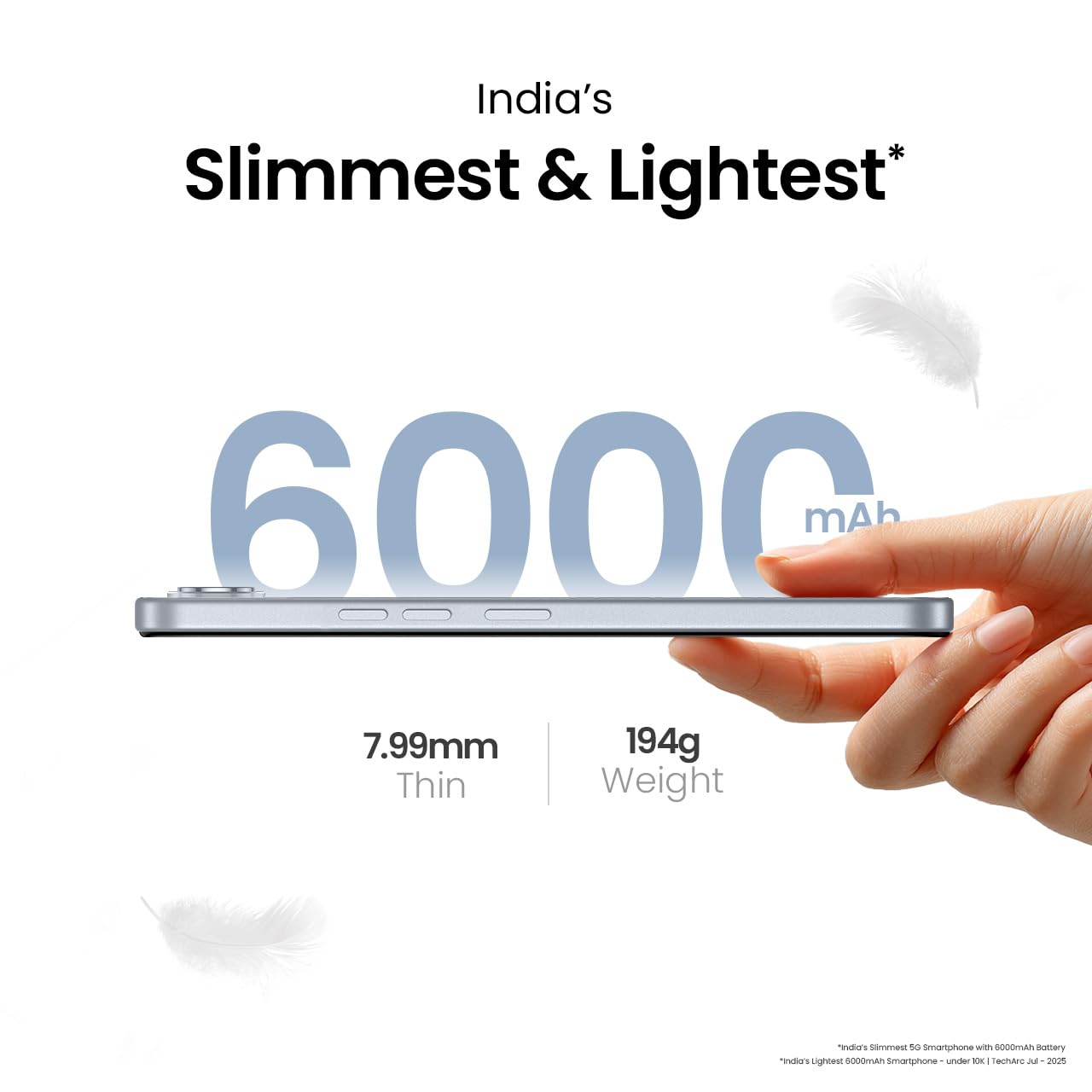
Figure 6: IP64 Dust & Water Resistant design
Actualitzacions de programari
Regularly check for and install software updates to ensure your device has the latest features, security patches, and performance improvements. You can usually find this option in the device's settings under "System" or "About phone."
Neteja del dispositiu
Use a soft, lint-free cloth to clean the screen and body of your smartphone. Avoid using harsh chemicals, abrasive materials, or aerosol sprays. For stubborn smudges, slightly dampNetegeu el drap amb aigua o un netejador de pantalles dissenyat específicament per a electrònica.
Cura de la bateria
To prolong the life of your 6000mAh battery, avoid extreme temperatures. Do not leave the device in direct sunlight or very cold environments. It is recommended to keep the battery charge between 20% and 80% for optimal long-term health.
Resolució de problemes
Problemes comuns i solucions
- El dispositiu no s'encén: Ensure the battery is charged. Connect the device to the charger and wait a few minutes before attempting to power it on again. If it still doesn't turn on, try a forced restart (usually by holding the power button for an extended period).
- Problemes de connectivitat de xarxa: Check if your SIM card is properly inserted. Verify that mobile data is enabled in settings. Try restarting the device or toggling airplane mode on and off. Ensure you are in an area with network coverage.
- Esgotament ràpid de la bateria: Close unused applications running in the background. Reduce screen brightness. Disable features like Wi-Fi, Bluetooth, or GPS when not in use. Check battery usage in settings to identify power-consuming apps.
- Applications Crashing/Freezing: Try clearing the cache for the problematic app in settings. If the issue persists, uninstall and reinstall the app. Ensure your device's software is up to date.
Restabliment de fàbrica
Si teniu problemes de programari persistents, un restabliment de fàbrica els pot resoldre. Avís: A factory reset will erase all data on your device. Back up important data before proceeding. This option is typically found in "Settings" > "System" > "Reset options."
Especificacions
| Característica | Detall |
|---|---|
| Marca | Tecno |
| Número de model | KM8 |
| Sistema operatiu | Android 15 |
| Processador | MediaTek D6400 5G |
| RAM | 4 GB (up to 8GB with Memory Fusion) |
| Emmagatzematge | 128 GB |
| Mida de la pantalla | 6.74 polzades |
| Dimensions del producte | 16.8 x 7.8 x 0.8 cm |
| Pes de l'article | 194 g |
| Capacitat de la bateria | 6000 mAh |
| Connectivitat | Bluetooth, Infrared, USB, Wi-Fi |
| Resistència a l'aigua/pols | IP64 |
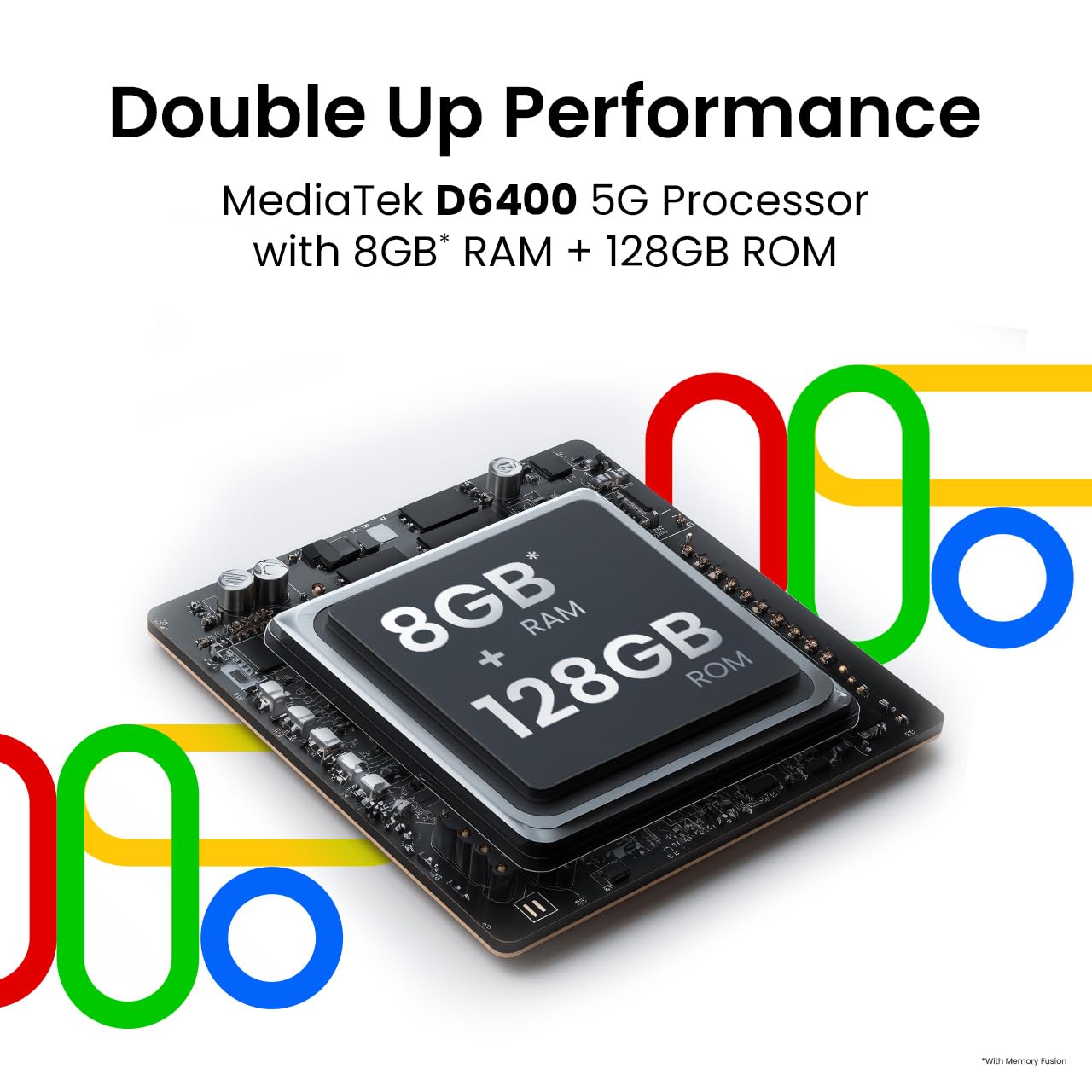
Figure 7: MediaTek D6400 5G Processor and Memory Configuration
Garantia i Suport
Your Tecno Spark GO 5G smartphone is manufactured by G Mobiles India. For specific warranty terms and conditions, please refer to the warranty card included with your product or visit the official Tecno website. Warranty coverage typically includes manufacturing defects for a specified period from the date of purchase.
For technical support, service inquiries, or further assistance, please contact Tecno customer service through their official channels. You can also visit the official Tecno Store on Amazon per obtenir informació i recursos addicionals sobre el producte.