
1. Configuració inicial
Follow these steps to set up your TOPELOTEK Digital Wall Calendar for the first time.
- Unboxing and Power Connection: Carefully remove all components from the packaging. Connect the DC Adapter to the calendar and plug it into a power outlet. The device will automatically power on.
- Selecció d'idioma: On the initial screen, select your preferred language from the list.
- Connexió Wi-Fi: Connect the calendar to your Wi-Fi network by selecting your network name and entering the password. A stable internet connection is required for full functionality.
- Selecció de la zona horària: Choose your correct time zone to ensure accurate time and date display.
- Name Your Frame: Assign a name to your digital calendar and specify its location (e.g., Living Room, Kitchen).
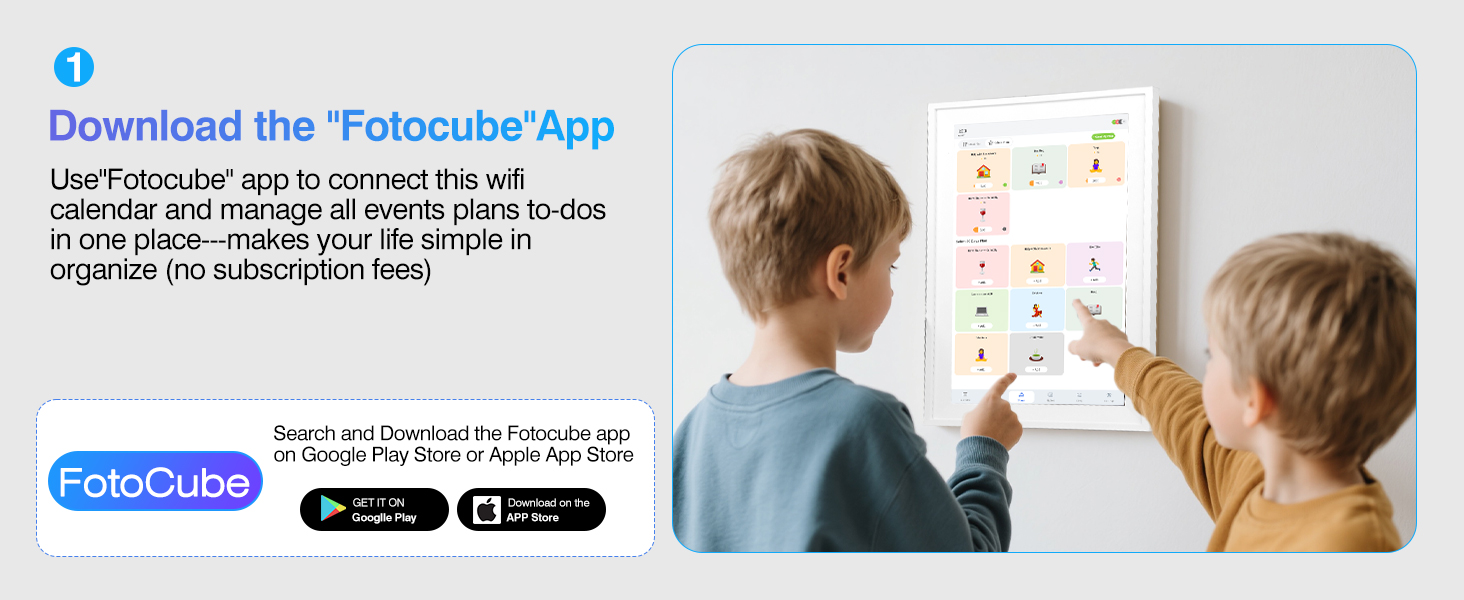
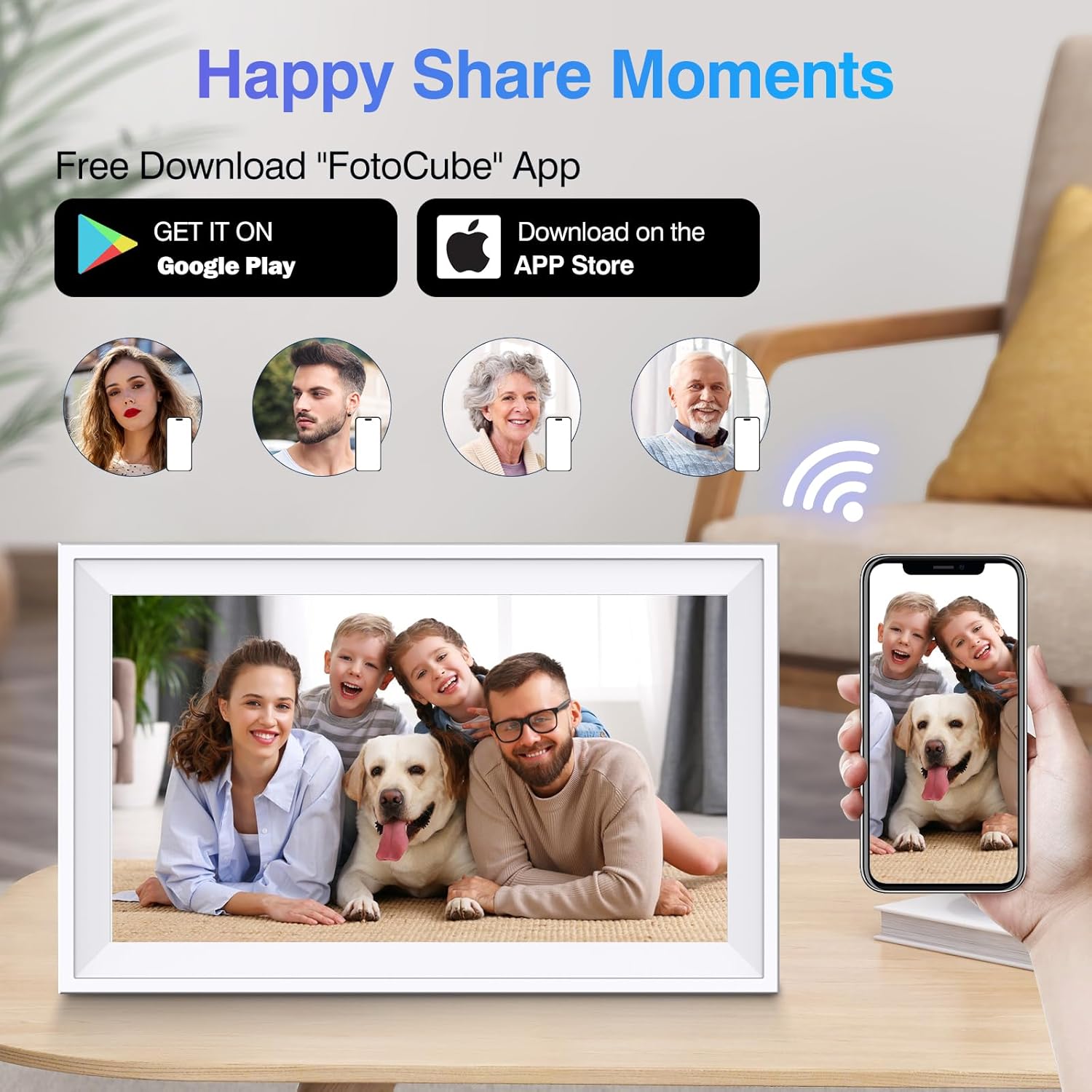
- Download the FotoCube App: Cerca "FotoCube" in the Google Play Store or Apple App Store on your smartphone. Download and install the application.
- Bind Phone to Frame: Open the FotoCube app, log in or create an account. Tap "Add photo frame" or scan the QR code displayed on the calendar screen, or manually enter the pairing code to link your smartphone with the digital calendar.
- Share with Family/Friends: You can invite other family members or friends to connect to your frame by sharing the pairing code. This allows multiple users to manage schedules and share content.
Image: The TOPELOTEK 15.6-inch Digital Calendar and its included accessories, including the user manual, desk stand, DC adapter, and tabletop stand screws.
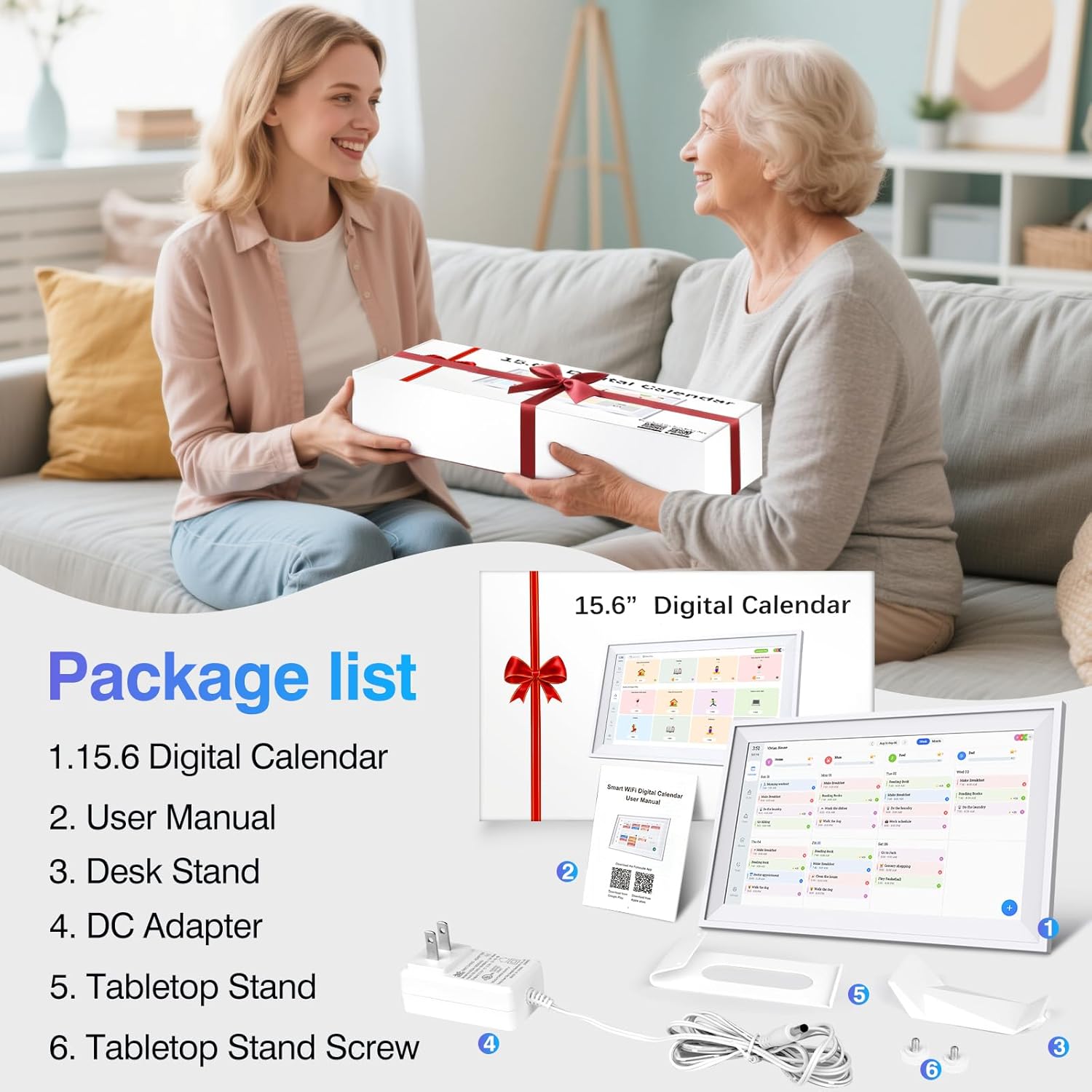
Image: A screen displaying instructions to download the FotoCube app, with QR codes for Google Play and Apple App Store.

Image: A screen showing instructions to bind the phone to the frame, with a pairing code and a QR code.
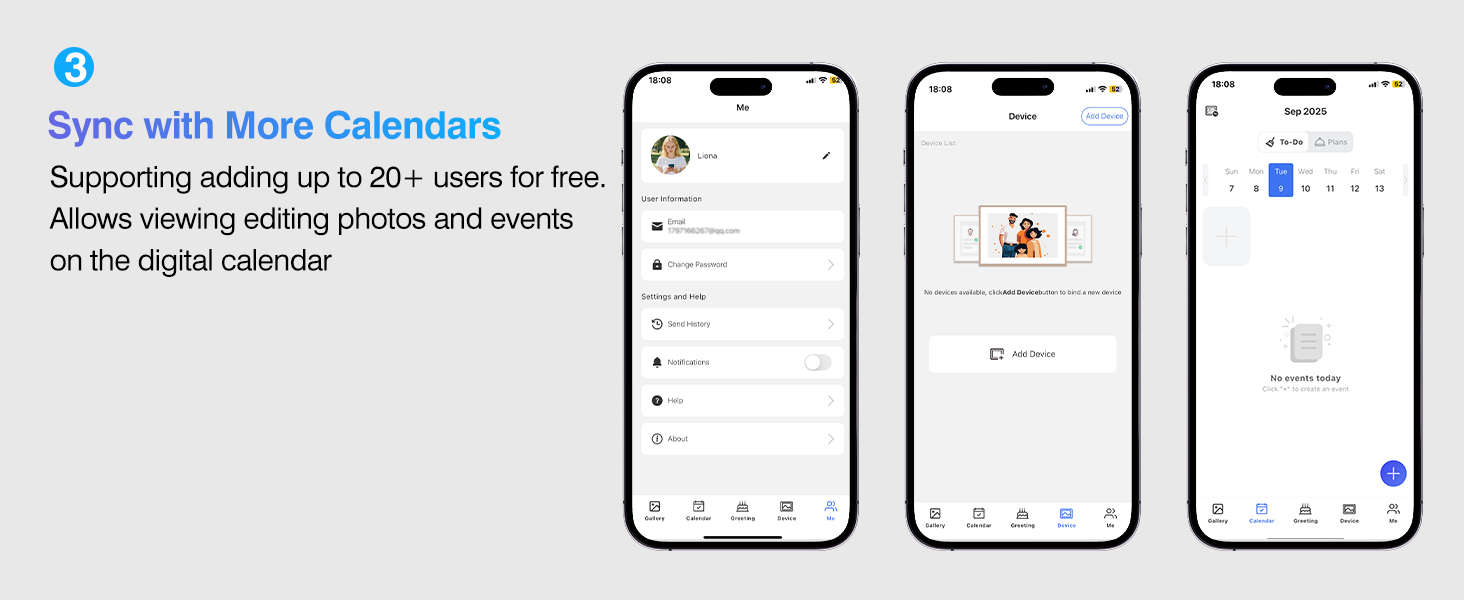
Image: A screen showing instructions to sync with more calendars, indicating support for up to 20+ users.
2. Operating Your Digital Calendar
The TOPELOTEK Digital Calendar offers multiple display modes and functionalities.
2.1 Modes de visualització
- Cloud Photo Frame Mode: Displays a rotating slideshow of photos and videos uploaded via the FotoCube app.
- Family Calendar Mode: Shows your synchronized schedules, tasks, and meal plans.
- Art Gallery Mode: Showcases exquisite art, scenery, and paintings when not actively used as a calendar.
Image: A screen showing options to select display mode: Cloud Photo Frame, Family Calendar, or Art Gallery.

Video: This video demonstrates the initial setup process, including connecting to Wi-Fi, selecting a time zone, naming the frame, and downloading/binding the FotoCube app. It also shows how to choose between Cloud Photo Frame, Family Calendar, and Art Gallery display modes.
2.2 Calendar and Task Management
- Calendar Syncing: Automatically syncs events, photos, and videos from your phone via the FotoCube app. Supports Google Calendar, iCloud Calendar, Cozi Calendar, Yahoo Calendar, Teamsnap Calendar, and Outlook Calendar.
- Smart Chore Chart: Assign different colors and tasks to family members. Track task completion and encourage good habits.
- Meal Planner: Plan meals and snacks directly on the calendar or through the app.
- To-Dos Reminder: Set reminders for important events and tasks, such as medicine times.
- Compartició de fotos i vídeos: Upload and display cherished memories. The 64GB storage allows for ampel contingut.
- Mode de repòs: Configure sleep mode to automatically turn off the display during specified times.
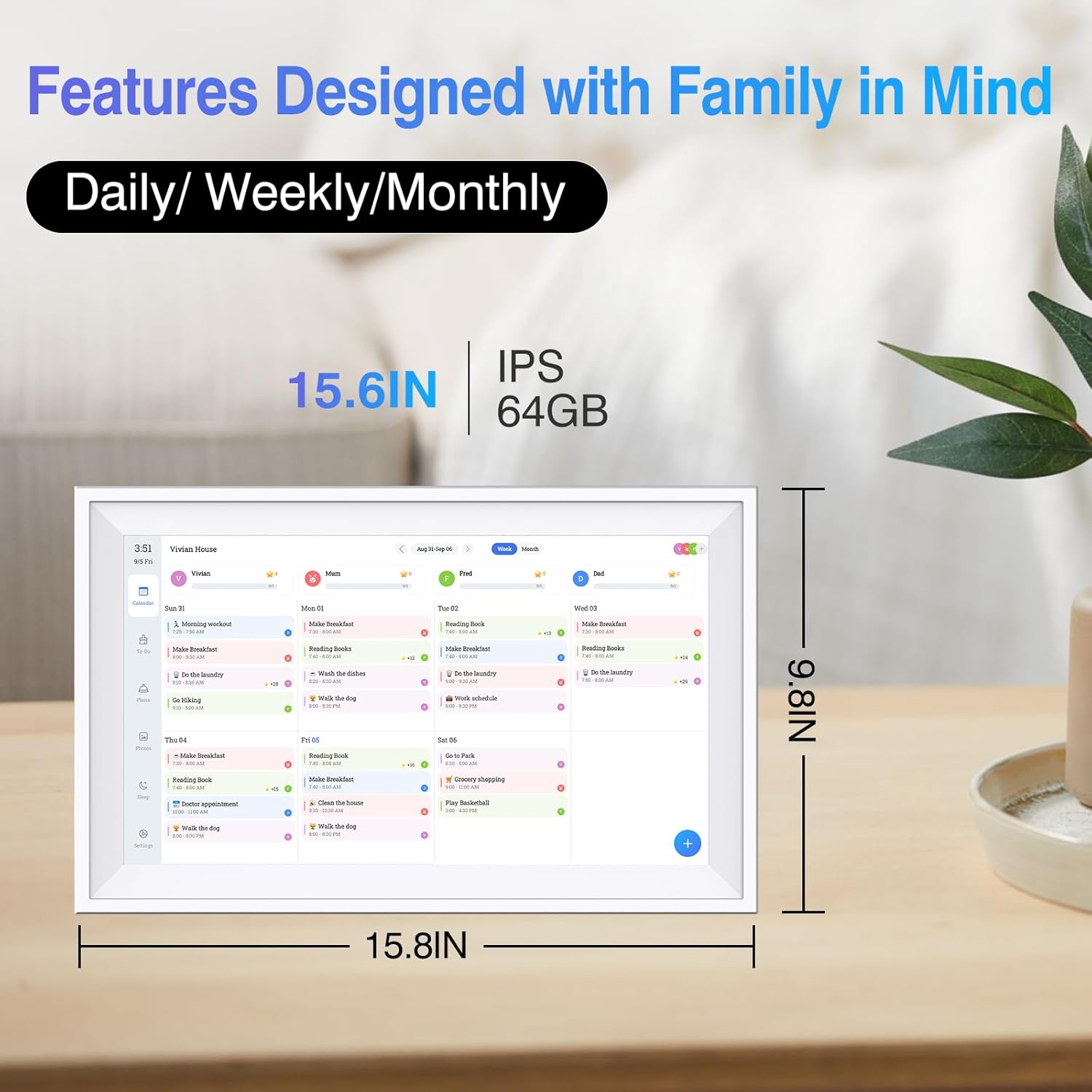
Image: A screen showing the calendar interface with daily, weekly, and monthly views, along with tasks and meal plans.
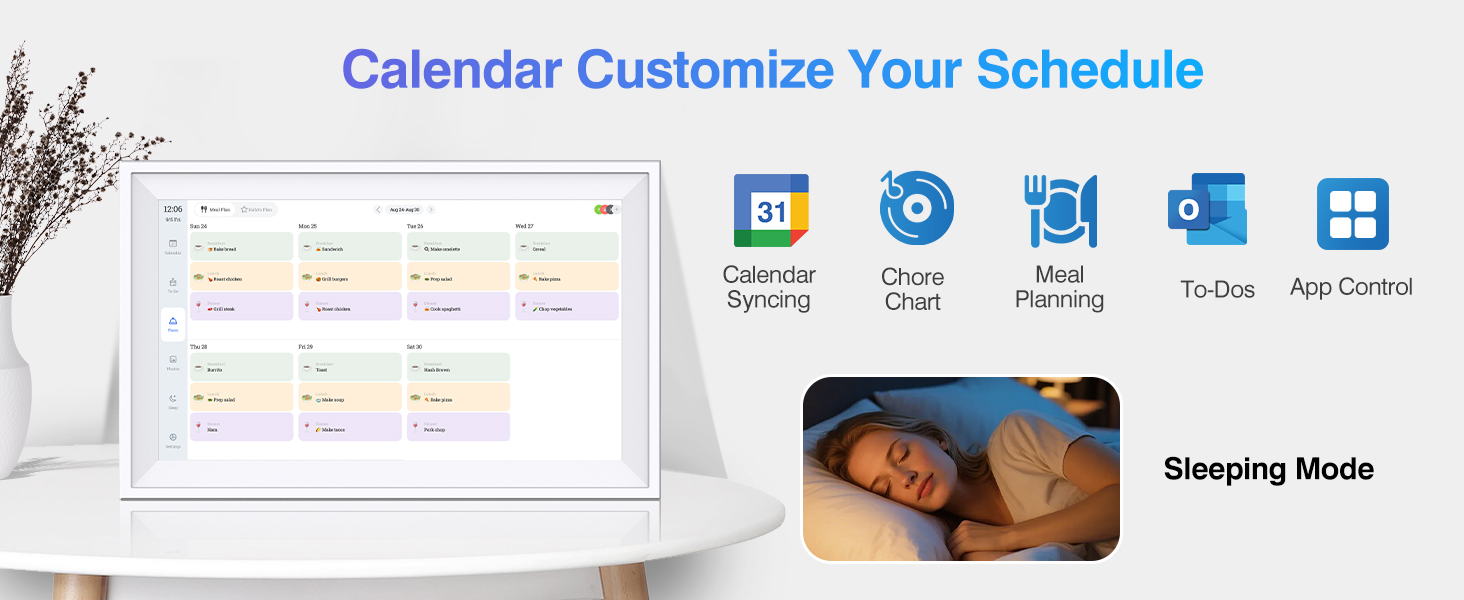
Image: A screen showing the Smart Chore Chart feature, where children can see and interact with their assigned tasks and rewards.
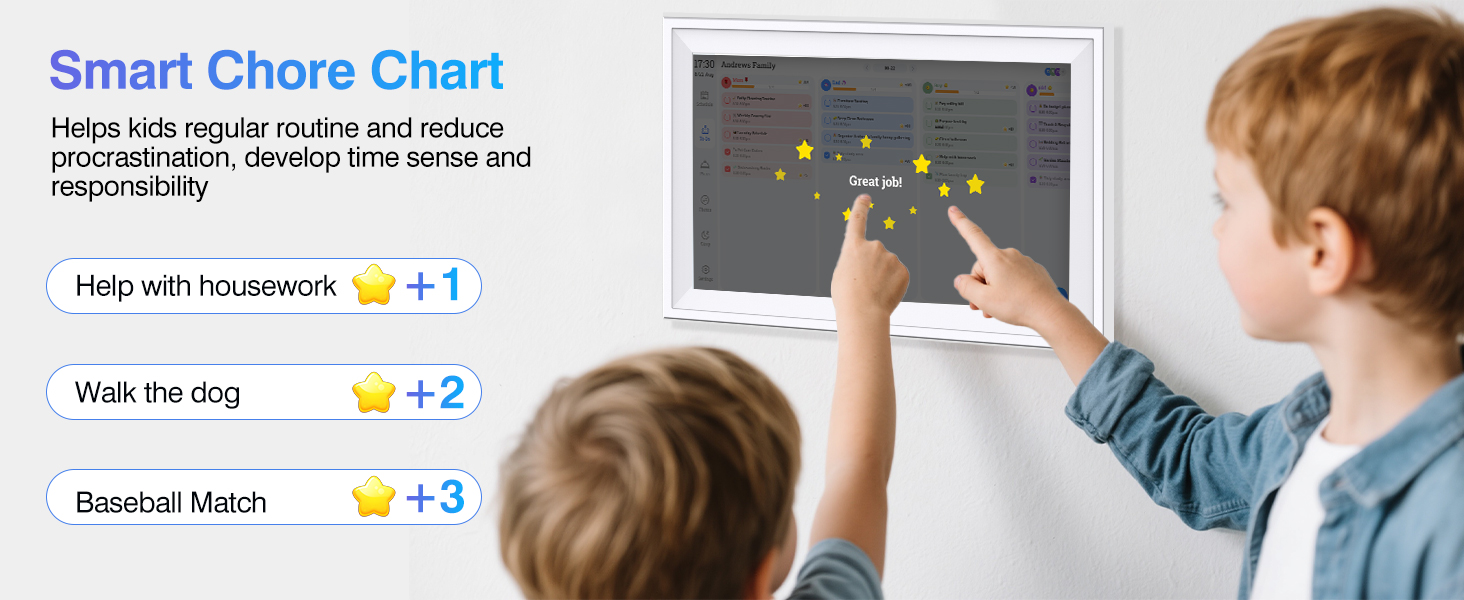
Image: A screen showing the Effortless Meals & Snacks Plans feature, displaying a weekly meal schedule.

Image: A screen showing the To-Dos Reminder feature, with a reminder for "Medicine Time" displayed on the calendar.
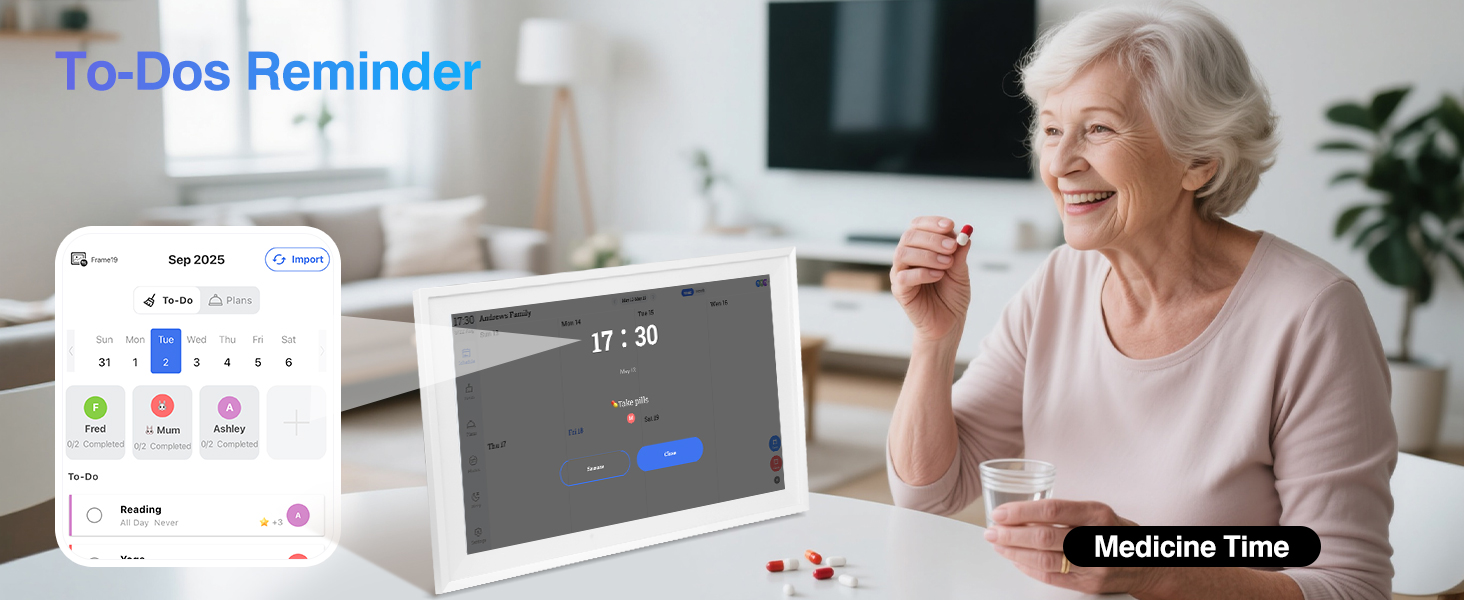
Image: A family enjoying shared moments, with the digital calendar displaying photos and a smartphone showing the app interface for sharing.
3. Cura i Manteniment
- Neteja: Use a soft, dry cloth to clean the screen and frame. Avoid abrasive cleaners or sprays directly on the screen.
- Actualitzacions de programari: Assegura't que el dispositiu estigui connectat a la Wi-Fi per rebre actualitzacions de programari automàtiques, que proporcionen noves funcions i millores de rendiment.
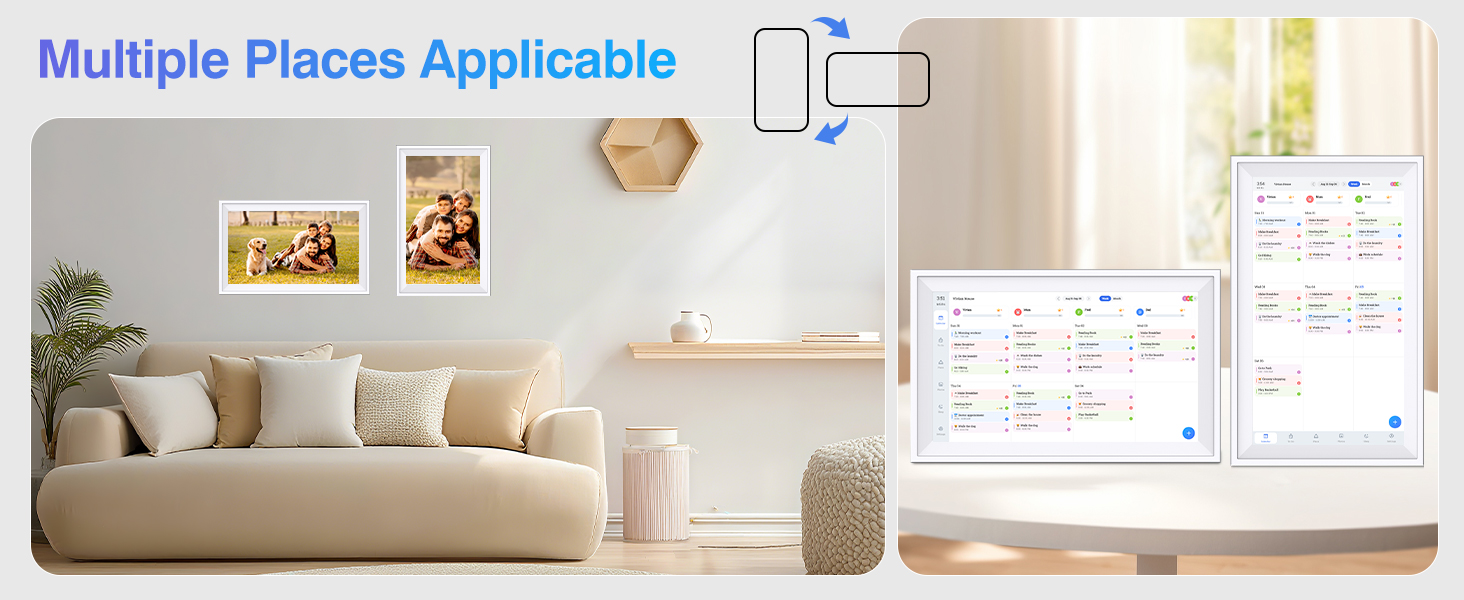
- Col·locació: The calendar can be mounted in portrait or landscape orientation or placed on a tabletop using the included stand.
Image: The digital calendar displayed in various settings, showcasing its flexible placement options (wall-mounted and tabletop, portrait and landscape).
4. Solució De Problemes
Si teniu algun problema, consulteu la taula següent per veure els problemes i les solucions més habituals.
| Problema | Solució |
|---|---|
| El dispositiu no s'encén. | Assegureu-vos que l'adaptador de corrent estigui connectat correctament tant al dispositiu com a una presa de corrent que funcioni. |
| No es pot connectar a la Wi-Fi. | Verify your Wi-Fi password. Ensure the calendar is within range of your Wi-Fi router. Restart your router and the calendar. |
| App not syncing with the calendar. | Check if both your phone and the calendar are connected to the internet. Ensure the FotoCube app is updated to the latest version. Re-bind the device if necessary. |
| Photos/videos not displaying. | Confirm that photos/videos have been successfully uploaded to the FotoCube app and sent to the frame. Check the frame's storage capacity. |
| La pantalla no respon. | Restart the device by unplugging and re-plugging the power adapter. If the issue persists, contact customer support. |
5. Especificacions del producte
Key technical details of your TOPELOTEK Digital Wall Calendar.
- Número de model: DP1501
- Mida de la pantalla: 15.6 polzades
- Resolució: 1080p
- Dimensions del producte: 10.1 x 7.7 x 0.99 polzades
- Pes de l'article: 4.27 lliures
- Emmagatzematge intern: 64 GB
- Connectivitat: Wi-Fi
- Dispositius compatibles: Smartphone (via FotoCube App)
Image: The digital calendar displaying its features, including 15.6-inch IPS screen and 64GB storage, with dimensions indicated.
6. Garantia i atenció al client
Your TOPELOTEK Digital Wall Calendar comes with a one-year warranty. For any questions or assistance, please contact our customer service team. We are available 7 days a week, 24 hours a day to ensure your satisfaction.