
Introducció
This manual provides detailed instructions for the setup, operation, maintenance, and troubleshooting of your boAt Airdopes Prime 511 TWS Earbuds. Please read this manual thoroughly before using the product to ensure proper functionality and longevity.
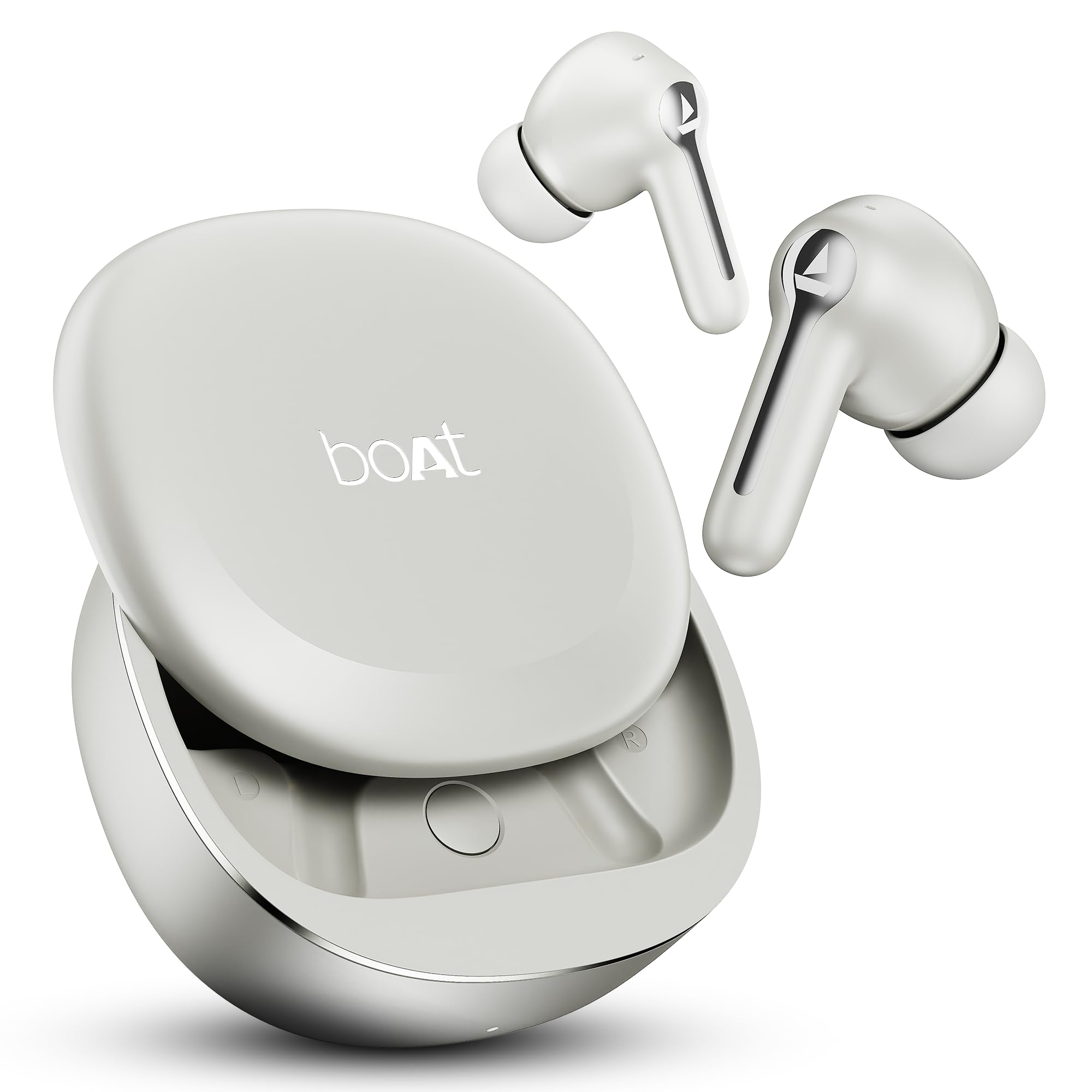
Image: boAt Airdopes Prime 511 TWS Earbuds in Zinc White, showcasing the earbuds and charging case.
1. Configuració
1.1 Contingut de la caixa
Verifiqueu que tots els elements estiguin presents a l'embalatge:
- Auriculars TWS
- Additional Earmuffs
- Cable de càrrega
- Manual d'usuari
1.2 Càrrega dels auriculars
Before first use, fully charge the earbuds and the charging case. Connect the provided charging cable to the charging case and a power source. The earbuds offer up to 50 hours of total playback time. With ASAP Charge, 10 minutes of charging provides approximately 150 minutes of playback.

Image: The boAt Airdopes Prime 511 charging case and earbuds, illustrating the 50 hours of playback and the ASAP Charge feature.
1.3 Vinculació amb un dispositiu
The Airdopes Prime 511 uses Bluetooth v5.4 for stable connectivity.
- Obre l'estoig de càrrega. Els auriculars entraran automàticament en mode d'emparellament.
- Al dispositiu (telèfon intel·ligent, tauleta, ordinador portàtil), activeu el Bluetooth.
- Cerca "Airdopes Prime 511" in the list of available devices and select it to connect.
- For Android devices, Google Fast Pair allows for quick, one-tap connection. You can also rename your Airdopes or locate them via the Google Fast Pair service.
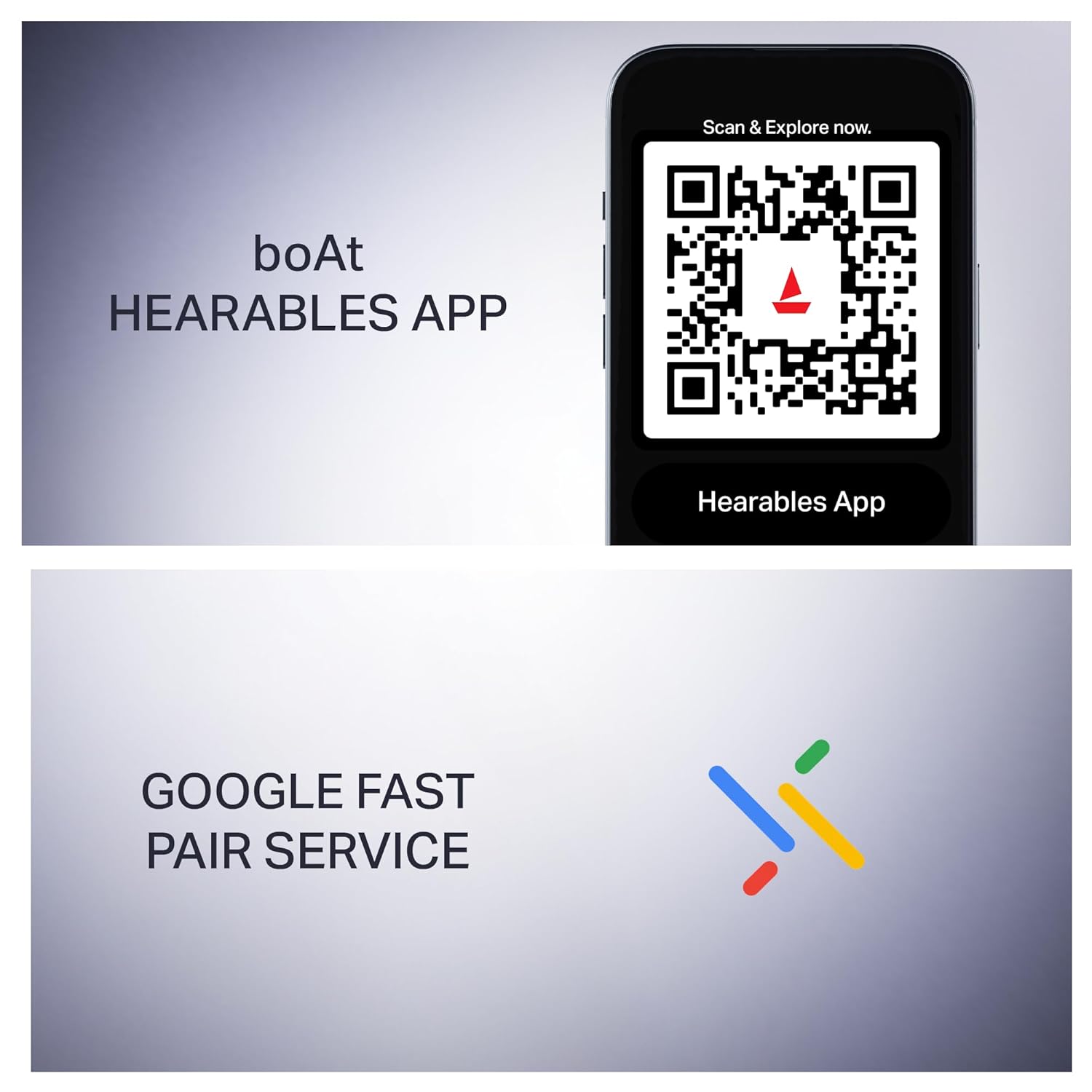
Image: A mobile phone displaying a QR code for the boAt Hearables App and the Google Fast Pair service logo, indicating easy connectivity and app support.
1.4 boAt Hearables App Installation
For enhanced control and customization, download the boAt Hearables App. The app allows you to check battery status, personalize audio features, and manage controls.
Descarrega l'aplicació: boAt Hearables App
2. Instruccions de funcionament
2.1 Encès/Apagat
- Encès: Obriu la funda de càrrega i els auriculars s'encendran automàticament.
- Apagar: Place the earbuds back into the charging case and close the lid. They will power off and begin charging.
2.2 Controls tàctils
The Airdopes Prime 511 features intuitive touch controls on the earbuds.
- Reproduir/pausa: Un sol toc a qualsevol dels auriculars.
- Pista següent: Toqueu dues vegades l'auricular dret.
- Pista anterior: Toqueu dues vegades l'auricular esquerre.
- Respondre/Finalitzar la trucada: Toqueu un sol cop a qualsevol dels auriculars durant una trucada entrant.
- Rebutja la trucada: Premeu i manteniu premut qualsevol dels auriculars durant 2 segons durant una trucada entrant.
- Activa l'Assistent de veu: Toqueu tres vegades qualsevol dels auriculars.
2.3 Seamless Volume Swipe Control
Adjust volume directly from the earbuds:
- Augmenta el volum: Swipe up along the earbud.
- Disminueix el volum: Swipe down along the earbud.

Image: A close-up of the boAt Airdopes Prime 511 earbud, illustrating the swipe gestures for increasing i decreasinvolum en g.
2.4 Calling with AI-ENx Technology
The earbuds are equipped with 4 microphones featuring AI-ENx noise cancellation, ensuring clear voice transmission during calls, even in noisy environments.

Image: A woman wearing boAt Airdopes Prime 511 earbuds, emphasizing the 4 Mics with AI-ENx Technology for clear calls.
2.5 Connectivitat multipunt
Connect the Airdopes Prime 511 to two devices simultaneously (e.g., phone and laptop). This allows seamless switching between audio sources without re-pairing.

Image: boAt Airdopes Prime 511 earbuds shown connected to both a smartphone and a tablet, illustrating the multi-device connectivity feature.
2.6 BEAST Mode for Gaming
Activate BEAST Mode for a low-latency audio experience (60 ms), optimized for gaming to reduce audio lag.
3. Manteniment
3.1 Neteja
Regularly clean the earbuds and charging case with a soft, dry, lint-free cloth. Avoid using abrasive materials or harsh chemicals. Ensure charging contacts are free of debris.
3.2 Resistència a l'aigua
The Airdopes Prime 511 features an IPX5 water resistance rating, protecting against splashes and sweat. It is not designed for submersion in water.
3.3 Emmagatzematge
Quan no els utilitzeu, guardeu els auriculars a la seva funda de càrrega per protegir-los i assegurar-vos que es mantinguin carregats. Guardeu-los en un lloc fresc i sec, allunyat de temperatures extremes.
4. Solució De Problemes
4.1 Auriculars que no s'emparellan/es connecten
- Assegureu-vos que els dos auriculars estiguin carregats.
- Torneu a col·locar els auriculars a la funda, tanqueu la tapa i torneu-la a obrir per tornar a entrar al mode d'emparellament.
- Desactiva i activa el Bluetooth al dispositiu.
- Forget "Airdopes Prime 511" from your device's Bluetooth list and attempt to pair again.
- Prova d'emparellar-lo amb un altre dispositiu per descartar problemes específics del dispositiu.
4.2 One Earbud Not Functioning
- Assegureu-vos que els dos auriculars estiguin completament carregats.
- Netegeu els contactes de càrrega tant dels auriculars com de l'interior de l'estoig de càrrega.
- Perform a factory reset (refer to the boAt Hearables App or official support for specific instructions).
4.3 Problemes de càrrega
- Verifiqueu que el cable de càrrega estigui connectat correctament tant a la carcassa com a la font d'alimentació.
- Prova un cable de càrrega o un adaptador de corrent diferent.
- Ensure the charging contacts on the earbuds and case are clean and free of obstructions.
4.4 Volum baix o qualitat de so deficient
- Adjust the volume on both your connected device and using the earbud swipe controls.
- Ensure the earbuds are properly seated in your ears. Try different sized earmuffs for a better seal.
- Netegeu qualsevol cerumen o restes de les boquilles dels auriculars.
5. Especificacions
| Nom del model | Airdopes Prime 511 |
| Número de model | PP0020 |
| Versió Bluetooth | 5.4 |
| Durada de la bateria | Up to 50 Hours (Total Playback) |
| Càrrega el més aviat possible | 10 Mins charge = 150 Mins Playback |
| Conductors | Controladors dinàmics duals de 12 mm |
| Micròfons | 4 Mics with AI-ENx Technology |
| Resistència a l'aigua | IPX5 |
| Mode de baixa latència | BEAST Mode (60 ms) |
| Connectivitat | Multipoint Connection, Google Fast Pair |
| Suport d'aplicacions | boAt Hearables App |
| Mètode de control | Touch, Swipe |
| Pes de l'article | 80 grams |
| Material | Plàstic |
| País d'origen | Xina |
6. Garantia i Suport
Your boAt Airdopes Prime 511 comes with a 1 any de garantia des de la data de compra.
For warranty claims, technical support, or further assistance, please contact:
- Fabricant: Imagine Marketing Ltd
- Correu electrònic de contacte: info@imaginemarketingindia.com
- Importador/Empacador: Imagine Marketing Ltd
Si us plau, conserveu el comprovant de compra per validar la garantia.