
plimpton P2
Manual d'usuari de la tauleta Plimpton PlimPad P2 amb Android 15
1. Producte acabatview
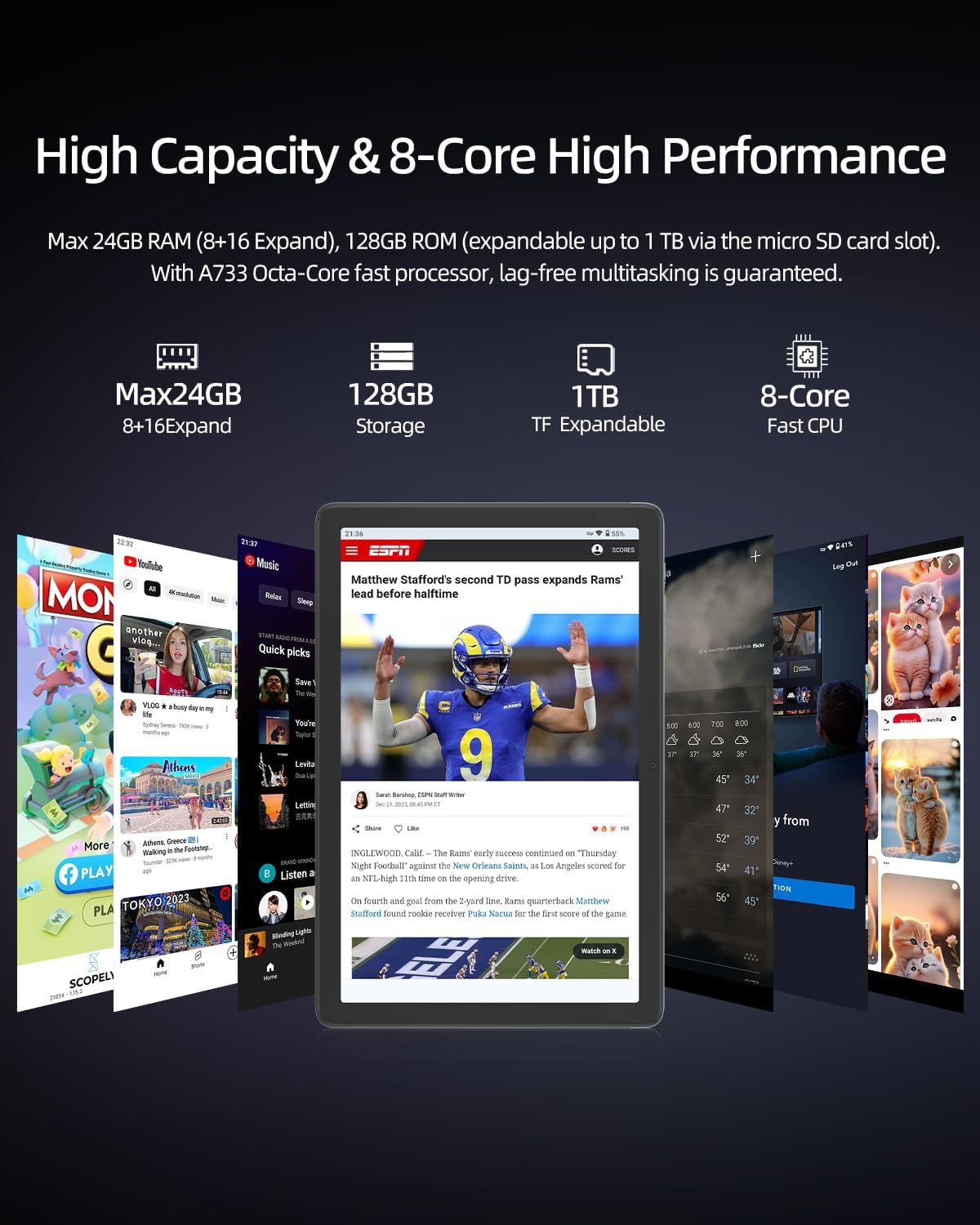
The plimpton PlimPad P2 is a 10-inch Android 15 tablet designed for work, study, and entertainment. It features a powerful 8-core CPU, 24GB RAM (8GB physical + 16GB virtual), and 128GB of UFS 3.1 internal storage, expandable up to 1TB via an external memory card. Equipped with a long-lasting 7500mAh battery, AI-powered gesture control, Wi-Fi 6, and Bluetooth 5.4, the PlimPad P2 offers a smooth, efficient, and intuitive user experience.
Característiques principals:
- Sistema operatiu: Latest Android 15 for enhanced performance and security.
- Processador: Powerful 8-core CPU for smooth multitasking and gaming.
- Memòria i emmagatzematge: 24GB RAM (8GB + 16GB expandable) and 128GB UFS 3.1 storage, expandable to 1TB.
- Bateria: 7500mAh long-lasting battery for extended use.
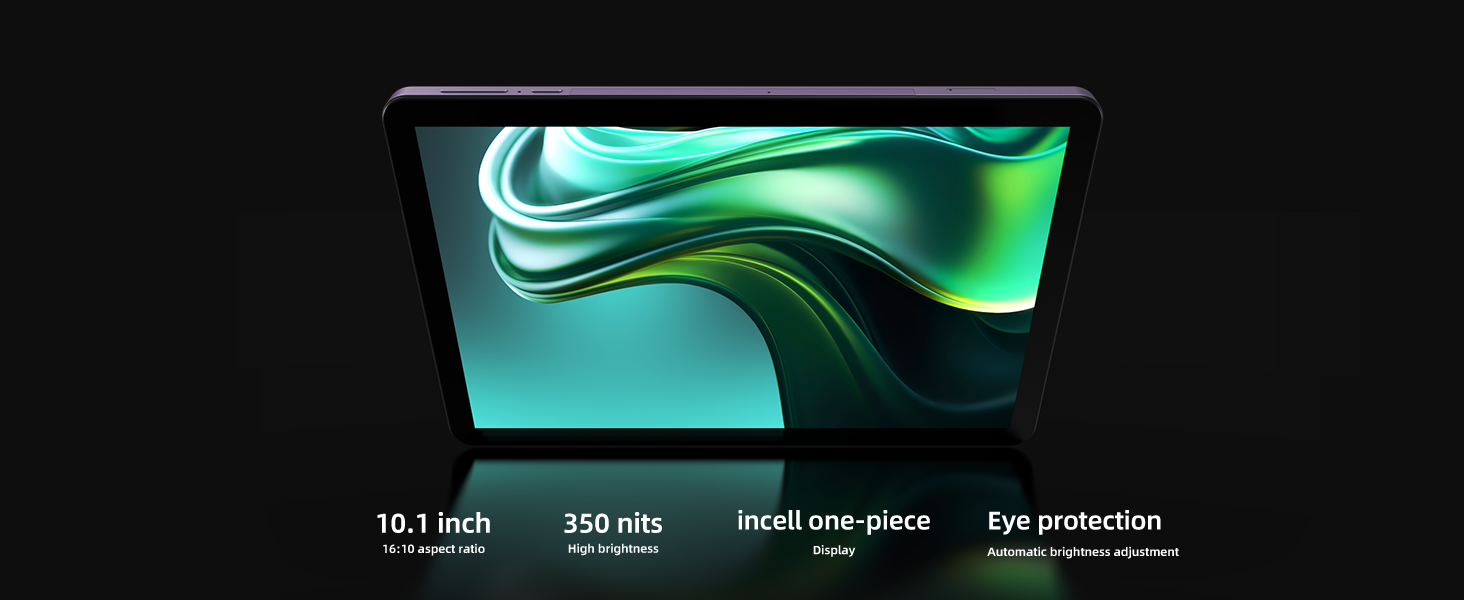
- Visualització: 10.1-inch screen with AI-adjusted eye protection mode.
- Connectivitat: Wi-Fi 6 and Bluetooth 5.4 for fast and stable connections.
- Característiques de l'IA: AI-powered gesture control, smart screen adjustment, and optimized power consumption.
- Disseny: Durable and reliable aluminum alloy body for better heat dissipation and longevity.
2. Què hi ha a la caixa
Your plimpton PlimPad P2 package includes the following items:
- 1 x plimpton PlimPad P2 Android 15 Tablet
- 1 x cable de càrrega USB-A a tipus C
- 1 x adaptador de corrent altern
- 1 x Manual d'usuari
- 1 x Pin d'expulsió de la targeta SIM
3. Guia de configuració
3.1 Engegada/apagada
- Per encendre: Press and hold the Power button (located on the side) until the plimpton logo appears on the screen.
- Per apagar: Press and hold the Power button, then select 'Power off' from the options that appear.
- Per reiniciar: Mantingueu premut el botó d'engegada i, a continuació, seleccioneu "Reiniciar" de les opcions.
3.2 Configuració inicial
En engegar-la per primera vegada, la tauleta us guiarà pel procés de configuració inicial:
- Seleccioneu el vostre idioma preferit.
- Connecteu-vos a una xarxa Wi-Fi.
- Inicia la sessió amb el teu compte de Google o crea'n un de nou.
- Follow on-screen prompts to set up security, privacy, and other preferences.
3.3 Inserció d'una targeta MicroSD
To expand storage up to 1TB:
- Localitza la safata de la targeta SIM/MicroSD al lateral de la tauleta.
- Insert the provided SIM ejector pin into the small hole next to the tray to open it.
- Place the MicroSD card into the designated slot on the tray.
- Empenyeu suaument la safata cap a dins de la tauleta fins que encaixi al seu lloc.
3.4 Càrrega de la tauleta
Use the provided USB-A to Type-C cable and AC power adapter to charge your tablet. The reversible Type-C port allows for easy connection.
4. Instruccions de funcionament
4.1 Navegació bàsica
The PlimPad P2 features a responsive touchscreen for intuitive interaction:
- Toca: Select items, open apps, or activate functions.
- Llisca: Scroll through pages, menus, or home screens.
- Pessiga per fer zoom: Enlarge or shrink content on the screen.
4.2 AI-Powered Gesture Control
Enhance your interaction with the tablet using AI gesture control. These features allow for hands-free operation:
- Enable Gestures: Navega a Configuració > Sistema > Gestos to customize and enable specific gestures.
- Desplaçament: Use specific hand movements (e.g., waving hand up/down) to scroll through content without touching the screen.
- Captures de pantalla: A two-finger swipe gesture can capture a screenshot.
- Selfie Camera Activation: Certain hand signals can activate the front-facing camera for selfies.
4.3 Display Settings & Eye Protection
Personalitza el teu viewing experience and protect your eyes:
- Ajust de brillantor: Vés a Configuració > Pantalla > Brillantor to manually adjust or enable adaptive brightness.
- AI-Adjusted Eye Protection Mode: This mode minimizes blue light and reduces eye strain, ideal for long reading or work sessions. It automatically adjusts based on ambient light. Enable it under Settings > Display > AW Reading Mode.
- Black-White Mode: For a monochrome display, activate this feature under Settings > Display > Black-White Mode.
4.4 Multitasca amb pantalla dividida
The PlimPad P2 supports split-screen functionality, allowing you to run two applications simultaneously:
- Open the first app you wish to use.
- Swipe up from the bottom of the screen to access recent apps.
- Tap and hold the icon of the first app, then select 'Split screen'.
- Trieu la segona aplicació de les vostres aplicacions recents o del calaix d'aplicacions per omplir l'altra meitat de la pantalla.
4.5 Connectivity (Wi-Fi 6 & Bluetooth 5.4)
Connect to networks and devices:
- Wi-Fi: Accés Configuració > Xarxa i Internet > Wi-Fi to connect to available networks. Wi-Fi 6 ensures super-fast and stable internet connections.
- Bluetooth: Vés a Configuració > Dispositius connectats > Bluetooth to pair with Bluetooth 5.4 compatible devices like headphones or speakers.
4.6 Ús de la càmera
The tablet features dual cameras (front and rear) for photos and video calls:
- Obre l'aplicació Càmera des de la pantalla d'inici o des del calaix d'aplicacions.
- Canvieu entre la càmera frontal i la posterior mitjançant la icona de la pantalla.
- Tap the shutter button to take photos or start/stop video recording.
4.7 Gestió d'emmagatzematge
The PlimPad P2 utilizes UFS 3.1 storage for faster app loading and file transfers. You can manage your storage via Configuració > Emmagatzematge.
4.8 Parental Controls & Digital Wellbeing
Manage usage and set limits for a balanced digital life:
- Accés Configuració > Benestar digital i controls parentals.
- Configurar Mode d'enfocament to pause distracting apps.
- Configura Límits de l'aplicació for individual applications.
- Utilitza el Cap amunt feature to receive reminders to look up from your tablet while walking.
5. Manteniment
5.1 Neteja de la tauleta
- Feu servir un drap suau i sense borrissol per netejar la pantalla i la carcassa.
- Eviteu utilitzar productes químics o materials abrasius.
5.2 Actualitzacions de programari
Ensure your tablet is running the latest software for optimal performance and security. Check for updates via Configuració > Sistema > Actualització del sistema.
5.3 Cura de la bateria
- Eviteu temperatures extremes.
- No descarregueu completament la bateria amb freqüència.
- Utilitzeu només el carregador subministrat.
5.4 Atenció física
The PlimPad P2 features a durable aluminum alloy body and reinforced internal structure for enhanced longevity and heat dissipation. While designed to be robust, avoid dropping the device or exposing it to excessive force.
6. Solució De Problemes
6.1 Problemes i solucions habituals
- El dispositiu no s'encén: Assegureu-vos que la bateria estigui carregada. Connecteu-la al carregador i espereu uns minuts abans d'intentar tornar-la a engegar.
- Problemes de connectivitat Wi-Fi: Check if Wi-Fi is enabled in settings. Restart your router and the tablet. Forget the network and reconnect.
- Les aplicacions es bloquegen o es bloquegen: Tanca i torna a obrir l'aplicació. Esborra la memòria cau de l'aplicació (Configuració > Aplicacions > [Nom de l'aplicació] > Emmagatzematge > Esborra la memòria cau). Ensure the app is updated.
- Rendiment lent: Tanca les aplicacions en segon pla innecessàries. Esborra la memòria cau i les aplicacions temporals files. Consider expanding storage with a MicroSD card if internal storage is full.
6.2 Restabliment de fàbrica
Si teniu problemes persistents, un restabliment de fàbrica els pot resoldre. Avís: Això esborrarà totes les dades de la tauleta. Fes una còpia de seguretat de les dades importants abans de continuar.
- Vés a Configuració > Sistema > Opcions de restabliment.
- Seleccioneu Esborra totes les dades (restabliment de fàbrica).
- Confirmeu la vostra elecció i seguiu les instruccions que apareixen a la pantalla.
7. Especificacions
| Característica | Detall |
|---|---|
| Marca | plimpton |
| Nom del model | P2 |
| Sistema operatiu | Android 15 |
| Mida de la pantalla | 10.1 polzades |
| Resolució de visualització | 1280 x 800 píxels |
| Memòria RAM instal·lada | 8 GB (ampliable a 24 GB) |
| Capacitat d'emmagatzematge de memòria | 128 GB (ampliable a 1 TB) |
| Descripció del processador | 8-Core ARM |
| Capacitat de la bateria | 7500 milionsamp Hores |
| Durada mitjana de la bateria | 10 hores |
| Tecnologia sense fils | Wi-Fi 6 (802.11ax), Bluetooth 5.4 |
| Descripció de la càmera | Davant, darrere |
| Pes de l'article | 800 grams |
| Color | Lila |
8. Garantia i assistència
plimpton officially provides lifetime technical support and a 1-year free replacement warranty for non-human factor damage. For any questions or assistance, please feel free to contact us through the official plimpton weblloc web o els canals d'assistència del vostre distribuïdor.