
1. Introducció
Thank you for choosing the DUCO AG01 AI Smart Sunglasses. These innovative glasses integrate advanced technology to enhance your daily experiences, offering features such as a 4K HD camera, AI assistant, real-time translation, and Bluetooth connectivity. This manual provides essential information for the proper setup, operation, and maintenance of your new smart sunglasses.
2. Contingut del paquet
Assegureu-vos que tots els elements estiguin presents al vostre paquet:
- DUCO AG01 AI Smart Sunglasses
- Estoig d'ulleres
- Tela de neteja de microfibra
- Cable de càrrega magnètica
- Manual d'usuari

Figure 2.1: DUCO AG01 Package Contents
3. Característiques del producte
- 8MP 4K HD Camera: Capture high-resolution photos and videos with AI-powered stabilization and an ultra-wide perspective.
- AI Assistant & Translation: Access an AI assistant and real-time translation for 163 languages, breaking language barriers.
- Open-Ear Audio & Stereo Sound: Enjoy immersive audio without blocking ambient sounds, featuring dual microphones with noise reduction for clear calls.
- Connectivitat Bluetooth 5.3: Seamlessly connect to your smartphone for calls, music, and data transfer.
- Control tàctil intel·ligent: Manage calls, music playback, and camera functions with intuitive touch and button controls.
- Llarga vida útil de la bateria: Powered by a 410mAh high-capacity battery, offering up to 8 hours of active use (translation/calls/music) and 15 days of standby time.
- Protecció UV400: Lenses provide essential UV protection for your eyes.
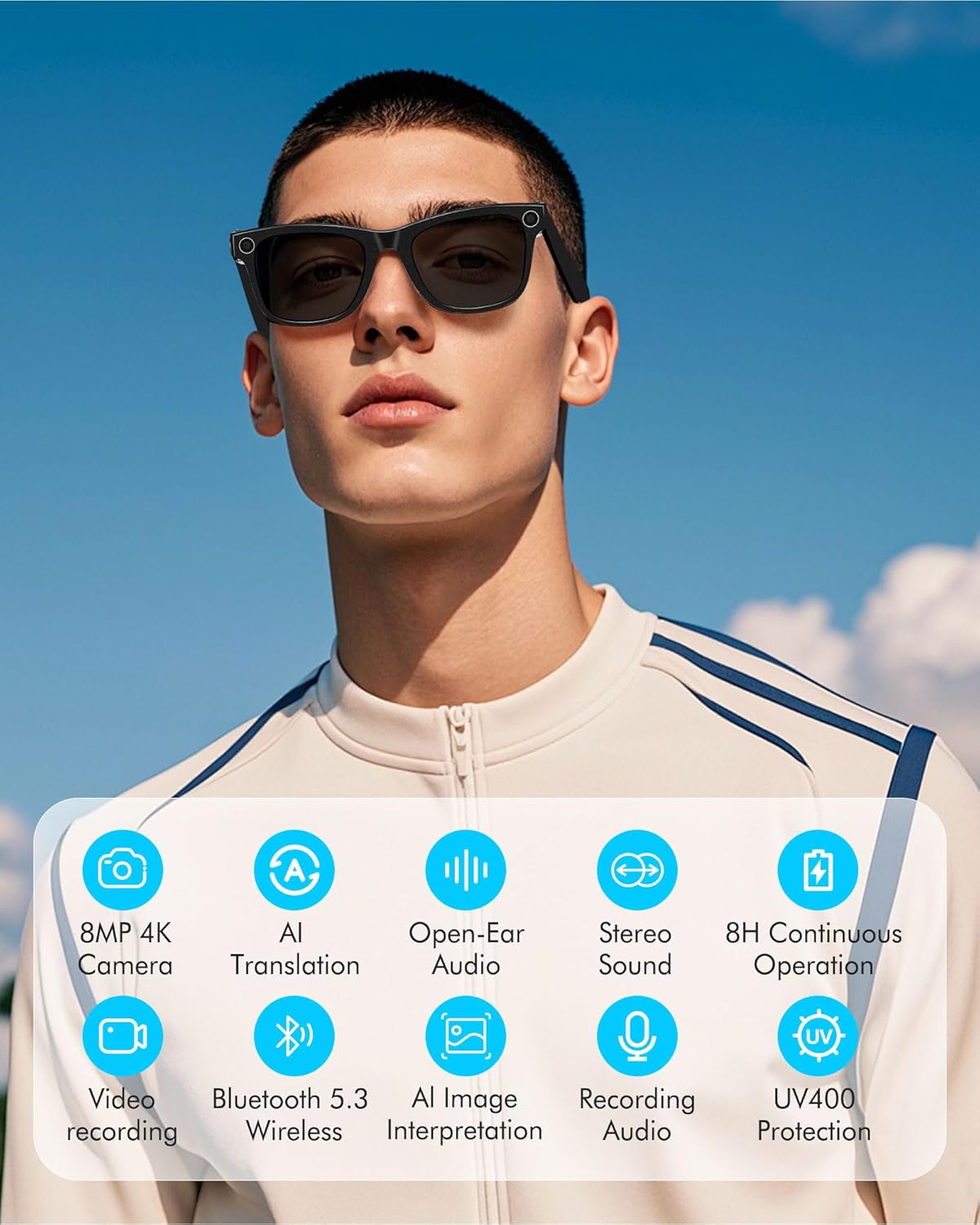
Figure 3.1: Key Features of DUCO AG01 Smart Sunglasses

Figure 3.2: 4K HD 8MP Camera System

Figure 3.3: Open Hi-Fi Sound & ENC Clear Calls

Figure 3.4: 8-Hour Continuous Use Battery
4. Configuració
4.1 Engegada/apagada
To power on the DUCO AG01 Smart Sunglasses, locate the power switch on the right temple and slide it forward. To power off, slide the switch backward.
4.2 Descàrrega i instal·lació d'aplicacions
Download the companion app by scanning the QR code provided in the included user manual or searching for "HeyCyan" in your device's app store. Install the app on your smartphone.

Figure 4.1: App Download and Interface
4.3 Vinculació Bluetooth
- Ensure your DUCO AG01 Smart Sunglasses are powered on.
- Open the "HeyCyan" app on your smartphone.
- Activa el Bluetooth al teu telèfon intel·ligent.
- In the app, search for available devices. The glasses should appear as "AG01_A16E".
- Select the device to pair. A successful connection will be indicated in the app.
Video 4.1: Demonstrates powering on the glasses, connecting to the HeyCyan app, and Bluetooth pairing. It also shows how to take photos, start/end video recording, answer/reject calls, control music volume, switch songs, and charge the device.
5. Instruccions de funcionament
5.1 Funcions de càmera i vídeo
The DUCO AG01 Smart Sunglasses feature a camera on the right temple for hands-free capture.
- Fer una foto: Single-click the top-right button on the temple.
- Inicia la gravació de vídeo: Long-press the top-right button on the temple.
- End Video Recording: Press the top-right button once while recording.

Figure 5.1: Real-Time Translation Feature
5.2 Gravació d'àudio
To start audio recording, double-click the top-right button on the temple. To end recording, click the button once.
5.3 Gestió de trucades
Manage your calls directly from your smart sunglasses:
- Respondre/Finalitzar la trucada: Click the top-right button once.
- Rebutja la trucada: Long-press the top-right button for 2 seconds.
5.4 Control de reproducció de música
Control your music using the touch panel on the right temple:
- Reproduir/pausar música: Double-tap the right touch panel.
- Següent cançó: Triple-tap the right touch panel.
- Augmenta el volum: Swipe forward on the right touch panel.
- Disminueix el volum: Swipe backward on the right touch panel.

Figure 5.2: Intelligent Touch Control Overview
5.5 Assistent de veu d'IA
Activate your AI voice assistant by saying "HeyCyan" or by long-pressing the designated button (refer to Figure 5.2 for button location). This allows for hands-free commands and information retrieval.
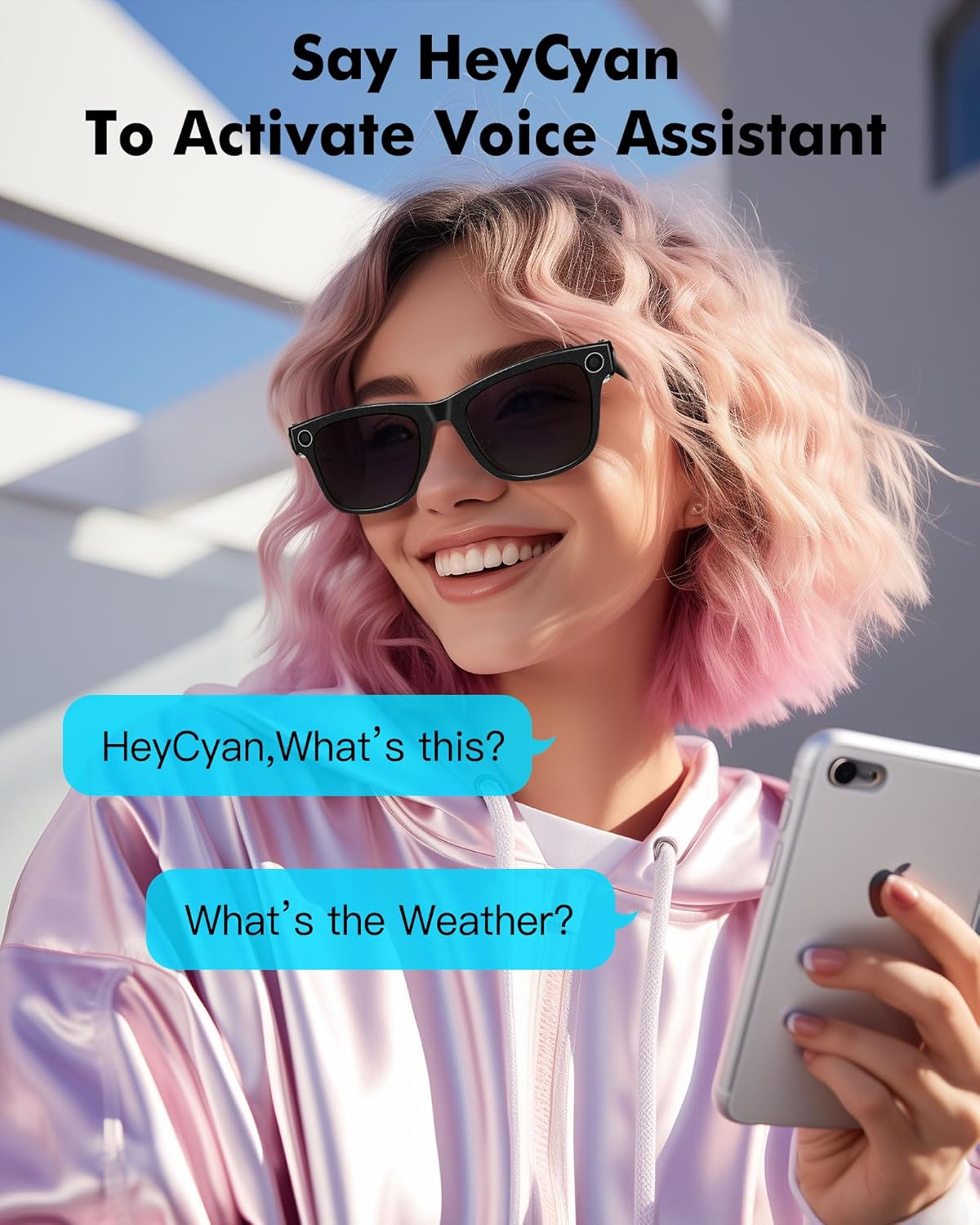
Figure 5.3: Activating Voice Assistant
6. Càrrega
To charge your DUCO AG01 Smart Sunglasses, connect the magnetic charging cable to the charging port located on the left temple. Connect the other end of the USB cable to a compatible power source (e.g., computer USB port, wall adapter).
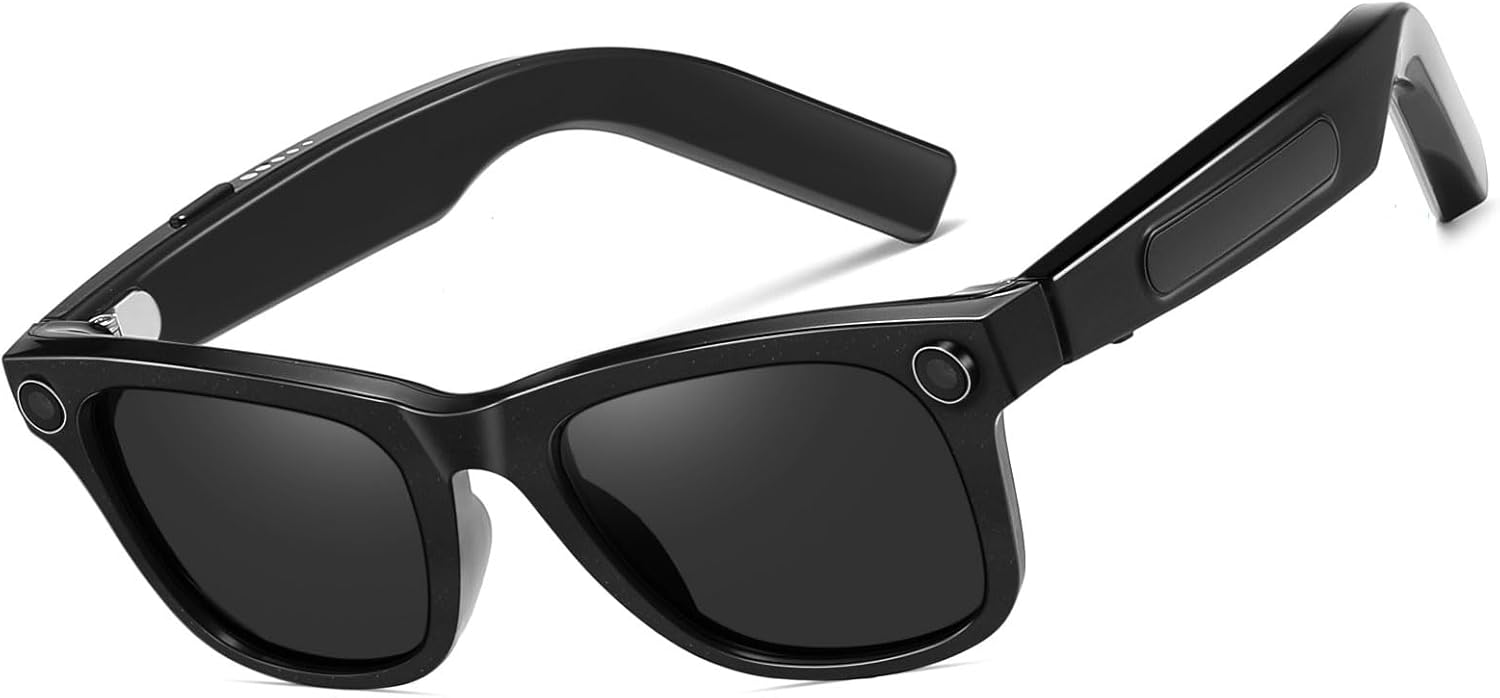
Figura 6.1: Ubicació del port de càrrega
7. Manteniment
- Neteja: Use the provided microfiber cleaning cloth to gently wipe the lenses and frame. Avoid using harsh chemicals or abrasive materials.
- Emmagatzematge: Quan no les utilitzeu, guardeu les ulleres de sol a la seva funda protectora per evitar ratllades i danys.
- Resistència a l'aigua: The glasses are designed for everyday use but are not fully waterproof. Avoid prolonged exposure to water or submersion.
- Temperatura: Do not expose the sunglasses to extreme temperatures, as this may affect battery life and electronic components.
8. Solució De Problemes
If you encounter issues with your DUCO AG01 Smart Sunglasses, please refer to the following common solutions:
- No es pot encendre: Ensure the glasses are fully charged. Connect them to the charging cable and allow sufficient time to charge.
- Problemes de connexió Bluetooth: Make sure Bluetooth is enabled on your smartphone and the glasses are within range. Try restarting both the glasses and your phone. If issues persist, unpair and re-pair the device.
- L'aplicació no respon: Close and restart the "HeyCyan" app. Ensure the app is updated to the latest version.
- Mala qualitat d'àudio: Check the volume settings on both the glasses and your connected device. Ensure the speakers are not obstructed.
- Camera/Video Not Working: Verify that the glasses are powered on and connected to the app. Check if there is sufficient storage space for new recordings.
For further assistance, please contact DUCO customer support.
9. Especificacions
| Característica | Especificació |
|---|---|
| Número de model | AG01 |
| Càmera | 8MP 4K HD |
| Característiques d'IA | AI Assistant, Real-time Translation (163 languages), AI Image Interpretation |
| Connectivitat | Bluetooth 5.3 |
| Àudio | Open-Ear Audio, Stereo Sound, Dual Microphones with ENC Noise Reduction |
| Capacitat de la bateria | 410 mAh |
| Active Runtime | Up to 8 hours (translation/calls/music) |
| Temps d'espera | Fins a 15 dies |
| Tipus de lent | UV Protected, UV400 Protection |
| Tipus de polarització | No polaritzat |
| Material del marc | Policarbonat |
| Material de la lent | Policarbonat |
| Longitud del braç | 150.5 mm |
| Bridge Width | 12.5 mm |

Figura 9.1: Dimensions del producte
10. Garantia i Suport
The DUCO AG01 AI Smart Sunglasses come with a Garantia del fabricant de 3 anys. For warranty claims, technical support, or any product-related inquiries, please contact DUCO customer service through the official weblloc web o la vostra plataforma de compra.