
Introducció
This manual provides essential information for setting up, operating, maintaining, and troubleshooting your HP All-in-One PC, models 27-cr0417in and 27-cr0421in. Please read these instructions carefully to ensure proper use and longevity of your device.
The HP All-in-One PC features a 27-inch Full HD IPS display, powered by a 13th Gen Intel Core i5-1334U processor, 16GB DDR4 RAM, and a 1TB PCIe NVMe M.2 SSD. It comes pre-installed with Windows 11 Home and Office 2024.
1. Guia de configuració
1.1 Desempaquetant l'ordinador
Traieu amb cura tots els components de l'embalatge. Assegureu-vos que hi hagi els elements següents:
- HP All-in-One PC unit
- HP 710 White Wireless Keyboard
- HP White Wireless Mouse
- 90W Smart AC Power Adapter
- Documentació (inclòs aquest manual)
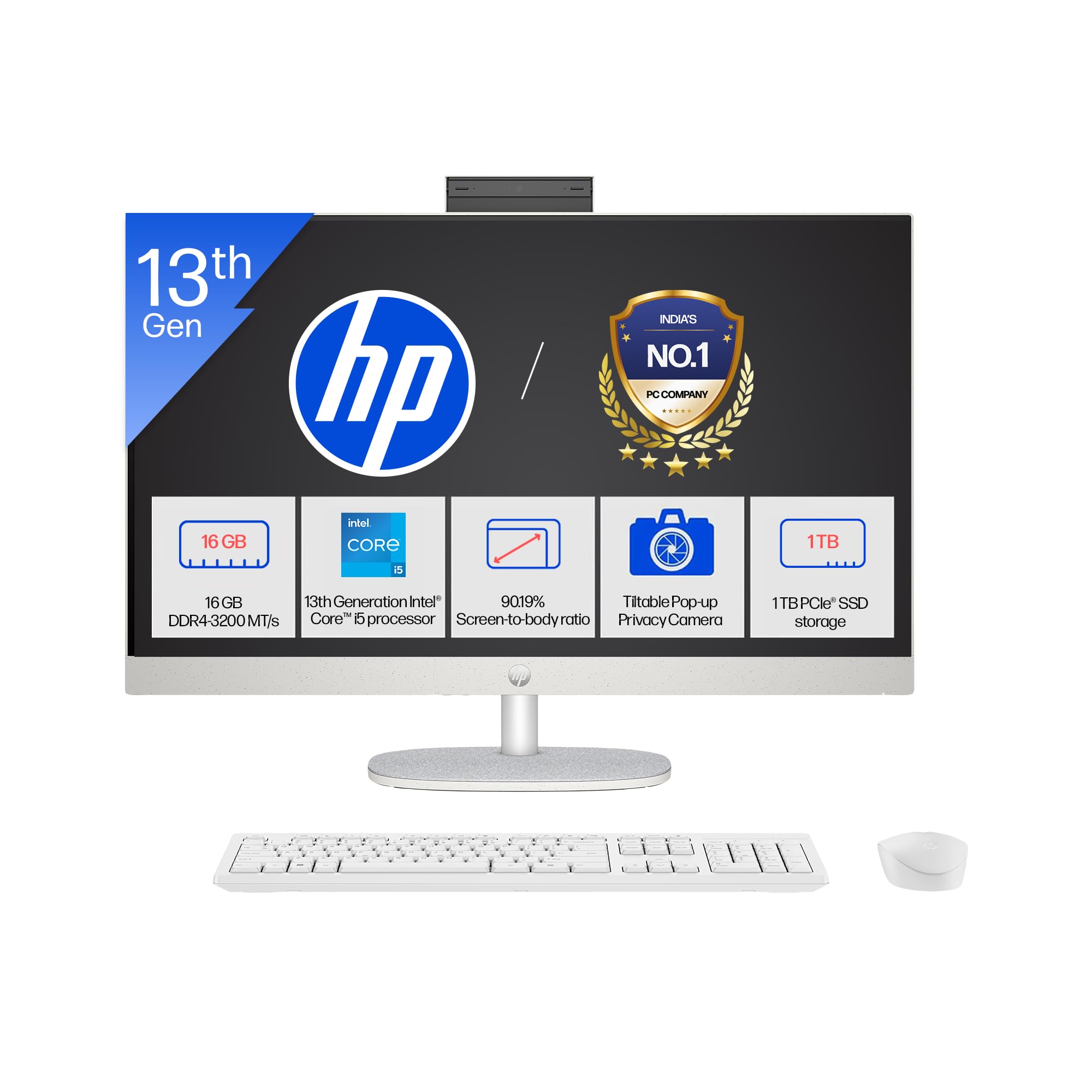
Image: The HP All-in-One PC with its included wireless keyboard and mouse, ready for setup.
1.2 Connexió de perifèrics
- Connexió d'alimentació: Connect the 90W Smart AC Power Adapter to the power port on the back of the PC, then plug it into a wall outlet.
- Teclat i ratolí sense fil: The HP 710 wireless keyboard and mouse are pre-paired. Insert the included batteries into both devices. The USB receiver for the wireless devices is typically found in the mouse or keyboard packaging. Plug this receiver into an available USB port on the PC.
- Connexions opcionals: If you have external devices, connect them to the appropriate ports (e.g., USB drives, external monitors via HDMI-out).
1.3 Engegada inicial i configuració del Windows
- Premeu el botó d'engegada, que normalment es troba al lateral o a la part posterior de la pantalla.
- Segueix les instruccions que apareixen a la pantalla per completar la configuració del Windows 11 Home. Això inclou seleccionar la teva regió, connectar-te a una xarxa Wi-Fi i crear un compte d'usuari.
- Your PC comes with Windows 11 Home in S mode. This mode is designed for security and performance, exclusively running apps from the Microsoft Store. If you need to install apps from outside the Microsoft Store, you can switch out of S mode.
2. Com fer funcionar l'ordinador
2.1 Navegació i visualització bàsiques
Your HP All-in-One PC features a 27-inch Full HD (1920 x 1080) IPS display with a three-sided micro-edge design for an immersive viewing experience. The anti-glare finish reduces reflections, and 300 nits brightness ensures clear visuals.

Image: Visual representation of the 27-inch FHD IPS display with micro-edge bezels and 300 nits brightness.
2.2 Funcions de càmera i àudio
- HP True Vision 1080p FHD IR Tilt Privacy Camera: The integrated camera provides high-definition video for calls and includes an IR sensor for Windows Hello facial recognition. The tilt feature allows adjustment, and the privacy shutter ensures your privacy when not in use.
- Dual Array Digital Microphones: Integrated microphones with temporal noise reduction enhance audio clarity during video conferences and voice commands.
- Altaveus duals de 2 W: The built-in stereo speakers provide clear audio output for multimedia and communication.
2.3 Connectivitat
Your PC offers a variety of ports and wireless options for connecting to networks and peripherals.
- Sense fil: Integrated Realtek RTL8852BE Wi-Fi 6 (2x2) for high-speed internet and Bluetooth 5.3 for connecting wireless accessories.
- Ports USB: Includes 1 USB Type-C (5Gbps), 2 USB Type-A (5Gbps), and 2 USB 2.0 Type-A ports for various devices.
- Sortida HDMI: Connect an external display using the HDMI-out 1.4 port.
- RJ-45: Per a la connexió de xarxa Ethernet per cable.
- Combinació d'auriculars/micròfon: A single port for audio input and output.

Imatge: Detallada view of the rear ports on the HP All-in-One PC, including USB, HDMI, and Ethernet connections.
3. Manteniment i cura
3.1 Instruccions de neteja
- Visualització: Utilitzeu un drap suau i sense pelusa lleugerament dampNetegeu amb aigua o un netejador de pantalles dissenyat específicament per a electrònica. Eviteu productes químics agressius.
- Xassís: Netegeu les superfícies exteriors amb un drap suau i sec. Per a marques difícils, feu un drap lleugerament sec.amp es pot utilitzar tela.
- Teclat i ratolí: Feu servir un raspall suau o aire comprimit per eliminar la pols i les restes. Netegeu les superfícies amb un drap lleugerament sec.amp tela si cal.
- Ventilació: Ensure the ventilation openings are clear of dust to prevent overheating. Use compressed air to gently clear dust from vents.
3.2 Actualitzacions de programari
Actualitzeu regularment el sistema operatiu i els controladors per garantir un rendiment i una seguretat òptims.
- Actualitzacions de Windows: Vés a Configuració > Actualització de Windows to check for and install the latest updates.
- Actualitzacions de controladors: HP proporciona actualitzacions de controladors a través del seu servei d'assistència weblloc web o el programari HP Support Assistant.
3.3 Gestió d'emmagatzematge
To maintain system performance, regularly manage your 1TB SSD storage:
- Elimineu-les innecessàries files i aplicacions.
- Utilitzeu serveis d'emmagatzematge al núvol per a grans files.
- Run Disk Cleanup (search for it in Windows) to remove temporary files.
4. Solució De Problemes
4.1 Problemes comuns i solucions
- PC does not power on:
- Assegureu-vos que l'adaptador de corrent estigui connectat correctament tant a l'ordinador com a una presa de corrent que funcioni.
- Proveu la presa de corrent amb un altre dispositiu.
- No es mostra a la pantalla:
- Check if the PC is powered on.
- Ensure no external display is connected and set as the primary output.
- Wireless keyboard/mouse not responding:
- Comproveu els nivells de la bateria i substituïu-la si cal.
- Ensure the USB receiver is properly plugged into a USB port.
- Prova de connectar el receptor a un port USB diferent.
- Sense connexió a Internet:
- Verify your Wi-Fi network is active and you have the correct password.
- Reinicieu el vostre encaminador/mòdem.
- Check network cable if using RJ-45.
4.2 When to Contact Support
If you encounter persistent issues that cannot be resolved using the troubleshooting steps above, please refer to the Warranty and Support section for contact information.
5. Especificacions del producte

Imatge: Més deview of the 13th Gen Intel Core i5-1334U processor specifications, including core count and clock speed.
| Característica | Descripció |
|---|---|
| Números de model | 27-cr0417in, 27-cr0421in |
| Processador | 13th Gen Intel Core i5-1334U (up to 4.6 GHz, 10 cores, 12 threads, 12 MB L3 cache) |
| Memòria (RAM) | 16 GB DDR4-3200 MT/s (1 x 16 GB), 1 available slot |
| Emmagatzematge | SSD M.2 PCIe NVMe d'1 TB |
| Sistema operatiu | Windows 11 Home únic idioma en mode S |
| Programari preinstal·lat | Microsoft Office 2024, 1 Year Microsoft 365 Basic |
| Mostra | 27" (68.6 cm) diagonal, FHD (1920 x 1080), IPS, three-sided micro-edge, anti-glare, 300 nits, 99% sRGB |
| Gràfics | Gràfics integrats |
| Ports | 1 USB Type-C 5Gbps, 2 USB Type-A 5Gbps, 2 USB 2.0 Type-A, 1 Headphone/microphone combo, 1 RJ-45, 1 HDMI-out 1.4 |
| Ranures d'expansió | 1 M.2 (for SSD), 1 M.2 (for WLAN) |
| Connectivitat sense fil | Realtek RTL8852BE Wi-Fi 6 (2x2) i Bluetooth 5.3 |
| Àudio | Altaveus duals de 2 W |
| Teclat i ratolí | HP 710 White Wireless Keyboard and Mouse Combo |
| Càmera | HP True Vision 1080p FHD IR tilt privacy camera with temporal noise reduction and integrated dual array digital microphones |
| Font d'alimentació | Adaptador de corrent altern intel·ligent de 90 W |
| Dimensions (L x P x A) | 61.2 x 18.6 x 51.7 cm (24.11 x 7.34 x 20.35 polzades) |
| Pes | 6.72 kg |
| Color | Shell white |
| UPC | 199485095103 |
| Característiques de sostenibilitat | Post-consumer recycled and ocean-bound plastics, EPEAT Gold Registered, ENERGY STAR Certified |
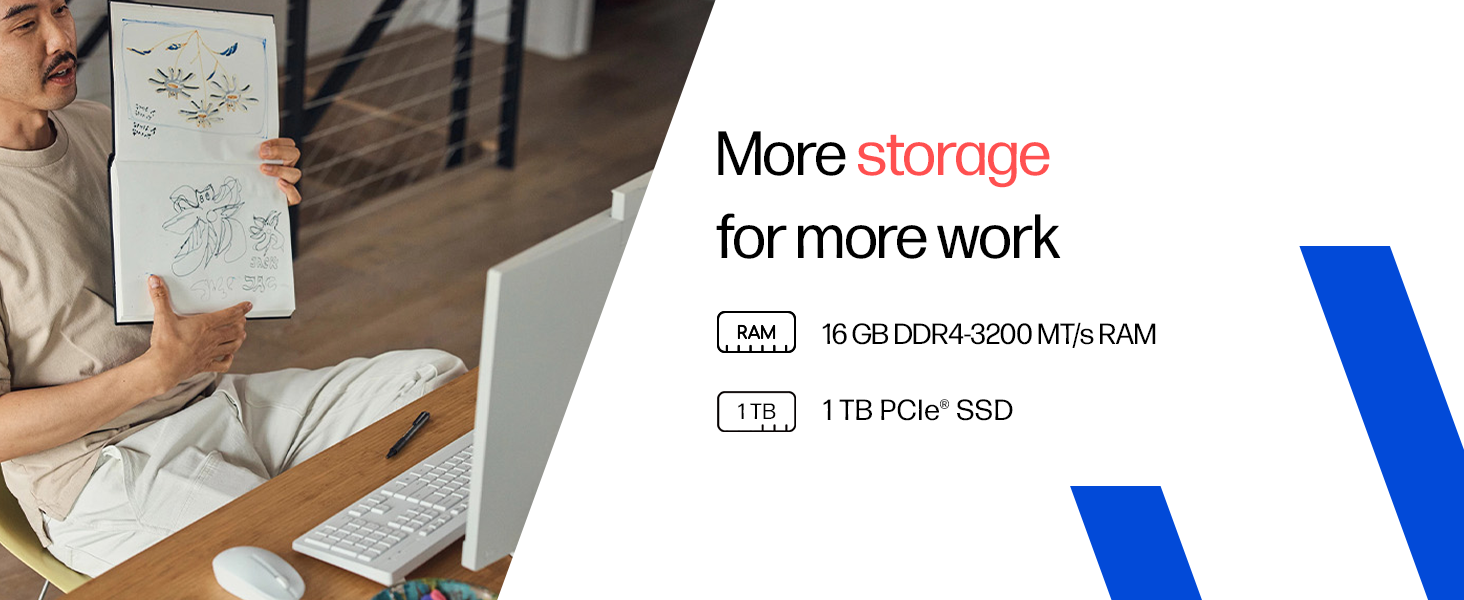
Image: Details on the 16GB DDR4 RAM and 1TB PCIe SSD for efficient performance and storage.
6. Garantia i Suport
6.1 Informació de la garantia
Your HP All-in-One PC comes with a 1 any de garantia del fabricant on the device from the date of purchase. Please retain your proof of purchase for warranty claims.
6.2 Suport tècnic
For any technical or product-related queries, please contact HP customer support:
- Números gratuïts: 1800-258-7170 or 1860-258-3079
- Fabricant: HP India Sales Pvt. Ltd.
For additional support resources, visit the official HP support weblloc.