
1. Introducció
This manual provides essential information for using your Samsung Galaxy Tab S10 Lite. Please read it carefully to ensure proper operation and to maximize your device's capabilities. The Samsung Galaxy Tab S10 Lite is a versatile Wi-Fi tablet designed for entertainment, productivity, and creative tasks, featuring a large 10.9-inch display and S-Pen support.
2. Què hi ha a la caixa
Upon unboxing your Samsung Galaxy Tab S10 Lite, verify that all components are present. The standard package includes:
- Samsung Galaxy Tab S10 Lite device
- S-Pen
- Cable USB-Type C
- Ejector Pin (for microSD card slot)
- 256GB Micro SD Card (as part of the bundle)
Note: A wall charger is NOT included with this model. Please use a compatible USB-C power adapter for charging.
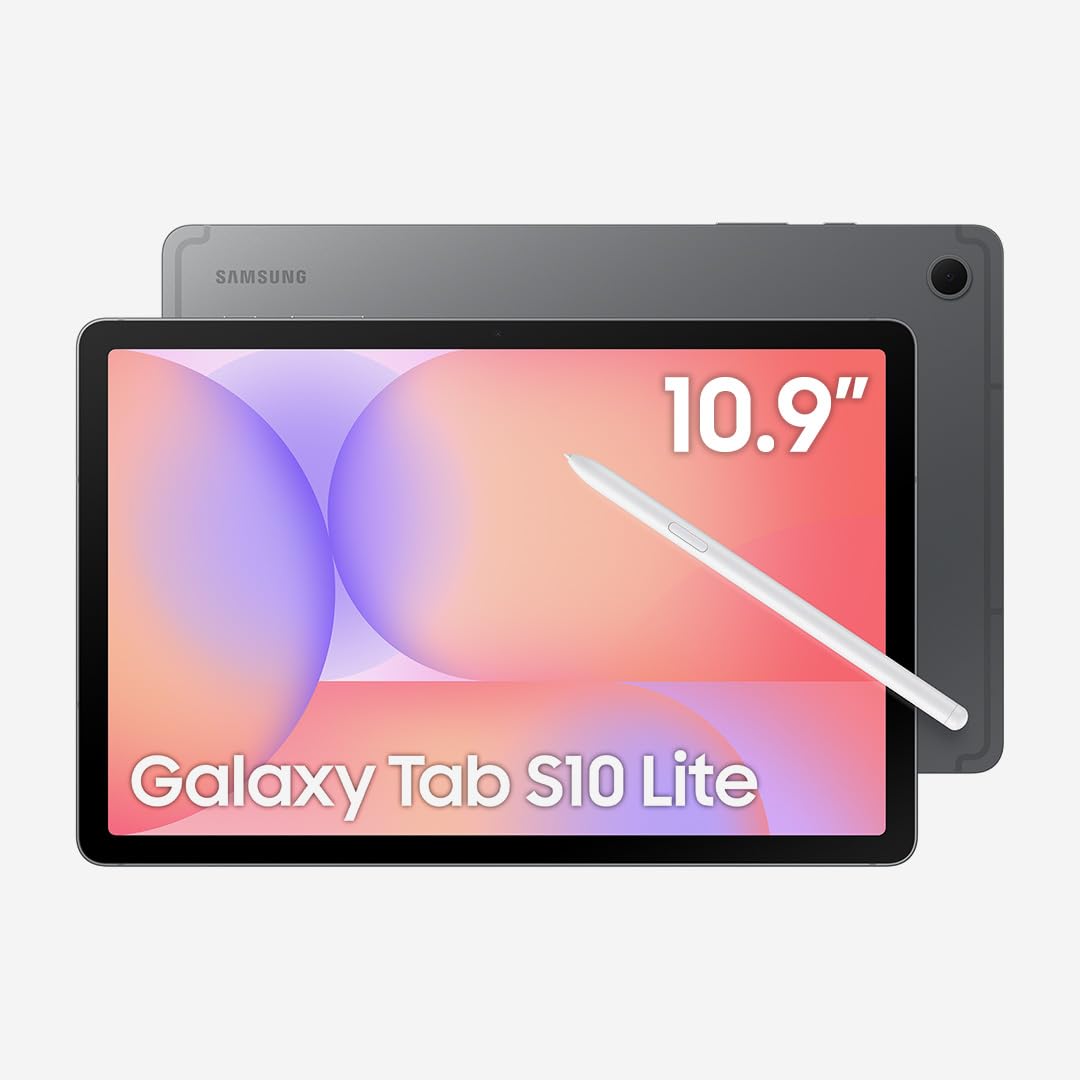
Image: Samsung Galaxy Tab S10 Lite and included accessories.
3. Configuració
3.1. Encès / apagat
To power on your tablet, press and hold the Power button located on the side until the Samsung logo appears. To power off, press and hold the Power button, then select "Power off" from the options on the screen.
3.2. Configuració inicial
Follow the on-screen prompts to complete the initial setup. This includes selecting your language, connecting to a Wi-Fi network, signing in with your Google account, and setting up security features like a PIN or fingerprint.
3.3. Ús de l'S-Pen
The included S-Pen enhances your tablet experience, allowing for precise writing, drawing, and navigation. The S-Pen magnetically attaches to the back of the tablet for storage and charging.

Image: S-Pen magnetically attaching to the back of the tablet.
To use the S-Pen, simply detach it and begin interacting with the screen. The tablet's display is highly responsive to S-Pen input, mimicking the feel of writing on paper.

Image: Using the S-Pen for writing on the tablet screen.
The S-Pen supports various intelligent features, including note organization, drawing tools, and even mathematical problem-solving assistance.

Image: S-Pen features for creative and organizational tasks.
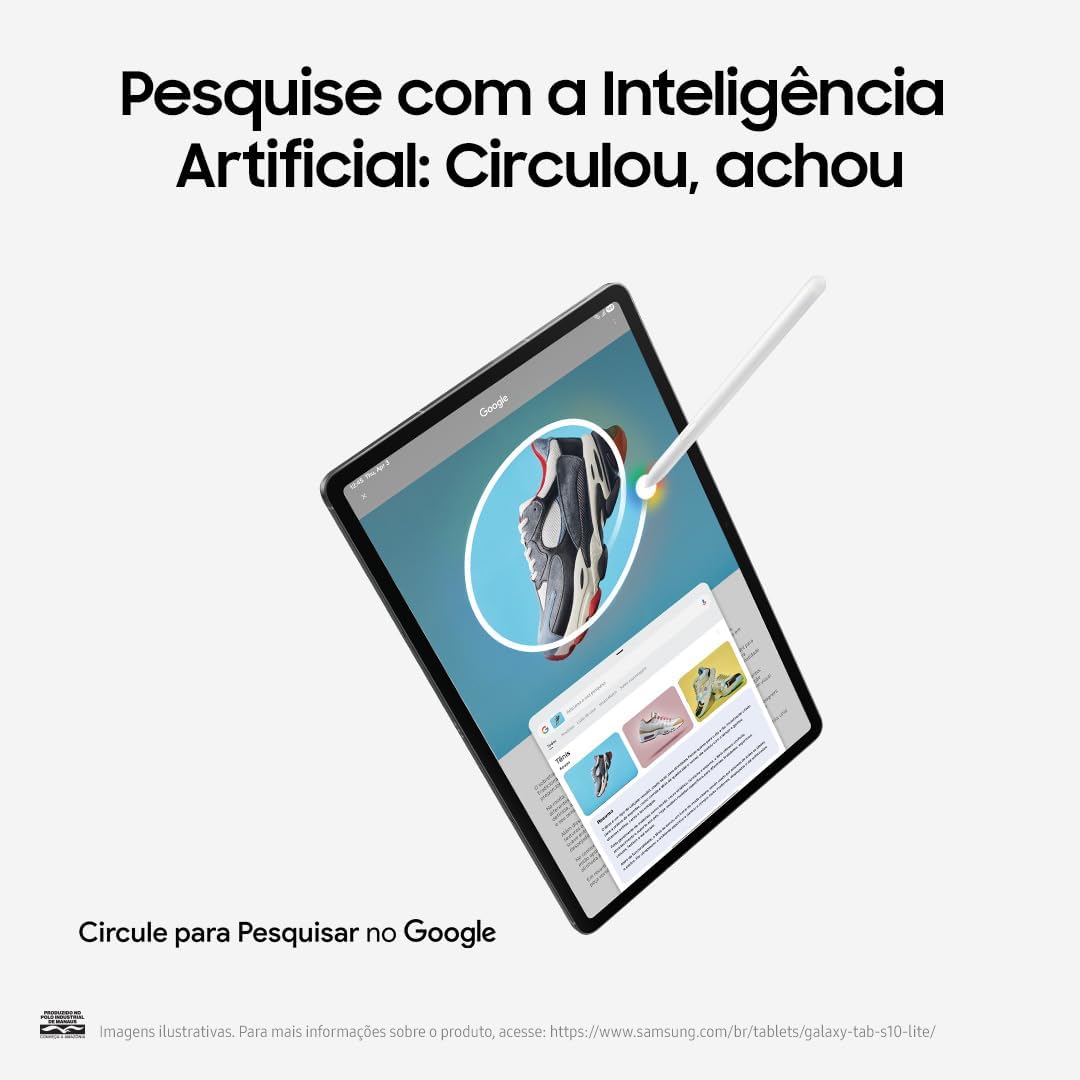
Image: Object eraser function using the S-Pen.

Image: 'Circle to Search' functionality with the S-Pen.
3.4. Connexió Wi-Fi
Per connectar-vos a una xarxa Wi-Fi, aneu a Configuració > Connexions > Wi-Fi. Select your desired network and enter the password if prompted. This device is Wi-Fi Only and does not support cellular networks.
4. Com utilitzar la tauleta
4.1. Característiques de la pantalla
The Galaxy Tab S10 Lite features a 10.9-inch TFT LCD display with a 90Hz adaptive refresh rate, providing a smooth and fluid visual experience. The Vision Booster feature automatically adjusts screen brightness to your environment and reduces blue light to minimize eye strain.
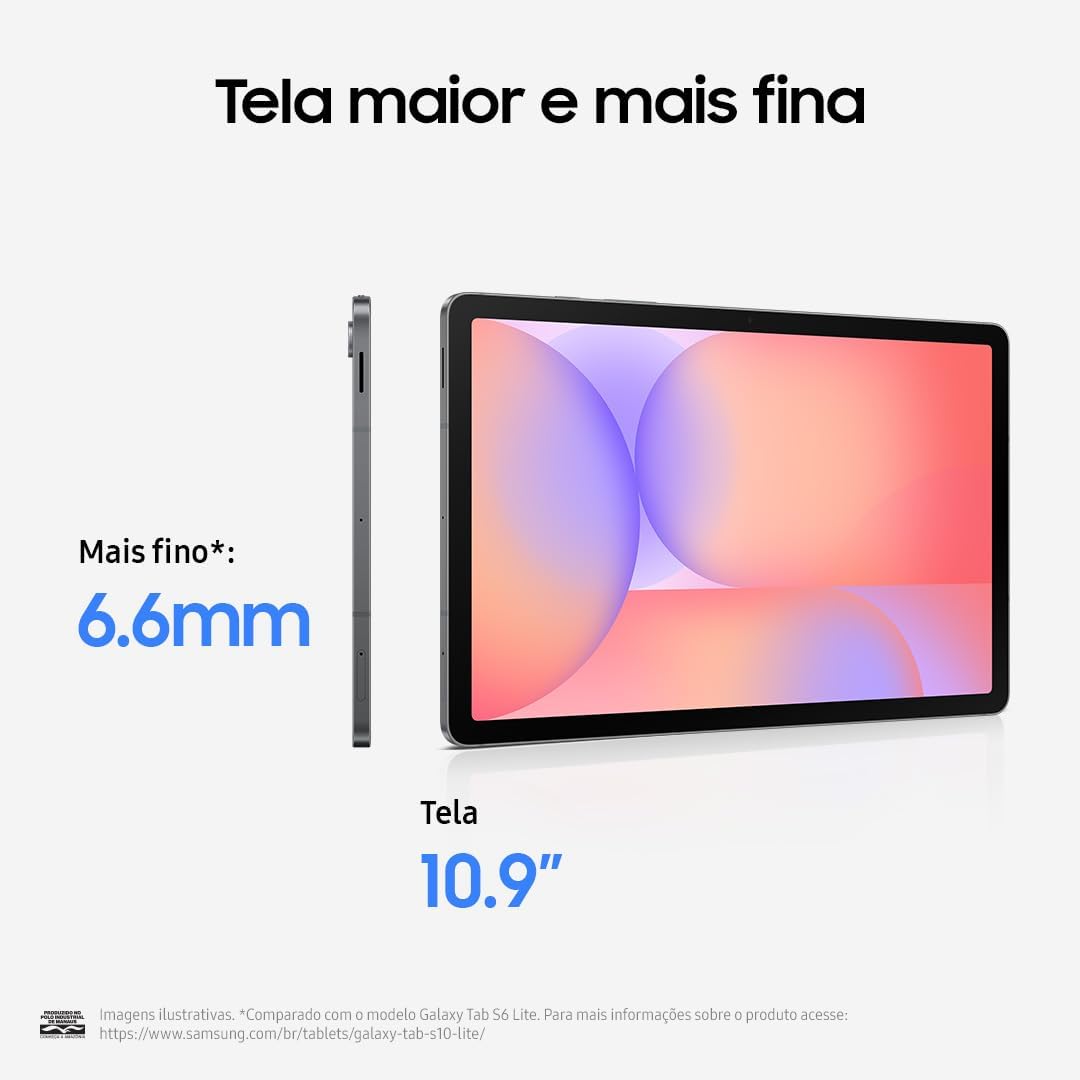
Imatge: Frontal view of the Samsung Galaxy Tab S10 Lite.
4.2. Rendiment
Powered by the Exynos 1380 (4nm) Octa-core processor and 6GB of RAM, the tablet delivers enhanced performance for multitasking, gaming, and streaming. It runs on Android 15 with Samsung's One UI 7, offering a clean and updated user experience.
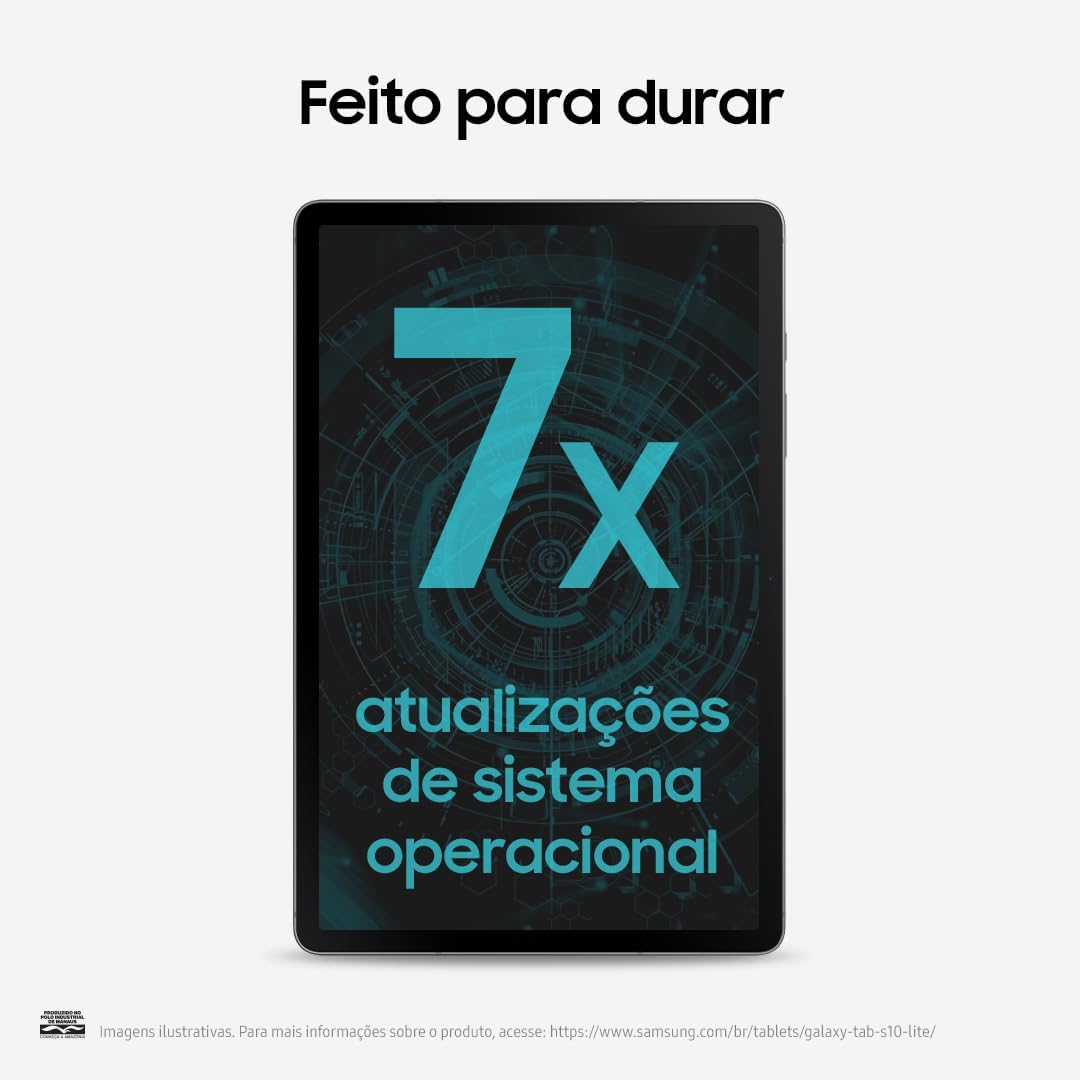
Image: Performance and battery features of the tablet.
4.3. Emmagatzematge
The tablet comes with 128GB of internal storage, expandable via a dedicated microSD card slot. A 256GB microSD card is included in this bundle, providing ampl'espai per al teu files, aplicacions i mitjans de comunicació.
4.4. Càmera
Capture moments with the 8MP wide rear camera and take selfies or video calls with the 5MP wide front camera.
4.5. Connectivitat
The tablet supports Bluetooth 5.3 for connecting wireless accessories and uses a USB Type-C 2.0 port for charging and data transfer.
4.6. Samsung Ecosystem & Quick Share
Enjoy a seamless experience across your Galaxy devices. Tasks can be started on your tablet and continued on your Galaxy phone. Quick Share allows for easy and fast file transfer between Galaxy and non-Galaxy devices.
5. Manteniment
5.1. Cura de la bateria
The 8000mAh battery provides all-day power. For optimal battery life, avoid extreme temperatures and use the provided USB-C cable with a compatible power adapter (not included). Fully charging the tablet typically takes a couple of hours.
5.2. Actualitzacions de programari
Keep your tablet's software up to date to ensure optimal performance, security, and access to the latest features. The device is designed for long-term support with multiple operating system updates.
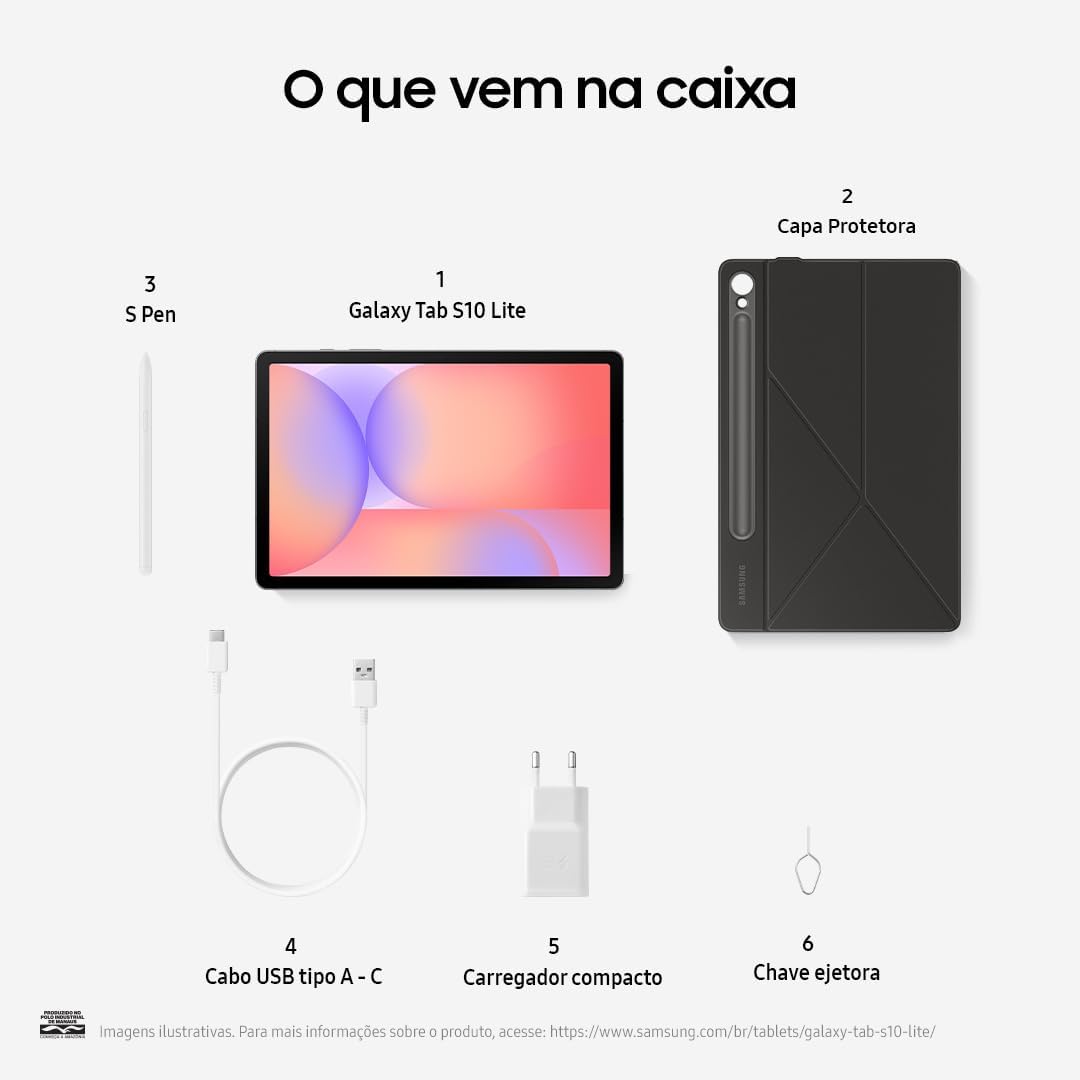
Image: Tablet highlighting its commitment to multiple system updates.
5.3. Durabilitat
The Galaxy Tab S10 Lite features IP42 durability, offering protection against limited dust ingress and water spray from any direction. While durable, avoid exposing the device to excessive dust or water.
6. Solució De Problemes
If you encounter issues with your tablet, consider the following basic troubleshooting steps:
- El dispositiu no s'encén: Ensure the battery is charged. Connect the tablet to a power source using the USB-C cable and a compatible adapter.
- La pantalla no respon: Try restarting the device by holding the Power button for an extended period (usually 10-15 seconds) until it reboots.
- Problemes de connexió Wi-Fi: Check your router and ensure it's working correctly. Restart your tablet and try reconnecting to the Wi-Fi network.
- L'S-Pen no respon: Ensure the S-Pen is properly attached to the tablet's magnetic strip to charge. If issues persist, restart the tablet.
- Rendiment lent: Close unused applications, clear cache, or restart the tablet. Ensure your software is up to date.
For more complex issues, refer to Samsung's official support weblloc o contacteu amb el servei d'atenció al client.
7. Especificacions
| Característica | Detall |
|---|---|
| Nom del model | Galaxy Tab S10 Lite (Model X400) |
| Mostra | 10.9-inch TFT LCD, 1320 x 2112 pixels, 90Hz adaptive refresh rate |
| Processador | Exynos 1380 (4 nm) Octa-nucli |
| RAM | 6 GB |
| Emmagatzematge intern | 128 GB (Expandable via microSD up to 2TB) |
| Sistema operatiu | Android 15, One UI 7 |
| Càmera posterior | 8MP (Wide) |
| Càmera frontal | 5MP (Wide) |
| Bateria | 8000 mAh |
| Connectivitat | Wi-Fi 6 (802.11ax), Bluetooth 5.3, USB Type-C 2.0 |
| Durabilitat | IP42 |
| Dimensions (LxWxH) | 10.01 x 6.53 x 0.26 polzades |
| Pes | 1.16 lliures |
8. Garantia i Suport
This is an International Model and does not come with a U.S. manufacturer warranty. Seller return policy applies. For specific warranty details and support, please refer to the seller's terms and conditions or contact them directly.
For general product information and support resources, you may visit the official Samsung support weblloc.