
Introducció
Welcome to the BIGGERFIVE Brave 3 Kids Smart Fitness Watch user manual. This guide provides detailed instructions on how to set up, operate, and maintain your new smart watch. Designed for children aged 5-16, the Brave 3 offers a range of features to promote healthy habits and provide engaging entertainment, all without requiring a phone connection for core functions.
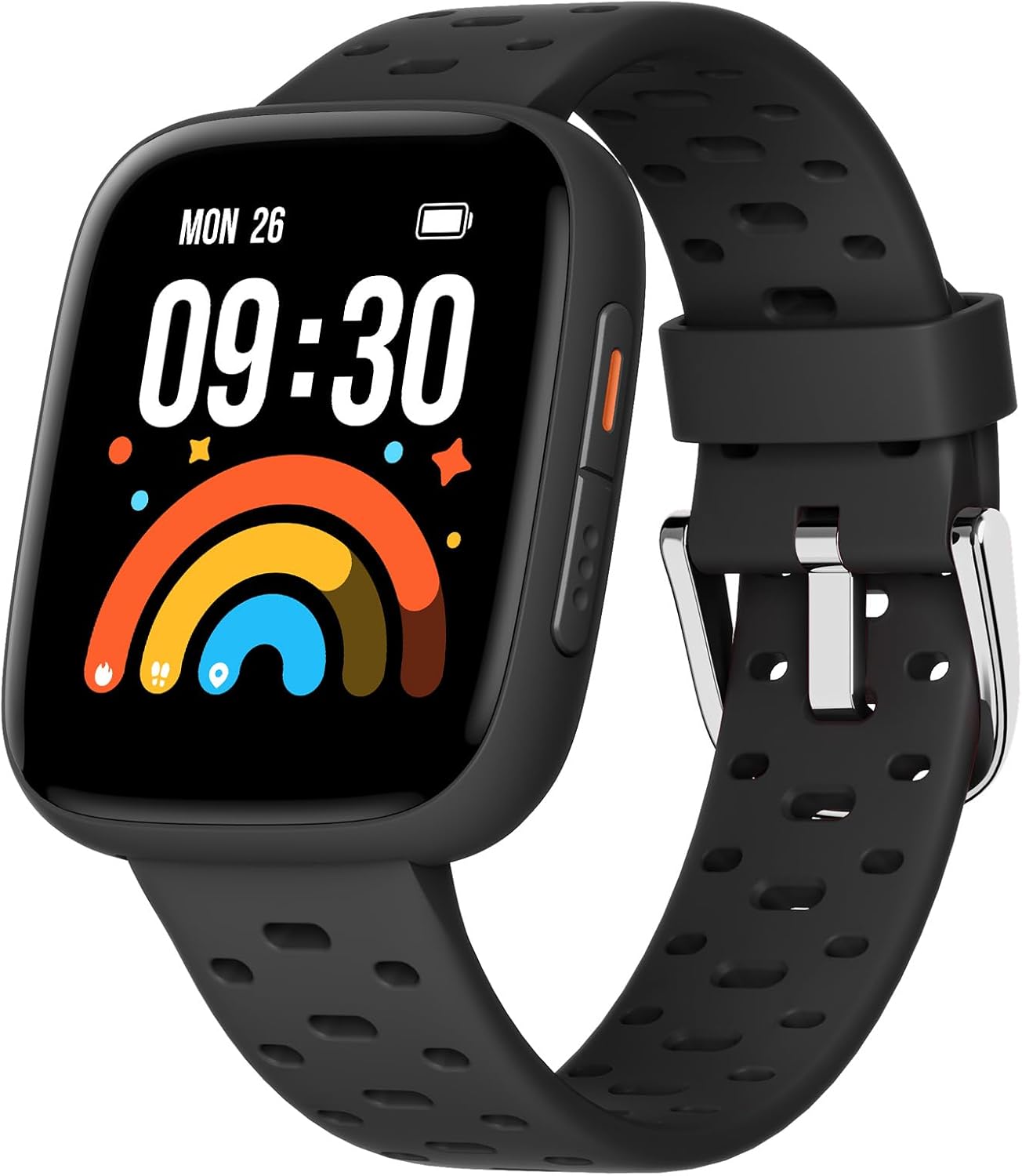
Image: The BIGGERFIVE Brave 3 Kids Smart Fitness Watch in black, showcasinpel seu disseny elegant i la seva pantalla digital.
Què hi ha a la caixa
Upon unboxing your BIGGERFIVE Brave 3 Smart Fitness Watch, you should find the following items:
- BIGGERFIVE Brave 3 Smart Fitness Watch
- Cable de càrrega
- Manual d'usuari (aquest document)
Configuració
1. Càrrec inicial
Before first use, fully charge your Brave 3 Smart Fitness Watch. Connect the magnetic charging cable to the charging points on the back of the watch and plug the USB end into a compatible power source (e.g., computer USB port, USB wall adapter). The watch screen will display the charging status.

Image: The BIGGERFIVE Brave 3 Smart Fitness Watch connected to its magnetic charging cable, displaying the charging progress on screen.
2. Encendre/apagar
- Encès: Premeu i manteniu premut el botó lateral fins que la pantalla s'il·lumini.
- Apagar: Navigate to 'Settings' on the watch, then select 'Power Off'. Confirm your selection.
3. Connexió a l'aplicació (opcional)
The Brave 3 watch can function independently without an app. However, for enhanced features like parental controls, additional watch faces, and detailed data history, you can connect it to the BIGGERFIVE app on a smartphone.
- Download the 'BIGGERFIVE' app from your smartphone's app store.
- Follow the in-app instructions to pair your watch via Bluetooth.
- Bluetooth can be turned off on the watch when not needed to conserve battery and reduce radiation.
4. Configuració bàsica
After powering on, you can set the device language and measurement units directly on the watch screen.

Image: A close-up of the BIGGERFIVE Brave 3 watch screen showing various settings options, including Bluetooth control.
Funcionament del rellotge
1. Navegació
The Brave 3 features a 1.8-inch AMOLED touchscreen for easy navigation:
- Llisca cap amunt/avall: Desplaça't pels menús i les notificacions.
- Llisca cap a l'esquerra/dreta: Access quick views like activity data, heart rate, and weather.
- Toca: Seleccioneu un element o obriu una aplicació.
- Botó lateral: Premeu per tornar a la pantalla d'inici o activar la pantalla.

Image: A child wearing the BIGGERFIVE Brave 3 Smart Fitness Watch, demonstrating touchscreen interaction.
2. Esferes de rellotge
Customize your watch's appearance with over 100 cloud dials available through the BIGGERFIVE app, or choose from several built-in watch faces directly on the device.
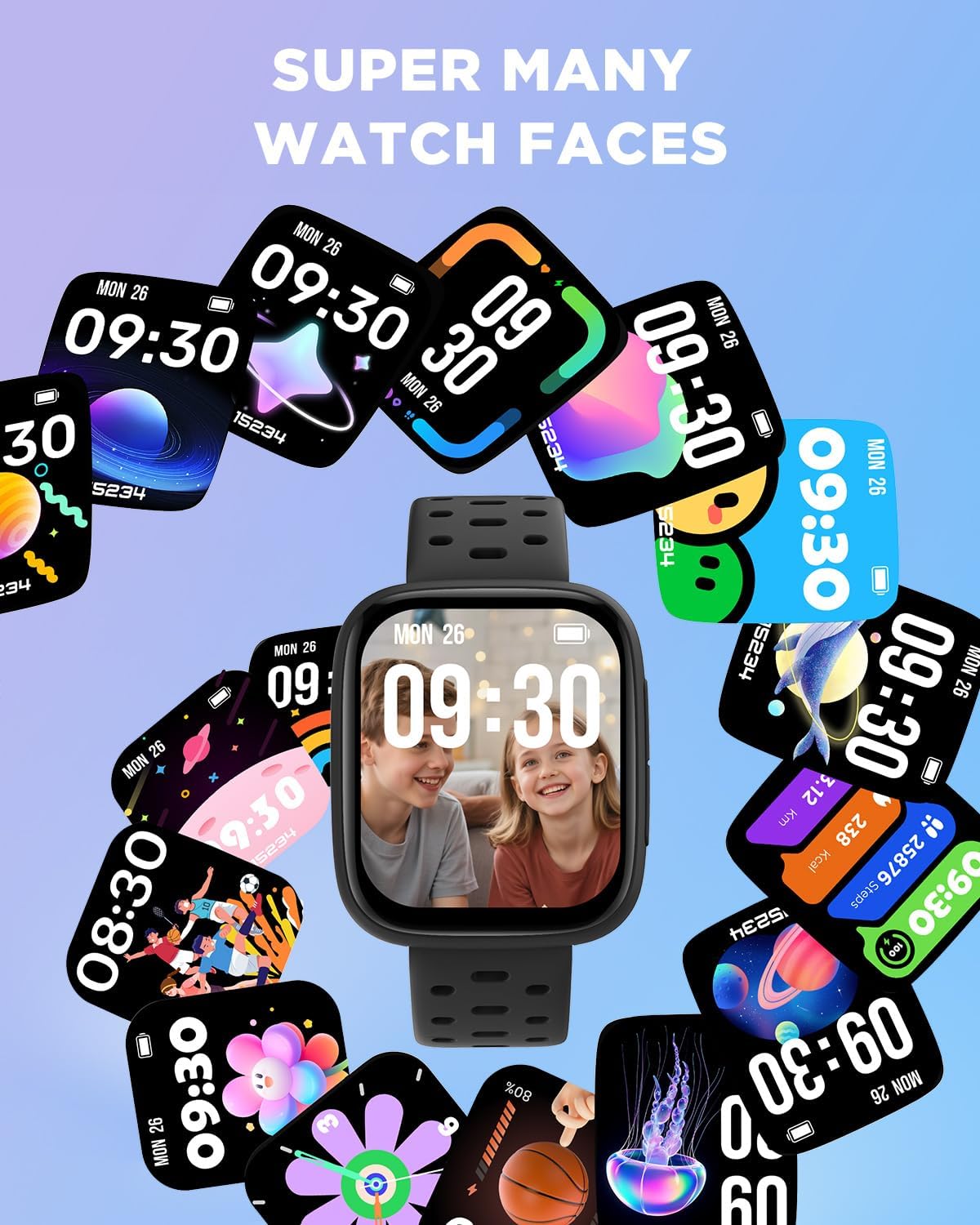
Image: A collage of various colorful watch faces displayed on the BIGGERFIVE Brave 3 Smart Fitness Watch.
3. Seguiment d'activitat
The Brave 3 automatically tracks daily activity, including steps, distance, and calories burned. View your progress directly on the watch or through the connected app.

Image: The BIGGERFIVE Brave 3 Smart Fitness Watch displaying activity rings for steps, distance, and calories.
4. Monitorització del ritme cardíac
Monitor real-time heart rate to understand activity intensity and overall well-being. Ensure the watch is worn snugly on the wrist for accurate readings.

Image: The BIGGERFIVE Brave 3 Smart Fitness Watch displaying current heart rate data.
5. Seguiment del son
The watch tracks sleep patterns, including awake, REM, light, and deep sleep stages, to help promote healthy rest habits. Data can be viewed on the watch or in the app.
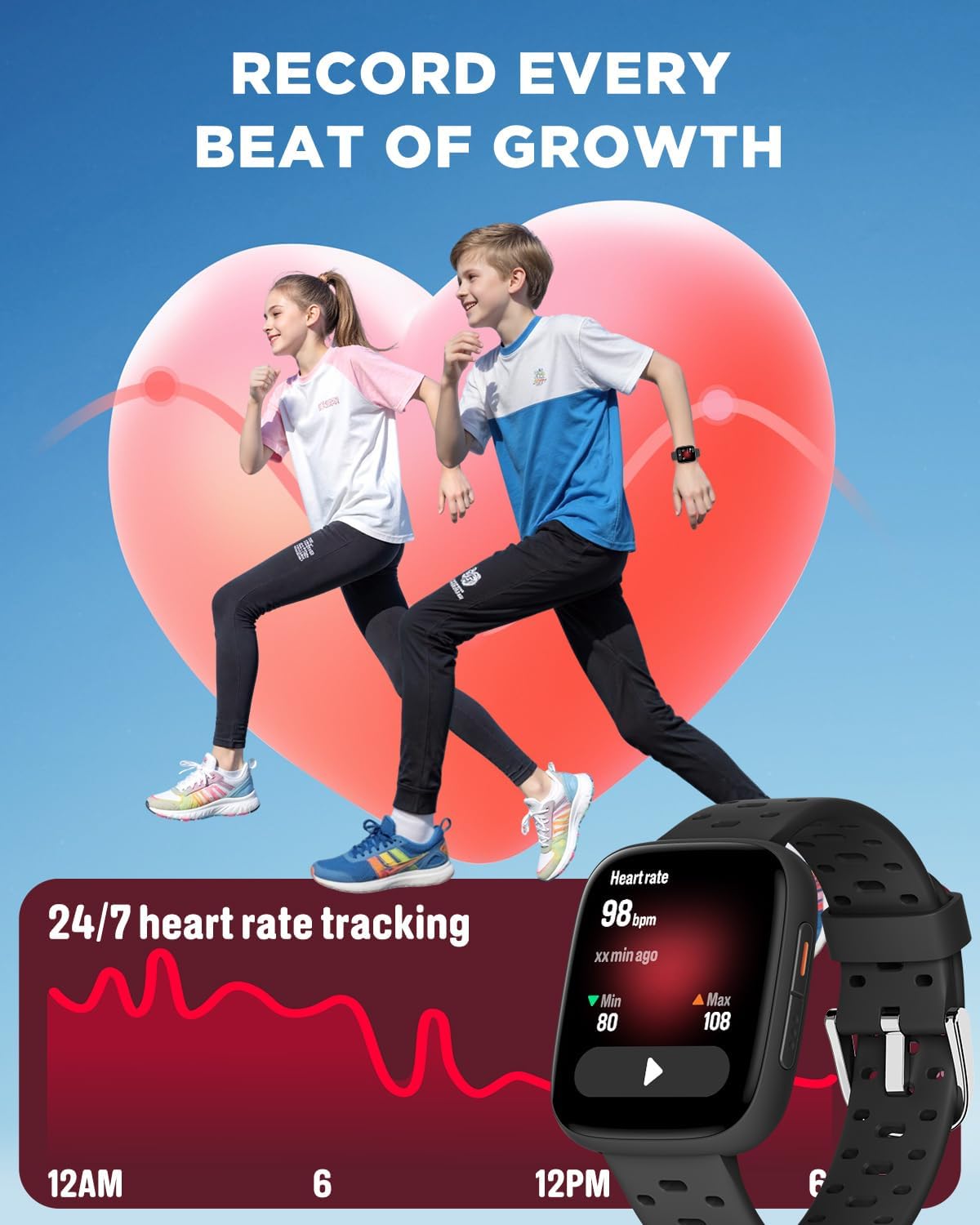
Image: The BIGGERFIVE Brave 3 Smart Fitness Watch screen showing a graph of sleep duration and quality.
6. Alarms & Reminders
Set up to 10 daily alarms with vibrate mode to remind your child about various activities, such as waking up, homework, or bedtime. This feature helps in developing regular routines.
7. Modes esportius
The Brave 3 supports over 100 sports modes, including walking, running, cycling, swimming, basketball, and more. Select a mode to track specific workout data.

Image: The BIGGERFIVE Brave 3 Smart Fitness Watch displaying various sports modes like running, cycling, and swimming.
8. Puzzle Games
The watch includes 7 built-in puzzle games designed to train reaction and calculation abilities. Parents can restrict game time or hide games via the watch settings or the app.

Image: The BIGGERFIVE Brave 3 Smart Fitness Watch displaying a selection of its built-in puzzle games.
9. Informació sobre l'impermeabilitat
The Brave 3 is 30m waterproof, making it suitable for swimming and water sports. It is not recommended for use in seawater.
Manteniment
1. Neteja
Netegeu regularment el rellotge i la corretja amb un drap suau i sec.amp cloth. Avoid harsh chemicals or abrasive materials that could damage the device.
2. Càrrega
Charge the watch using the provided magnetic charging cable. A full charge takes approximately 2 hours. Avoid overcharging to prolong battery life.
3. Consells sobre la durada de la bateria
- Turn off Bluetooth when not actively syncing with the app.
- Redueix la brillantor de la pantalla.
- Limit frequent use of power-intensive features like continuous heart rate monitoring if not essential.
Resolució de problemes
- El rellotge no s'encén: Ensure the watch is fully charged. If it still doesn't turn on, try connecting it to the charger for a few minutes.
- Inaccurate heart rate/step readings: Ensure the watch is worn snugly on the wrist, not too loose or too tight. Clean the sensor on the back of the watch.
- Problemes de connexió de l'aplicació: Make sure Bluetooth is enabled on both the watch and the smartphone. Restart both devices and try pairing again. Ensure the BIGGERFIVE app is up to date.
- La pantalla no respon: Try restarting the watch by holding the side button for an extended period (usually 10-15 seconds) until it reboots.
Especificacions
| Característica | Detall |
|---|---|
| Nom del model | BW03 |
| Mida de la pantalla | AMOLED d'1.8 polzades |
| Connectivitat | Bluetooth |
| Capacitat de la bateria | 350 milionsamp Hores (ions de liti) |
| Durada de la bateria (ús normal) | Fins a 7 dies |
| Temps de càrrega | Aprox. 2 hores |
| Classificació impermeable | 30m (suitable for swimming, not seawater) |
| Característiques especials | Step Counter, Heart Rate, Sleep Monitor, Vibrating Alarm, Puzzle Games |
| Pes de l'article | 1.41 unces |
| Dimensions del producte | 9.29 x 1.42 x 0.35 polzades |
Vídeos oficials de productes
Details for the Kids Watch No Phone Needed
Vídeo: Un overview of the BIGGERFIVE Brave 3 Kids Smart Fitness Watch, highlighting its key features and benefits for children and parents.
Kids Smart Watch 1.83in AMOLED Fitness Tracker
Video: A demonstration of the BIGGERFIVE Brave 3 Kids Smart Fitness Watch, showcasing its AMOLED screen, fitness tracking capabilities, and user interface.
Garantia i suport
Informació de la garantia
The BIGGERFIVE Brave 3 Smart Fitness Watch comes with a standard manufacturer's warranty. Please refer to the warranty card included in your product packaging for specific terms and conditions. Keep your proof of purchase for warranty claims.
Atenció al client
For any questions, technical assistance, or support needs, please contact BIGGERFIVE customer service. You can typically find contact information on the official BIGGERFIVE website or through the BIGGERFIVE app.