
RAPIQUE R306C
Manual d'usuari del ratolí sense fil USB C RAPIQUE R306C
Model: R306C | Brand: RAPIQUE
Introducció
This manual provides detailed instructions for the RAPIQUE R306C USB C Wireless Mouse. Designed for modern USB-C devices, this ultra-slim and portable mouse offers silent clicks, adjustable DPI, and long battery life. Please read this manual thoroughly to ensure proper use and maintenance of your device.
Configuració
1. Instal·lació de la bateria
The RAPIQUE R306C mouse requires one AA battery (not included). To install the battery, gently slide open the battery compartment cover located on the underside of the mouse. Insert the AA battery, ensuring correct polarity (+/-), then close the cover securely.

Image: The underside of the mouse with the battery compartment visible. The DPI switch and On/Off switch are also shown.
2. USB-C Receiver Connection
Locate the small USB-C receiver. Plug this receiver directly into an available USB-C port on your laptop, MacBook, iPad Pro, Android tablet, or other compatible USB-C device. The mouse is plug-and-play, meaning no additional drivers are typically required for operation.

Image: The RAPIQUE R306C mouse on a desk with a laptop, illustrating the USB-C receiver plugged into the laptop's port.
3. Encès
Slide the ON/OFF switch on the bottom of the mouse to the 'ON' position. The mouse should now be ready for use.
Instruccions de funcionament
1. Silent Click & Smooth Scroll
The R306C mouse features silent click buttons and a soft, silent scroll wheel. This design minimizes noise, making it suitable for quiet environments such as offices or libraries. Please note that the mouse wheel is designed for vertical scrolling only (up and down).
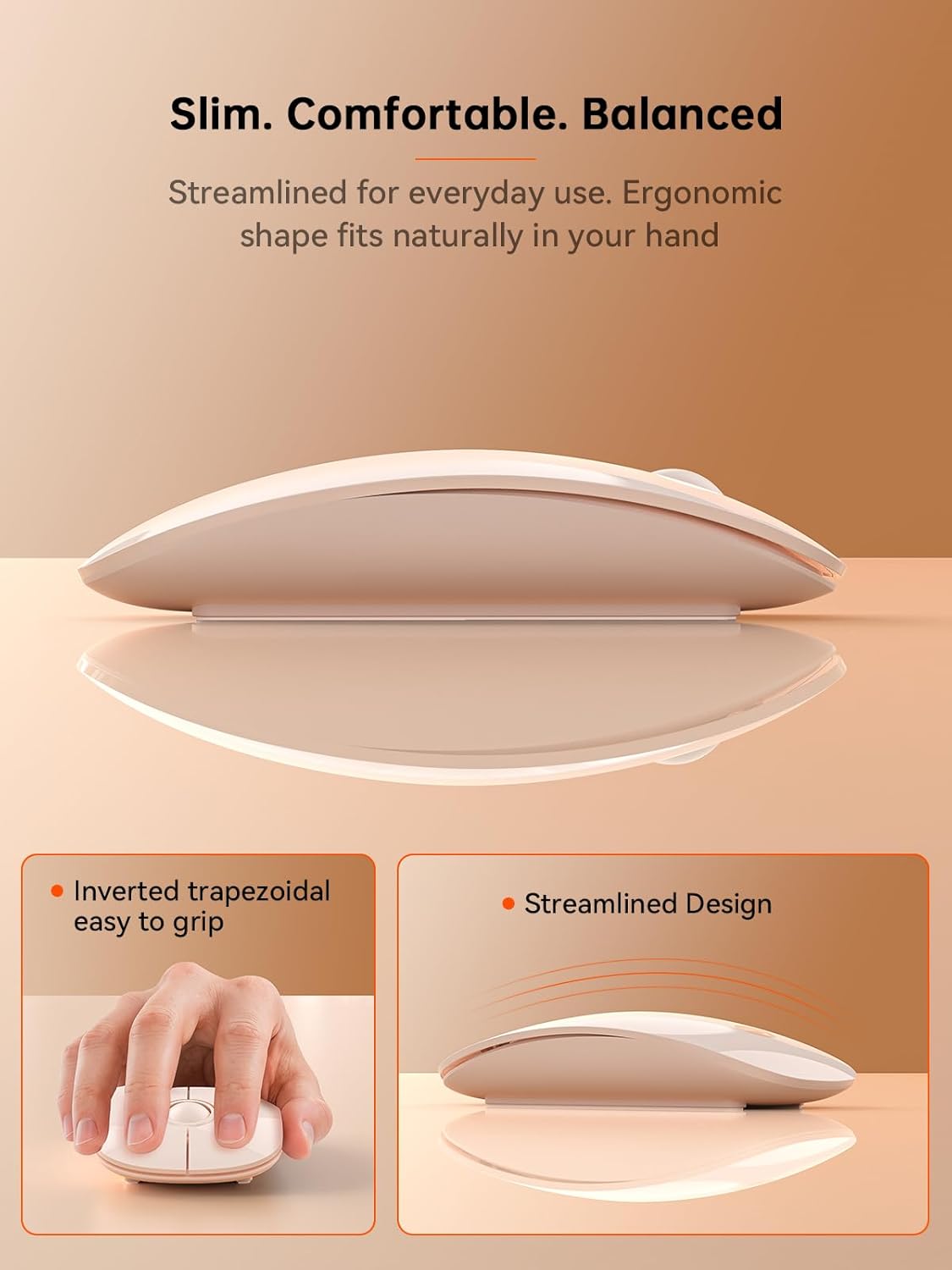
Imatge: Una imatge detallada view of the mouse's scroll wheel, emphasizing its quiet click and smooth scrolling capabilities.
2. Adjustable DPI
Adjust the mouse sensitivity (DPI) to match your preference or task. The mouse offers three DPI settings: 800, 1200, and 1600. To switch between DPI levels, press the DPI button located on the underside of the mouse. Each press cycles through the available settings.
3. Gestió d'energia
The mouse is powered by one AA battery and can provide up to 480 hours of use (battery life may vary based on usage). It features a smart auto-sleep mode that conserves power when the mouse is idle. For extended periods of non-use, slide the ON/OFF switch to the 'OFF' position to further extend battery life.
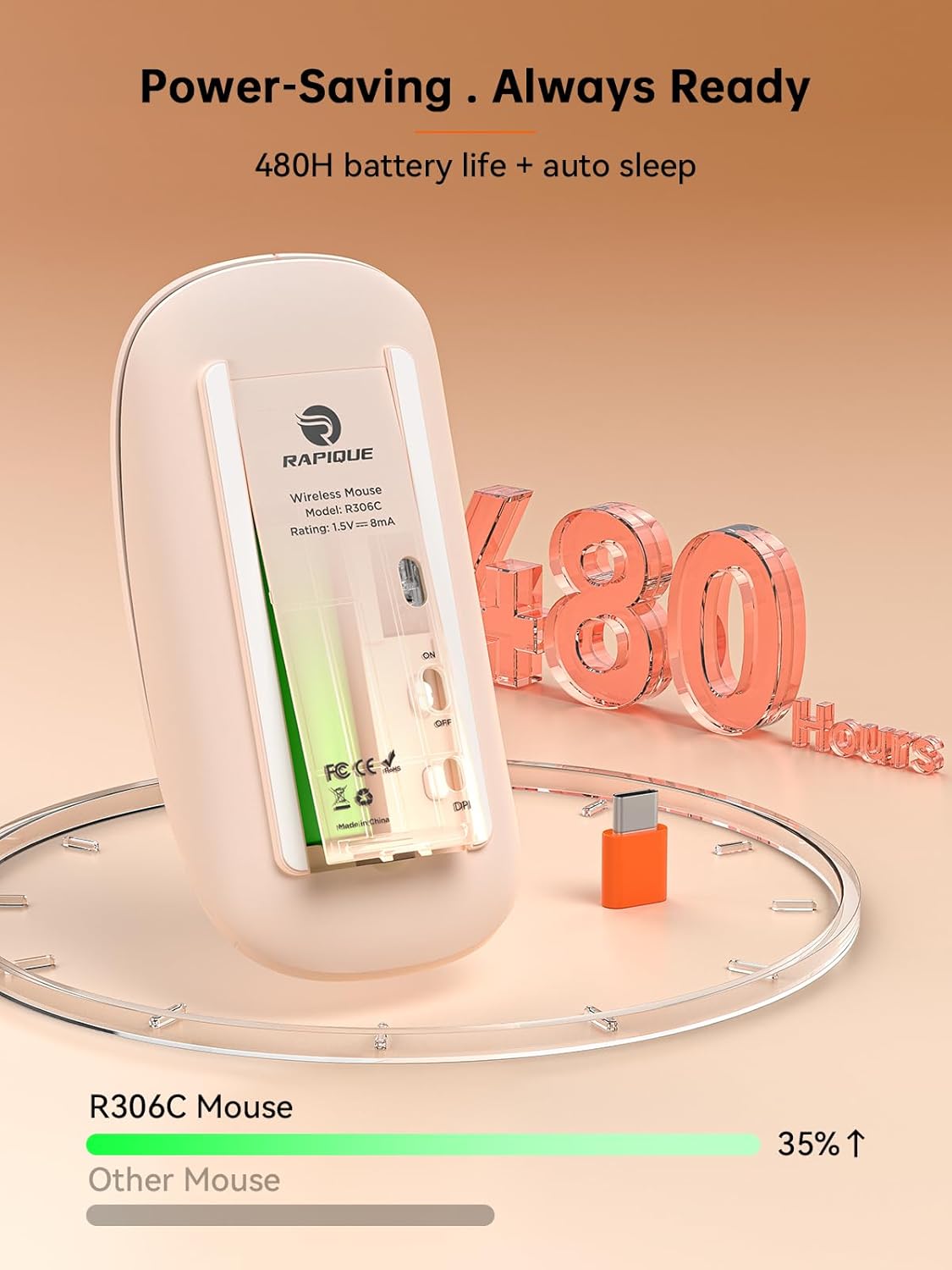
Image: The RAPIQUE R306C mouse shown with an overlay graphic indicating its 480-hour battery life and power-saving features.
4. Compatibilitat
The RAPIQUE R306C is compatible with USB-C devices, including MacBook Air, MacBook Pro, Mac, iPad Pro/Air, Android tablets, and other modern computers with a USB-C port.
Manteniment
1. Substitució de la bateria
When the mouse's performance diminishes or it stops responding, it may be time to replace the AA battery. Open the battery compartment on the underside of the mouse, remove the old battery, and insert a new AA battery with the correct polarity. Close the compartment cover firmly.
2. Neteja
Per netejar el ratolí, feu servir un drap suau i sec. Per a la brutícia persistent, feu servir un drap lleugerament sec.amp es pot fer servir un drap, però assegureu-vos que no entri humitat als components interns. Eviteu utilitzar productes químics agressius o materials abrasius.
Resolució de problemes
- El ratolí no respon: Ensure the USB-C receiver is securely plugged into your device and the mouse's ON/OFF switch is in the 'ON' position. Check if the battery needs replacement.
- El moviment del cursor és erràtic o lent: Try adjusting the DPI setting using the DPI button on the underside of the mouse. Ensure the mouse is used on a clean, flat surface.
- Problemes de connexió: Try plugging the USB-C receiver into a different USB-C port on your device. Ensure there are no significant obstructions or sources of interference (e.g., other wireless devices) between the mouse and the receiver.
- Scroll wheel not working: Verify that the scroll wheel is free from debris. The scroll wheel only supports vertical scrolling.
Especificacions
| Número de model | R306C |
| Tecnologia de connectivitat | 2.4GHz Wireless (via USB-C receiver) |
| Tecnologia de detecció de moviment | Òptic |
| Nivells de DPI | 800 / 1200 / 1600 |
| Tipus de bateria | 1 bateria AA (no inclosa) |
| Durada de la bateria | Up to 480 hours (with auto-sleep mode) |
| Pes de l'article | 2.29 unces |
| Dimensions del paquet | 4.76 x 2.8 x 1.14 polzades |
| Característiques especials | Portable/Slim, Silent Click, USB C Connection, Wireless |
Garantia i Suport
RAPIQUE offers lifetime technical and service support for its products. If you encounter any issues or have questions regarding your R306C Wireless Mouse, please contact RAPIQUE customer service for assistance. Refer to the product packaging or the official RAPIQUE weblloc web per obtenir dades de contacte específiques.
Ask a question about this manual
Ask about setup, troubleshooting, compatibility, parts, safety, or missing instructions. Manuals+ will review the question and use this page’s manual context to help answer it.