
Introducció
This manual provides comprehensive instructions for the setup, operation, maintenance, and troubleshooting of your TAG Gamerz Titan RGB Black Gaming Headphone. Please read this manual carefully before using the product to ensure optimal performance and longevity.
Producte acabatview
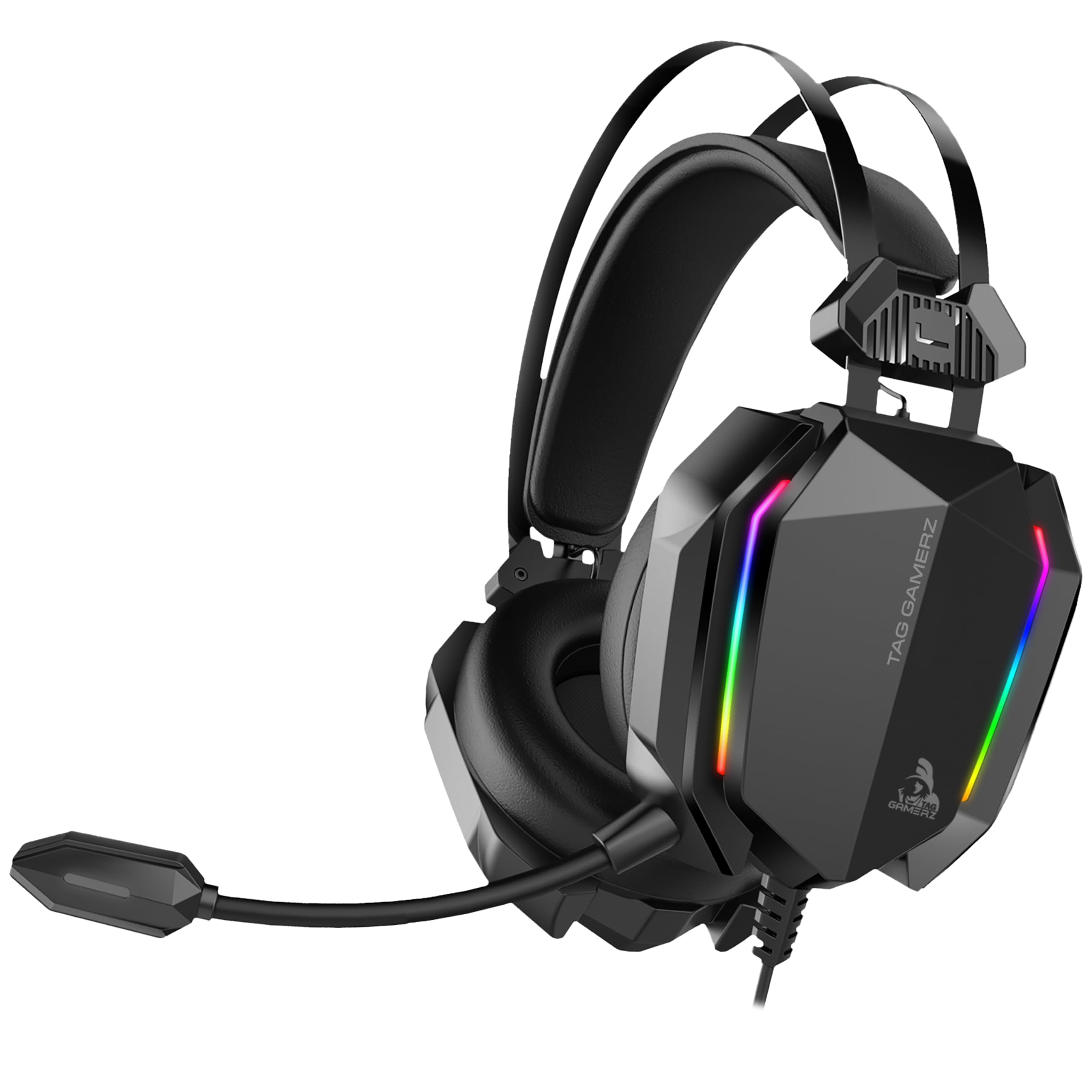
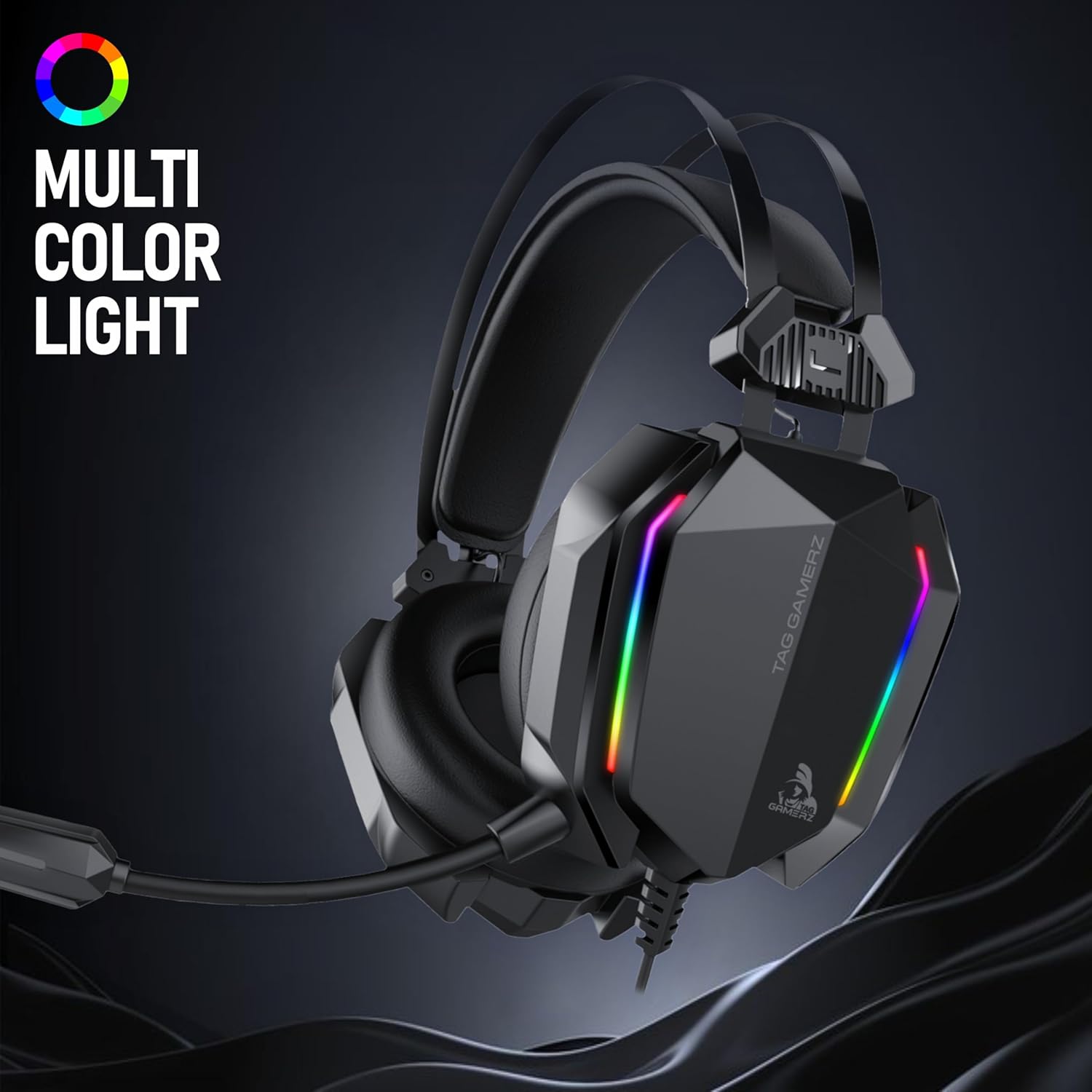
El TAG Gamerz Titan RGB Black Gaming Headphone is designed for immersive audio experiences across various platforms. It features 50mm neodymium drivers, a retractable noise-cancelling microphone, and customizable RGB lighting.
Característiques principals:
- Controladors de neodimi de 50 mm: Ofereix un àudio potent i clar.
- Retractable Noise-Cancelling Microphone: Garanteix una comunicació de veu clara.
- Adjustable Suspension Headband: Provides a comfortable fit for extended use.
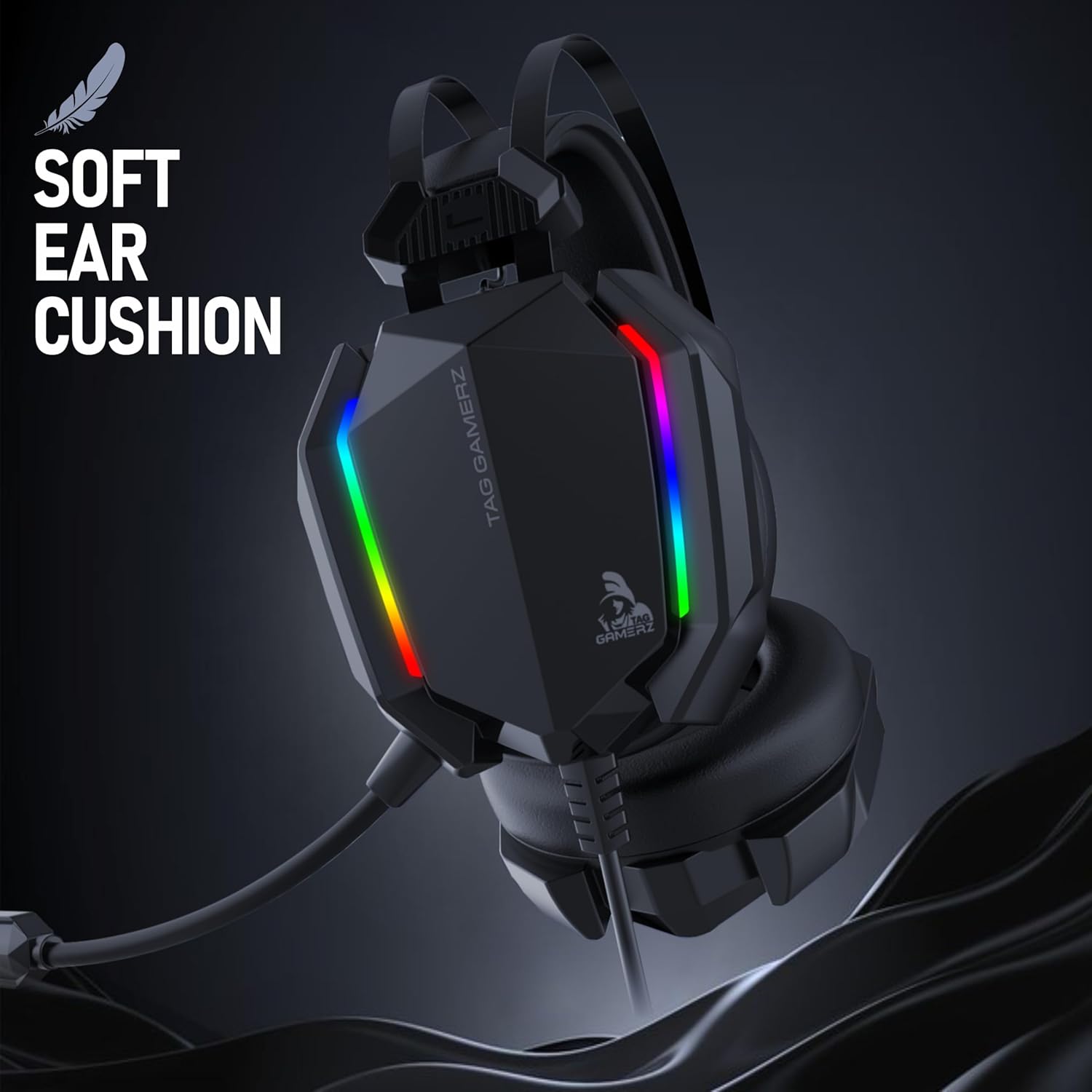
- Soft Over-Ear Ear Cups: Designed for maximum comfort and sound isolation.
- Connectivitat dual: 3.5mm audio jack for sound and USB for RGB lighting.
- In-line Volume Roller: For quick and easy audio adjustments.
- Durable 2m Tangle-Free Cable: Offers flexibility and longevity.
Components:
El vostre paquet inclou:
- TAG Gamerz Titan RGB Black Gaming Headphone (with integrated 3.5mm audio cable and USB cable)


Instruccions de configuració
- Connecta l'àudio: Plug the 3.5mm audio jack into the corresponding audio port on your PC, laptop, gaming console controller (e.g., PS5, Xbox), cellphone, or tablet. Ensure it is fully inserted for proper audio transmission.
- Connect USB for RGB Lighting: Plug the USB connector into an available USB port on your device (PC, laptop, console). This connection powers the headset's RGB lighting feature. The headset will function for audio even without the USB connected, but RGB lighting requires USB power.
- Ajustar la diadema: Place the headset on your head. The suspension headband will automatically adjust for a comfortable fit. Ensure the ear cups fully cover your ears.
- Posició del micròfon: Gently pull out the retractable microphone and bend it to a suitable position near your mouth for clear voice capture. When not in use, you can retract it back into the earcup.
- Comprovació inicial del volum: Before starting your activity, use the in-line volume roller to set the audio to a comfortable level.
Instruccions de funcionament
Control d'àudio:
- Ajust de volum: Use the volume roller located on the headset cable to increase or decrease the audio output level. Roll upwards to increase volume, downwards to decrease.
Ús del micròfon:
- Activating the Microphone: Extend the retractable microphone from the left earcup. Position it approximately 2-3 cm from your mouth for optimal voice clarity.
- Noise-Cancelling Feature: The microphone is designed with noise-cancelling technology to reduce ambient background noise, focusing on your voice.
- Silenciar: If your device or application has a microphone mute function, use that for quick muting. The headset itself does not have a dedicated mute button.
- Storing the Microphone: When not in use, gently push the microphone back into the earcup until it is fully retracted.
Il·luminació RGB:
- The RGB lighting on the earcups will automatically illuminate once the USB connector is plugged into a powered USB port.
- The lighting features a dynamic 7-color cycle. There are no user-adjustable settings for the RGB patterns or colors directly on the headset.
Compatibilitat del dispositiu:
The headset is compatible with devices featuring a 3.5mm audio jack and a USB port for RGB lighting, including:
- Ordinadors personals (PC)
- Portàtils
- Gaming Consoles (e.g., PlayStation 5, Xbox Series X/S via controller)
- Telèfons mòbils
- Tauletes
Manteniment
- Cleaning Ear Cups: Gently wipe the ear cups with a soft, damp cloth. Avoid using harsh chemicals or abrasive materials. Ensure the ear cups are dry before use.
- Neteja del cos dels auriculars: Use a dry, soft cloth to wipe the main body of the headset. Do not immerse the headset in water or any other liquid.
- Cura del cable: Avoid sharp bends, twists, or excessive pulling on the cable. Store the cable neatly when not in use to prevent tangling and damage.
- Emmagatzematge: Guardeu els auriculars en un lloc fresc i sec, allunyat de la llum solar directa i de temperatures extremes.
Resolució de problemes
| Problema | Causa possible | Solució |
|---|---|---|
| No hi ha àudio dels auriculars. |
|
|
| El micròfon no funciona. |
|
|
| La il·luminació RGB no funciona. |
|
|
| Els auriculars són incòmodes. |
|
|
Especificacions
| Característica | Detall |
|---|---|
| Número de model | TG-HP-TITAN-B |
| Mida del controlador | 50mm Neodymium Dynamic Drivers |
| Resposta de freqüència dels auriculars | 20 Hz - 20,000 Hz |
| Impedància dels auriculars | 32 ohms |
| Tipus de micròfon | Retractable, Noise-Cancelling |
| Resposta de freqüència del micròfon | 50 Hz - 16,000 Hz |
| Sensibilitat del micròfon | -45 dB ± 3 dB |
| Impedància del micròfon | 2.4 kOhms |
| Connectivitat | 3.5mm Audio Jack (4-pole), USB (for RGB Lighting) |
| Longitud del cable | 2 metres |
| Tipus de cable | Durable PVC, Tangle-Free |
| Pes | 200 grams |
| Material | Plàstic |
| Il·luminació RGB | 7-color dynamic cycle |
| Col·locació de l'orella | Sobre l'orella |
| Tipus de control | Corró de volum |
Garantia i Suport
Període de garantia: El teu TAG Gamerz Titan RGB Black Gaming Headphone comes with a 1-year manufacturer's warranty from the date of purchase. This warranty covers manufacturing defects under normal use.
For warranty claims, technical assistance, or any product-related inquiries, please contact TAG atenció al client:
- Telèfon d'assistència: 98201 63040
- Correu electrònic: support@technologyandgadgets.com
- Adreça del fabricant: Technology And Gadgets, Gala no.142/143, 1st Floor, Building no.6, Mittal Industrial Estate, Marol, Andheri (East), Mumbai - 400059, Maharashtra, India.
Si us plau, conserveu el comprovant de compra per validar la garantia.