
Introducció
This manual provides essential instructions for the proper setup, operation, and maintenance of your ASHATA Sport DV Camera. This device is designed for capturing high-resolution video and photos during outdoor activities, featuring a 170-degree wide-angle lens and IP67 waterproofing.
Contingut del paquet
Si us plau, verifiqueu que tots els elements que s'enumeren a continuació estiguin inclosos al vostre paquet:
- 1 x ASHATA Sport DV Camera
- 1 x suport
- 1 x Adhesive Sticker
- 1 x cable USB
- 1 x Manual d'usuari (aquest document)

Figure 1: Included components of the ASHATA Sport DV Camera package.
Configuració
1. Càrrega de la càmera
The camera has a built-in 450mAh battery. Before first use, fully charge the camera using the provided USB cable connected to a power source (e.g., computer USB port or USB wall adapter). The charging indicator light will show the charging status.
2. Inserció d'una targeta de memòria
The camera requires a storage card (maximum support 128GB, not included) to save recordings and photos. Locate the memory card slot on the camera and insert a compatible card. Ensure the card is inserted correctly to avoid damage.
Nota: If the blue light flashes upon power-on, it indicates that no memory card is inserted or the card is not recognized.
3. Muntatge de la càmera
The ASHATA Sport DV Camera is designed for versatile mounting. Use the included bracket and adhesive sticker to secure the camera to helmets, bicycles, motorcycles, or other compatible surfaces. Ensure the mount is stable and the camera is securely attached before use.

Figure 2: The camera securely mounted on a helmet, ready for action.
Instruccions de funcionament
1. Encès / apagat
Press and hold the power button to turn the device on. The blue indicator light will illuminate. To power off, press and hold the power button again until the light turns off.
2. Memory Card Status Indication
- If the blue light flashes, no memory card is inserted or detected.
- If the blue light stays on constantly, a memory card is inserted and ready for use.
3. Fer una foto
With the camera powered on and a memory card inserted, press the power switch once briefly to take a photo. The camera will capture an image at 1280 x 960 resolution.
4. Gravació de vídeo
To start video recording, press the record switch. The blue light will flash continuously, indicating that recording is in progress. The video resolution is 1280 x 960. To stop recording, press the record switch again. The blue light will stop flashing and return to a steady state.

Figura 3: Frontal view of the ASHATA Sport DV Camera, highlighting its wide-angle lens and resolution capabilities.
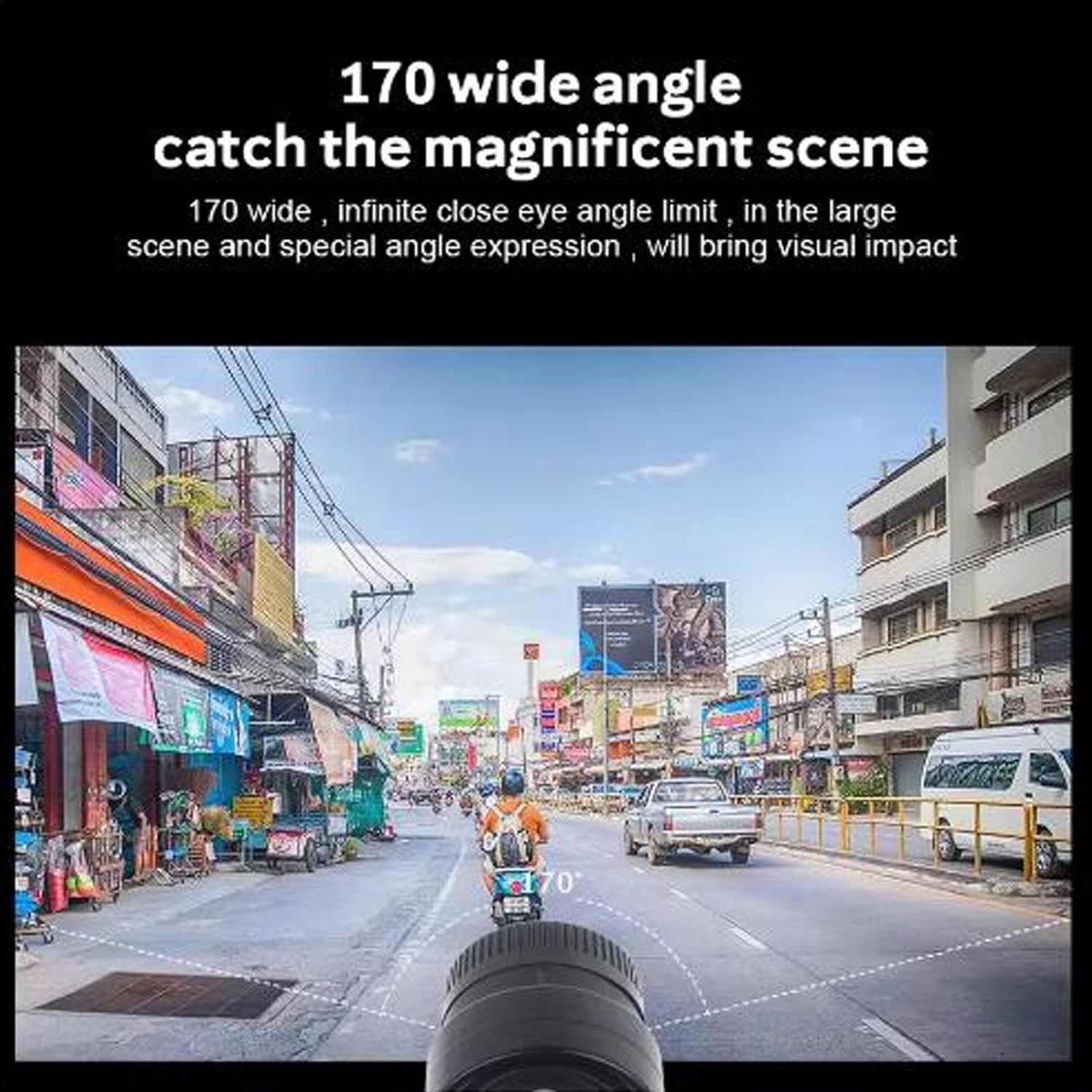
Figure 4: Illustration of the camera's 170-degree wide-angle field of view.
Manteniment
Neteja
The camera is IP67 waterproof, offering protection against dust and temporary immersion in water. After use in wet or dusty conditions, gently wipe the camera body with a soft, damp cloth. Ensure the lens is clean for optimal image quality. Do not use harsh chemicals or abrasive materials.
Cura de la bateria
To prolong battery life, avoid fully discharging the battery frequently. Store the camera in a cool, dry place when not in use for extended periods. Recharge the battery periodically if stored for a long time.
Resolució de problemes
- La càmera no s'encén: Ensure the battery is charged. Connect the camera to a power source using the USB cable and try again.
- Blue light flashes continuously: This indicates no memory card is inserted or the inserted card is not recognized. Insert a compatible memory card (up to 128GB) or re-insert the existing one. Ensure it is properly seated.
- Mala qualitat d'imatge/vídeo: Check if the lens is clean and free from smudges or dirt. Ensure there is adequate lighting for recording.
- La càmera es bloqueja o deixa de respondre: Try resetting the device by pressing and holding the power button for an extended period (e.g., 10-15 seconds) until it powers off. If the issue persists, ensure the memory card is not corrupted.
Especificacions
| Tipus d'element | Sport DV Camera |
| Material | ABS |
| Angle de la lent | 170° |
| Resolució de vídeo | 1280 x 960 |
| Format de vídeo | AVI |
| Resolució fotogràfica | 1280 x 960 |
| Format fotogràfic | JPG |
| Targeta d'emmagatzematge | Suport màxim 128 GB (no inclòs) |
| Capacitat de la bateria | 450 mAh (integrada) |
| Impermeabilització | IP67 |
| Dimensions (aprox.) | 94 mm (L) x 30 mm (A) x 12.8 mm (Al) |
| Pes de l'article | 4.7 unces |
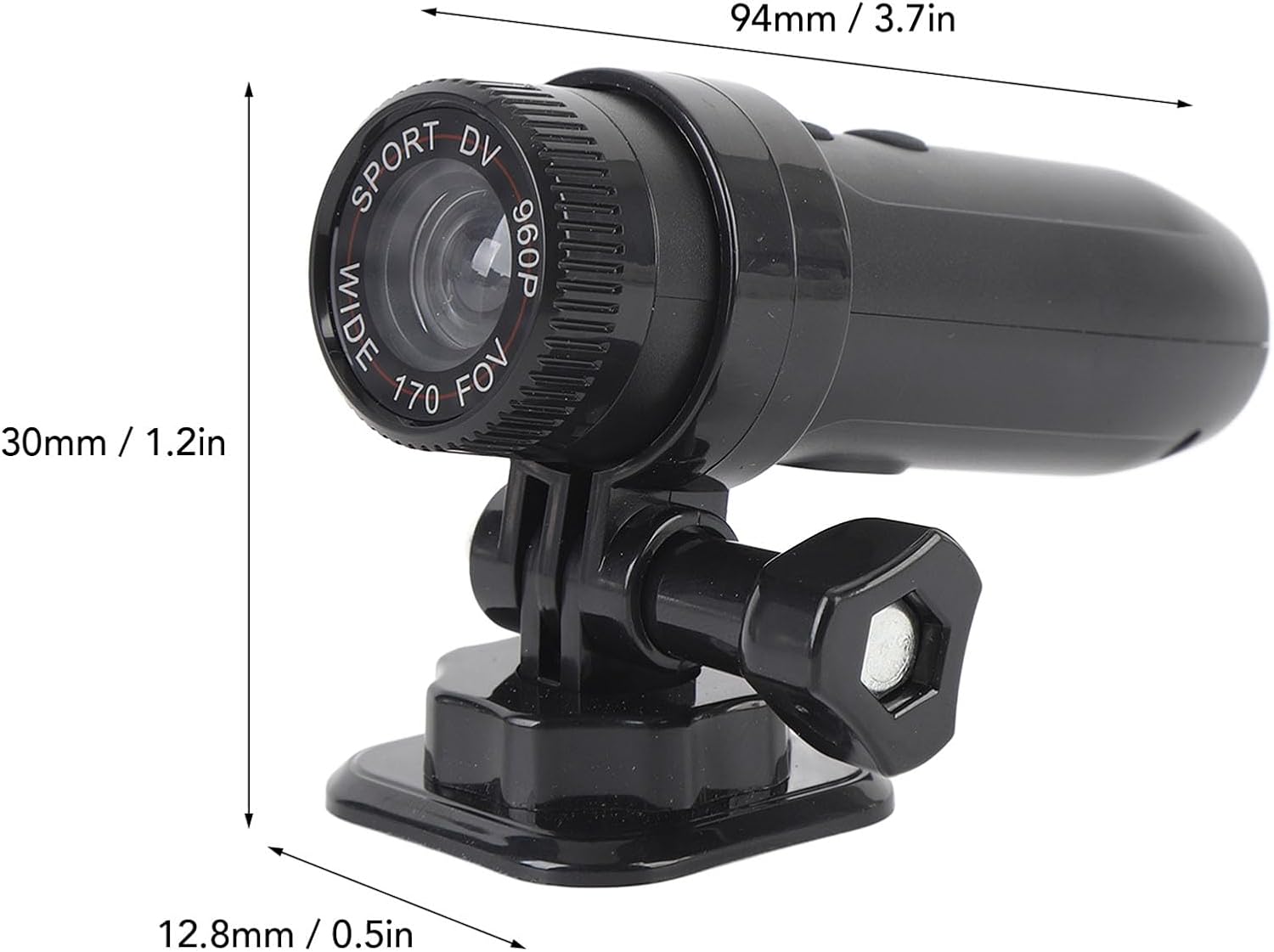
Figure 5: Approximate dimensions of the ASHATA Sport DV Camera.
Informació de la garantia
For detailed warranty information, please refer to the product packaging or the official ASHATA weblloc web. Conserveu el rebut de compra com a comprovant de compra per a qualsevol reclamació de garantia.
Atenció al client
If you encounter any issues or have questions not covered in this manual, please contact ASHATA customer support for assistance. Refer to the product packaging or the manufacturer's weblloc per obtenir dades de contacte.