
Introducció
The LENRUE S2 Computer Speakers offer versatile audio solutions for your desktop, laptop, or monitor setup. Featuring both USB wired and Bluetooth wireless connectivity, along with innovative dual-touch controls for lighting and mode switching, these speakers are designed for ease of use and enhanced audio experience. This manual provides detailed instructions for setup, operation, maintenance, and troubleshooting to ensure optimal performance.
Què hi ha a la caixa
- 1 x LENRUE S2 Speaker
- 1 x adaptador USB tipus C
- 1 x Manual d'usuari
Configuració
Follow these steps to set up your LENRUE S2 Computer Speakers:
- Connexió d'alimentació: Connect the integrated USB cable from the speaker to an available USB-A port on your computer or a functional USB-C port using the included Type-C adapter. The speakers require USB power for all operating modes.
- Encesa inicial: Rotate the volume knob located on the right side of the speaker clockwise to power on the device. The LED lighting will illuminate.
- Selecció de la font d'àudio: The speaker will default to PC (USB) mode upon initial connection. To switch to Bluetooth mode, gently tap the right end of the speaker's back panel. Tap again to return to PC mode.
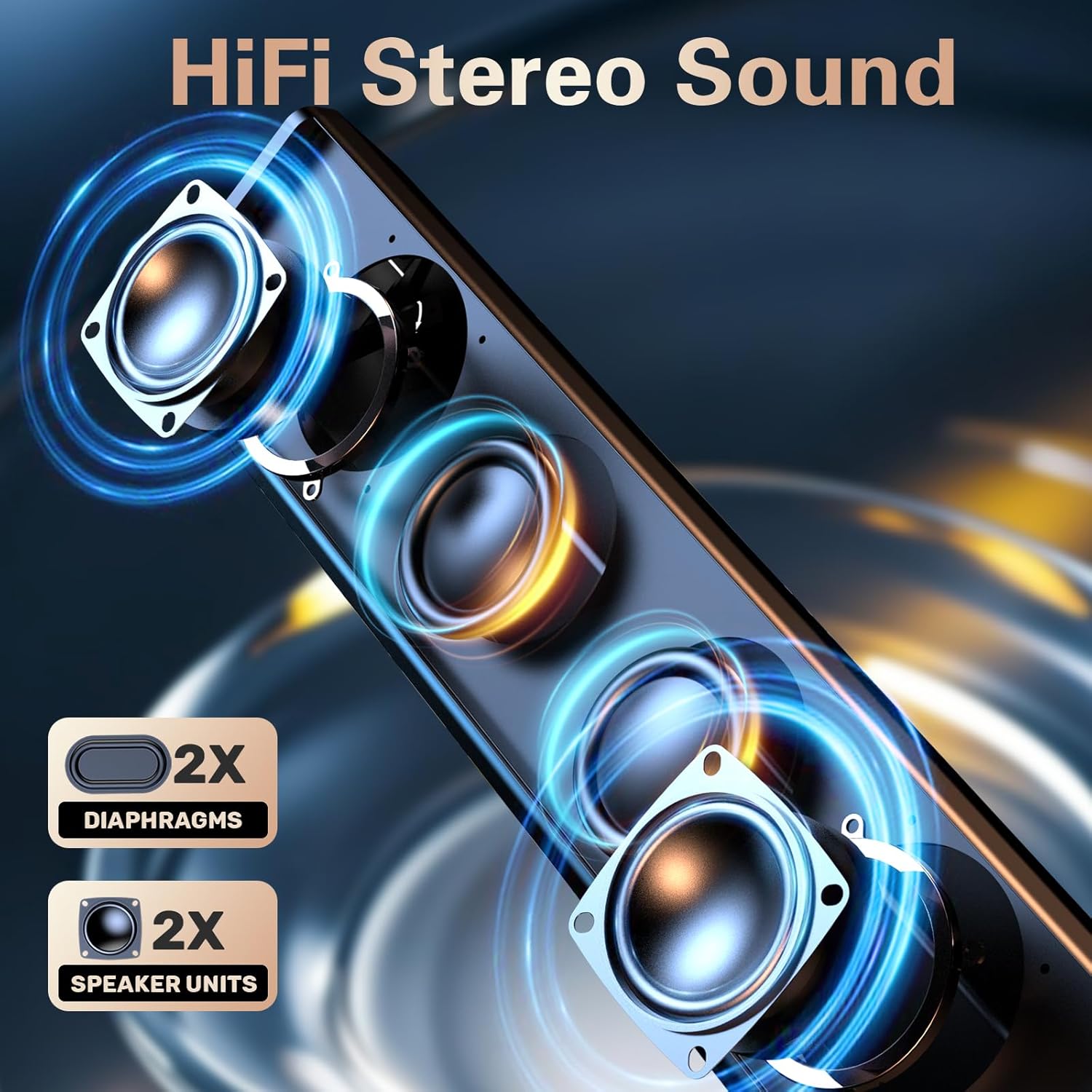
Image: The LENRUE S2 speaker, showcasing its sleek design and the included USB cable with a Type-C adapter for versatile connectivity.
Instruccions de funcionament
Control de volum
Adjust the audio volume by rotating the knob located on the right side of the speaker. Rotate clockwise to increase volume and counter-clockwise to decrease volume.
Dual-Touch Controls
The LENRUE S2 speakers feature dual-touch technology for convenient control:
- Control de la il·luminació: Lightly tap the front metal grille of the speaker to turn the dynamic RGB lighting on or off.
- Canvi de mode: Gently tap the right end of the speaker's back panel to switch between PC (USB) mode and Bluetooth mode.

Imatge: Una imatge detallada view of the speaker's touch-sensitive areas for controlling the RGB lights and switching between PC and Bluetooth modes, alongside the physical volume knob.
Emparellament Bluetooth
Per vincular el dispositiu mitjançant Bluetooth:
- Ensure the speaker is in Bluetooth mode (tap the right end of the back panel if necessary). The LED light may indicate Bluetooth mode (e.g., blinking blue).
- On your phone or tablet, enable Bluetooth and search for available devices.
- Select "LENRUE S2" from the list of devices to connect.
- Once paired, the speaker will emit a confirmation sound, and the LED light will stabilize.
Compatibilitat
The LENRUE S2 Computer Speakers are designed for wide compatibility:
- Mode USB: Compatible with most computers featuring a standard USB-A port or a functional USB-C port (with data and audio support).
- Mode Bluetooth: Compatible with Bluetooth-enabled devices such as phones and tablets.
- Consoles de jocs: Works with PS4 and PS5. Nota: No és compatible amb sistemes Xbox.
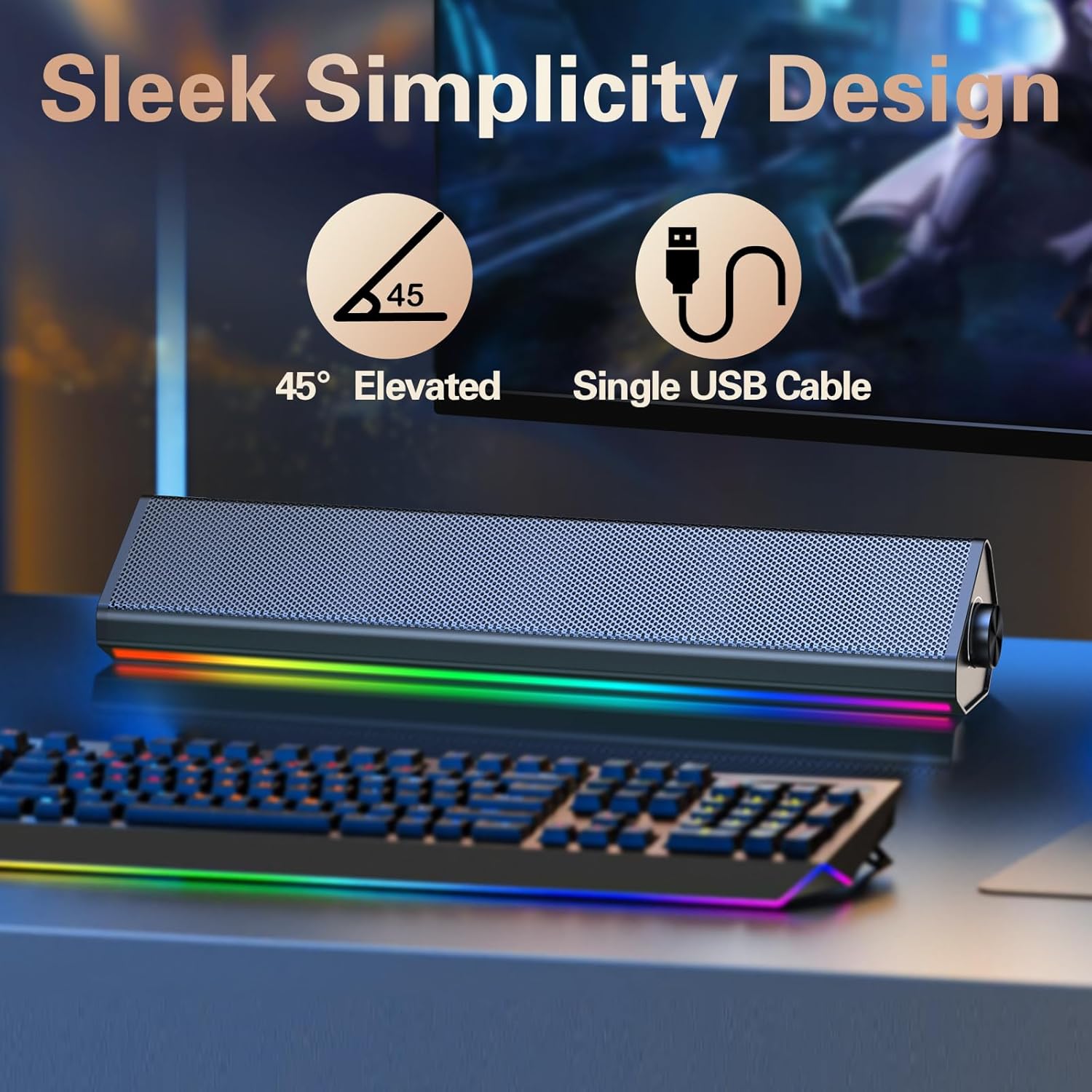
Image: The compact LENRUE S2 speaker positioned under a monitor, illustrating its space-saving design for various desktop setups.
Especificacions
| Característica | Especificació |
|---|---|
| Marca | LENRUE |
| Número de model | S2 |
| Potència de sortida màxima dels altaveus | 10 watts |
| Resposta de freqüència | 85 Hz |
| Tecnologia de connectivitat | USB, Bluetooth |
| Mode de sortida d'àudio | estèreo |
| Tipus de muntatge | Escriptori |
| Tipus d'altaveu | Altaveu estèreo |
| Color | Glossy-black |
| Mida de l'altaveu | 13.5 polzades |
| Entrada Voltage | 5 Volts |
| Dimensions de l'article (D x W x H) | 2.44 "P x 13.78" W x 2.83" H |
| Pes de l'article | 1.4 lliures |
Manteniment
To ensure the longevity and optimal performance of your LENRUE S2 speakers, follow these maintenance guidelines:
- Neteja: Use a soft, dry cloth to wipe the speaker's surface. Avoid using abrasive cleaners, solvents, or strong chemicals, as these can damage the finish.
- Emmagatzematge: Quan no els utilitzeu durant períodes prolongats, guardeu els altaveus en un lloc fresc i sec, allunyats de la llum solar directa i de temperatures extremes.
- Manipulació: Manipuleu els altaveus amb cura. Eviteu deixar-los caure o sotmetre'ls a impactes forts.
- Ventilació: Ensure adequate airflow around the speakers to prevent overheating. Do not block the speaker grilles or vents.
Resolució de problemes
If you encounter issues with your LENRUE S2 speakers, refer to the following common problems and solutions:
| Problema | Causa possible | Solució |
|---|---|---|
| Sense so | Speaker not powered on, incorrect mode, volume too low, loose connection. | Ensure USB cable is securely connected and receiving power. Rotate volume knob clockwise. Tap the back panel to switch modes. Check your computer's audio output settings. |
| Bluetooth no connectat | Speaker not in Bluetooth mode, device not discoverable, interference. | Tap the back panel to ensure the speaker is in Bluetooth mode. Make sure your device's Bluetooth is enabled and searching. Move closer to the speaker. Forget the device on your phone/tablet and re-pair. |
| Els llums LED no funcionen | Lights turned off via touch control, power issue. | Lightly tap the front metal grille to toggle the lights on/off. Ensure the speaker is powered on. |
| Distorsió del so | Volume too high, audio source issue. | Reduce the volume on both the speaker and your connected device. Test with a different audio source or file. |
Garantia i Suport
The LENRUE S2 Computer Speakers come with a 2 any de garantia des de la data de compra. Aquesta garantia cobreix els defectes de fabricació i els mals funcionaments en condicions d'ús normal. No cobreix els danys causats per un mal ús, accidents, modificacions no autoritzades o instal·lació incorrecta.
For warranty claims, technical support, or any inquiries, please contact LENRUE customer service through the retailer where you purchased the product or visit the official LENRUE weblloc per obtenir informació de contacte.